The 6 Best Time Clock Software for Retail Staff in 2026, Ranked
Searching for the best time clock software for retail staff? Here are 6 options with prices and free plans. Read the caveats before you buy. Clear verdicts.
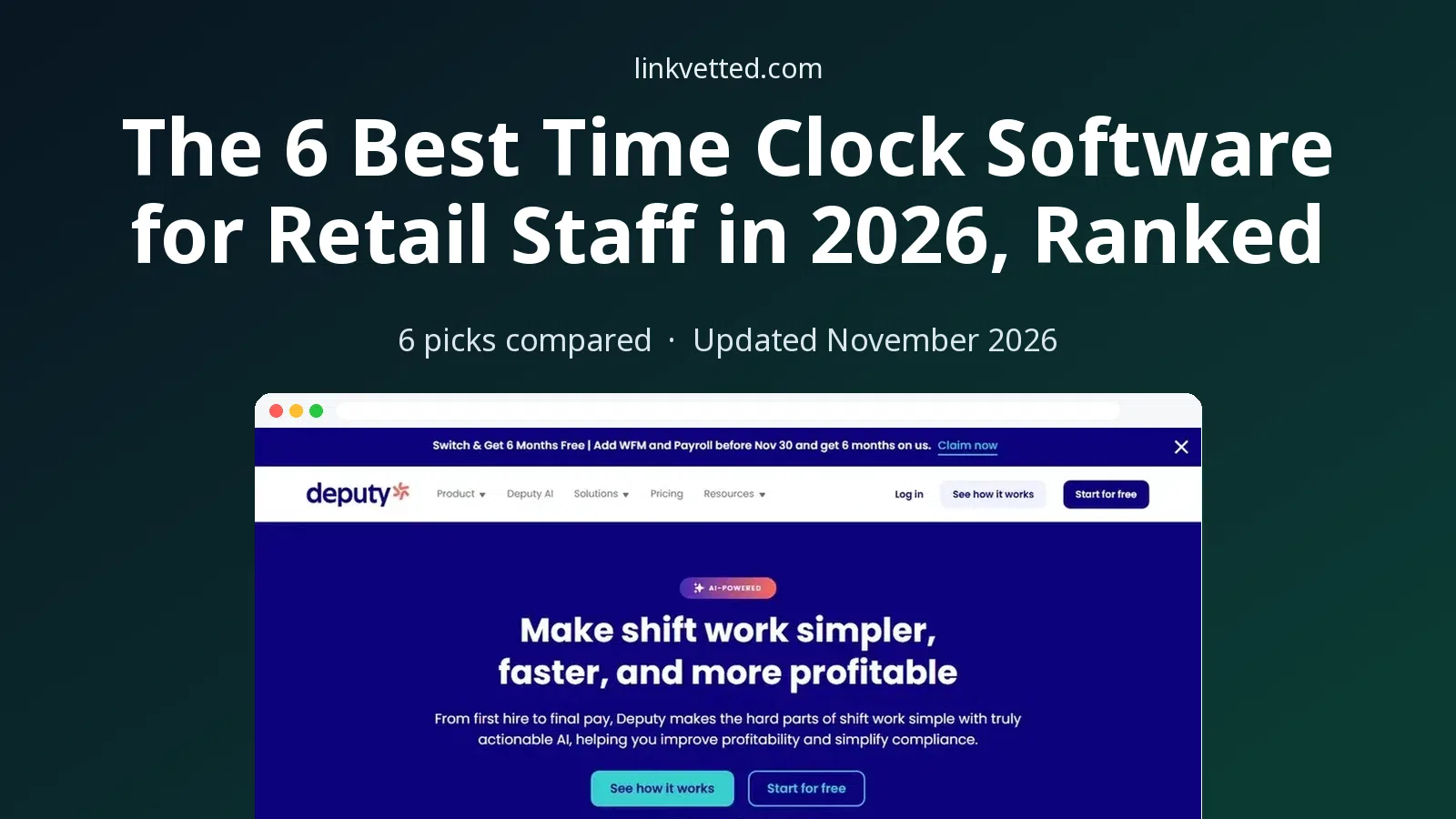
- Editor's choice
 UKG Ready
Scalable HR, payroll and time management
Starts atSee websiteVisit ukg.comFull review - Great alternative
 Deputy
Shift scheduling with AI labor forecasting
Starts at$5 per user per monthVisit deputy.comFull review - Also consider
 ADP Workforce Now
Payroll and HR for bigger retail operations
Starts atSee websiteVisit adp.comFull review
Direct answer
If you need scalable HR, payroll and time management, UKG Ready is the first tool to look at here. Listed starting prices: Deputy from $5 per user per month, Homebase from $30 per location a month and When I Work from $2.50 per user a month. Deputy is better for shift scheduling with AI labor forecasting, and ADP Workforce Now is better for payroll and HR for bigger retail operations. Details, prices and limits for the rest of the 6 tools are below.
TL;DR:
- The list opens with UKG Ready, aimed at scalable HR, payroll and time management.
- When I Work suits scheduling, time tracking and team messaging.
- The main caution on Homebase: may be more than a small shop needs.
- Starting prices begin at $2.50 per user per month with When I Work.
Last checked November 2026. Prices and plan details were read from the vendors' own pages in November 2026; vendors change plans often, so confirm the current price on the vendor site before you buy.
Quick comparison
| Tool | Best for | Starts at | Free plan? | |
|---|---|---|---|---|
| UKG Ready | Scalable HR, payroll and time management | See website | Not stated | Visit |
| Deputy | Shift scheduling with AI labor forecasting | $5 per user per month | Free trial | Visit |
| ADP Workforce Now | Payroll and HR for bigger retail operations | See website | Not stated | Visit |
 Homebase | All-in-one scheduling and payroll for hourly teams | $30 per location a month | Yes | Visit |
 QuickBooks Time | Time, job and GPS tracking for retail | See website | Not stated | Visit |
 When I Work | Scheduling, time tracking and team messaging | $2.50 per user a month | Free trial | Visit |
Tool-by-tool breakdown
If you are comparing time clock software for retail staff, this page covers 6 tools in one place: what each is best for, what it costs to start, whether it has a free plan, and the main limit to know about.
UKG Ready is built with scalable HR, payroll and time management in mind. Pick UKG Ready when HR, payroll and time management should live together as the business expands.
Points against: Setup needs planning.
More specifically, retailers planning to grow across locations can handle employee records and time in a single system. In practice, keeps that only need a punch clock may prefer a focused tracker. UKG Ready shows no starting price here, so confirm the cost on the vendor site. As for free access: Not stated.
- Talent and time in one solution
- Meant to scale with the business
- Wide suite may overwhelm small teams
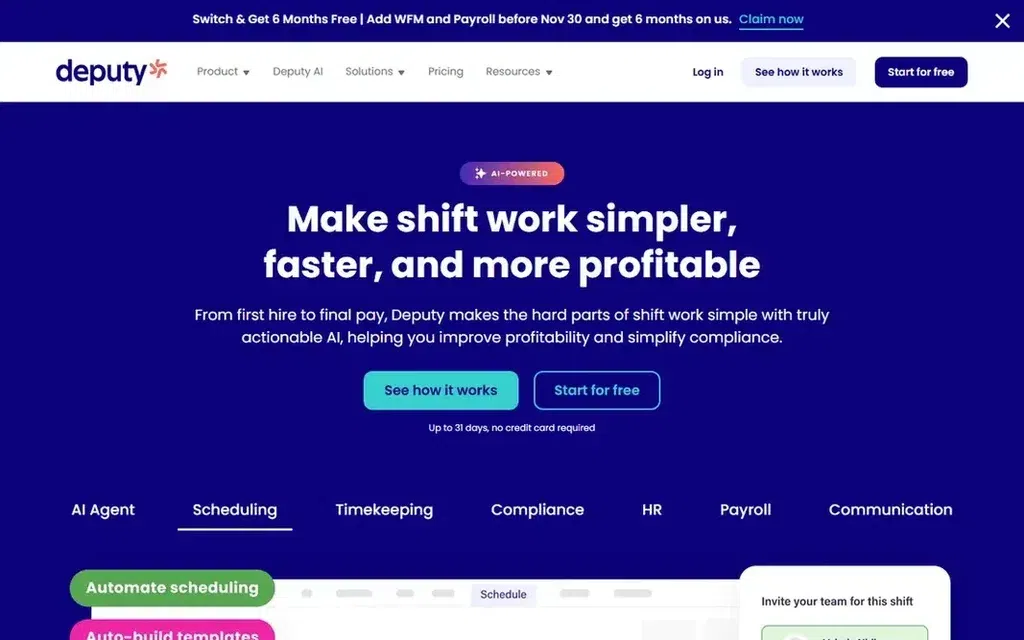
Where Deputy fits: shift scheduling with AI labor forecasting. The forecasting and HR layers can be more than a single-location shop needs, and getting them configured takes some effort.
Retailers seeking only entry-level time capture may prefer a more straightforward tracker. Worth adding: Deputy describes itself as easy-to-use employee scheduling, HR, AI labor forecasting and payroll software. What you pay to start with Deputy: $5 per user per month. Free plan details: Free trial.
The main drawbacks: Advanced features may need setup time.
- Time tracking and payroll support in one system
- AI labor forecasting for staffing decisions
- Best value for keeps with varied shifts
Pick ADP Workforce Now if this describes you: payroll and HR for bigger retail operations. Bigger retail operations with established HR processes can use it to centralize payroll, time management and workforce data.
Drawbacks to consider: More complexity than small shops need.
On top of that, choose ADP Workforce Now when payroll and HR consolidation matter more than light time capture. As for the details, implementation and administration take more effort than a straightforward tracker. ADP Workforce Now does not show a starting price in this comparison, so check the vendor site for current pricing. Free access: Not stated.
- Analytics for data-driven insights
- Expert support included with the system
- Targeted at bigger organizations
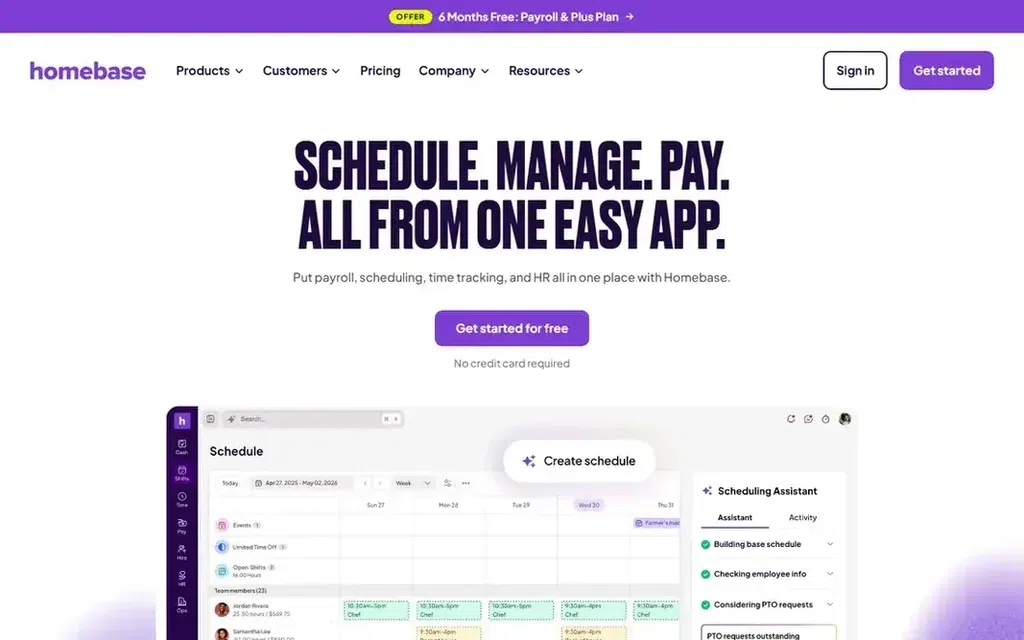
Homebase targets all-in-one scheduling and payroll for hourly teams. For retail keeps, that means managers can build shifts, capture clock-ins and push hours toward payroll without stitching separate tools together.
Keeps with complicated multi-entity payroll or deep HR requirements should compare it against bigger systems. As for the details, since Homebase bundles multiple functions, a retailer that only needs an entry-level punch clock may find it broader than necessary. Price to start with Homebase: $30 per location per month. Free access exists with Homebase.
Downsides: May be more than a small shop needs.
- Designed for hourly and small business teams
- Hiring tools included alongside time tracking
- Payroll features rely on setup
Where QuickBooks Time fits: Time, job and GPS tracking for retail. Retailers with delivery staff, field crews or several locations can record time against jobs and see where work happens.
GPS and job features add configuration effort. In practice, pick QuickBooks Time when accurate time, job and location tracking are the central goals. Pricing for QuickBooks Time is not stated here, so ask the vendor for current figures. Free options: Not stated.
The main drawbacks: Scheduling is secondary to time tracking.
- Track employee time and jobs together
- Links time data with payroll
- Job costing layers on setup work
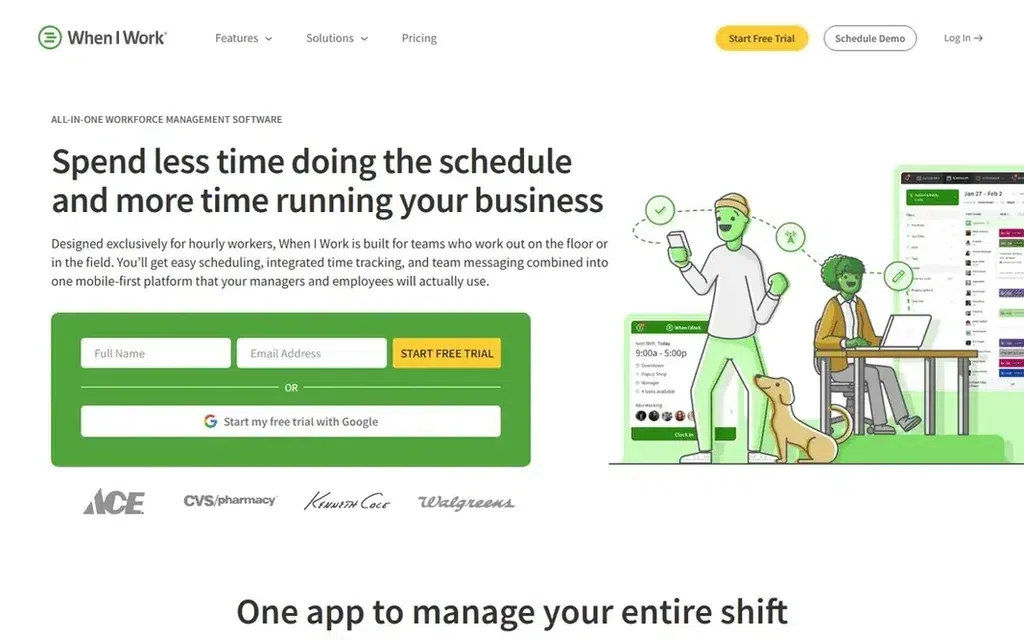
When I Work is aimed squarely at scheduling, time tracking and team messaging. It is a reasonable fit for keeps that want scheduling and time tracking tied together.
In daily use, very large or multi-entity operations may want a broader product. Choose When I Work when scheduling and team communication are the priority. When I Work cost at the entry level: $2.50 per user per month. Free options: Free trial.
Where it is weaker: Bigger keeps may need more HR features.
- Schedule shifts and track time in one app
- Built around workplace scheduling needs
- Payroll depth varies by integration
How the list was put together
Pricing pages, product documentation and feature lists were the main sources, and every entry carries at least one honest drawback. Prices and plan limits come from vendor pages and can change, so confirm them on the vendor site before you buy. Tools are placed by general fit for time clock software for retail staff, with price clarity and free access as tie-breakers. A different team can reasonably rank them differently.
A buyer's checklist
- Confirm the entry price on the vendor page. For UKG Ready, ADP Workforce Now and QuickBooks Time that means a quote rather than a fixed price.
- Look at the free plan from Homebase closely: its caps decide whether it is usable for real work.
- Use real work to test the free trial from Deputy and When I Work, rather than a demo project.
- Before choosing UKG Ready, weigh its main limit: wide suite may overwhelm small teams.
- Find out whether the entry plan of When I Work covers your must-haves or only a trimmed-down version.
- Ask UKG Ready about contract length, onboarding fees and user minimums before you sign.
FAQ
Can I try these tools before paying?
Often, yes. Homebase has a free plan and Deputy and When I Work offer a free trial. Use your own data and a real task during the test, and check what the free tier or trial limits before you rely on it. Prices, free plan details and limits for all 6 tools in this time clock software for retail staff roundup sit on the individual cards above.
What should retail keeps look for in time clock software?
Scheduling and multi-location support matter if managers build shifts or oversee multiple keeps. Confirm device choices such as kiosks and mobile clock-ins.
How do multi-location retailers run time clocks?
Look for manager permissions by location, consolidated reporting and GPS or device controls where relevant. QuickBooks Time and UKG Ready offer broader workforce oversight, whereas more straightforward tools may need manual separation.
Do these tools publish their prices?
Not all of them. UKG Ready, ADP Workforce Now and QuickBooks Time publish no starting price, so expect a quote request for those. The rest, Deputy included, show a starting price, though seats and billing terms still change the final cost.
Is UKG Ready the right pick for everyone comparing time clock software for retail staff?
No single tool suits every team. UKG Ready comes first because it fits scalable HR, payroll and time management, while Deputy suits shift scheduling with AI labor forecasting and ADP Workforce Now suits payroll and HR for larger retail operations. Match the tool to your own size, budget and workflow before deciding.
Do retail time clock tools link with payroll?
Multiple do. Homebase, Deputy and QuickBooks Time describe payroll connections or payroll features, and ADP Workforce Now and UKG Ready center on payroll and HR. Check the specific integration and setup steps on the vendor site, since configuration varies.
Sources
- https://www.ukg.com/products/ukg-ready
- https://www.deputy.com
- https://www.adp.com/what-we-offer/products/adp-workforce-now.aspx
- https://www.joinhomebase.com
- https://quickbooks.intuit.com/time-tracking
- https://wheniwork.com