Best All-in-One HR Platform for Retail in 2026: 8 Platforms Compared
We compared the best all-in-one hr platform for retail on hiring, scheduling, payroll and compliance, so store teams can run HR in one place easily today.

- Editor's choice
 Rippling
Growing retail chains
Starts atSee websiteVisit rippling.comFull review - Great alternative
 Gusto
Small retail businesses
Starts at$49 per month plus $6 per employeeVisit gusto.comFull review - Also consider
 BambooHR
Employee records and onboarding
Starts atSee websiteVisit bamboohr.comFull review
TL;DR:
- Rippling and Gusto suit growing retail chains that want HR, payroll and benefits in one system.
- Deputy and Homebase suit single stores and small chains where scheduling and hourly hiring matter most.
- BambooHR suits retail firms that want clean employee records and onboarding without a heavy payroll bundle.
- Paychex, ADP and Paylocity suit larger retail employers with multi-state payroll and complex compliance needs.
- Retail HR lives or dies on scheduling, turnover and wage rules, so test those three workflows before you judge any dashboard.
Quick comparison
| Tool | Best for | Starts at | Free plan? | |
|---|---|---|---|---|
| Rippling | Growing retail chains | See website | Free trial | Visit |
| Gusto | Small retail businesses | $49 per month plus $6 per employee | No | Visit |
| BambooHR | Employee records and onboarding | See website | Free trial | Visit |
 Paychex Flex | Multi-state retail payroll | See website | No | Visit |
 ADP Workforce Now | Large retail employers | See website | No | Visit |
 Paylocity | Mid-size retail chains | See website | No | Visit |
 Deputy | Scheduling and hourly teams | See website | Free trial | Visit |
 Homebase | Small stores and hourly hiring | Free | Yes | Visit |
The best all-in-one HR platforms for retail
Retail HR is different from office HR. Staff are hourly, shifts change weekly, turnover is high and wage rules vary by state and city. These eight platforms handle hiring, scheduling, payroll and compliance in ways that fit stores, not just head offices.
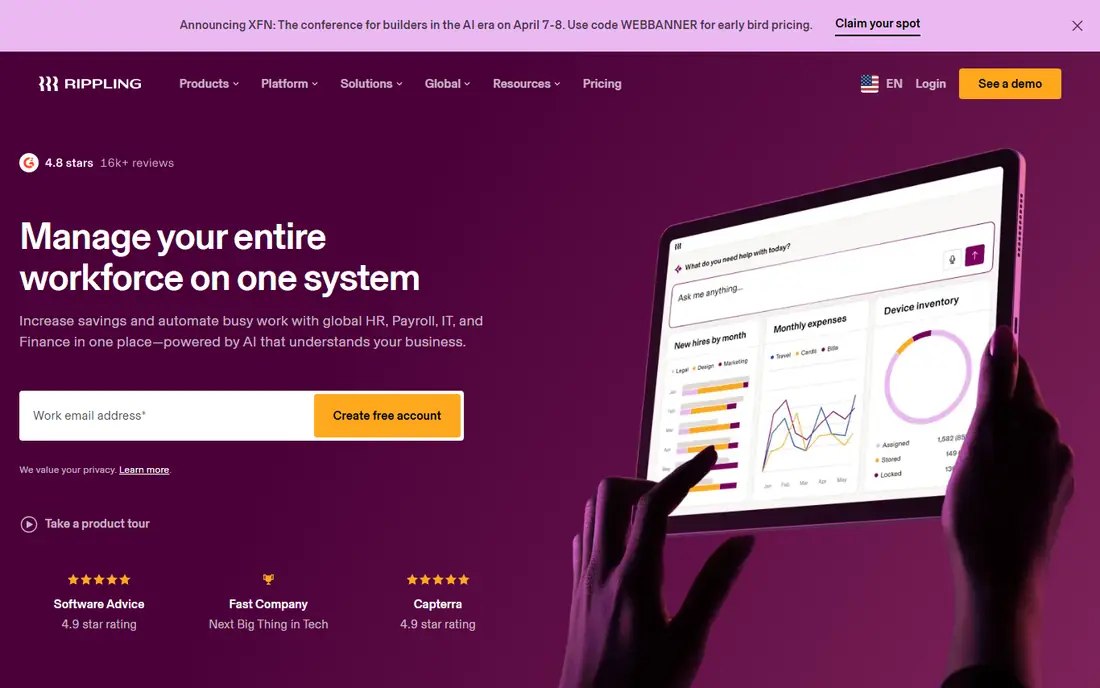
Rippling is our pick for a retail chain that is adding locations fast. Onboarding, payroll, benefits and device access can trigger from one hire record, which saves a store manager from repeating the same setup in four systems. Automation also helps with offboarding, since access and payroll stop together when someone leaves.
The catch is cost and scope. Pricing depends on modules, so a small single store may pay for depth it never uses. Get a quote for only the modules you need, and test scheduling links, since Rippling is stronger on core HR than on shift planning alone. For a growing chain, that breadth is worth it.
- HR, payroll, IT and spend in one system
- Strong automation
- Good for multi-location teams
- Pricing is quote-based and module-based
- Smaller stores may find it more than they need
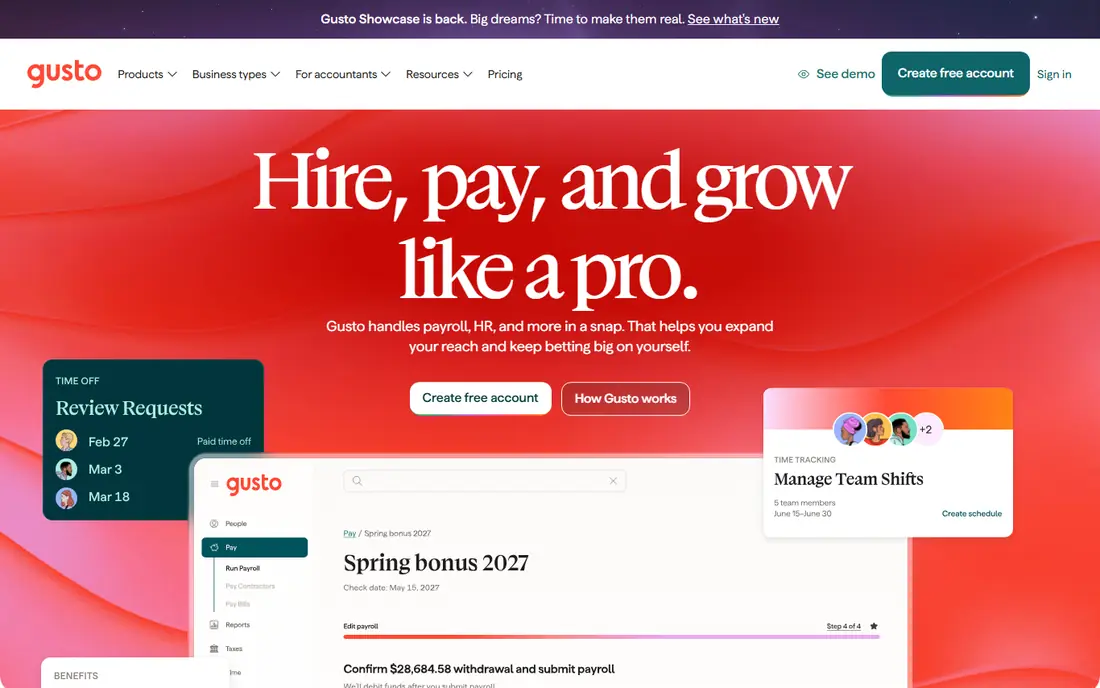
Gusto suits a small retailer that wants payroll done right without hiring an HR specialist. The Simple plan starts at $49 per month plus $6 per person, with payroll and tax filing included, and onboarding is simple enough for a store manager to run. Benefits and time tracking can be added as the business grows.
Larger chains may outgrow it. Multi-state complexity, advanced scheduling and deep workforce reporting are stronger elsewhere. For one to five stores with mostly hourly staff, Gusto is a low-friction, fairly priced starting point, and its clear pricing makes budgeting easy.
- Clear payroll pricing
- Easy benefits setup
- Simple onboarding for hourly staff
- Time tracking and advanced HR sit on higher tiers
- Less suited to very large chains
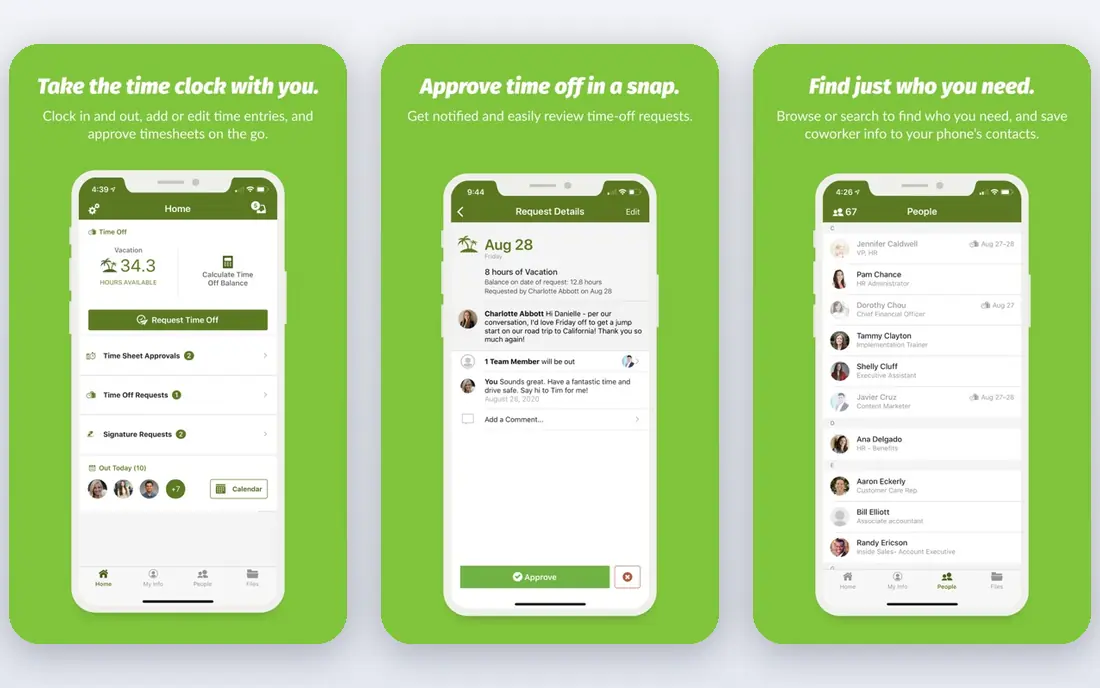
BambooHR is the pick when employee records are a mess and hiring never stops. Profiles, documents, time off and onboarding sit in one clean system, and store managers can learn it fast. That matters in retail, where the person doing HR is often also running the floor.
Payroll is not built into the base HR price in the same way as Gusto or Rippling, so budget for that add-on. Scheduling is also not its core strength, so firms with complex rotas may pair it with a scheduling tool. For record-keeping, onboarding and reporting, BambooHR is hard to fault.
- Clean employee records
- Strong onboarding and time off
- Easy for managers to learn
- Payroll is an add-on
- Pricing is quote-based for many firms
Paychex Flex suits retail employers with staff in several states. Payroll, tax filing and compliance support are its core strengths, and time and attendance tools help track hourly shifts. That combination helps when wage rules, overtime and local taxes differ by location.
The interface is less modern than newer rivals, and pricing is quote-based, so compare the full monthly cost, not just a per-person headline. Ask about implementation help and support hours, since retail problems often arrive on a weekend. For compliance-heavy retail payroll, Paychex is a safe, proven choice.
- Payroll and tax filing across states
- HR support
- Time and attendance tools
- Interface feels dated in places
- Pricing needs a quote
ADP Workforce Now is built for scale. Large retailers get payroll, benefits, time tracking and talent tools in one system, with reporting that finance and HR can both use. Compliance support across states and local rules is a real strength when you run dozens of stores.
Small retailers should look elsewhere, since setup time and cost reflect an enterprise product. Ask for a realistic implementation timeline and a named contact. For a large chain that needs one system of record across many locations, ADP is a strong, if serious, investment.
- Deep payroll and compliance depth
- Broad integrations
- Strong reporting
- Implementation can be long
- Smaller retailers may find it heavy and costly
Paylocity fits mid-size retail chains that want more than payroll. It adds learning, performance and engagement tools, which help with retention in a high-turnover sector. The employee app is modern, and managers get reporting on labor cost, turnover and time that actually helps with rota planning.
Pricing is quote-based, so get a full quote for your headcount and modules. Implementation also needs time, so plan around peak trading periods. For a chain that wants HR, payroll and people tools in one place, Paylocity is a balanced choice.
- Payroll plus talent and engagement tools
- Good reporting
- Modern employee app
- Quote-based pricing
- Implementation needs planning
Deputy is the scheduling-first pick for retail. Managers build rotas fast, staff swap shifts in the app, and time tracking links to payroll. That daily workflow is where retail HR succeeds or fails, and Deputy handles it better than most all-in-one suites.
The trade is HR depth. Deputy covers scheduling and time well, but firms that need deep benefits, performance and full payroll may pair it with another system. For a store or small chain where rotas and hourly hiring dominate, Deputy is often the most useful tool on this list.
- Strong scheduling and shift swaps
- Time tracking
- Good for hourly retail teams
- Core HR and payroll depth is lighter than full HR suites
- Pricing varies by plan
Homebase suits a single store or a tiny chain that needs to hire and schedule fast. The free tier covers basic scheduling and time tracking, and paid tiers add hiring, payroll links and HR tools. Staff can apply, get hired and pick up shifts in one place, which cuts the usual paper chase.
Larger firms will hit limits on reporting, compliance depth and multi-location controls. For a cafe, boutique or single shop, though, Homebase is the lowest-friction way to bring order to hourly work. Start free, then upgrade only when paid features save real manager time.
- Free starter tier
- Hiring, scheduling and time tracking in one app
- Easy for small teams
- Advanced HR and payroll features sit on paid tiers
- Less suited to large chains
How we picked these
We compared official feature pages, pricing pages and public reviews, with a retail lens. We required each platform to support hourly staff in some form, whether through scheduling, time tracking or payroll, and to be live in the United States in October 2026. We favored platforms that help with multi-location work, since even a small chain quickly outgrows a single-store tool.
We also checked pricing honesty. Where a vendor publishes a starting price, we use it. Where pricing is quote-based, we say so, since retail margins leave little room for surprise fees.
What retail teams should test first
Do not buy on a demo dashboard. Run three real workflows with your own staff data: hire an hourly worker, build a two-week rota with swaps and absences, and run a payroll with overtime and a missed clock-in. If any step needs a spreadsheet workaround, that gap will grow with every new store.
Scheduling, hiring and compliance
Check how shift swaps, overtime warnings and labor cost forecasts work. Test hiring too, from job post to first shift, since retail hiring speed affects sales. Then check wage compliance, including state rules, minor work rules where relevant and record-keeping. A platform that misses a local rule can cost far more than its monthly fee.
Payroll and manager workload
Ask how payroll handles tips, overtime, shift differentials and multi-location staff. Confirm who can approve time, who fixes errors and how long support takes on a weekend. The best retail platform is the one a store manager can run during a busy shift, not just the one head office likes in a meeting.
FAQ
What is the best all-in-one hr platform for retail for a single store?
Homebase or Gusto usually fit a single store best. Homebase offers a free start for scheduling and hiring, while Gusto offers clear payroll pricing. Pick Homebase if scheduling is your main pain, and Gusto if payroll and benefits matter more.
Can one platform handle scheduling and payroll together?
Yes, but depth varies. Deputy and Homebase lead on scheduling, while Rippling, Gusto and Paylocity lead on payroll depth. If you need both at a high level, test the scheduling and payroll link together, since a weak link creates manual work every pay period.
How much does retail HR software cost?
Small-store tools can start free or at $49 per month plus a per-person fee, as with Gusto Simple. Mid-size and enterprise platforms are usually quote-based and cost more per person. Always ask for the full monthly total for your headcount, including payroll and time tracking add-ons.
Does retail HR software help with high turnover?
It helps with the process, not the cause. Fast hiring, clean onboarding and easy shift swaps reduce manager time and early exits. Retention still depends on pay, hours and management, but a good platform removes friction that pushes new hires away in week one.
What about multi-state payroll for retail chains?
Paychex, ADP and Paylocity handle multi-state payroll and tax filing well. Confirm which states you operate in, how local taxes are handled and who files what. A quote should cover all your states, not just your head office state.
Should a small chain buy an enterprise HR platform early?
Usually not. Start with a tool that fits your current store count and upgrade when reporting, compliance or multi-location controls become painful. Enterprise tools bring depth, but also implementation time and cost that a small chain may not need yet.