Best Time Clock Software for Construction Sites for 2026: Our 5 Vetted Picks
Searching for the best time clock software for construction sites? Here are 5 options with prices and free plans. Read the caveats before you buy. No hype.
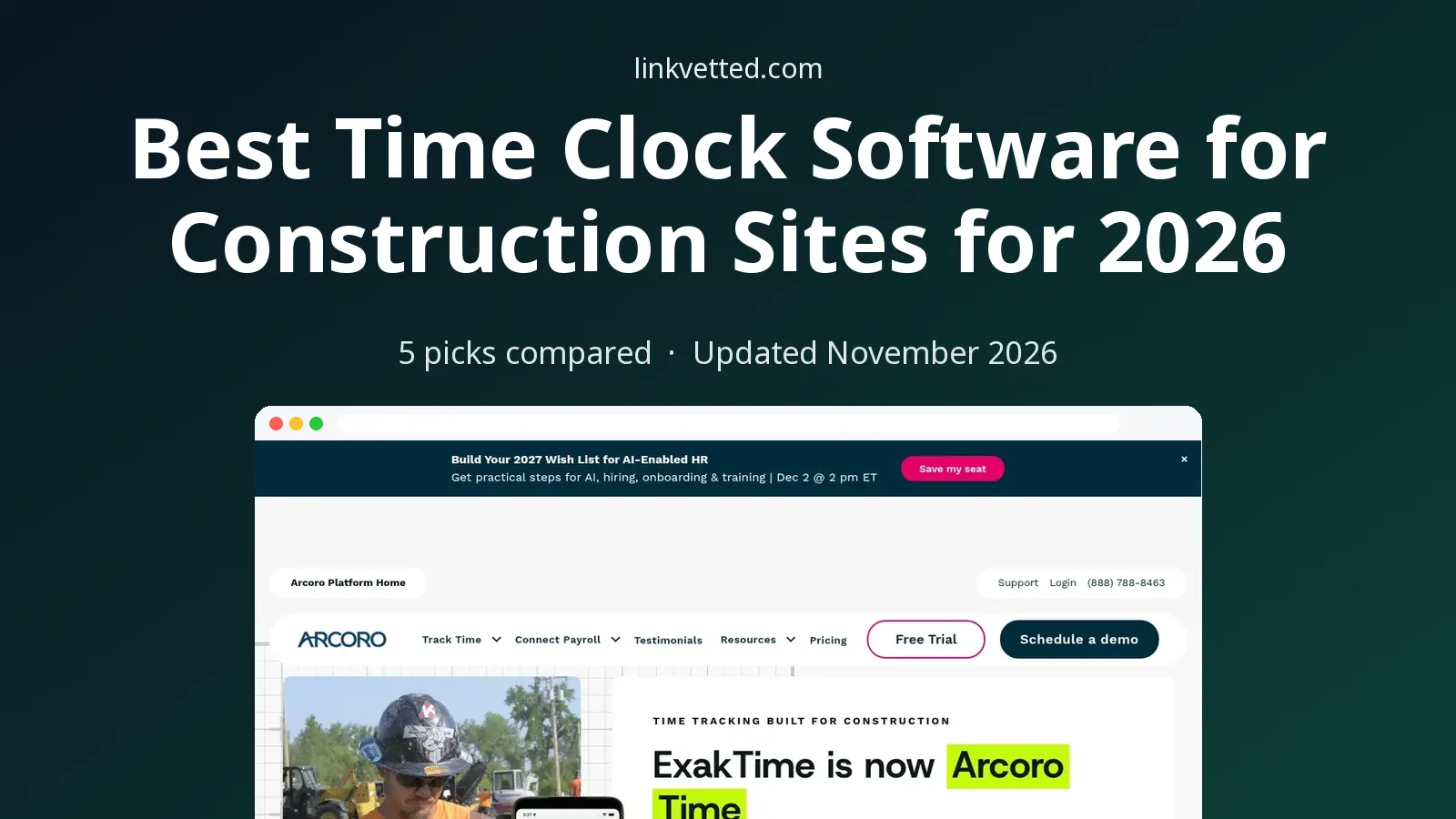
- Editor's choiceRhumbix
Field and workforce management
Starts atSee websiteVisit rhumbix.comFull review - Great alternative
 ExakTime
Construction-focused time tracking
Starts at$9 per employee a monthVisit exaktime.comFull review - Also consider
 QuickBooks Time
Integrated time tracking and payroll
Starts atSee websiteVisit quickbooks.intuit.comFull review
Direct answer
Rhumbix leads the list, best for field and workforce management. Listed starting prices: ExakTime from $9 per employee a month, Homebase from $30 per location per month and Kickserv from $60 per month. Alternatives: ExakTime for construction-focused time tracking, and QuickBooks Time for integrated time tracking and payroll. The other 2 tools in the list cover narrower or pricier cases.
TL;DR:
- The list opens with Rhumbix, aimed at field and workforce management.
- Starting prices begin at $9 per employee per month with ExakTime.
- Kickserv suits field service management for home services.
- The main caution on QuickBooks Time: may need QuickBooks ecosystem for full features.
- Just one of the 5 tools, Homebase, has a free plan.
Last checked November 2026. Prices and plan details were read from the vendors' own pages in November 2026; vendors change plans often, so confirm the current price on the vendor site before you buy.
Quick comparison
| Tool | Best for | Starts at | Free plan? | |
|---|---|---|---|---|
| Rhumbix | Field and workforce management | See website | Not stated | Visit |
| ExakTime | Construction-focused time tracking | $9 per employee a month | Free trial | Visit |
| QuickBooks Time | Integrated time tracking and payroll | See website | Not stated | Visit |
 Homebase | Scheduling and time clocks for hourly teams | $30 per location per month | Yes | Visit |
 Kickserv | Field service management for home services | $60 per month | Free trial | Visit |
Time Clock Software for Construction Sites profiles
This LinkVetted guide covers 5 time clock software for construction sites. Each profile lists a starting price, free plan details, strengths and drawbacks, so you can drop poor fits quickly.
Rhumbix
Best for: Field and workforce management
Rhumbix works best for field and workforce management. It consolidates workflows for time and materials, helping teams capture field data accurately.
It fits construction professionals looking to simplify daily reporting and time tracking. No starting price is listed for Rhumbix here; confirm pricing on the vendor site. Free access: Not stated.
What to check first: Centred on field management instead of payroll.
- Consolidates field workflows
- Made for construction professionals
- May have a ramp-up time
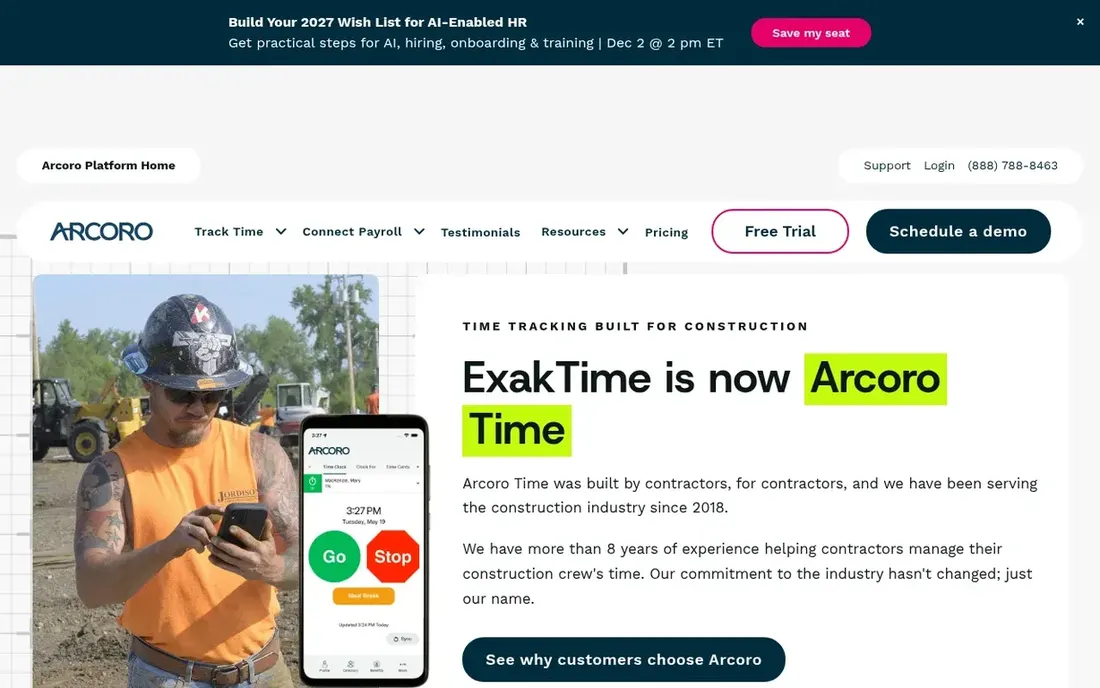
ExakTime is designed for construction-focused time tracking. ExakTime, now part of Arcoro Time, is time tracking software built for construction.
Downsides: Less a good match for non-construction industries.
It fits construction businesses needing durable time capture and project-level reporting. Starting cost for ExakTime: $9 per employee per month. As for free access: Free trial.
- Rugged time clock options
- Designed for construction
- May need hardware for some features

QuickBooks Time is built with integrated time tracking and payroll in mind. The AI-powered system aims to simplify time and job management for teams of several sizes.
Points against: Advanced features can add complexity.
More specifically, based on your needs, the feature set may be more than a small crew needs, and full payroll integration fits best within the QuickBooks ecosystem. QuickBooks Time shows no starting price here, so confirm the cost on the vendor site. As for free access: Not stated.
- Payroll integration with QuickBooks
- GPS tracking for mobile crews
- May need QuickBooks ecosystem for full features
Homebase is a good fit for scheduling and time clocks for hourly teams. The app aims to be simple for both managers and employees.
Homebase is general-purpose and may not bundle construction-specific features like certified payroll or rugged time clocks. Price to start with Homebase: $30 per location per month. You can start on Homebase without paying.
Trade-offs to know: May lack construction-specific features.
- All-in-one scheduling and time clock
- Simple app for employees
- Advanced features may need upgrades
Kickserv makes the most sense for field service management for home services. Whereas not built specifically for construction, it can suit small service teams needing job management with time tracking. It helps handle jobs, customers, communication, and payments.
For construction-specific needs, ExakTime or Rhumbix would be more appropriate. For everyday use, Kickserv is oriented toward home services instead of construction sites. Its time clock capabilities may be less solid than dedicated tools. The starting price for Kickserv: $60 per month. Free access: Free trial.
The main drawbacks: Restricted time clock focus.
- Contains communication tools
- Payment processing features
- Not construction-specific
Selection criteria
A buyer's checklist
- Confirm the entry price on the vendor page. For Rhumbix and QuickBooks Time that means a quote rather than a fixed price.
- Test the free plan from Homebase against your real workload before relying on it.
- Run a trial of ExakTime and Kickserv with real work before paying for a year; your own workflow is the best test.
- Before choosing Rhumbix, weigh its main limit: may have a ramp-up time.
- Find out whether the entry plan of ExakTime covers your must-haves or only a trimmed-down version.
- Confirm that QuickBooks Time connects to the apps your team already uses, on the plan you would actually buy.
FAQ
How are the tools for time clock software for construction sites ordered?
Rhumbix sits first and Kickserv last because the order follows typical fit for time clock software for construction sites, then price clarity and free access. It is a judgement call, so read each profile for fit and limits.
Can I try these tools before paying?
Often, yes. Homebase has a free plan and ExakTime and Kickserv offer a free trial. Use your own data and a real task during the test, and check what the free tier or trial limits before you rely on it.
Is Rhumbix the right pick for everyone comparing time clock software for construction sites?
No single tool suits every team. Rhumbix comes first because it fits field and workforce management, while ExakTime suits construction-focused time tracking and QuickBooks Time suits integrated time tracking and payroll. Match the tool to your own size, budget and workflow before deciding.
Do these tools publish their prices?
Not all of them. Rhumbix and QuickBooks Time publish no starting price, so expect a quote request for those. The rest, ExakTime included, show a starting price, though seats and billing terms still change the final cost.
How does GPS time tracking help on construction sites?
GPS time tracking lets supervisors to confirm that employees are clocking in at the correct job site. It can also help with job costing by tying hours to specific locations. This boosts accuracy and accountability for remote crews.
Sources
- https://www.rhumbix.com
- https://www.exaktime.com
- https://quickbooks.intuit.com/time-tracking
- https://www.joinhomebase.com
- https://www.kickserv.com