Time Clock App with Gps in 2026: The 5 Best Options Side by Side
5 tools for the best time clock app with gps, compared on pricing, free plans and best-fit use. Weak spots flagged for every entry. Reviewed in November 2026.
- Editor's choice
 Homebase
Hourly teams needing scheduling and payroll
Starts at$30 per location per monthVisit joinhomebase.comFull review - Great alternative
 Sling
Free shift scheduling with time clock
Starts at$1.70 per user per monthVisit getsling.comFull review - Also consider
 Connecteam
Frontline teams needing all-in-one app
Starts at$29 a monthVisit connecteam.comFull review
Direct answer
If you need hourly teams needing scheduling and payroll, Homebase is the first tool to look at here. Listed starting prices: Homebase from $30 per location per month, Sling from $1.70 per user per month and Connecteam from $29 a month. Look at Sling for free shift scheduling with time clock, and at Connecteam for frontline teams needing all-in-one app. The other 2 tools in the list cover narrower or pricier cases.
TL;DR:
- Homebase takes the first slot, best suited to hourly teams needing scheduling and payroll.
- Homebase, Sling, Connecteam: these are the 3 tools out of 5 that offer a free plan.
- Before buying When I Work, weigh this: GPS tracking may require a premium plan.
- The lowest published monthly entry price here is $1.70 per user per month, from Sling.
- QuickBooks Time is the one to check for GPS time tracking with payroll.
Last checked November 2026. Prices and plan details were read from the vendors' own pages in November 2026; vendors change plans often, so confirm the current price on the vendor site before you buy.
Quick comparison
| Tool | Best for | Starts at | Free plan? | |
|---|---|---|---|---|
| Homebase | Hourly teams needing scheduling and payroll | $30 per location per month | Yes | Visit |
| Sling | Free shift scheduling with time clock | $1.70 per user per month | Yes | Visit |
| Connecteam | Frontline teams needing all-in-one app | $29 a month | Yes | Visit |
 When I Work | Shift scheduling with time tracking | $2.50 per user a month | Free trial | Visit |
 QuickBooks Time | GPS time tracking with payroll | See website | Not stated | Visit |
Our 5 picks for time clock app with gps
This LinkVetted guide covers 5 options for time clock app with gps. Each profile lists a starting price, free plan details, strengths and drawbacks, so you can drop poor fits quickly.
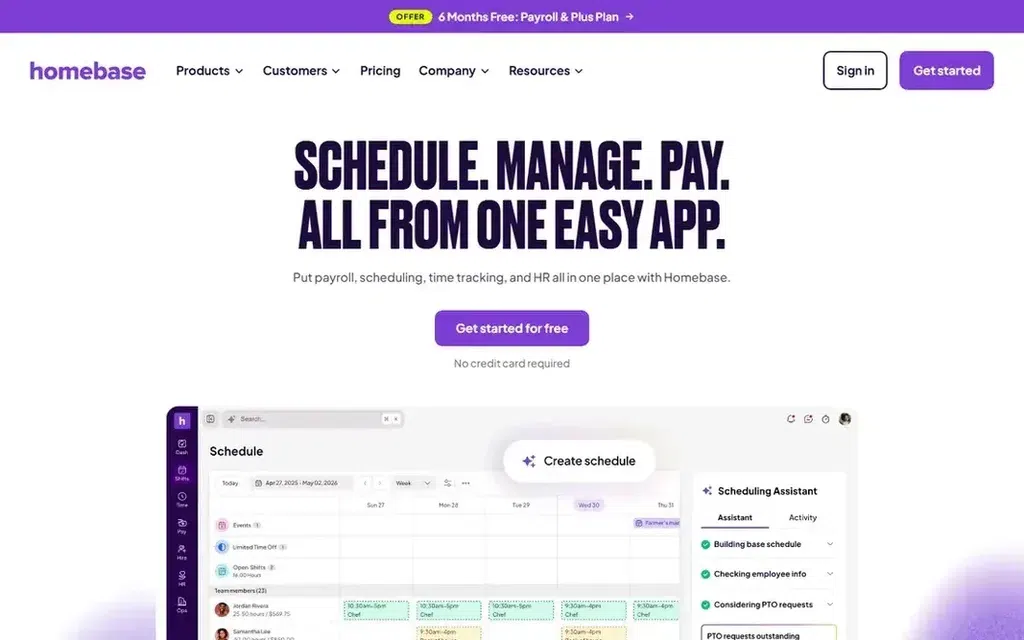
Homebase is built with hourly teams needing scheduling and payroll in mind. If you need advanced GPS geofencing without payroll, a specialized time clock app may be a better fit. In daily use, payroll is not available in every region.
Trade-offs to know: Payroll available in select regions.
It lets small companies build schedules, track time, and run payroll in one place. The system is aimed at restaurants, retail, and other shift-based businesses that require to handle hourly staff efficiently. Price to start with Homebase: $30 per location per month. A free plan is available with Homebase.
- Scheduling and time clocks
- Payroll features
- GPS may need a premium level
Sling was built for free shift scheduling with time clock. Sling is an employee shift scheduling and planning software that helps firms run shifts and communicate with employees. It comes with a time clock feature to track hours, and the app is built to be straightforward to use for small teams.
Where it is weaker: Payroll is not a core offering.
GPS tracking may be available in the mobile app to record clock-in locations. In daily use, GPS tracking may be limited or need a premium plan, so check the current feature set. If you need solid GPS geofencing, a dedicated time clock app may be more suitable. More specifically, payroll is not a core offering, so you will likely need a separate payroll option. What you pay to start with Sling: $1.70 per user per month. Free access exists with Sling.
- Team communication
- Shift scheduling
- GPS tracking may be restricted or a premium feature
Where Connecteam fits: frontline teams needing all-in-one app. The wide feature set may be more than a small team needs, and some capabilities, including GPS, may need a premium plan.
It is built to replace scattered tools and provide managers clarity and control over field and shift work. As for the details, consider Connecteam when you want scheduling and communication alongside time tracking. Entry price for Connecteam: $29 per month. Connecteam has a free plan.
Points against: Feature set may be overwhelming for small teams.
- Team communication
- Aimed at frontline teams
- GPS tracking may be part of a premium level
Choose When I Work for shift scheduling with time tracking. It is made for workplaces with hourly employees, for example retail and hospitality.
GPS tracking is available in the mobile app to help verify clock-in locations for remote or multi-site teams. Payroll is not a core feature, so you may need a separate payroll provider. When I Work pricing: $2.50 per user per month. On free options: Free trial.
Watch-outs: GPS tracking may need a premium plan.
- Team messaging
- Time tracking
- Payroll is not a core feature
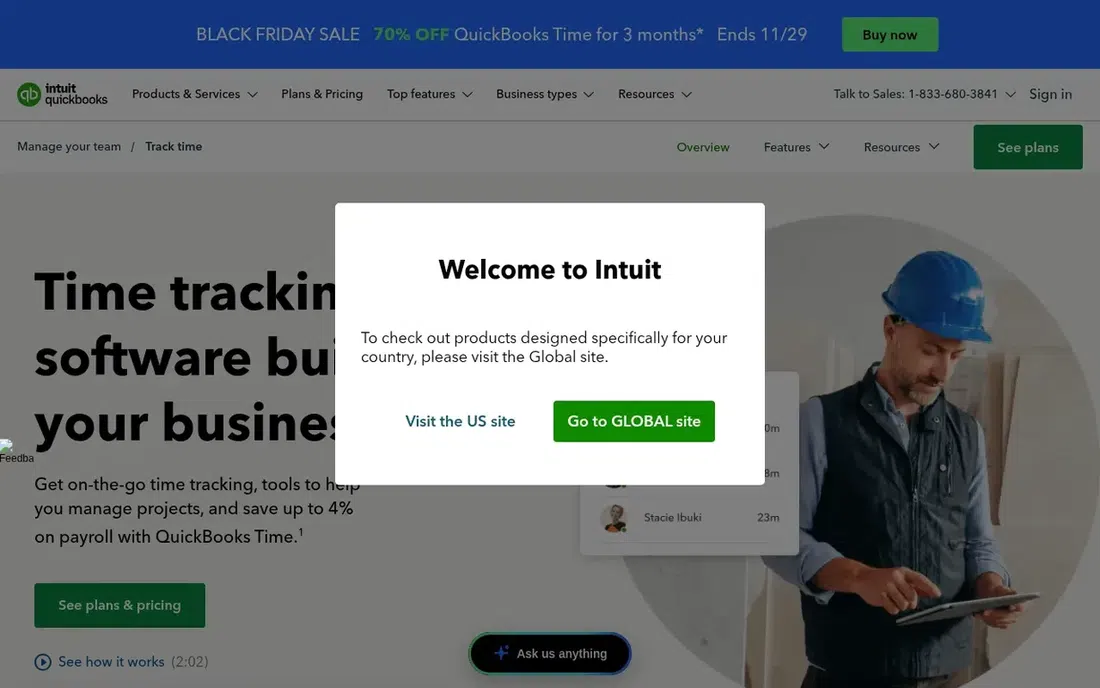
Choose QuickBooks Time for GPS time tracking with payroll. The AI-powered system aims to cut manual entry, making it a fit for teams already using QuickBooks or those wanting an all-in-one approach to time and payroll.
QuickBooks Time does not show a starting price in this comparison, so check the vendor site for current pricing. As for free access: Not stated.
Where it falls short: May need QuickBooks for full payroll.
- Payroll integration
- Job and project tracking
- Advanced features can add complexity
How we chose
Each tool was reviewed on what its vendor publishes: price, plan limits, core features and stated drawbacks. We did not run hands-on tests. Prices and plan limits come from vendor pages and can change, so confirm them on the vendor site before you buy. The order reflects how well each tool fits the most common buying scenario for time clock app with gps, then price clarity, then free plan access. It is a starting point, not a verdict.
Questions to settle before buying
- Confirm the entry price on the vendor page. For QuickBooks Time that means a quote rather than a fixed price.
- Look at free plan limits closely: Homebase, Sling and Connecteam have one, and the caps decide whether it is usable for real work.
- Use real work to test the free trial from When I Work, rather than a demo project.
- Read the limits listed for Homebase first: GPS may need a premium level.
- Ask the daily users to test Sling on a live task before you roll it out to everyone.
- Ask When I Work about contract length, onboarding fees and user minimums before you sign.
FAQ
Can I use a time clock app with GPS for remote or multi-site teams?
Yes, plenty of apps with GPS tracking are built for remote and multi-site teams. Features like geofencing and location stamps help verify where employees clock in, but availability varies by tool and plan.
Which options for time clock app with gps have a free plan?
Homebase, Sling and Connecteam offer a free plan in this list. Free plans usually cap users, projects or features, so check the limits on the vendor page. One other tool offers a trial instead.
How are the tools for time clock app with gps ordered?
The order follows typical fit for time clock app with gps, with Homebase first and QuickBooks Time last, then price clarity and free access. It is editorial judgement, not a score, so another team could rank the tools differently.
Can I try these tools before paying?
Often, yes. Homebase, Sling and Connecteam have a free plan and When I Work offers a free trial. Use your own data and a real task during the test, and check what the free tier or trial limits before you rely on it.
Is GPS tracking included in free versions?
GPS tracking is commonly part of a premium level or add-on, though some apps may bundle entry-level location tracking in lower levels. Check each vendor's current plan details to confirm what is included.
What should I look for in a time clock app with GPS?
Look for GPS tracking that records location at clock-in and clock-out, and check whether it is included in your plan. Also consider scheduling, payroll integration, and mobile support for your team's devices.
Sources
- https://joinhomebase.com
- https://getsling.com
- https://connecteam.com
- https://wheniwork.com
- https://quickbooks.intuit.com/time-tracking