Best App for Employees to Clock In and Out in 2026: 9 Time Clock Apps Compared
Need the best app for employees to clock in and out? We compared 9 apps for clocking in and out, with GPS checks, scheduling, and payroll export tools.
- Editor's choice
 Homebase
Single-location hourly teams
Starts atFreeVisit joinhomebase.comFull review - Great alternative
 Deputy
Compliance-heavy shift teams
Starts at$5 per user per monthVisit deputy.comFull review - Also consider
 Connecteam
Frontline teams and crew apps
Starts atFreeVisit connecteam.comFull review
TL;DR:
- Homebase is the best free starting point for single-location hourly teams that also need scheduling.
- Jibble offers free time tracking for unlimited users, with facial recognition and GPS checks included.
- Buddy Punch leads on stopping buddy punching, thanks to facial recognition and geofencing on paid plans.
- Deputy suits hospitality and retail teams with compliance needs, while When I Work suits shift-heavy teams on a budget.
- Clockify fits office and remote teams that need simple time tracking without shift scheduling.
Quick comparison
| Tool | Best for | Starts at | Free plan? | |
|---|---|---|---|---|
| Homebase | Single-location hourly teams | Free | Yes | Visit |
| Deputy | Compliance-heavy shift teams | $5 per user per month | No | Visit |
| Connecteam | Frontline teams and crew apps | Free | Yes | Visit |
 When I Work | Shift scheduling on a budget | $2.50 per user per month | No | Visit |
 Clockify | Free time tracking | Free | Yes | Visit |
 Buddy Punch | Stopping buddy punching | $19 per month plus $4.99 per user per month | No | Visit |
 QuickBooks Time | QuickBooks payroll users | $20 per month plus $10 per user per month | No | Visit |
 Jibble | Free verified clock-ins | Free | Yes | Visit |
 OnTheClock | Simple GPS-verified punches | $5 per month plus $4 per employee per month | No | Visit |
The best apps for employees to clock in and out
Clock-in apps record when employees start and end work, where they were, and how long breaks lasted. The best ones also handle scheduling, overtime, and payroll exports, so managers spend less time fixing timesheets. We compared the leading apps on clock-in options, verification, scheduling, and pricing.
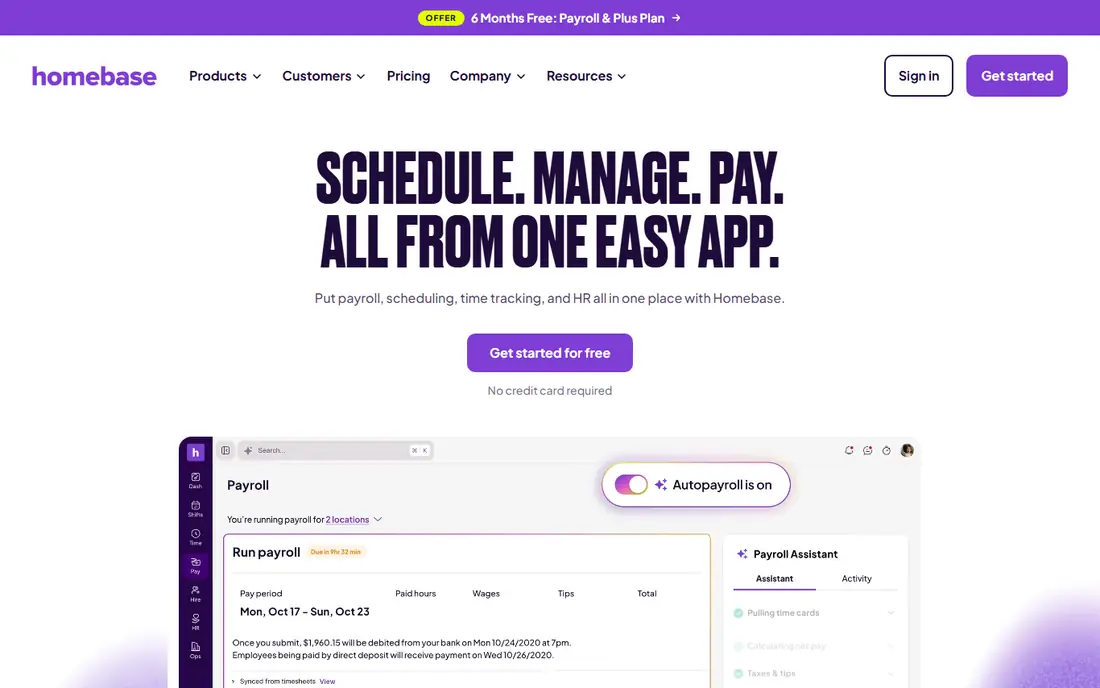
Homebase is built for restaurants, retail shops, and other hourly teams that need scheduling and time tracking together. Employees clock in from a phone, browser, kiosk, or point-of-sale device, and managers see hours, overtime, and labor costs in one dashboard. Scheduling, shift swaps, and team messaging sit alongside the time clock.
The free plan covers one location with up to 10 team members, which is enough for many small businesses to start. Paid plans start around 24 to 30 dollars per location per month depending on billing, with unlimited employees on paid tiers. Payroll is an add-on, so factor that in if you want hours to flow straight into pay runs.
- Free plan for one location with up to 10 employees
- Scheduling and time clock in one app
- Payroll add-on available
- Per-location pricing rises for multi-site businesses
- Advanced features need paid tiers
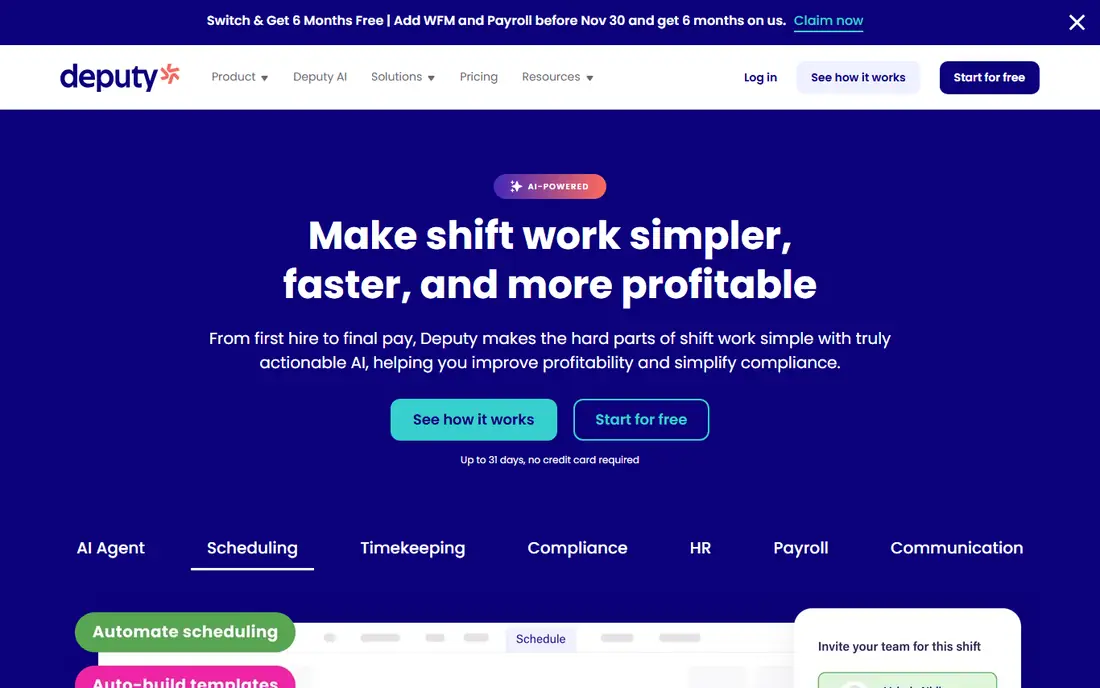
Deputy combines scheduling, time tracking, and compliance tools for retail, hospitality, and healthcare teams. Managers build schedules around demand, labor costs, and work rules, while employees clock in from mobile or kiosk devices. Timesheets flow into payroll integrations, and managers can approve hours and leave from the same dashboard.
Pricing starts at 5 dollars per user per month on annual billing, with a 31-day free trial. A minimum monthly spend may apply, so small teams should confirm total cost before signing up. Deputy suits teams where compliance, overtime rules, and multi-location scheduling matter more than the lowest possible price.
- Strong scheduling around demand and labor rules
- Compliance and award tools
- 31-day free trial
- No permanent free plan
- Minimum spend may apply
- More complex than simple clock apps
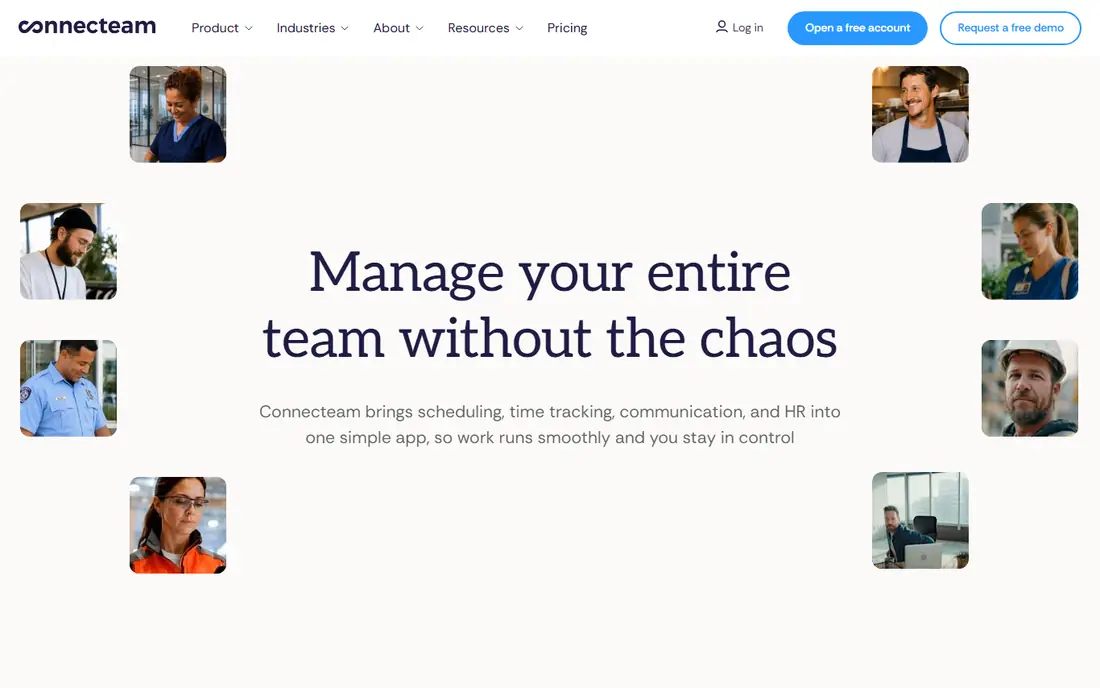
Connecteam is an all-in-one app for deskless teams, combining a time clock with scheduling, forms, task management, and team chat. Employees clock in from a phone, managers see live attendance, and forms can capture job details alongside hours. That breadth suits field crews, cleaning teams, and retail staff who need one app for daily work.
The free plan covers up to 10 users with core features, while paid plans start at 29 dollars a month for the first 30 users on annual billing. Geofencing and advanced location controls sit on higher tiers, so check plan details if location verification matters to you. For teams that want one crew app rather than several tools, Connecteam is a strong fit.
- Free plan for up to 10 users
- Time clock plus scheduling, forms, and messaging
- Mobile-first design
- Each feature area is less deep than specialist tools
- Advanced geofencing needs higher tiers
When I Work focuses on scheduling first, with time tracking added for teams that need it. Managers publish shifts, employees set availability and swap shifts in the app, and managers track attendance against the schedule. At 2.50 dollars per user per month on annual billing, it is one of the cheapest scheduling-first options available.
The low price comes with limits. Attendance and time-tracking features may require an add-on depending on the plan, so confirm what your tier includes. Teams whose main pain is the roster, rather than payroll compliance, will get the most value here. Teams that need deep labor-rule controls should compare Deputy instead.
- Very low per-user price
- Scheduling-first design
- Shift swaps and availability tools
- Time tracking is an add-on in some plans
- No permanent free plan
- Fewer compliance features than Deputy
Clockify is a time tracker that teams use to log hours against projects, clients, or tasks. Employees start a timer or enter times manually, managers review timesheets, and reports show where hours went. The free plan covers unlimited users, which makes it an easy starting point for office, remote, and freelance teams.
Clockify is not a shift-scheduling tool, so hourly teams that need rosters, kiosk clock-ins, and overtime rules should look at Homebase or Deputy instead. Paid plans start around 3.49 dollars per user per month on annual billing, adding features such as GPS tracking and advanced reporting. For simple, free time tracking, Clockify is hard to beat.
- Free for unlimited users on the basic plan
- Simple timer and timesheet views
- Desktop, mobile, and web apps
- No shift scheduling
- GPS and advanced controls need paid plans
- Less suited to hourly kiosk use
Buddy Punch focuses on accurate clock-ins. Employees punch in from mobile, browser, or kiosk, with facial recognition on higher plans to stop one employee clocking in for another. Location stamps appear on all plans, while geofencing, which restricts punches to approved areas, sits on the Pro plan at 6.99 dollars per user per month.
Pricing starts at 19 dollars a month plus 4.99 dollars per user per month on annual billing, with a 14-day trial. Scheduling is a Pro feature, so teams that need rosters should budget for that tier. For small businesses losing hours to buddy punching or early clock-ins, Buddy Punch pays for itself quickly.
- Facial recognition and geofencing on paid plans
- PTO tracking
- Payroll integrations
- Base fee plus per-user fee adds up
- No permanent free plan
- Scheduling needs Pro plan
QuickBooks Time, formerly TSheets, tracks employee hours and syncs them directly into QuickBooks for payroll and invoicing. Employees clock in from mobile or web, managers approve timesheets, and GPS tracking shows where punches happened. Job costing lets field teams track hours against clients and projects.
Pricing starts at 20 dollars a month plus 10 dollars per user per month, with a 30-day trial. That cost is justified if you already run QuickBooks payroll, since it removes manual timesheet entry. Businesses on other payroll systems should compare cheaper clock apps, since QuickBooks Time's edge comes from its integration.
- Direct sync with QuickBooks payroll
- GPS tracking
- Job and client time tracking
- Higher per-user cost
- Best value only inside QuickBooks
- No permanent free plan
Jibble offers free time tracking for unlimited users, with facial recognition and GPS verification included on the free tier. Employees clock in from mobile, web, or kiosk, managers approve timesheets, and reports feed payroll. That combination of free pricing and verification features makes Jibble stand out in this list.
Paid plans start around 4.99 dollars per user per month for advanced features such as scheduling depth and detailed analytics. Teams that only need verified hours can stay on the free plan indefinitely. If you want a free clock app that still checks who punched in and where, Jibble is the first one to try.
- Free for unlimited users
- Facial recognition and GPS verification
- Payroll and attendance reports
- Paid features needed for advanced scheduling
- Newer brand than some rivals
OnTheClock keeps time tracking simple: employees clock in from mobile, browser, or kiosk, GPS verifies the location, and managers export clean timesheets for payroll. Fingerprint and group punch options suit workplaces where a shared kiosk makes sense. The interface stays focused on hours, which many small businesses prefer.
Pricing starts at 5 dollars a month plus 4 dollars per employee per month, with a 30-day trial and no credit card required. Payroll is an add-on, so check total cost if you want hours to flow into pay runs. For small teams that want verified punches without a large suite, OnTheClock is a dependable, low-fuss choice.
- GPS-verified clock-ins
- Simple pricing
- Payroll-ready exports
- 30-day trial
- No permanent free plan
- Scheduling is basic
- Payroll is a paid add-on
How we picked these
We compared official pricing pages, feature lists, and recent time-clock comparisons. We favored apps that are actively maintained in 2026, that offer mobile and kiosk clock-ins, and that publish clear pricing or trial terms. We included free, budget, and payroll-integrated options, since team size and payroll setup change the best pick.
Setting up clock-ins that employees actually use
Put the clock where work starts: a kiosk at the entrance, a mobile app for field staff, or a browser link for office teams. Train employees once, post simple instructions, and test the first pay period closely for missed punches and overtime errors. Fix the process early, since bad timesheet habits are hard to undo later.
GPS, privacy, and trust
Tell employees what location data you collect, when you collect it, and how long you keep it. Use geofencing only during work hours and only where it serves a real purpose, such as verifying site attendance. Clear rules build trust, while silent tracking creates resentment and disputes that cost more than the hours saved.
FAQ
What is the best app for employees to clock in and out?
Homebase is the best free starting point for single-location hourly teams, while Jibble offers free verified clock-ins for unlimited users. Deputy suits compliance-heavy teams, and Buddy Punch suits teams fighting buddy punching. The best app depends on team size, scheduling needs, and payroll setup.
Are there free clock-in apps for employees?
Yes, Homebase offers a free plan for one location with up to 10 employees, Connecteam offers a free plan for up to 10 users, and Clockify and Jibble offer free time tracking for unlimited users. Free plans vary in features, so check whether GPS, scheduling, and payroll exports are included.
How do GPS time clock apps work?
Employees clock in from a phone, and the app records the location of the punch. Managers can review punches on a map and set geofences that limit clock-ins to approved areas. GPS tracking should be limited to work hours, and employees should know what data is collected.
Can employees clock in from their phones?
Yes, all of the apps on this list offer mobile clock-ins for iOS and Android, plus web and kiosk options in most cases. Mobile clock-ins suit field and remote teams, while kiosks suit workplaces where staff gather in one place. Choose the method that matches where work actually starts.
What is buddy punching, and how do apps stop it?
Buddy punching is when one employee clocks in for another employee who is absent or late. Apps stop it with facial recognition, fingerprint scans, PIN codes, and GPS checks that tie each punch to a person and place. Buddy Punch and Jibble both offer facial recognition for this purpose.
Do time clock apps integrate with payroll?
Many do, either directly or through exports. QuickBooks Time syncs with QuickBooks payroll, Homebase offers payroll as an add-on, and most other apps export timesheets in formats payroll systems accept. Confirm the integration for your payroll provider before committing to a plan.