Top 5 Testing Tools for Web Applications for 2026 (Prices and Free Plans)
Weighing the best testing tools for web applications? We lined up 5 products by cost, free access and fit. Each pick lists its main limit. Straight answers.
- Editor's choice
 BrowserStack
Cross-browser testing on real devices
Starts at$29 a monthVisit browserstack.comFull review - Great alternative
 Katalon Studio
End-to-end AI testing for QA teams
Starts at$150 per seat per monthVisit katalon.comFull review - Also consider
 Selenium
Open browser automation with full control
Starts atSee websiteVisit selenium.devFull review
Direct answer
BrowserStack comes first here, mainly for cross-browser testing on real devices. Listed starting prices: BrowserStack from $29 a month, Katalon Studio from $150 per seat per month and Cypress from $67 per month. Katalon Studio is better for end-to-end AI testing for QA teams, and Selenium is better for open browser automation with full control. Details, prices and limits for the rest of the 5 tools are below.
TL;DR:
- BrowserStack takes the first slot, best suited to cross-browser testing on real devices.
- Before buying Selenium, weigh this: needs coding and setup work.
- For the cheapest start, look at BrowserStack: $29 per month.
- Cypress is the one to check for quick end-to-end tests in a real browser.
Last checked November 2026. Prices and plan details were read from the vendors' own pages in November 2026; vendors change plans often, so confirm the current price on the vendor site before you buy.
Quick comparison
| Tool | Best for | Starts at | Free plan? | |
|---|---|---|---|---|
| BrowserStack | Cross-browser testing on real devices | $29 a month | Free trial | Visit |
| Katalon Studio | End-to-end AI testing for QA teams | $150 per seat per month | Free trial | Visit |
| Selenium | Open browser automation with full control | See website | Not stated | Visit |
 Playwright | Steady end-to-end testing for modern web apps | See website | Not stated | Visit |
 Cypress | Quick end-to-end tests in a real browser | $67 per month | Yes | Visit |
5 testing tools for web applications in detail
Short on time? The summary and table above give the quick view of 5 testing tools for web applications, and the profiles that follow give the detail behind each entry.
For cross-browser testing on real devices, BrowserStack is a natural candidate. BrowserStack is a cross-browser testing product offering instant access to a large range of browsers and real iOS and Android devices.
Points against: Cloud dependency for test runs.
It suits teams that already have automatic or manual tests and need real device and browser coverage without maintaining a lab. BrowserStack pricing: $29 per month. As for free access: Free trial.
- Access to numerous browsers
- Real iOS and Android devices
- Complements instead of replaces frameworks
Choose Katalon Studio for end-to-end AI testing for QA teams. A wide product can feel like more than you need if your work is restricted to straightforward browser checks. Katalon Studio is described as an end-to-end AI testing product for QA teams.
It lets teams handle and run manual, automatic and AI-generated tests across web, mobile, API and desktop. Teams that want minimal tooling and full control over their scripts may prefer Selenium or Playwright. On cost, Katalon Studio starts like this: $150 per seat per month. Trial and free access: Free trial.
The main drawbacks: System approach may limit deep customization.
- Manual
- API and desktop
- Broader scope than straightforward web checks
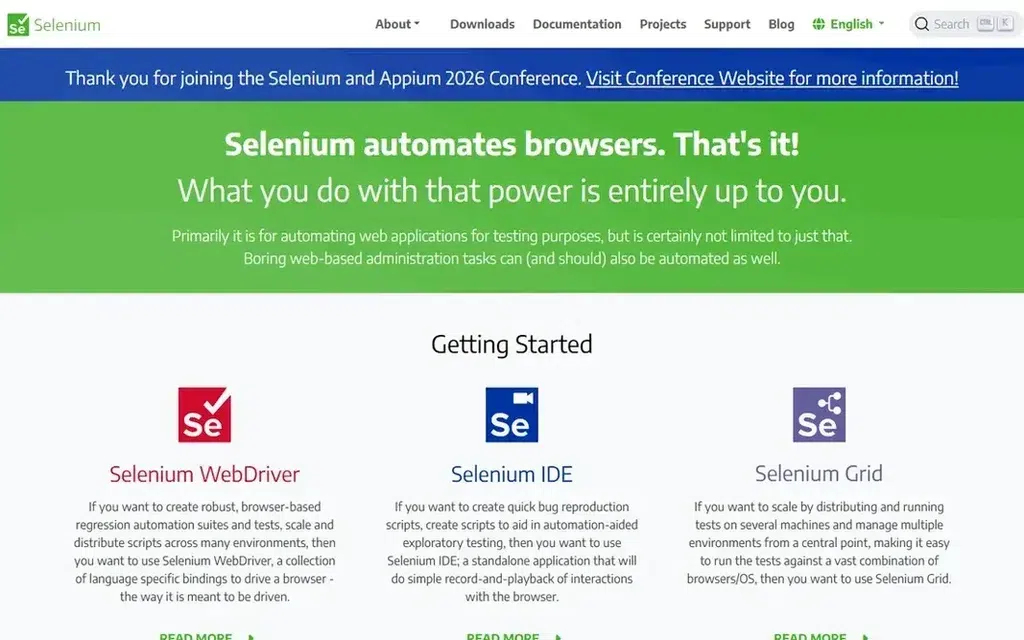
Selenium targets open browser automation with full control. Selenium is a browser automation tool that hands you full control over Chrome, Firefox, Edge and Safari.
What works well: Supports Chrome, Firefox; Built on the W3C WebDriver standard.
The trade-off is that Selenium is a framework instead of a finished product, so setup, reporting and maintenance are mostly your responsibility. As for the details, you write scripts in Java, Python, C#, Ruby, JavaScript or Kotlin using the official W3C WebDriver standard. This comparison lists no price for Selenium; ask the vendor. As for free access: Not stated.
The main drawbacks: No built-in visual test runner.
- Scripts in Java, Python, C#, Ruby
- JavaScript or Kotlin
- Needs coding and setup work
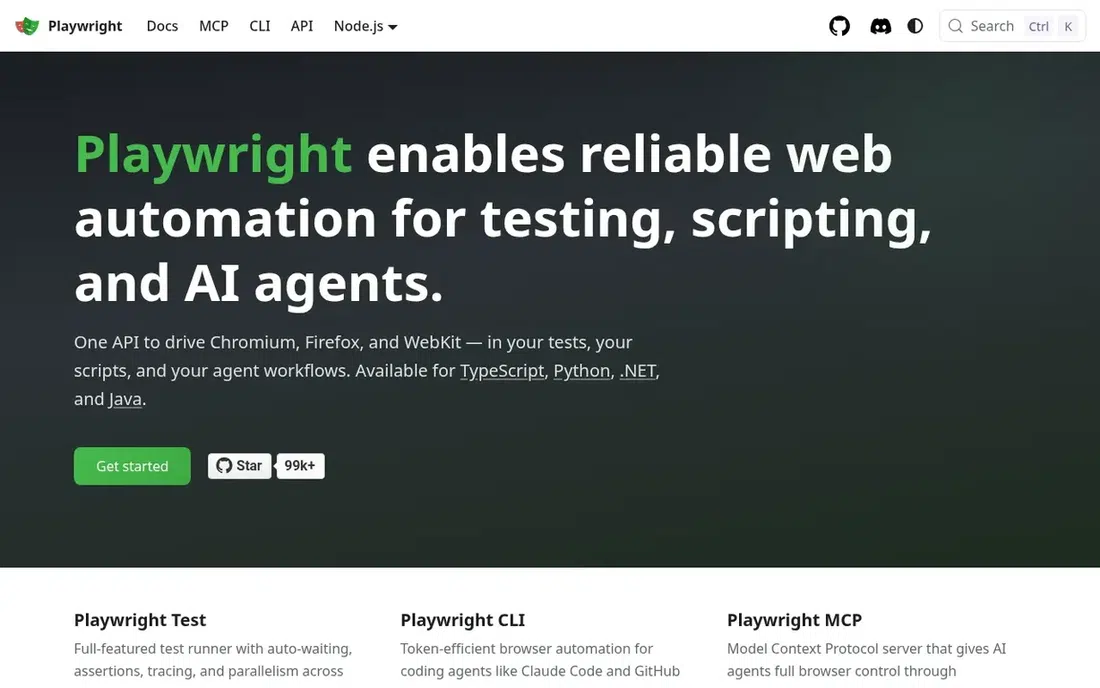
For dependable end-to-end testing for modern web apps, Playwright is a natural candidate. Playwright is presented as quick and steady end-to-end testing for modern web apps.
Where it is weaker: Setup and structure are team-owned.
Pricing for Playwright is not stated here, so ask the vendor for current figures. Free access: Not stated.
- Designed for modern web applications
- Supports several browser engines
- Needs scripting knowledge
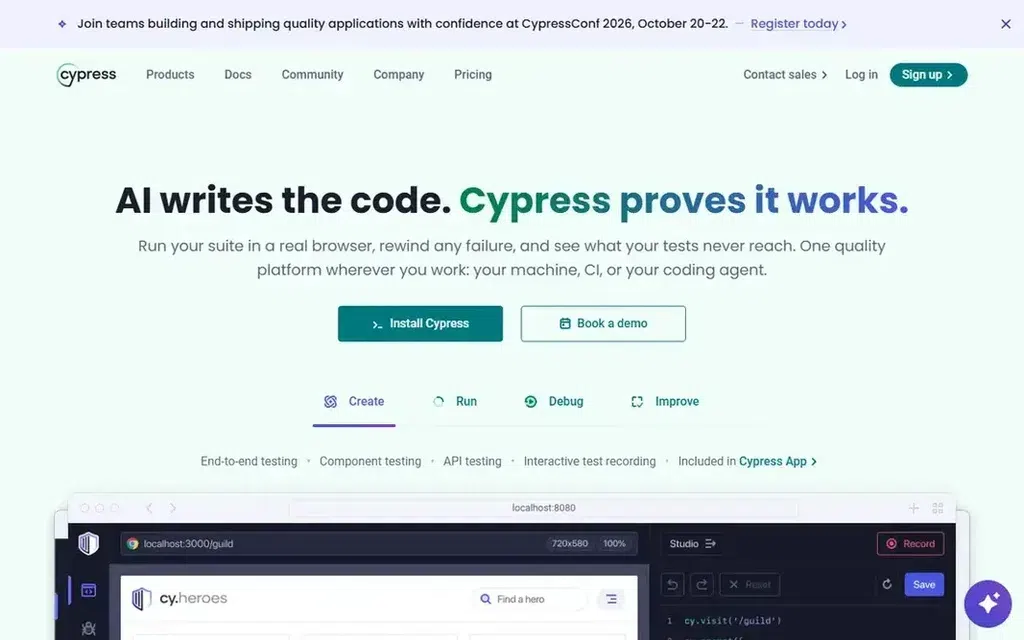
Choose Cypress for quick end-to-end tests in a real browser. It runs end-to-end tests in a real browser, lets you rewind failures for debugging, and reports coverage and accessibility on every run.
Since its emphasis is browser-based web testing, teams that require wide native mobile coverage or desktop application testing should look at a wider product. Cypress pricing: $67 per month. A free plan is available with Cypress.
Limits to weigh: Concentrated on the browser layer.
- Coverage and accessibility on every run
- End-to-end tests in a real browser
- Less suited to native mobile testing
How the list was put together
Pricing pages, product documentation and feature lists were the main sources, and every entry carries at least one honest drawback. Prices and plan limits come from vendor pages and can change, so confirm them on the vendor site before you buy. Tools are placed by general fit for testing tools for web applications, with price clarity and free access as tie-breakers. A different team can reasonably rank them differently.
What to confirm before you sign up
- Confirm the entry price on the vendor page. For Selenium and Playwright that means a quote rather than a fixed price.
- Look at the free plan from Cypress closely: its caps decide whether it is usable for real work.
- Take the trial from BrowserStack and Katalon Studio and push a live task through it before you pay.
- Before choosing BrowserStack, weigh its main limit: cloud dependency for test runs.
- Confirm minimum seats and billing terms with Katalon Studio before you commit to an annual plan.
- Confirm you can export your data from BrowserStack, so leaving later does not mean losing records.
FAQ
How are the tools for testing tools for web applications ordered?
The order follows typical fit for testing tools for web applications, with BrowserStack first and Cypress last, then price clarity and free access. It is editorial judgement, not a score, so another team could rank the tools differently.
Is BrowserStack the right pick for everyone comparing testing tools for web applications?
No single tool suits every team. BrowserStack comes first because it fits cross-browser testing on real devices, while Katalon Studio suits end-to-end AI testing for QA teams and Selenium suits open browser automation with full control. Match the tool to your own size, budget and workflow before deciding.
Can I try these tools before paying?
Often, yes. Cypress has a free plan and BrowserStack and Katalon Studio offer a free trial. Use your own data and a real task during the test, and check what the free tier or trial limits before you rely on it.
Do these tools publish their prices?
Not all of them. Selenium and Playwright publish no starting price, so expect a quote request for those. The rest, BrowserStack included, show a starting price, though seats and billing terms still change the final cost.
Sources
- https://www.browserstack.com
- https://katalon.com
- https://www.selenium.dev
- https://playwright.dev
- https://www.cypress.io