Top 5 Software Database for Web Applications for 2026 (Prices and Free Plans)
Best software database for web applications: 5 contenders ranked by fit, with entry costs and free tiers. Short, factual notes on every option. Details below.
- Editor's choice
 MySQL
Read-heavy web apps and typical stacks
Starts atPricing on requestVisit mysql.comFull review - Great alternative
 Google Cloud SQL
Managed MySQL, PostgreSQL, and SQL Server
Starts atPricing on requestVisit cloud.google.comFull review - Also consider
 MongoDB
Adaptable document data at cloud scale
Starts atPricing on requestVisit mongodb.comFull review
Direct answer
For read-heavy web apps and typical stacks, MySQL is where this list starts. Google Cloud SQL fits managed MySQL, PostgreSQL, and SQL Server; MongoDB fits adaptable document data at cloud scale. Free plan facts and limits for all 5 tools follow. None of these vendors publish plan prices, so pricing is on request for every option.
TL;DR:
- Number one here is MySQL, a fit for read-heavy web apps and typical stacks.
- For open-source relational apps with advanced needs, PostgreSQL is worth a look.
- Check the limits for MySQL before you commit: fewer advanced features than some peers.
- MySQL, PostgreSQL and the 3 others all sell by quote; expect sales conversations before you see a price.
Last checked November 2026. Pricing on request: vendors did not publish plan prices when this guide was last checked (November 2026), so ask each vendor for a written quote.
Quick comparison
| Tool | Best for | Starts at | Free plan? | |
|---|---|---|---|---|
| MySQL | Read-heavy web apps and typical stacks | Pricing on request | Not stated | Visit |
| Google Cloud SQL | Managed MySQL, PostgreSQL, and SQL Server | Pricing on request | Not stated | Visit |
| MongoDB | Adaptable document data at cloud scale | Pricing on request | Yes | Visit |
 Oracle Database | AI-powered enterprise application workloads | Pricing on request | Not stated | Visit |
 PostgreSQL | Open-source relational apps with advanced needs | Pricing on request | Not stated | Visit |
Tool-by-tool breakdown
LinkVetted put together this guide to software database for web applications for readers who want a clear shortlist without reading every vendor page. It compares 5 tools on starting price, free plans, who each one suits and where each one falls short.
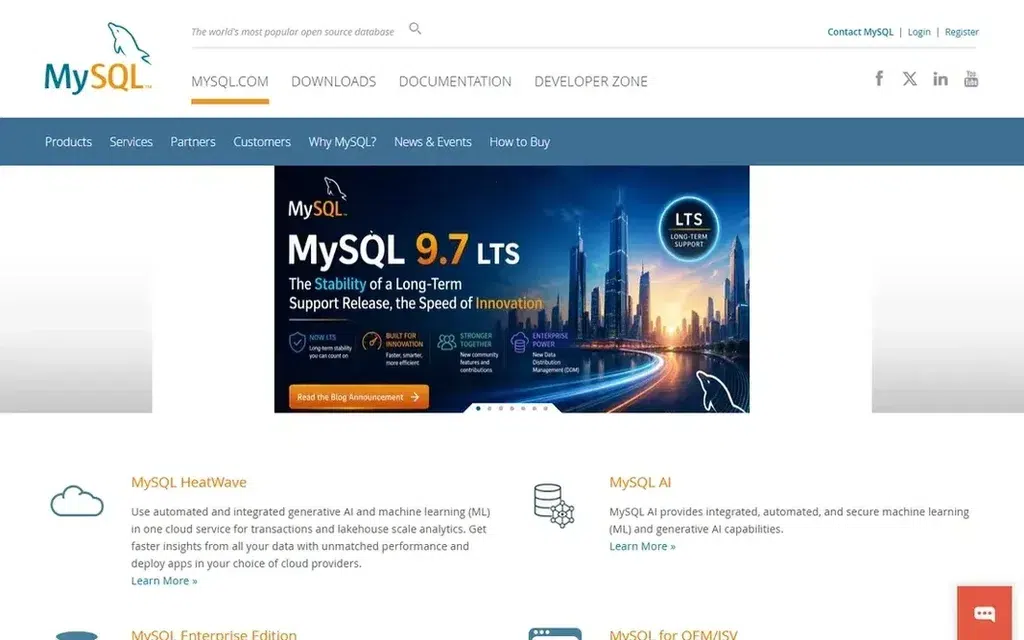
Choose MySQL for read-heavy web apps and typical stacks. MySQL is a widely used open-source relational database that powers plenty of web applications, particularly those built on typical LAMP-style stacks.
It is well suited to read-heavy sites and content management systems where wide hosting support and a mature tool ecosystem matter. No starting price is listed for MySQL here; confirm pricing on the vendor site. On free options: Not stated.
Points against: Fewer advanced features than some peers.
- Widely supported by hosting providers
- Mature ecosystem and tooling
- Some features vary by storage engine
Google Cloud SQL works best for managed MySQL, PostgreSQL, and SQL Server. Cloud SQL ties you to Google Cloud and gives you less direct control than a self-managed database server.
Points against: Less control than self-managed servers.
From a buyer's view, if you need multi-cloud portability or very fine-grained server tuning, a self-hosted or alternative managed service may be preferable. In daily use, Google Cloud SQL is a completely managed relational database service for MySQL, PostgreSQL, and SQL Server. Check the vendor site for Google Cloud SQL pricing; none is listed in this comparison. Free access: Not stated.
- Supports three major engines
- Connects with Google Cloud
- Tied to Google Cloud platform
MongoDB makes the most sense for adaptable document data at cloud scale. MongoDB is a document database positioned as an intelligent data product for the AI era, offering adaptable, live data that scales across any cloud.
As for the details, if your application relies on rigid schemas and multi-table integrity, a relational database may be the better choice. MongoDB does not show a starting price in this comparison, so check the vendor site for current pricing. A free plan is available with MongoDB.
Points against: Needs schema discipline in practice.
- Adaptable document data model
- Live data handling
- Less suited to complicated multi-table transactions
Oracle Database is aimed squarely at AI-powered enterprise application workloads. Oracle Database is an enterprise relational database that harnesses AI to power application development and critical workloads.
In daily use, Oracle Database can be complicated to administer and expensive to license at scale. Oracle Database shows no starting price here, so confirm the cost on the vendor site. Free plan details: Not stated.
Where it falls short: Licensing can be pricey at scale.
- Long-established enterprise product
- AI integration for app development
- Complicated administration
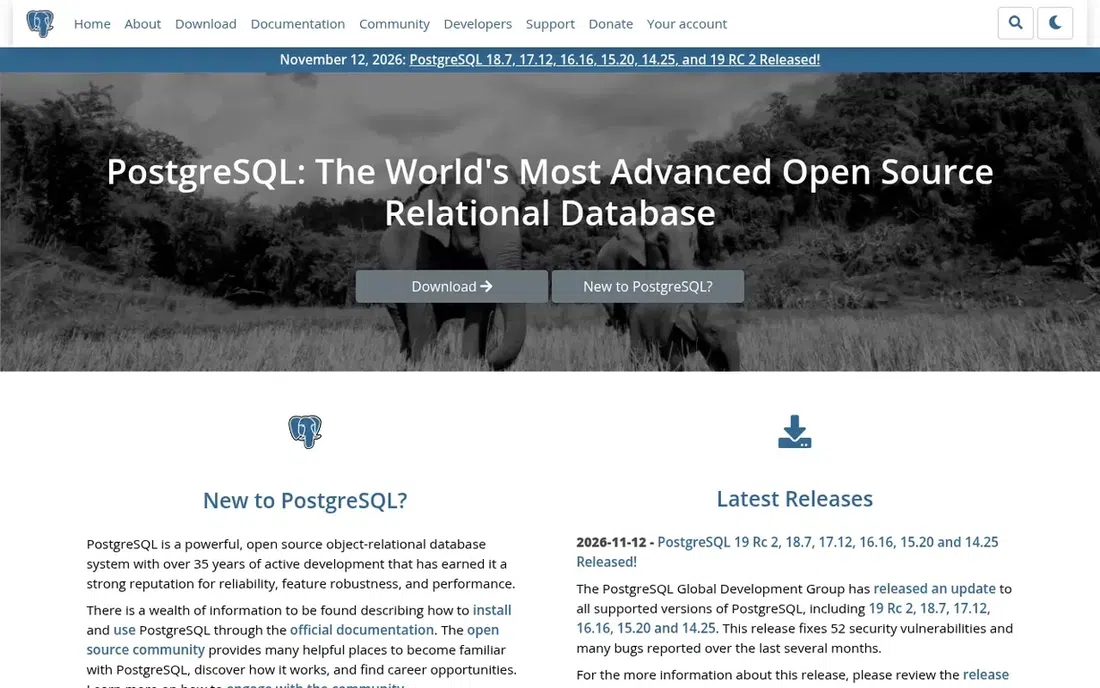
PostgreSQL is designed for open-source relational apps with advanced needs. PostgreSQL is an open-source relational database known for its advanced feature set, including support for complicated queries, foreign keys, and extensibility.
Where it falls short: Can need tuning for high write loads.
It suits web applications that require a solid, standards-compliant database without licensing costs, from small projects to large products. PostgreSQL shows no starting price here, so confirm the cost on the vendor site. Trial and free access: Not stated.
- Advanced open-source feature set
- Solid standards compliance
- Less typical in some legacy hosting stacks
How we compared the tools
The comparison looks at four things: starting price, free access, how well the feature set matches software database for web applications, and the main limit of each tool. Prices and plan limits come from vendor pages and can change, so confirm them on the vendor site before you buy. The order reflects how well each tool fits the most common buying scenario for software database for web applications, then price clarity, then free plan access. It is a starting point, not a verdict.
What to confirm before you sign up
- Request quotes from MySQL, PostgreSQL and the others; the list shows no fixed prices.
- Test the free plan from MongoDB against your real workload before relying on it.
- Read the limits listed for MySQL first: fewer advanced features than some peers.
- The entry price of Google Cloud SQL is only the starting point; model the full cost with seats and extras.
- See whether MySQL offers onboarding or training, and whether it is included in the price.
FAQ
Is MySQL the right pick for everyone comparing software database for web applications?
No single tool suits every team. MySQL comes first because it fits read-heavy web apps and common stacks, while Google Cloud SQL suits managed MySQL, PostgreSQL, and SQL Server and MongoDB suits flexible document data at cloud scale. Match the tool to your own size, budget and workflow before deciding.
Which options for software database for web applications have a free plan?
MongoDB is the only tool in this list with a free plan. Free plans usually cap users, projects or features, so check the limits on the vendor page. For the full picture, the cards above cover all 5 entries of this software database for web applications list, including price, free plan and limits.
Can I try these tools before paying?
Often, yes. MongoDB has a free plan. Use your own data and a real task during the test, and check what the free tier or trial limits before you rely on it. Prices, free plan details and limits for all 5 tools in this software database for web applications roundup sit on the individual cards above.
Do these tools publish their prices?
No. None of the tools, from MySQL to PostgreSQL, shows a fixed starting price here, so budget time for quotes.
Is a managed cloud database worth it for web apps?
They may offer less control and tie you to a provider. Self-managed databases can be preferable when you need full control or multi-cloud portability.
Sources
- https://www.mysql.com
- https://cloud.google.com/sql
- https://www.mongodb.com
- https://www.oracle.com/database
- https://www.postgresql.org