Best Table Management Software for Bistros in 2026: Prices, Free Plans and 6 Picks
6 best table management software for bistros, compared on pricing, free plans and best-fit use. Cost notes and weak points included. Current for November 2026.
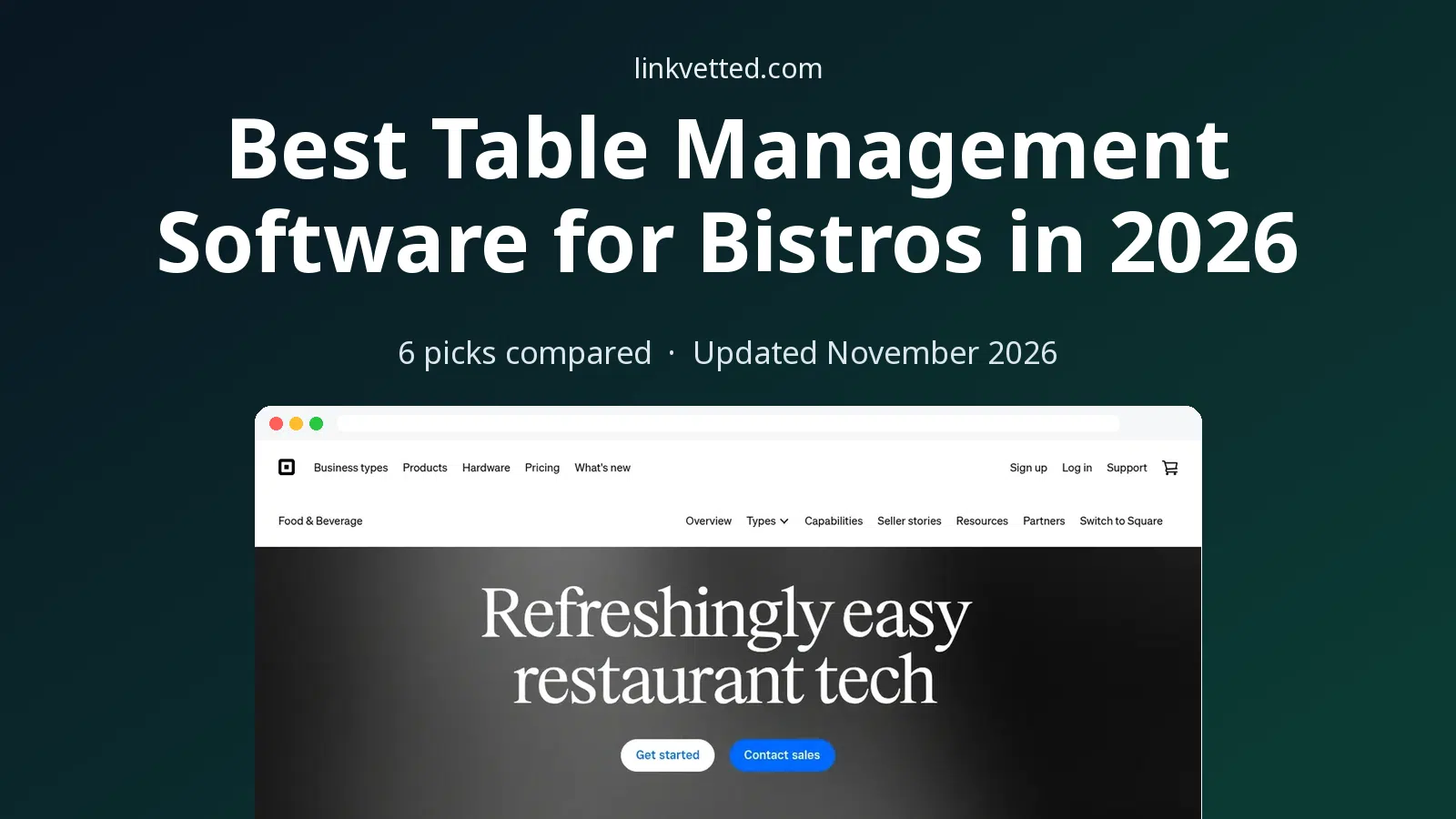
- Editor's choiceLavu
Restaurant POS with management tools
Starts atSee websiteVisit lavu.comFull review - Great alternative
 Square for Restaurants
Order tracking and payments
Starts atSee websiteVisit squareup.comFull review - Also consider
 Lightspeed Restaurant
POS plus table and floor insight
Starts atSee websiteVisit lightspeedhq.comFull review
Direct answer
Start with Lavu if you need Restaurant POS with management tools. Listed starting prices: TouchBistro from $69 a month and Eat App from $69 a month. Look at Square for Restaurants for order tracking and payments, and at Lightspeed Restaurant for POS plus table and floor insight. All 6 tools are compared below on price, free plan and limits.
TL;DR:
- Lavu sits first on this list: Restaurant POS with management tools.
- A fair warning about Lavu: feature depth varies by configuration.
- The cheapest monthly starting price in the list is $69 per month, offered by TouchBistro.
- Just one of the 6 tools, Eat App, has a free plan.
- Eat App is the one to check for reservations and front-of-house optimization.
Last checked November 2026. Prices and plan details were read from the vendors' own pages in November 2026; vendors change plans often, so confirm the current price on the vendor site before you buy.
Quick comparison
| Tool | Best for | Starts at | Free plan? | |
|---|---|---|---|---|
| Lavu | Restaurant POS with management tools | See website | Not stated | Visit |
| Square for Restaurants | Order tracking and payments | See website | Not stated | Visit |
| Lightspeed Restaurant | POS plus table and floor insight | See website | Not stated | Visit |
| TableCheck | Reservation discovery and booking | See website | Not stated | Visit |
 TouchBistro | All-in-one POS and restaurant management | $69 a month | Not stated | Visit |
 Eat App | Reservations and front-of-house optimization | $69 a month | Yes | Visit |
The best table management software for bistros
Choosing table management software for bistros usually comes down to price, fit and limits. This LinkVetted guide sets 6 tools side by side on those three points, with the facts kept short and checkable.
Lavu
Best for: Restaurant POS with management tools
Choose Lavu for Restaurant POS with management tools. A bistro whose priority is reservation-led seating may want a dedicated booking platform instead, or alongside the POS.
Worth adding: Lavu is a point of sale system designed for restaurants and food service operations, including orders and payments for venues that serve guests at tables or counters. Check the vendor site for Lavu pricing; none is listed in this comparison. Free options: Not stated.
Limits to weigh: Feature depth varies by configuration.
- Restaurant-oriented POS
- Suited to food service operations
- Confirm table and reservation handling before choosing
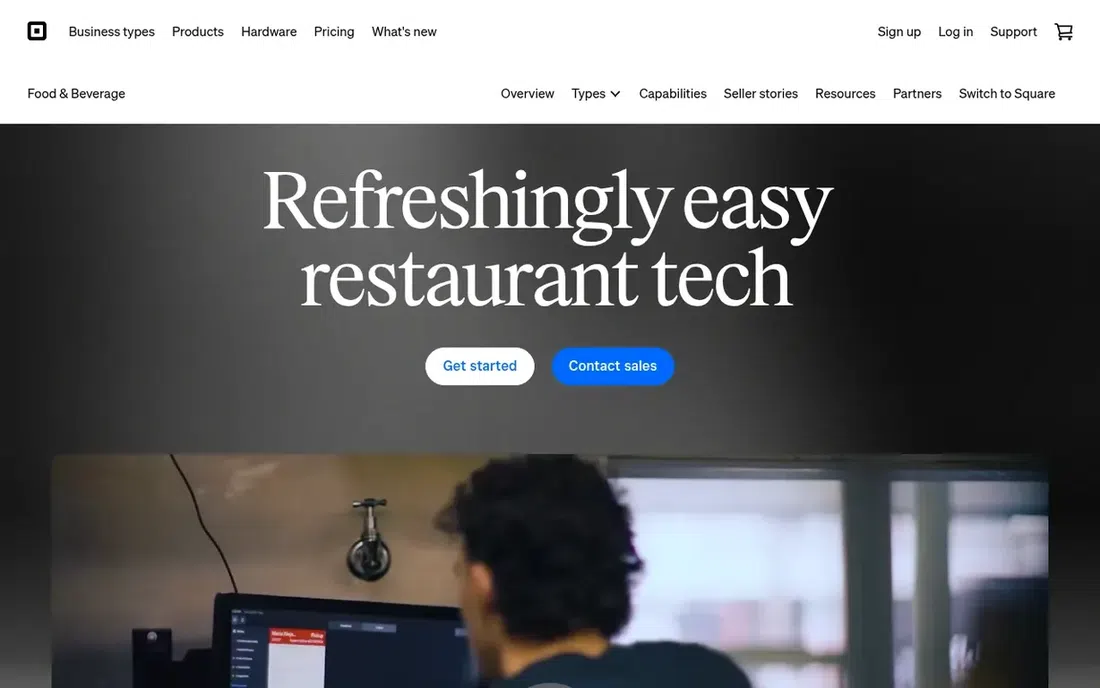
Where Square for Restaurants fits: order tracking and payments. Square for Restaurants is built to handle and track orders, take payments and organize your team, with tools geared toward attracting new diners and regulars. If you need deep reservation and seating optimization, a dedicated reservation product is worth considering alongside it.
For a bistro, it supplies a familiar style of interface for front-of-house staff who manage orders and payments at the table or counter, with team organization in the same environment. Its restaurant capabilities rely on how you configure the system, and some bistro-specific floor management may call for additional tools. This comparison lists no price for Square for Restaurants; ask the vendor. Trial and free access: Not stated.
Where it falls short: May need add-on tools for advanced floor planning.
- Take payments in the same system
- Handle and track orders
- Restaurant-specific depth varies by setup
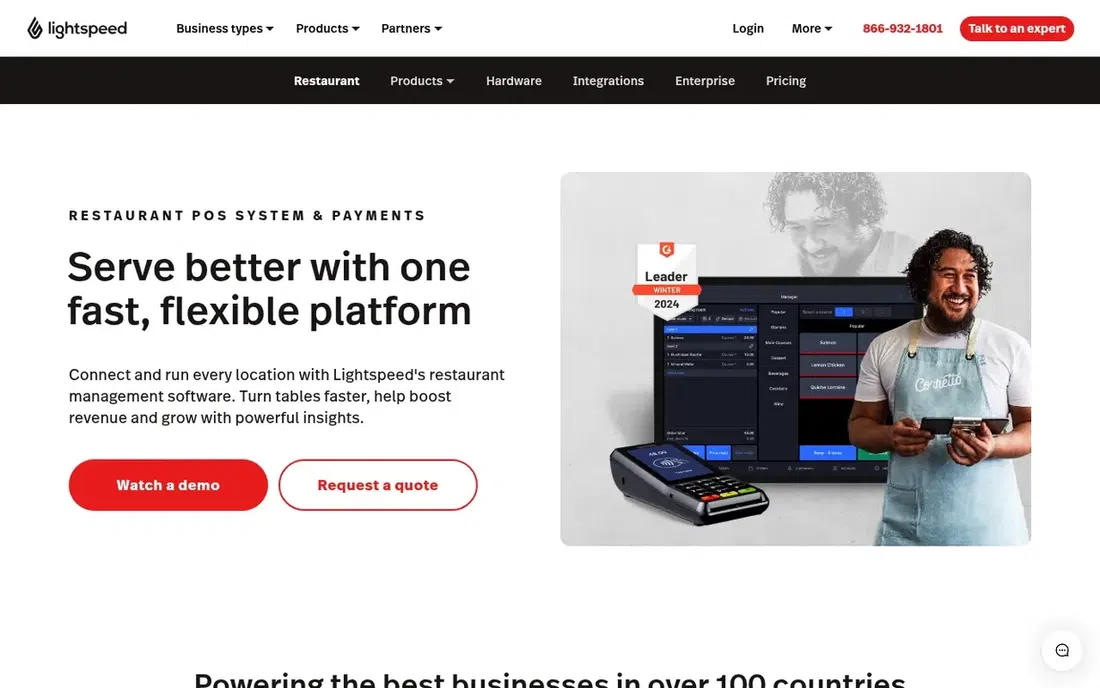
Lightspeed Restaurant is a good fit for POS plus table and floor insight. Customization also means time spent configuring menus, tables and workflows. In daily use, if you chiefly want straightforward reservations instead of a full restaurant product, a dedicated booking tool may fit better.
Where it falls short: Full feature set may exceed small bistro needs.
Beyond that, for a bistro balancing counter and seated trade, the combined POS and management approach keeps daily operations in one place. The product is wide, so a very small bistro may find parts of it beyond current needs. Check the vendor site for Lightspeed Restaurant pricing; none is listed in this comparison. Free plan details: Not stated.
- Adaptable
- Payments and management in one product
- Setup effort relies on your menu and floor
TableCheck
Best for: Reservation discovery and booking
TableCheck is designed for reservation discovery and booking. For bistros in markets where it is active, it can support the reservation side of table management, connecting how guests find and book tables with how the venue deals with incoming bookings. It does not replace a restaurant POS, so orders and payments need separate tools.
Trade-offs to know: Not a POS or table-order system.
Beyond that, consider it for booking and discovery instead of full floor operations. More specifically, availability and venue coverage vary by market, which matters for bistros outside its most solid regions. TableCheck does not show a starting price in this comparison, so check the vendor site for current pricing. Trial and free access: Not stated.
- Guest-facing venue discovery
- Reservation and booking focus
- Coverage varies by market
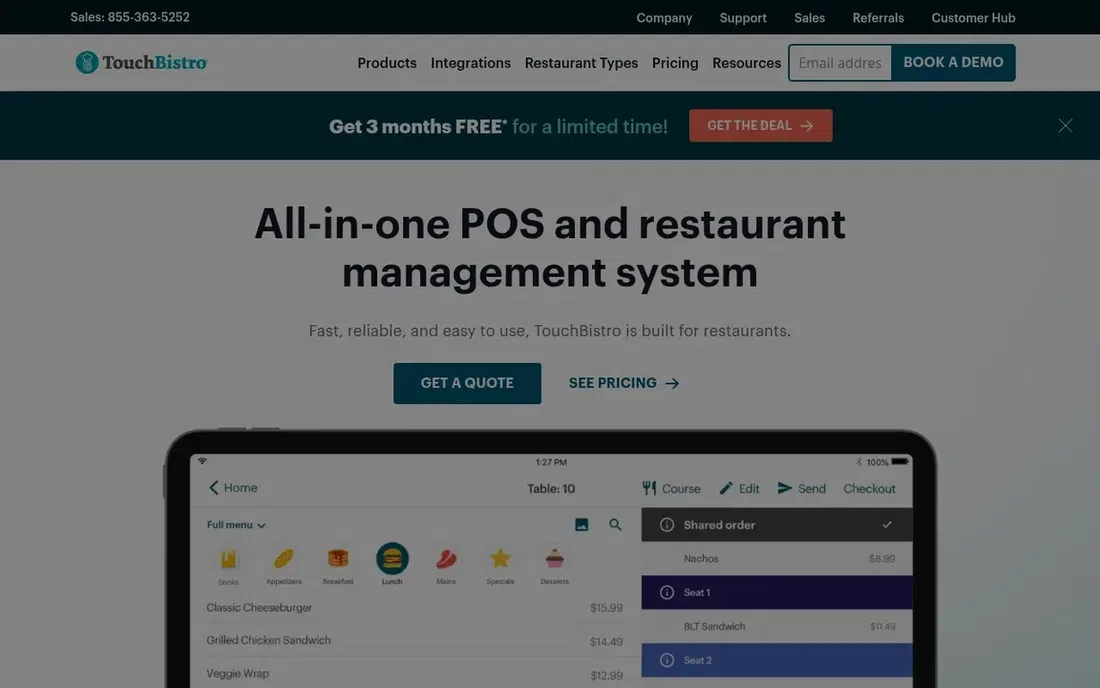
TouchBistro makes the most sense for all-in-one POS and restaurant management. Since it spans plenty of functions, the setup asks you to think through menus, tables and staff workflows before going live.
The main drawbacks: Needs planning before switching systems.
More specifically, TouchBistro is an all-in-one POS and restaurant management system built to help venues increase sales, delight guests and save time. If reservations are your primary concern, a reservation-focused platform could be the better starting point. The starting price for TouchBistro: $69 per month. Free access: Not stated.
- Focus on guest experience and sales
- Built to save time on operations
- Bundled scope may be more than a tiny bistro needs
Choose Eat App for reservations and front-of-house optimization. Choose Eat App when reservations and front-of-house flow are the central problem you want to solve. For bistros where bookings and seating pace shape the evening, it concentrates on reservations and the guest-facing side of service instead of payments or kitchen operations.
It is not a full restaurant POS, so ordering and payments need another system. In practice, Eat App is an all-in-one reservation product described as a complete front-of-house optimization system that helps venues deliver outstanding guest experiences. What you pay to start with Eat App: $69 per month. Eat App has a free plan.
Watch-outs: Best paired with a separate ordering system.
- Aims at outstanding guest experiences
- Front-of-house optimization focus
- Not a full restaurant POS
How we compared the tools
Pricing pages, product documentation and feature lists were the main sources, and every entry carries at least one honest drawback. Treat prices as a snapshot: vendors change plans often, so check the vendor site for the figure that applies today. The order reflects how well each tool fits the most common buying scenario for table management software for bistros, then price clarity, then free plan access. It is a starting point, not a verdict.
A buyer's checklist
- Confirm the entry price on the vendor page. For Lavu, Square for Restaurants, Lightspeed Restaurant and TableCheck that means a quote rather than a fixed price.
- Look at the free plan from Eat App closely: its caps decide whether it is usable for real work.
- Read the limits listed for Lavu first: feature depth varies by configuration.
- Pick one real project and run it in Square for Restaurants first; a small pilot shows fit faster than a checklist.
- Make sure Lavu lets you export your data in a format another tool can read.
FAQ
Do bistros need both a POS and a reservation tool?
Numerous bistros benefit from both: a POS for orders and payments, and a reservation system for bookings and seating.
Which tool is a good match for reservation-led bistros?
Lavu comes first here and is built for Restaurant POS with management tools. Buyers with other needs may prefer Square for Restaurants (for order tracking and payments) or Lightspeed Restaurant (for POS plus table and floor insight). Compare costs and limits first.
Is Lavu the right pick for everyone comparing table management software for bistros?
No single tool suits every team. Lavu comes first because it fits Restaurant POS with management tools, while Square for Restaurants suits order tracking and payments and Lightspeed Restaurant suits POS plus table and floor insight. Match the tool to your own size, budget and workflow before deciding.
Can I try these tools before paying?
Often, yes. Eat App has a free plan. Use your own data and a real task during the test, and check what the free tier or trial limits before you rely on it. For the full picture, the cards above cover all 6 entries of this table management software for Bistros list, including price, free plan and limits.
How are the tools for table management software for bistros ordered?
The order follows typical fit for table management software for bistros, with Lavu first and Eat App last, then price clarity and free access. It is editorial judgement, not a score, so another team could rank the tools differently.
What should I check before switching systems?
Review how tables, menus and staff workflows are configured, and confirm which features need extras. Also verify hardware and network needs, then test the setup against an usual busy service before committing.
Sources
- https://www.lavu.com
- https://squareup.com/us/en/restaurants
- https://www.lightspeedhq.com/pos/restaurant
- https://www.tablecheck.com
- https://www.touchbistro.com
- https://www.eatapp.co