6 Best Support for Website Creation Software for 2026, Vetted and Compared
6 products for the best support for website creation software, ranked by fit, with starting costs and free tiers. Prices and drawbacks included. Quick to scan.

- Editor's choice
 Shopify
Commerce-first sites that require to grow
Starts at$19 per monthVisit shopify.comFull review - Great alternative
 WordPress.com
Adaptable publishing with built-in hosting
Starts at$4 a monthVisit wordpress.comFull review - Also consider
 Weebly
Straightforward sites, blogs and small keeps
Starts at$13 a monthVisit weebly.comFull review
Direct answer
Shopify is the first pick on this list for commerce-first sites that require to grow. Listed starting prices: Shopify from $19 per month, WordPress.com from $4 a month and Weebly from $13 a month. Look at WordPress.com for adaptable publishing with built-in hosting, and at Weebly for straightforward sites, blogs and small keeps. All 6 tools are compared below on price, free plan and limits.
TL;DR:
- Number one here is Shopify, a fit for commerce-first sites that require to grow.
- The lowest published monthly entry price here is $4 per month, from WordPress.com.
- WordPress.com, Weebly, Webflow: these are the 3 tools out of 6 that offer a free plan.
- Wix suits all-in-one site building with built-in tools.
Last checked November 2026. Prices and plan details were read from the vendors' own pages in November 2026; vendors change plans often, so confirm the current price on the vendor site before you buy.
Quick comparison
| Tool | Best for | Starts at | Free plan? | |
|---|---|---|---|---|
| Shopify | Commerce-first sites that require to grow | $19 per month | Free trial | Visit |
| WordPress.com | Adaptable publishing with built-in hosting | $4 a month | Yes | Visit |
| Weebly | Straightforward sites, blogs and small keeps | $13 a month | Yes | Visit |
 Squarespace | Design-focused sites with templates and AI | $12 a month | Free trial | Visit |
 Webflow | Designers building custom, scalable sites | $15 a month | Yes | Visit |
 Wix | All-in-one site building with built-in tools | See website | Not stated | Visit |
Our 6 picks for support for website creation software
If you are comparing support for website creation software, this page covers 6 tools in one place: what each is best for, what it costs to start, whether it has a free plan, and the main limit to know about.

Shopify targets commerce-first sites that require to grow. Consider Shopify when selling is central to the plan, and choose a lighter builder when it is not. In daily use, the range of tools also means a ramp-up time.
Help content tends to focus on selling and store management. For everyday use, Shopify describes itself as an all-in-one commerce product, offering more than ecommerce software with tools to handle every part of a business. Shopify cost at the entry level: $19 per month. Trial and free access: Free trial.
Points against: Concentrated on commerce instead of general sites.
- Tools to manage plenty of parts of a business
- Commerce system aimed at growth
- Wide toolset takes time to learn
Choose WordPress.com for adaptable publishing with built-in hosting. Projects needing very specific plugin stacks may be better served by self-hosted alternatives. Also, pick WordPress.com when straightforward publishing and hosted convenience are the goal.
Watch-outs: Feature depth varies by setup.
Guidance handles themes, content and getting a site online. In practice, WordPress.com supplies everything needed to build a website, with built-in hosting, premium themes and feature-rich tools, and notes that no technical setup is required. The starting price for WordPress.com: $4 per month. A free plan is available with WordPress.com.
- Built-in hosting and premium themes
- Familiar publishing workflow
- Customization can need additional learning
Pick Weebly if this describes you: straightforward sites, blogs and small keeps. Weebly describes a free website builder that makes it simple to produce a website, blog or online store, with configurable templates, domains and easy-to-use tools for business sites.
Where it is weaker: Feature set is fairly entry-level.
In daily use, for large catalogs or advanced workflows, the toolset may feel restricted compared to dedicated commerce products. Pick Weebly for straightforward, budget-conscious projects, and move to a fuller system when requirements expand. What you pay to start with Weebly: $13 per month. A free plan is available with Weebly.
- Configurable templates
- Easy-to-use tools for business sites
- Less depth for complicated projects
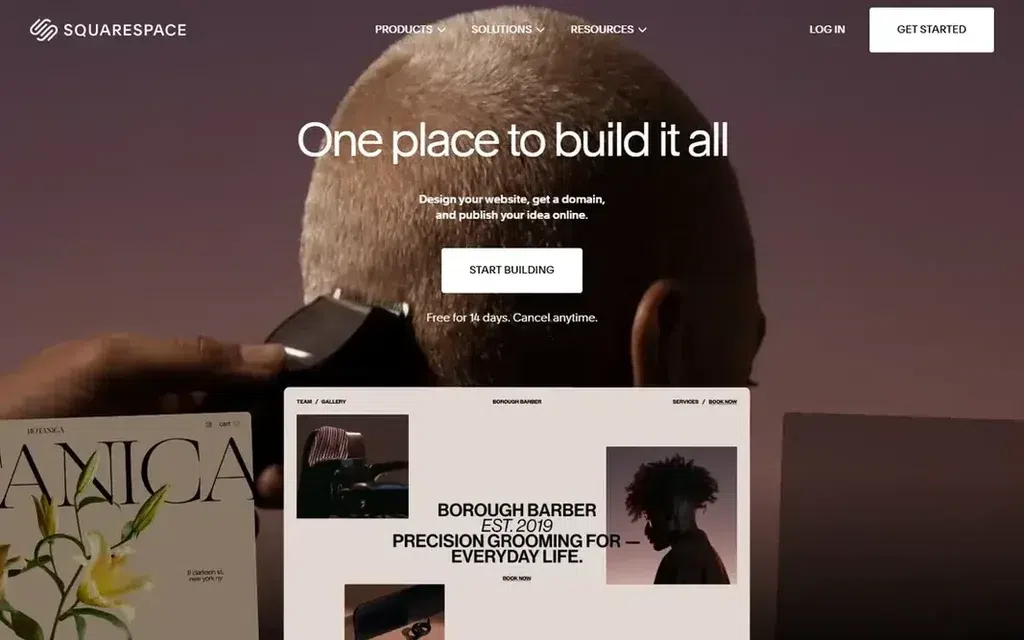
Squarespace is built with design-focused sites with templates and AI in mind. The emphasis is on refined presentation, which fits portfolios, creative studios and small brands that want a refined look without heavy setup.
Where it is weaker: Design-first approach may limit niche setups.
Squarespace cost at the entry level: $12 per month. Trial and free access: Free trial.
- Domain name choices included
- AI website builder tools available
- Fewer deep business tools than some rivals
Webflow works best for designers building custom, scalable sites. Webflow positions itself as a system for modern companies to design, build, optimize and rank, with enterprise-grade security, CMS and hosting built in. It appeals to designers, agencies and in-house teams who want precise control over layout and structure instead of a template-driven experience.
Choose Webflow when control and scalable structure outweigh the setup effort. If you want a site live in an afternoon with minimal decisions, a more straightforward tool may serve better. Starting cost for Webflow: $15 per month. A free plan is available with Webflow.
Limits to weigh: Assumes comfort with design concepts.
- Build and optimize in one system
- Design
- Steeper ramp-up time for beginners
Wix was built for all-in-one site building with built-in tools. It suits small companies, creators and anyone who wants a single place to launch and maintain a site without assembling outside tools.
What works well: Wide feature set for many site types.
Drawbacks to consider: Large feature set can feel busy.
Wix shows no starting price here, so confirm the cost on the vendor site. Free plan details: Not stated.
- Hosting
- Business tools built into the product
- Less suited to pure custom code work
How the list was put together
Things to verify first
- Confirm the entry price on the vendor page. For Wix that means a quote rather than a fixed price.
- Check what the free option really includes: WordPress.com, Weebly and Webflow offer a free plan, and usage caps differ.
- Run a trial of Shopify and Squarespace with real work before paying for a year; your own workflow is the best test.
- Before choosing Shopify, weigh its main limit: concentrated on commerce instead of general sites.
- Find out what support Webflow includes on your plan, and whether onboarding help costs extra.
- Make sure Wix lets you export your data in a format another tool can read.
FAQ
How are the tools for support for website creation software ordered?
The order follows typical fit for support for website creation software, with Shopify first and Wix last, then price clarity and free access. It is editorial judgement, not a score, so another team could rank the tools differently.
Is WordPress.com a good choice for publishing content?
WordPress.com supplies built-in hosting, premium themes and tools with no technical setup required, which suits blogs and content-heavy sites. Very specific customization needs may call for more technical choices. Confirm the available themes and tools match your plans.
Do I need a commerce system or a general website builder?
For brochure sites, portfolios or blogs, a general builder like Squarespace or Weebly is normally more straightforward. Match the product to what the site must actually do.
Is Shopify the right pick for everyone comparing support for website creation software?
No single tool suits every team. Shopify comes first because it fits commerce-first sites that need to grow, while WordPress.com suits flexible publishing with built-in hosting and Weebly suits simple sites, blogs and small stores. Match the tool to your own size, budget and workflow before deciding.
Which options for support for website creation software have a free plan?
On this list, WordPress.com, Weebly and Webflow include a free plan. Caps on seats, usage or features are common, so test the free plan against your real workload. Several others offer a trial instead.
What is the cheapest option for support for website creation software in this list?
On published monthly entry prices, WordPress.com is the lowest here at $4 per month. Entry price is only part of the cost, because seats, add-ons and billing terms can change the total. All 6 picks in this support for website creation software comparison list a starting price, free plan details and the main limits on their cards above.
Sources
- https://www.shopify.com
- https://wordpress.com
- https://www.weebly.com
- https://www.squarespace.com
- https://webflow.com
- https://www.wix.com