8 Website Creation Platforms Ranked for 2026
8 best website creation platforms, with entry costs, free tiers and the buyer each one serves. Weaknesses are named for every tool. Refreshed for 2026.
- Editor's choice
 Squarespace
Design-forward websites
Starts atSee websiteVisit squarespace.comFull review - Great alternative
 Weebly
Straightforward free websites
Starts atSee websiteVisit weebly.comFull review - Also consider
 Webflow
Designer-built custom sites
Starts atSee websiteVisit webflow.comFull review
Direct answer
If you need design-forward websites, Squarespace is the first tool to look at here. Weebly is the stronger choice for straightforward free websites, while Webflow suits designer-built custom sites. The full list of 8 tools follows, with prices and free plan facts.
TL;DR:
- The list opens with Squarespace, aimed at design-forward websites.
- What to know about WordPress.com first: advanced features need higher levels.
- Pricing across the list, from Squarespace to Jimdo, is by quote only.
- Free access is easy to find: 7 of the 8 tools have a free plan, for example Weebly, Webflow, WordPress.com and Wix.
Quick comparison
| Tool | Best for | Starts at | Free plan? | |
|---|---|---|---|---|
| Squarespace | Design-forward websites | See website | Free trial | Visit |
| Weebly | Straightforward free websites | See website | Yes | Visit |
| Webflow | Designer-built custom sites | See website | Yes | Visit |
 WordPress.com | Adaptable content sites | See website | Yes | Visit |
 Wix | Easiest small business sites | See website | Yes | Visit |
 GoDaddy | Fastest time to launch | See website | Yes | Visit |
 Framer | Modern interactive sites | See website | Yes | Visit |
 Jimdo | Straightforward European websites | See website | Yes | Visit |
Website Creation Platforms profiles
Short on time? The summary and table above give the quick view of 8 website creation platforms, and the profiles that follow give the detail behind each entry.
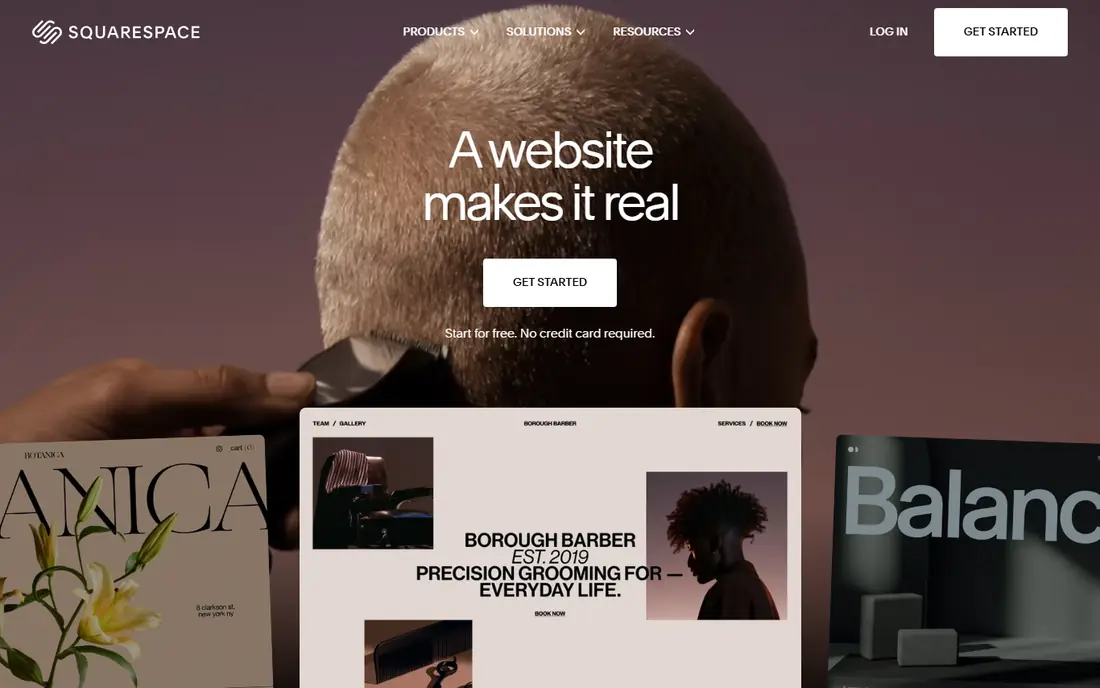
Squarespace works best for design-forward websites. The design quality is the differentiator. From a buyer's view, the all-in-one approach means hosting, domains, SSL and updates are handled; you just design.
Honest limits: Less flexible than Wix.
The trade-off is adaptability. It is also pricier than budget builders. In practice, Squarespace is the website product for people who care how the site looks: award-winning templates, refined typography and cohesive design that makes portfolios, restaurants and creative companies look pricey. No starting price is listed for Squarespace here; confirm pricing on the vendor site. Trial and free access: Free trial.
- Beautiful templates
- All-in-one product
- E-commerce trails Shopify
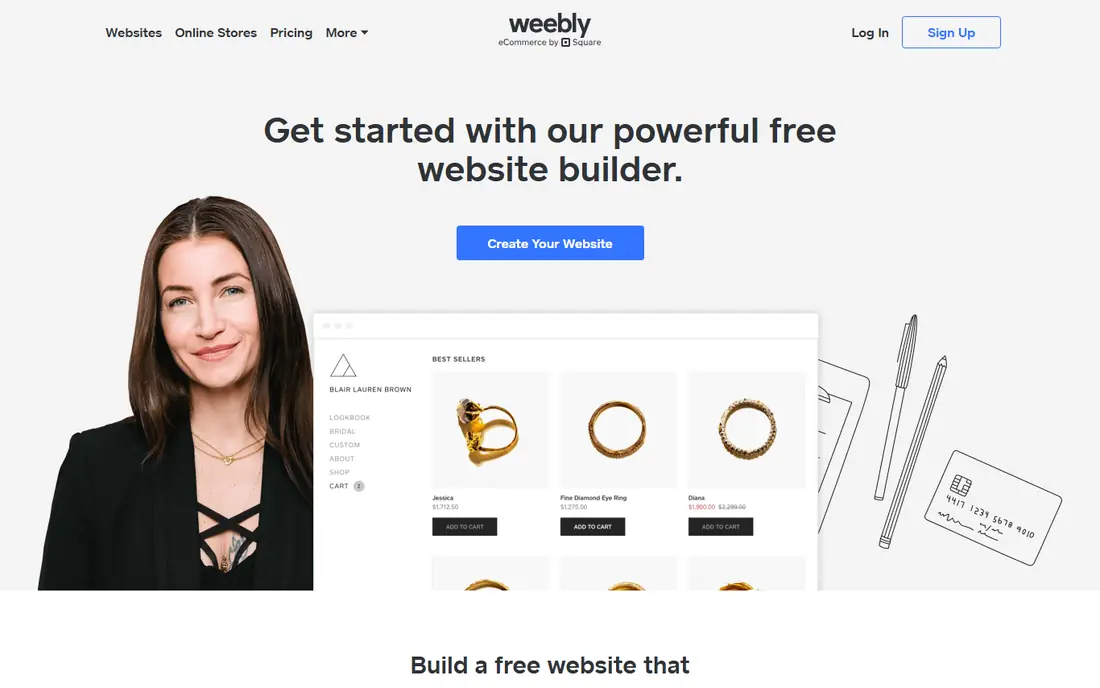
Choose Weebly for straightforward free websites. In daily use, Square sellers get a web presence tied to their point of sale, and the free plan spans the basics. Worth adding: the simplicity and Square connection are the pitch.
New buyers should weigh this against Wix or Squarespace's active development. For everyday use, for the Square seller needing something straightforward, it remains functional. Pricing for Weebly is not stated here, so ask the vendor for current figures. Weebly offers a free plan.
Where it falls short: Templates dated.
- Straightforward and free to start
- Simple e-commerce basics
- Development has slowed
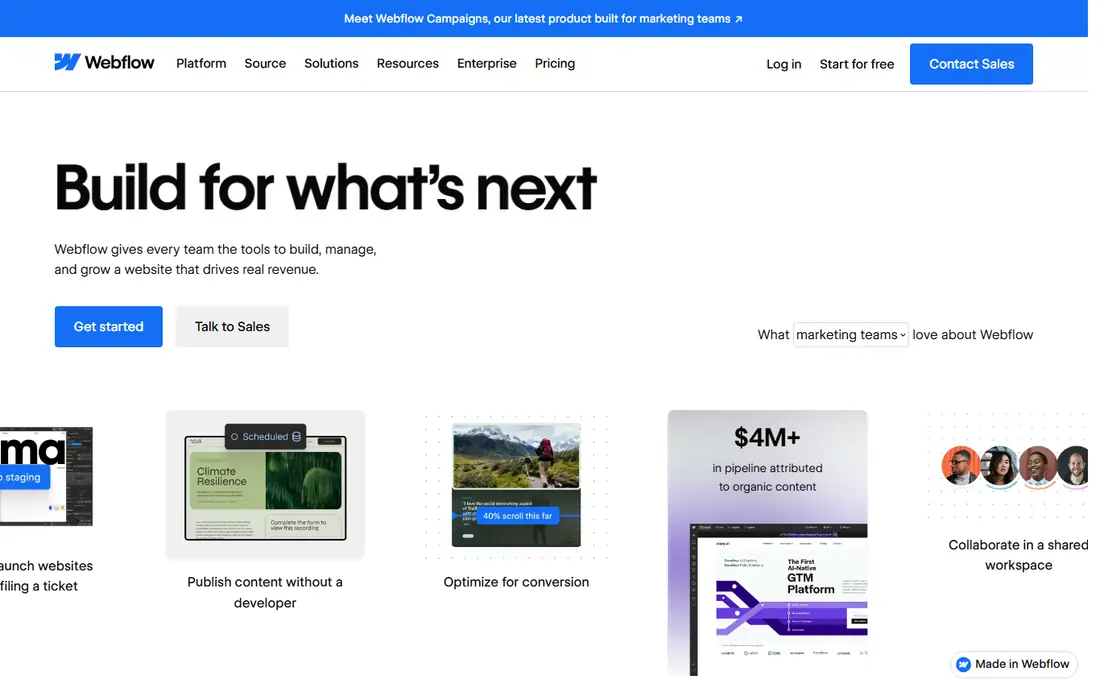
Where Webflow fits: designer-built custom sites. Webflow is the website system for designers who want custom-site quality without hand-coding: visual design tools with the control of CSS, a real CMS for dynamic content and clean code export. The free plan spans learning and staging.
What to check first: Ramp-up time.
More specifically, pricing is per site, which layers on up for agencies. Also, the CMS deals with blogs, portfolios and directories elegantly. Pricing for Webflow is not stated here, so ask the vendor for current figures. Webflow includes a free tier.
- Feature-rich CMS
- Pixel-level design control
- Pricing per site
WordPress.com is built with adaptable content sites in mind. The free plan is genuinely handy for starting, and the upgrade path scales to serious publishing operations. More specifically, the honest catch is the tiering.
Where it is weaker: Advanced features need higher levels.
WordPress.com is the hosted version of the software that powers over 40 percent of the web: start free, publish content and scale up through plans that add plugins, themes and e-commerce. As for the details, the real WordPress power, plugins and custom themes, needs the higher-priced plans; the lower levels are restricted. WordPress.com does not show a starting price in this comparison, so check the vendor site for current pricing. WordPress.com has a free plan.
- The WordPress ecosystem
- A good match for blogging
- Plugin limits on lower plans
Where Wix fits: easiest small business sites. Non-technical owners get a professional-looking site live in a weekend without touching code. The ADI (artificial design intelligence) can even produce a site from a few answers.
For most small business sites, the trade-offs are acceptable. As for the details, the ease is the entire pitch. From a buyer's view, the app market layers on bookings, keeps, forums and hundreds of other functions. For the business that just needs a good site quick, it provides. This comparison lists no price for Wix; ask the vendor. Wix includes a free tier.
Where it falls short: Templates cannot be switched mid-site.
- App market
- Drag-and-drop anyone can use
- Costs add up with apps
GoDaddy is designed for fastest time to launch. GoDaddy's website builder promises the fastest path from idea to live site: answer questions, get a generated site, tweak and publish, with your domain, hosting and business email in the same account. It targets owners who want it done today.
Trade-offs to know: Upsells are aggressive.
Worth adding: the honest complaints are the upsells and limits. For the owner who values done over perfect, it gives. In practice, GoDaddy is famous for aggressive add-on selling, and the builder's design adaptability trails Wix and Squarespace. GoDaddy shows no starting price here, so confirm the cost on the vendor site. Free access exists with GoDaddy.
- Very quick setup
- Well suited to beginners
- Design adaptability restricted
Framer works best for modern interactive sites. Framer is the modern site builder for interactive, animated websites: start from templates or Figma designs and publish sites with the motion and polish that used to need developers.
Where it is weaker: CMS less mature than Webflow.
Animations, transitions and effects that feel native-app smooth come from a visual tool. Check the vendor site for Framer pricing; none is listed in this comparison. Framer includes a free tier.
- Quick and modern
- Stunning interactive designs
- Designer-oriented
Jimdo works best for straightforward European websites. Jimdo is the straightforward website builder popular in Europe: AI-assisted site creation, straightforward editing and low-cost plans with a free level. Also, European companies get local language support and GDPR-friendly hosting.
Watch-outs: Restricted features.
In daily use, the simplicity is the pitch. On top of that, for the entry-level European small business site, it is fine and low-cost. The honest limits are ambition. Pricing for Jimdo is not stated here, so ask the vendor for current figures. Jimdo offers a free plan.
- Low-cost
- Solid in Europe
- Smaller ecosystem
What went into this list
Selection started from tools commonly considered for website creation platforms, then narrowed to 8 that have clear pricing information or a clear quote process. Prices and plan limits come from vendor pages and can change, so confirm them on the vendor site before you buy. Position on the page reflects fit for a typical buyer first, with price clarity and free access breaking ties. Treat it as a guide, not a ruling.
A buyer's checklist
- Confirm the entry price with every vendor: no tool from Squarespace to Jimdo shows a fixed starting price.
- Look at free plan limits closely: Weebly, Webflow, WordPress.com and others have one, and the caps decide whether it is usable for real work.
- Run a trial of Squarespace with real work before paying for a year; your own workflow is the best test.
- Read the limits listed for Squarespace first: less flexible than Wix.
- List the apps you already depend on and check that WordPress.com supports each one on the plan you would buy.
- Make sure Webflow lets you export your data in a format another tool can read.
FAQ
How much does a website cost?
Builders run from free levels to tens of dollars monthly; budget more for e-commerce. Domains cost additional yearly. The real cost is commonly time: a DIY site costs weekends, an agency site costs thousands. Match the approach to the site's importance.
Can I try these options before paying?
Often, yes. Weebly, Webflow, WordPress.com and others have a free plan and Squarespace offers a free trial. Use your own data and a real task during the test, and check what the free tier or trial limits before you rely on it.
Should I use WordPress or a website builder?
Use WordPress if you need maximum adaptability, own your setup and accept maintenance. Most small companies are happier on builders; most publishers and expanding sites end up on WordPress.
Is Squarespace the right pick for everyone comparing website creation platforms?
No single tool suits every team. Squarespace comes first because it fits design-forward websites, while Weebly suits simple free websites and Webflow suits designer-built custom sites. Match the tool to your own size, budget and workflow before deciding.
Do these tools publish their prices?
No. None of the tools, from Squarespace to Jimdo, shows a fixed starting price here, so budget time for quotes.
Which options for website creation platforms have a free plan?
On this list, 7 of 8 tools include a free plan, among them Weebly, Webflow, WordPress.com and Wix. Caps on seats, usage or features are common, so test the free plan against your real workload. One other tool offers a trial instead.