8 Code Climate Alternatives for Code Quality in 2026
Looking for code climate alternatives? We compared 8 code quality and review tools for teams, with static analysis, coverage, and clear pricing notes today.
- Editor's choice
 SonarQube
Self-hosted code analysis
Starts atSee websiteVisit sonarsource.comFull review - Great alternative
 SonarCloud
Cloud code analysis
Starts atSee websiteVisit sonarsource.comFull review - Also consider
 Codacy
Easy automated reviews
Starts atSee websiteVisit codacy.comFull review
TL;DR:
- Code Climate combines code quality ratings with test coverage, so replacements should be judged on both analysis depth and coverage reporting.
- SonarQube and SonarCloud are the most complete static analysis options, while Codacy and DeepSource are easier to start with.
- CodeScene adds a behavioural view of code health, which helps teams spot risky files that static rules alone may miss.
- Snyk Code suits teams that already use Snyk for security, since it pairs code quality with vulnerability findings.
Quick comparison
| Tool | Best for | Starts at | Free plan? | |
|---|---|---|---|---|
| SonarQube | Self-hosted code analysis | See website | Yes | Visit |
| SonarCloud | Cloud code analysis | See website | Yes | Visit |
| Codacy | Easy automated reviews | See website | Yes | Visit |
 CodeScene | Code health and risk | See website | Free trial | Visit |
 Snyk Code | Security-focused analysis | See website | Yes | Visit |
 DeepSource | Automated code review | See website | Yes | Visit |
 Qodana | JetBrains team analysis | See website | Free trial | Visit |
 Coveralls | Test coverage reporting | See website | Yes | Visit |
The best code climate alternatives
These tools analyse code for maintainability, bugs, and security issues, and several also report test coverage. We compared official feature pages, language support, and pricing models to sort them by depth, ease of use, and deployment style.
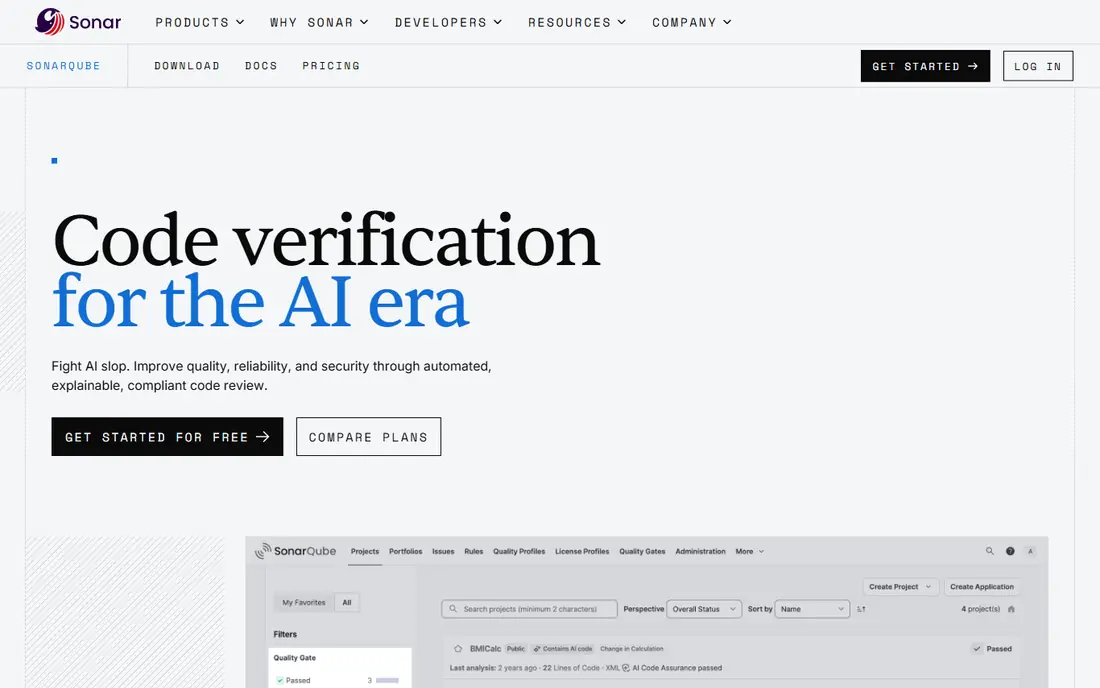
SonarQube is the most established self-hosted code analysis platform on this list. It scans code for bugs, vulnerabilities, code smells, and duplication, then applies quality gates that can block a pull request when new issues pass a threshold. That gate system helps teams keep new code cleaner without reviewing every rule by hand.
Self-hosting brings control and ongoing work. You manage the server, database, and upgrades, and paid editions add branch analysis, security reports, and enterprise features. For teams that need on-premise analysis or deep language coverage, SonarQube is the benchmark. For teams that want no server work, SonarCloud offers a similar engine in the cloud.
- Deep static analysis across many languages
- Quality gates for pull requests
- Self-hosted control
- Setup and tuning take time
- Full features need paid editions
- Server maintenance is ongoing
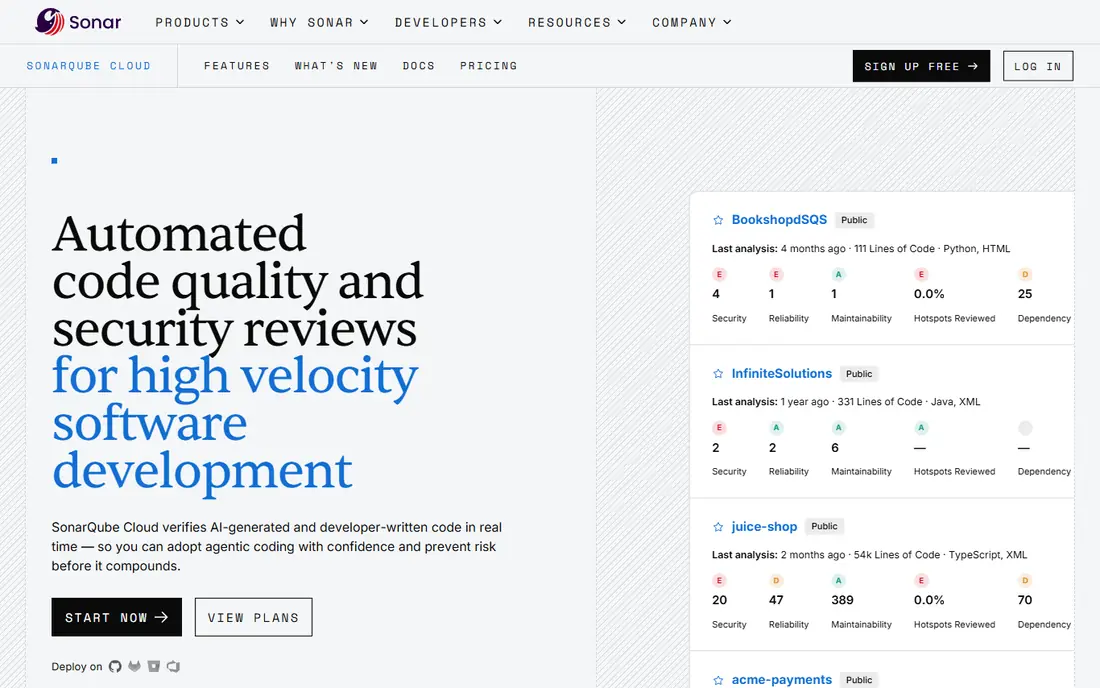
SonarCloud brings Sonar analysis to cloud repositories without a server to run. Connect a GitHub, GitLab, or Bitbucket project, and SonarCloud analyses pull requests and branches, reporting issues and quality gate results in the same style as SonarQube. Open-source projects can use it free, which makes it easy to test.
Private project pricing depends on lines of code analysed, so large codebases should check the cost model before committing. Teams that need on-premise hosting for compliance should stay with SonarQube. For cloud-native teams that want strong analysis with little setup, SonarCloud is a straightforward Code Climate replacement.
- Same analysis engine as SonarQube in the cloud
- Easy GitHub, GitLab, and Bitbucket setup
- Free for open source
- Cloud-only, so no on-premise option
- Private project pricing depends on lines of code
- Some enterprise controls are limited
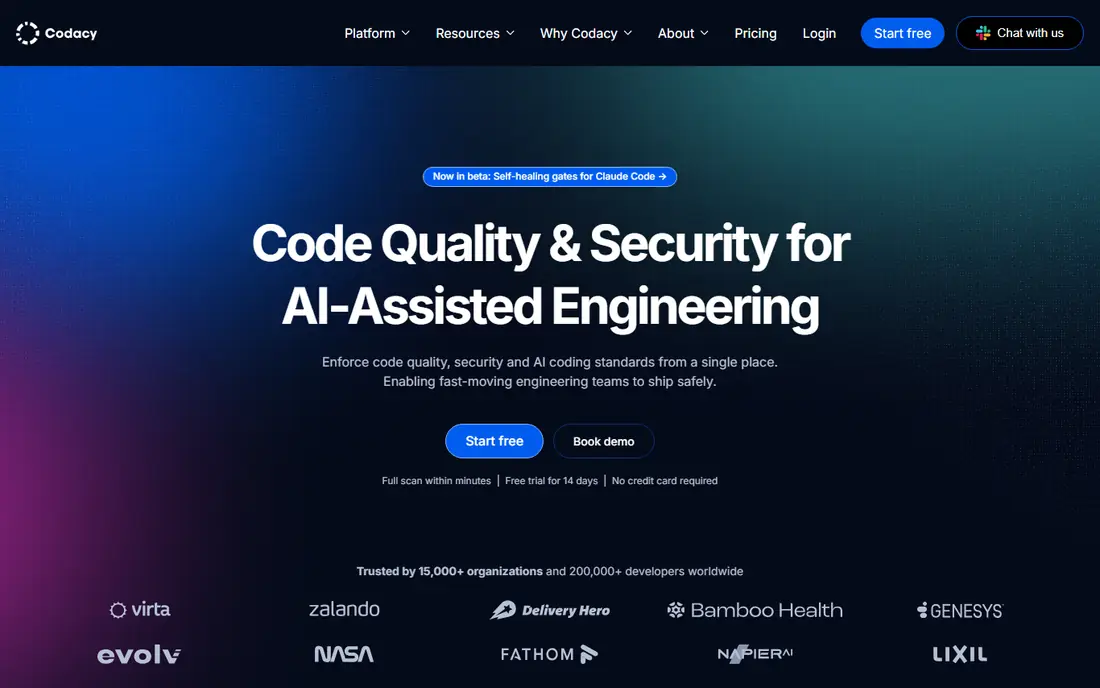
Codacy focuses on automated code review that developers can adopt quickly. It comments on pull requests, tracks code quality trends, and reports test coverage, which covers both halves of Code Climate's appeal. Setup is usually a matter of connecting a repository and choosing rules, rather than running a server.
Noise is the main issue to manage. Default rules can flag style issues that a team does not care about, so spend time tuning rules early. Once tuned, Codacy gives a clear, low-friction review layer for small and mid-size teams. Larger teams that need deep security analysis may pair it with Snyk or SonarQube.
- Fast setup with automated pull request comments
- Coverage reporting
- Broad language support
- Rule tuning needed to reduce noise
- Deeper security analysis is lighter than Snyk
- Enterprise features are paid
CodeScene takes a different approach: it analyses how code changes over time, not just what the code looks like today. Files that change often and carry many defects are flagged as hotspots, which helps teams prioritise refactoring where risk is highest. That view is useful for legacy codebases where static rules alone do not show where pain concentrates.
The concept needs explanation, since managers and developers may expect a simple pass or fail score. CodeScene is best as a planning and quality tool alongside a linter or static analyser, rather than as a sole replacement for pull request checks. For teams managing a large, ageing codebase, its hotspot view can guide work that a standard analyser would miss.
- Behavioural analysis of code change patterns
- Identifies risky hotspots
- Useful for planning refactoring
- Concept takes time to explain to teams
- Pricing is quote-based for larger use
- Not a simple linter replacement
Snyk Code scans code for security vulnerabilities and code quality issues with a focus on developer workflow. It integrates with IDEs and pull requests, and it pairs naturally with Snyk's open-source and container scanning, giving one security view across code and dependencies. Fix guidance helps developers address issues without leaving their workflow.
Maintainability analysis is narrower than SonarQube, so teams that want deep code smell and duplication tracking may need another tool as well. For security-led teams, or teams already using Snyk, Snyk Code is a strong pick. Its free plan lets individual developers test the analysis before a team rollout.
- Fast security-focused static analysis
- Integrates with Snyk open-source and container scanning
- Developer-friendly fixes
- Quality and maintainability coverage is narrower than Sonar
- Full platform pricing varies
- Some findings need triage
DeepSource automates code review with a focus on actionable fixes. It flags issues in pull requests, explains why they matter, and can automatically fix common problems, which reduces review back-and-forth. Language and framework coverage is broad, though depth varies, so check your main stack during a trial.
The ecosystem is smaller than Sonar's, and enterprise reporting is less extensive. For small and mid-size teams that want automated review without server setup, DeepSource is easy to adopt and pleasant to use. For large enterprises with compliance reporting needs, SonarQube or SonarCloud may be a better fit.
- Automated fixes for common issues
- Clear issue explanations
- Supports many languages and frameworks
- Smaller ecosystem than Sonar
- Rule coverage varies by language
- Team pricing depends on plan
Qodana brings JetBrains' code inspection engine into continuous integration, so teams using IntelliJ IDEA, PyCharm, or other JetBrains IDEs get consistent analysis in pull requests. Quality gates can block merges when new issues appear, and reports show trends over time. That consistency between IDE and CI is a real benefit for JetBrains shops.
Teams that do not use JetBrains IDEs will get less value, since the main advantage is shared inspections. Setup also needs CI work to wire Qodana into your pipeline. For JetBrains-heavy teams, Qodana is a natural Code Climate alternative. For mixed-editor teams, a language-agnostic tool like SonarCloud or Codacy may be simpler.
- JetBrains inspection engine for teams
- Quality gates in CI
- Works well with IntelliJ-based workflows
- Best value inside JetBrains tooling
- Setup needs CI integration
- Smaller community than Sonar
Coveralls covers one half of Code Climate well: test coverage. It collects coverage reports from CI, shows coverage trends, and comments on pull requests when coverage drops. That visibility helps teams keep tests meaningful as code changes, without adding a full static analysis platform.
It does not analyse code quality, bugs, or security on its own, so it works best paired with a static analyser like SonarCloud or Codacy. Open-source projects can use it free, while private repos need a paid plan. If your main Code Climate use was coverage tracking, Coveralls is a focused and affordable replacement.
- Clear test coverage history and pull request comments
- Easy CI integration
- Free for open source
- Coverage only, not code quality analysis
- Needs a coverage tool to generate reports
- Paid plans for private repos
How we picked these
We compared official feature pages, language support, and pricing for tools that analyse code quality, security, or coverage in pull requests. We included self-hosted, cloud, and IDE-based options, and we noted where a tool covers only coverage or only security. We left out simple linters that do not provide team reporting or pull request integration.
How to choose a code quality tool without slowing developers down
Start with the pain you want to fix. If pull requests carry bugs and security issues, choose a static analyser like SonarCloud or Snyk Code. If coverage keeps dropping, add Coveralls or a tool with coverage reporting. If legacy code is hard to change, add CodeScene for hotspot planning. One clear goal beats a tool that tries to do everything at once.
Next, tune rules before you enforce gates. Run the tool in advisory mode for two weeks, review the issues it flags, and disable rules your team does not value. Then turn on quality gates for new code only, so old code does not block every pull request. That gradual rollout keeps developers on side and makes the tool a help rather than a hurdle.
FAQ
Is SonarQube better than Code Climate?
For deep static analysis and self-hosted control, SonarQube is generally stronger, with broader language coverage and quality gates. Code Climate was easier to start with in the cloud, so SonarCloud is the closer cloud match. Choose based on hosting needs and analysis depth.
Can Codacy replace both quality and coverage reporting?
Yes, for many teams. Codacy reports code quality and test coverage in pull requests, which covers both Code Climate halves. Check language support and rule tuning for your stack during a trial.
What is CodeScene used for?
CodeScene analyses code change patterns to find hotspots where defects and churn concentrate. It helps teams plan refactoring and spot risky files. It works best alongside a static analyser, not as a sole linter.
Do I need Snyk Code if I already use Sonar?
Not necessarily. Sonar covers quality and many security rules, while Snyk Code adds security-focused analysis and pairs with Snyk dependency scanning. Teams with strong security needs often use both, with Sonar for quality gates and Snyk for security.
Is there a free Code Climate alternative?
Yes. SonarCloud and Coveralls are free for open-source projects, and Codacy, DeepSource, and Snyk Code offer free plans for smaller use. Check limits on private repos and lines of code before relying on a free plan for a large team.