The 6 Best Storage Management Software in 2026, Ranked
Best storage management software in 2026: 6 tools with starting prices, free plans and limits. Each listing flags where it falls short. Straight answers.
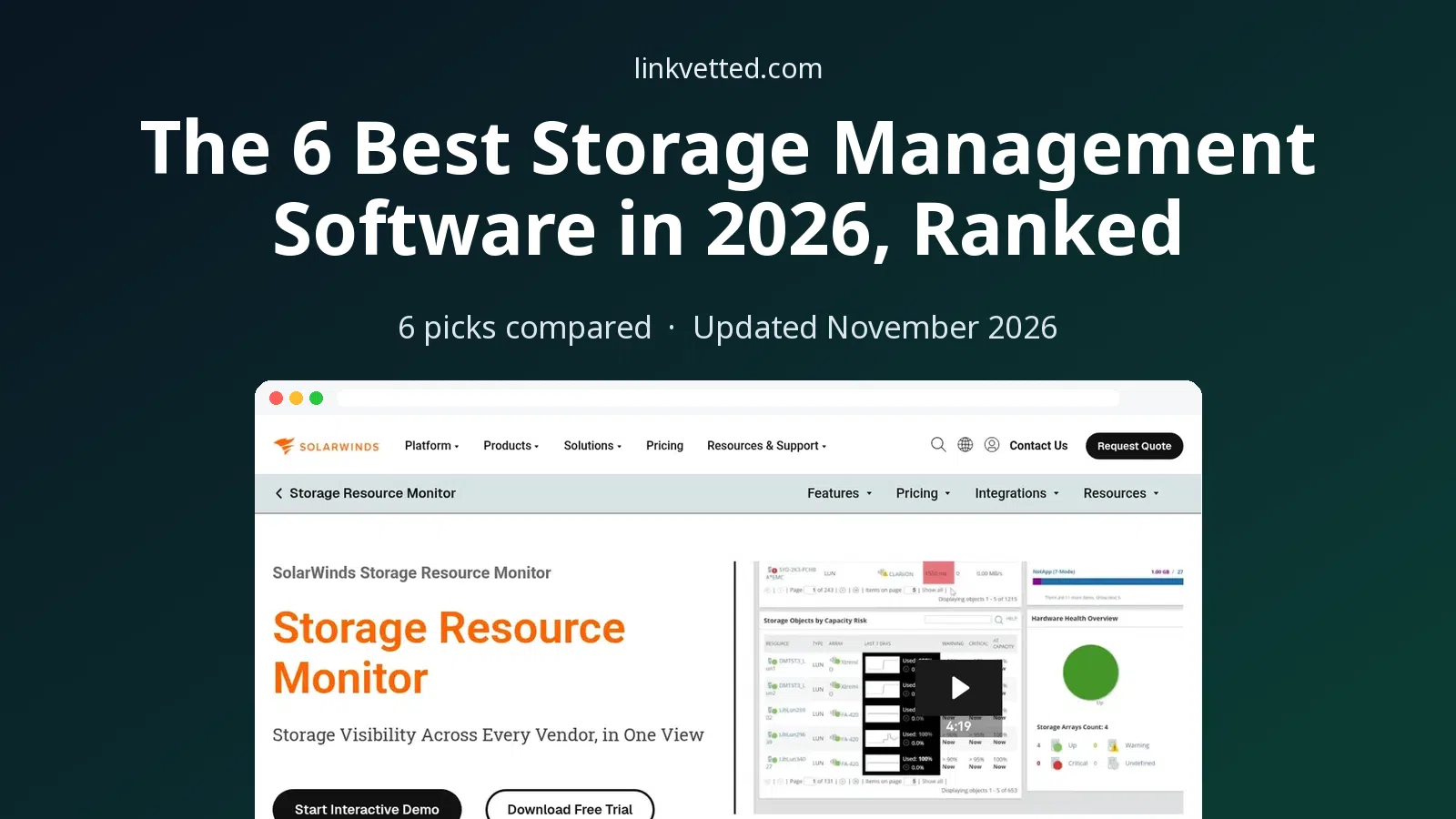
- Editor's choiceCommvault Backup & Recovery
Enterprise data backup and recovery
Starts atSee websiteVisit commvault.comFull review - Great alternative
 Rubrik Security Cloud
Cyber resilience across data and identity
Starts atSee websiteVisit rubrik.comFull review - Also consider
 ManageEngine OpManager
Network monitoring with storage visibility
Starts atSee websiteVisit manageengine.comFull review
Direct answer
For enterprise data backup and recovery, Commvault Backup & Recovery is where this list starts. Listed starting prices: SolarWinds Storage Resource Monitor from $8 per node a month. If your case is different, Rubrik Security Cloud suits cyber resilience across data and identity and ManageEngine OpManager suits network monitoring with storage visibility. Prices, free plans and limits for all 6 tools follow.
TL;DR:
- Top of the list is Commvault Backup & Recovery, which targets enterprise data backup and recovery.
- IBM Storage Insights is the one to check for Cloud-based storage management with predictive analytics.
- None of the 6 tools, from Commvault Backup & Recovery to IBM Storage Insights, has a free plan, so budget for a subscription or use a trial.
- For the cheapest start, look at SolarWinds Storage Resource Monitor: $8 per node per month.
Last checked November 2026. Prices and plan details were read from the vendors' own pages in November 2026; vendors change plans often, so confirm the current price on the vendor site before you buy.
Quick comparison
| Tool | Best for | Starts at | Free plan? | |
|---|---|---|---|---|
| Commvault Backup & Recovery | Enterprise data backup and recovery | See website | Not stated | Visit |
| Rubrik Security Cloud | Cyber resilience across data and identity | See website | Not stated | Visit |
| ManageEngine OpManager | Network monitoring with storage visibility | See website | Not stated | Visit |
| SolarWinds Storage Resource Monitor | Agentless multi-vendor SAN and NAS monitoring | $8 per node a month | Free trial | Visit |
| HPE Primera | Enterprise storage arrays with integrated management | See website | Not stated | Visit |
| IBM Storage Insights | Cloud-based storage management with predictive analytics | See website | Not stated | Visit |
Storage Management Software, one by one
LinkVetted compared 6 tools for storage management software. The goal is a practical shortlist: published prices, free plan facts, best-fit use cases and honest limits for every entry.
Commvault Backup & Recovery
Best for: Enterprise data backup and recovery
Commvault Backup & Recovery makes the most sense for enterprise data backup and recovery. Commvault Backup & Recovery supplies data backup and recovery options so enterprises can retrieve valuable data in any delivery environment. In practice, Select Commvault when steady enterprise backup and recovery are the central requirement.
What to check first: Not a monitoring tool.
In practice, as a backup and recovery product, it does not replace storage health monitoring or capacity forecasting tools. More specifically, the focus is on protecting and restoring data instead of monitoring array performance. No starting price is listed for Commvault Backup & Recovery here; confirm pricing on the vendor site. Free options: Not stated.
- Recovery focus
- Adaptable delivery
- Backup-centric scope
Where Rubrik Security Cloud fits: cyber resilience across data and identity. Pick Rubrik when unified cyber resilience is the primary objective.
Points against: Not for array monitoring.
Rubrik Security Cloud is a cyber resilience product that brings together backup, threat analytics, identity security, and quick recovery. More specifically, the product emphasizes defending and recovering data instead of monitoring storage arrays. Pricing for Rubrik Security Cloud is not stated here, so ask the vendor for current figures. Trial and free access: Not stated.
- Identity security
- Unified backup and analytics
- Resilience-focused scope
ManageEngine OpManager is aimed squarely at network monitoring with storage visibility. The product emphasizes simplicity and affordability for device monitoring.
Also, for storage-first monitoring, SolarWinds Storage Resource Monitor is more specialized. From a buyer's view, choose OpManager when network and storage visibility should live in a single monitoring system. No starting price is listed for ManageEngine OpManager here; confirm pricing on the vendor site. As for free access: Not stated.
What to check first: Storage is secondary.
- Straightforward to use
- Wide device monitoring
- Less deep array analytics
SolarWinds Storage Resource Monitor
Best for: Agentless multi-vendor SAN and NAS monitoring
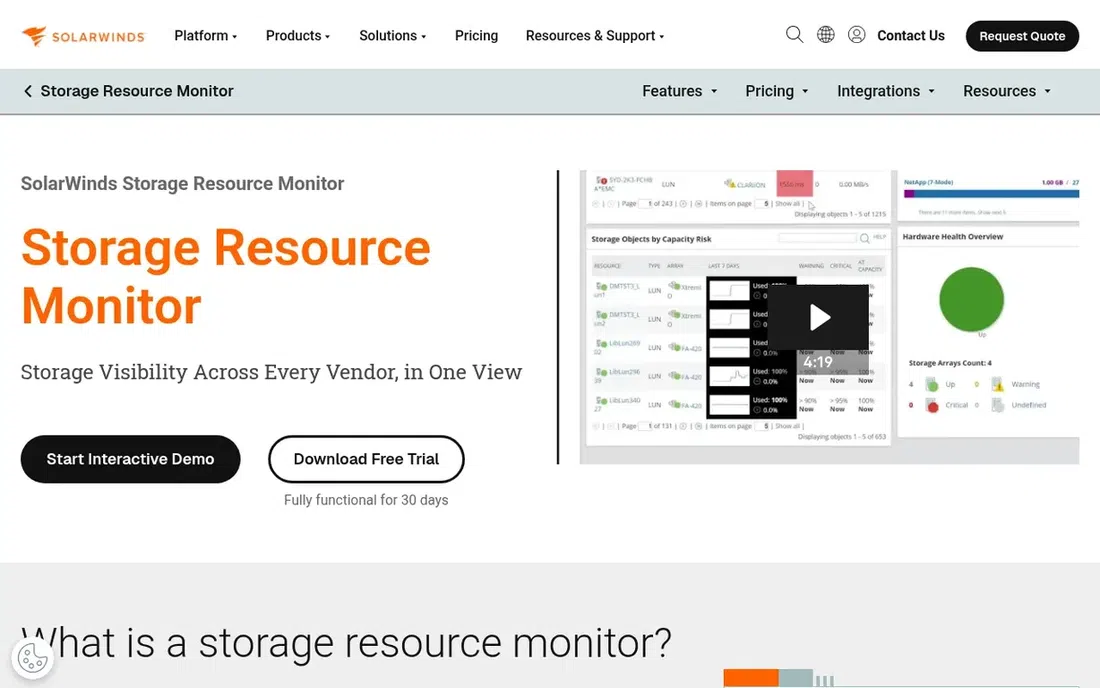
SolarWinds Storage Resource Monitor works best for Agentless multi-vendor SAN and NAS monitoring. SolarWinds Storage Resource Monitor tracks storage health, capacity, and performance across multi-vendor SAN and NAS arrays.
It uses agentless monitoring to detect bottlenecks and forecast capacity, making it a fit for teams that require visibility across heterogeneous storage without installing agents on every array. What you pay to start with SolarWinds Storage Resource Monitor: $8 per node per month. Free access: Free trial.
Points against: Separate backup needed.
- Agentless monitoring
- Bottleneck detection
- Monitoring focus only
HPE Primera
Best for: Enterprise storage arrays with integrated management
HPE Primera makes the most sense for enterprise storage arrays with integrated management. If you need agentless monitoring across numerous vendors, a dedicated tool like SolarWinds Storage Resource Monitor may fit better.
Since Primera is an array system, its management capabilities are strongest within HPE environments and less suited to heterogeneous SAN/NAS estates. The system emphasizes unified operations and protection instead of standalone monitoring of external arrays. HPE Primera does not show a starting price in this comparison, so check the vendor site for current pricing. On free options: Not stated.
Where it falls short: Restricted external array support.
- Unified data protection
- AI-ready infrastructure
- Tied to HPE hardware
IBM Storage Insights
Best for: Cloud-based storage management with predictive analytics
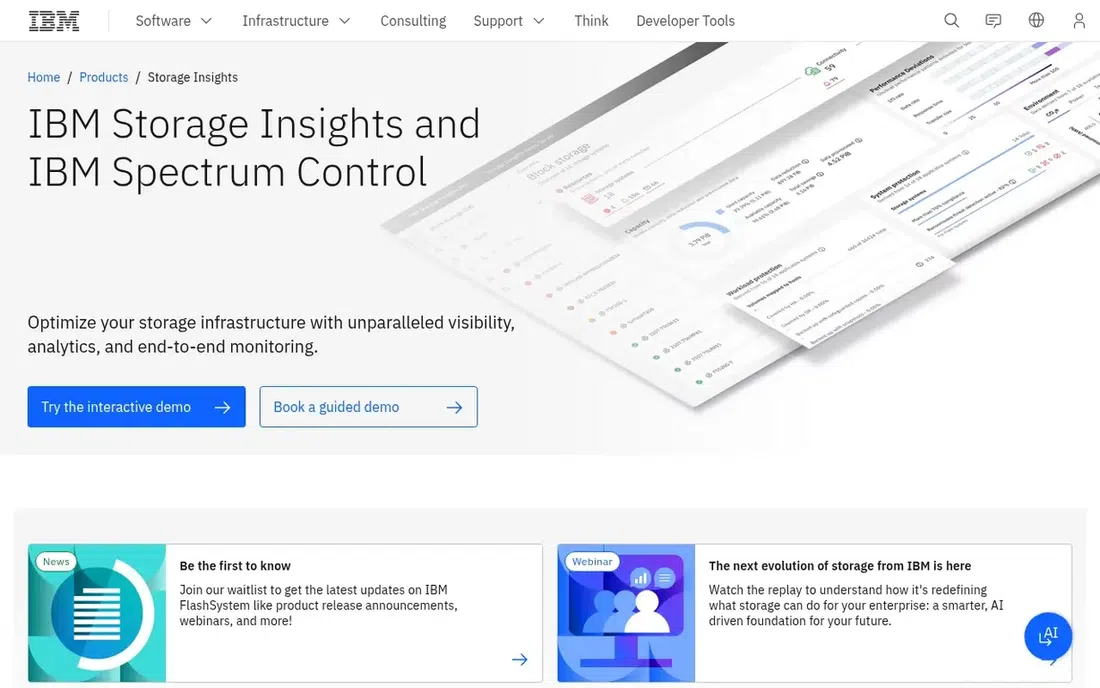
IBM Storage Insights makes the most sense for Cloud-based storage management with predictive analytics. IBM Storage Insights is a cloud-based storage management and support product that uses predictive analytics to optimize storage infrastructure.
Honest limits: Cloud dependency.
As for the details, the product is built to help anticipate issues instead of only report current status. Its analytics and support orientation are most valuable for IBM storage environments, and cloud reliance may not fit every policy. Check the vendor site for IBM Storage Insights pricing; none is listed in this comparison. Free options: Not stated.
- Cloud-based system
- Support integration
- Centred on IBM storage
Our selection method
LinkVetted used vendor pricing pages and product documentation as the base, then compared plans, free access and documented limits for 6 tools. Seat minimums, billing terms and add-ons can move the real cost, so the starting prices here are a guide and not a quote. Tools are placed by general fit for storage management software, with price clarity and free access as tie-breakers. A different team can reasonably rank them differently.
Before you commit
- Ask Commvault Backup & Recovery, Rubrik Security Cloud, ManageEngine OpManager and others for a written quote, since no starting price is shown.
- Take the trial from SolarWinds Storage Resource Monitor and push a live task through it before you pay.
- Read the limits listed for Commvault Backup & Recovery first: Backup-centric scope.
- Verify that exporting from IBM Storage Insights is possible on your plan and covers all your records.
- Test the integrations you rely on with Commvault Backup & Recovery before committing; some connectors sit on upper tiers.
FAQ
Can I try these options before paying?
Often, yes. SolarWinds Storage Resource Monitor offers a free trial. Use your own data and a real task during the test, and check what the free tier or trial limits before you rely on it.
Which tool is a good match for multi-vendor SAN and NAS monitoring?
This list starts with Commvault Backup & Recovery, which fits enterprise data backup and recovery. For other needs, Rubrik Security Cloud is aimed at cyber resilience across data and identity, and ManageEngine OpManager at network monitoring with storage visibility. Check each tool's price and main limit first.
Does any tool for storage management software here have a free plan?
No tool in this list, Commvault Backup & Recovery and IBM Storage Insights included, has a permanent free plan. SolarWinds Storage Resource Monitor offer a trial. Trials and quotes are the usual route, so plan a short evaluation period.
Do these tools publish their prices?
Not all of them. Commvault Backup & Recovery, Rubrik Security Cloud, ManageEngine OpManager and others publish no starting price, so expect a quote request for those. The rest, SolarWinds Storage Resource Monitor included, show a starting price, though seats and billing terms still change the final cost.
Is Commvault Backup & Recovery the right pick for everyone comparing storage management software?
No single tool suits every team. Commvault Backup & Recovery comes first because it fits enterprise data backup and recovery, while Rubrik Security Cloud suits cyber resilience across data and identity and ManageEngine OpManager suits network monitoring with storage visibility. Match the tool to your own size, budget and workflow before deciding.
Sources
- https://www.commvault.com/backup-and-recovery
- https://www.rubrik.com/products/rubrik-security-cloud
- https://www.manageengine.com/network-monitoring
- https://www.solarwinds.com/storage-resource-monitor
- https://www.hpe.com/us/en/storage/primera.html
- https://www.ibm.com/products/storage-insights