Best SQL Monitoring Tools (2026): 5 Picks Checked on Vendor Pages
Searching for the best SQL monitoring tools? Here are 5 options with prices and free plans. Every entry states what it lacks. Current for November 2026.
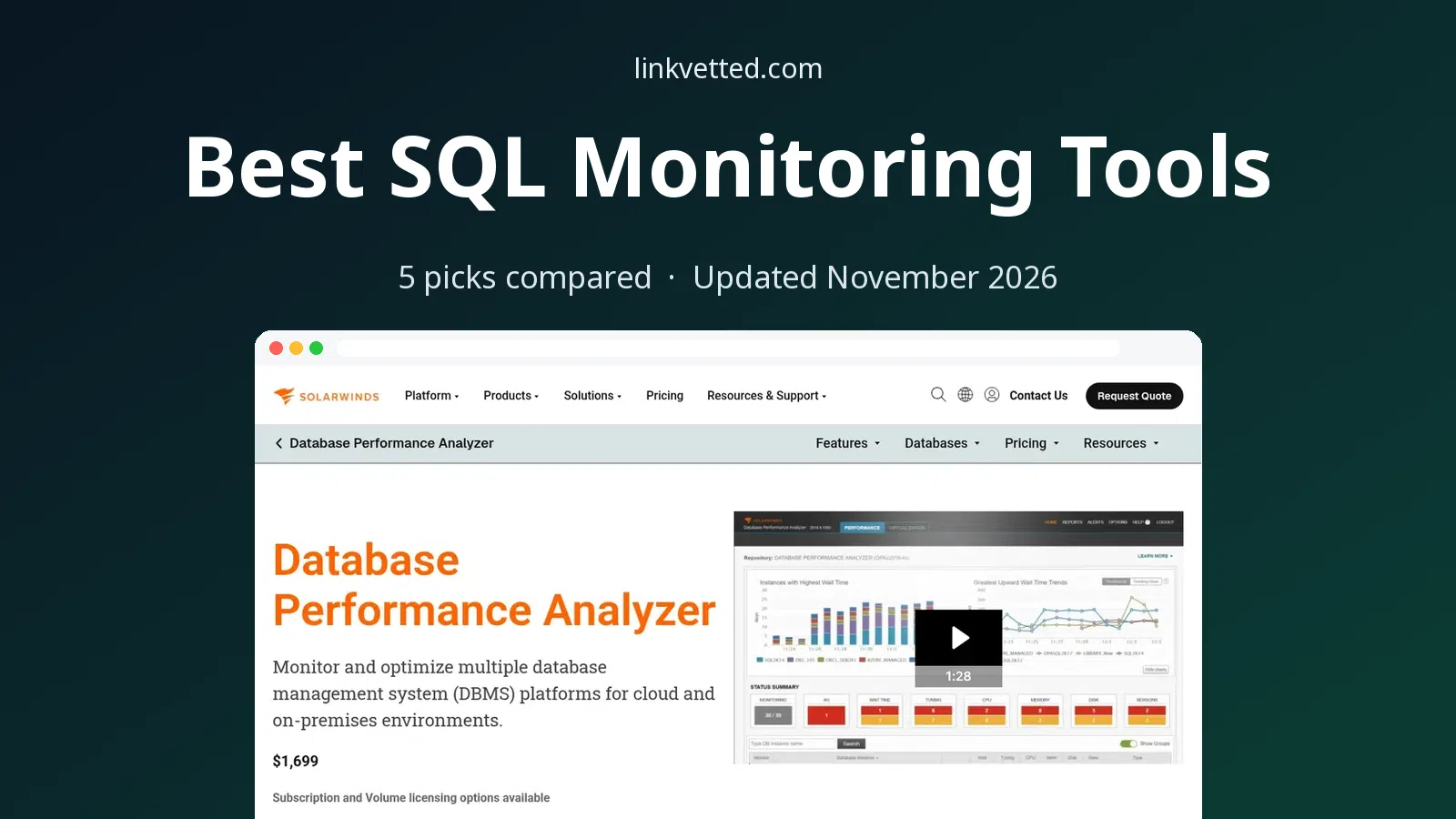
- Editor's choiceSentryOne SQL Sentry
SQL Server performance monitoring and troubleshooting
Starts at$2 per node a monthVisit sentryone.comFull review - Great alternative
 SolarWinds Database Performance Analyzer
Performance analysis across several database systems
Starts at$2 per node per monthVisit solarwinds.comFull review - Also considerRedgate SQL Monitor
Cross-platform database monitoring from one dashboard
Starts atSee websiteVisit red-gate.comFull review
Direct answer
If you need SQL Server performance monitoring and troubleshooting, SentryOne SQL Sentry is the first tool to look at here. Listed starting prices: SentryOne SQL Sentry from $2 per node a month, SolarWinds Database Performance Analyzer from $2 per node per month and Dynatrace from $7 per host a month. SolarWinds Database Performance Analyzer fits Performance analysis across several database products; Redgate SQL Monitor fits cross-platform database monitoring from one dashboard. Prices, free plans and limits for all 5 tools follow.
TL;DR:
- SentryOne SQL Sentry sits first on this list: SQL Server performance monitoring and troubleshooting.
- New Relic stands alone as the one tool in this list with a free plan.
- One limit worth knowing about SentryOne SQL Sentry: concentrated on SQL Server instead of several engines.
- New Relic suits full-stack observability with database telemetry correlation.
- For the cheapest start, look at SentryOne SQL Sentry: $2 per node per month.
Last checked November 2026. Prices and plan details were read from the vendors' own pages in November 2026; vendors change plans often, so confirm the current price on the vendor site before you buy.
Quick comparison
| Tool | Best for | Starts at | Free plan? | |
|---|---|---|---|---|
| SentryOne SQL Sentry | SQL Server performance monitoring and troubleshooting | $2 per node a month | Free trial | Visit |
| SolarWinds Database Performance Analyzer | Performance analysis across several database systems | $2 per node per month | Free trial | Visit |
| Redgate SQL Monitor | Cross-platform database monitoring from one dashboard | See website | Free trial | Visit |
 Dynatrace | Observability, AI, and automation in one system | $7 per host a month | Free trial | Visit |
 New Relic | Full-stack observability with database telemetry correlation | $10 per user a month | Yes | Visit |
SQL Monitoring Tools compared in detail
LinkVetted put together this guide to SQL monitoring tools for readers who want a clear shortlist without reading every vendor page. It compares 5 tools on starting price, free plans, who each one suits and where each one falls short.
SentryOne SQL Sentry
Best for: SQL Server performance monitoring and troubleshooting
SentryOne SQL Sentry targets SQL Server performance monitoring and troubleshooting. It suits database administrators who work primarily with SQL Server and want targeted monitoring and troubleshooting rather than a wide multi-engine product.
SentryOne SQL Sentry starts at: $2 per node per month. Free access: Free trial.
Limits to weigh: Centred on SQL Server instead of several engines.
- Helps pinpoint problems quickly
- Designed for SQL Server performance
- May not handle non-SQL Server databases
SolarWinds Database Performance Analyzer
Best for: Performance analysis across several database systems
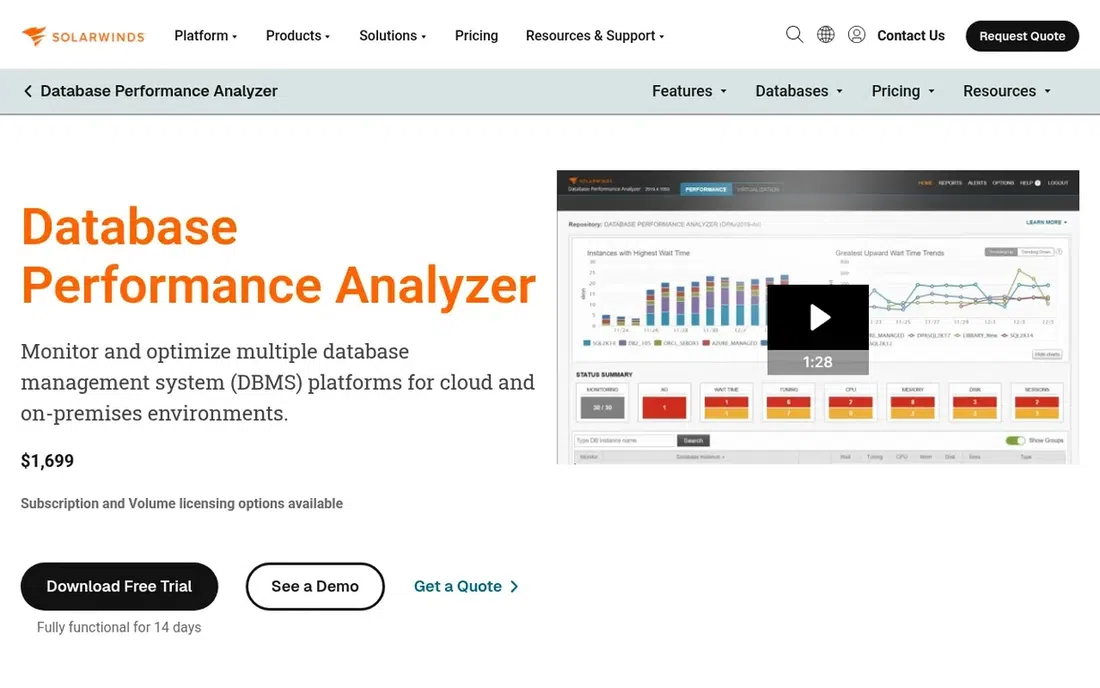
SolarWinds Database Performance Analyzer is a good fit for Performance analysis across several database products. Pick it when database performance analysis is the central need and you prefer a dedicated database monitoring tool. It is geared toward database performance rather than application or infrastructure observability.
Drawbacks to consider: Database focus only, not full-stack observability.
So teams wanting a single pane for the whole stack may need extra tooling. Support and depth can differ by product. Price to start with SolarWinds Database Performance Analyzer: $2 per node per month. Free options: Free trial.
- Meant to ease database performance management
- Suits organizations standardizing on SolarWinds tools
- Feature depth may vary by database system
Redgate SQL Monitor
Best for: Cross-platform database monitoring from one dashboard
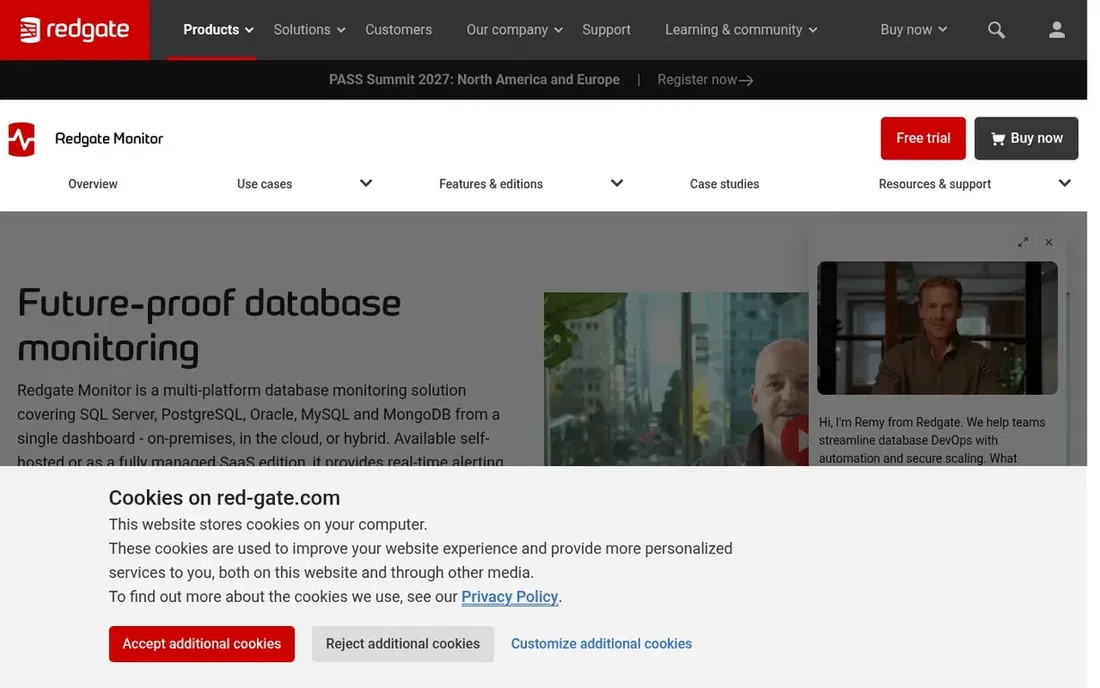
Redgate SQL Monitor is a good fit for cross-platform database monitoring from one dashboard. It suits database administrators and operations teams that handle mixed database environments and want one place to watch performance across on-premises, cloud, or hybrid deployments.
Since it concentrates on database monitoring, teams that require deep application tracing or infrastructure observability across the entire stack may pair it with a broader system. Check the vendor site for Redgate SQL Monitor pricing; none is listed in this comparison. Free plan details: Free trial.
Highlights: hybrid setups.
The main drawbacks: Wide feature set may need setup time.
- Live alerts and query performance analysis
- Single dashboard for several database engines
- Centred on databases rather than full-stack observability
Dynatrace serves observability, AI, and automation in one system. For SQL monitoring, it suits enterprises that want database performance signals connected to application and infrastructure context.
The main drawbacks: Database monitoring is part of a bigger suite.
Planning and configuration effort can be higher than with a focused tool. As a wide system, it may be more than a database team needs if SQL monitoring is the only requirement. Dynatrace pricing: $7 per host per month. Trial and free access: Free trial.
- Bundles application security in one product
- Merges observability, AI, automation
- Product breadth can add implementation complexity
New Relic is aimed squarely at full-stack observability with database telemetry correlation. For SQL monitoring, it suits teams that want database signals viewed alongside application and infrastructure data instead of in isolation. It is not a dedicated database monitoring product, so teams wanting deep engine-specific SQL analysis may prefer a specialized tool.
In daily use, New Relic is an AI-powered observability product that correlates telemetry across your stack to help isolate root causes and reduce mean time to resolution. Getting full value relies on instrumenting services and data sources consistently. Choose it when wide observability and root-cause correlation matter more than database-only depth. On cost, New Relic starts like this: $10 per user per month. Free access exists with New Relic.
Where it is weaker: Not a database-only monitoring tool.
- AI-powered observability product
- Correlates telemetry across the whole stack
- Needs instrumentation planning across services
How we built this list
The comparison looks at four things: starting price, free access, how well the feature set matches SQL monitoring tools, and the main limit of each tool. Figures are shown as the vendors publish them. Billing terms, seat minimums and add-ons can change the real cost. Tools are placed by general fit for SQL monitoring tools, with price clarity and free access as tie-breakers. A different team can reasonably rank them differently.
Before you commit
- Confirm the entry price on the vendor page. For Redgate SQL Monitor that means a quote rather than a fixed price.
- Test the free plan from New Relic against your real workload before relying on it.
- Use real work to test the free trial from SentryOne SQL Sentry, SolarWinds Database Performance Analyzer, Redgate SQL Monitor and Dynatrace, rather than a demo project.
- Read the limits listed for SentryOne SQL Sentry first: centred on SQL Server rather than several engines.
- Make sure Redgate SQL Monitor lets you export your data in a format another tool can read.
- See whether SolarWinds Database Performance Analyzer offers onboarding or training, and whether it is included in the price.
FAQ
Which options for SQL monitoring tools have a free plan?
New Relic is the only tool in this list with a free plan. Free plans usually cap users, projects or features, so check the limits on the vendor page. Several others offer a trial instead. Each of the 5 options in this SQL monitoring tools guide has its own card above with the price, free plan and limits.
Is SentryOne SQL Sentry the right pick for everyone comparing SQL monitoring tools?
No single tool suits every team. SentryOne SQL Sentry comes first because it fits SQL Server performance monitoring and troubleshooting, while SolarWinds Database Performance Analyzer suits Performance analysis across multiple database platforms and Redgate SQL Monitor suits cross-platform database monitoring from one dashboard. Match the tool to your own size, budget and workflow before deciding.
What should I look for in a SQL monitoring tool?
Start with database engine coverage, deployment support, and the depth of query and wait analysis you need. More specifically, confirm current capabilities on each vendor site.
Can I try these options before paying?
Often, yes. New Relic has a free plan and SentryOne SQL Sentry, SolarWinds Database Performance Analyzer, Redgate SQL Monitor and Dynatrace offer a free trial. Use your own data and a real task during the test, and check what the free tier or trial limits before you rely on it.
Do these tools publish their prices?
Not all of them. Redgate SQL Monitor publishes no starting price, so expect a quote request for it. The rest, SentryOne SQL Sentry included, show a starting price, though seats and billing terms still change the final cost.
How do I evaluate SQL monitoring tools before buying?
Use vendor documentation and any available evaluation choices to test alerting and query analysis. Confirm limits and compatibility straight with each vendor.
Sources
- https://www.sentryone.com/products/sql-sentry
- https://www.solarwinds.com/database-performance-analyzer
- https://www.red-gate.com/products/sql-monitor
- https://www.dynatrace.com
- https://newrelic.com