Choosing SOP Management Software for Enterprises in 2026: 6 Options Compared
Best SOP management software for enterprises: 6 tools compared on price, free plans and fit. Costs and caveats sit beside each pick. Read the profiles.
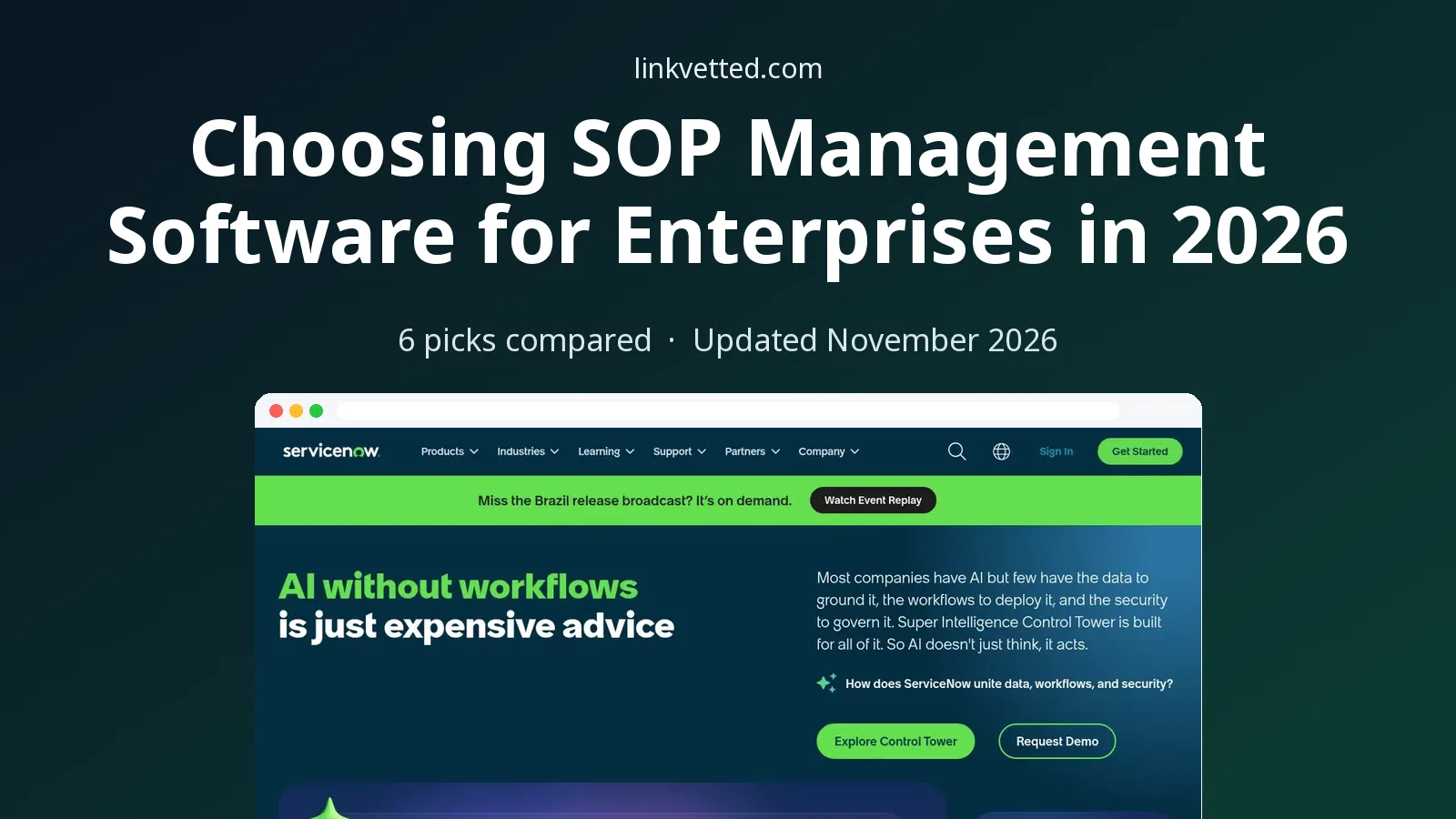
- Editor's choice
 ServiceNow
Enterprises standardizing workflows on one AI system
Starts atSee websiteVisit servicenow.comFull review - Great alternative
 IBM
Enterprises combining automation with hybrid cloud
Starts atSee websiteVisit ibm.comFull review - Also consider
 Kissflow
Low-code custom apps for SOP workflows
Starts atSee websiteVisit kissflow.comFull review
Direct answer
For enterprises standardizing workflows on one AI system, ServiceNow is where this list starts. Listed starting prices: Tallyfy from $100 per year and Scribe from $25 per seat a month. IBM fits enterprises combining automation with hybrid cloud; Kissflow fits low-code custom apps for SOP workflows. All 6 tools are compared below on price, free plan and limits.
TL;DR:
- The list opens with ServiceNow, aimed at enterprises standardizing workflows on one AI system.
- Nintex fits end-to-end process and workflow automation.
- A permanent free plan is missing from all 6 tools, ServiceNow and Nintex included; plan for a trial or a premium start.
- The lowest published monthly entry price here is $25 per seat per month, from Scribe.
- Before buying Tallyfy, weigh this: may lack deep enterprise customization.
Last checked November 2026. Prices and plan details were read from the vendors' own pages in November 2026; vendors change plans often, so confirm the current price on the vendor site before you buy.
Quick comparison
| Tool | Best for | Starts at | Free plan? | |
|---|---|---|---|---|
| ServiceNow | Enterprises standardizing workflows on one AI system | See website | Not stated | Visit |
| IBM | Enterprises combining automation with hybrid cloud | See website | Free trial | Visit |
| Kissflow | Low-code custom apps for SOP workflows | See website | Not stated | Visit |
| Tallyfy | Straightforward step-by-step workflow tracking | $100 per year | Free trial | Visit |
 Scribe | Capturing and sharing how work gets done | $25 per seat a month | Not stated | Visit |
 Nintex | End-to-end process and workflow automation | See website | Free trial | Visit |
Every option for SOP management software for enterprises explained
LinkVetted compared 6 SOP management software for enterprises. The goal is a practical shortlist: published prices, free plan facts, best-fit use cases and honest limits for every entry.
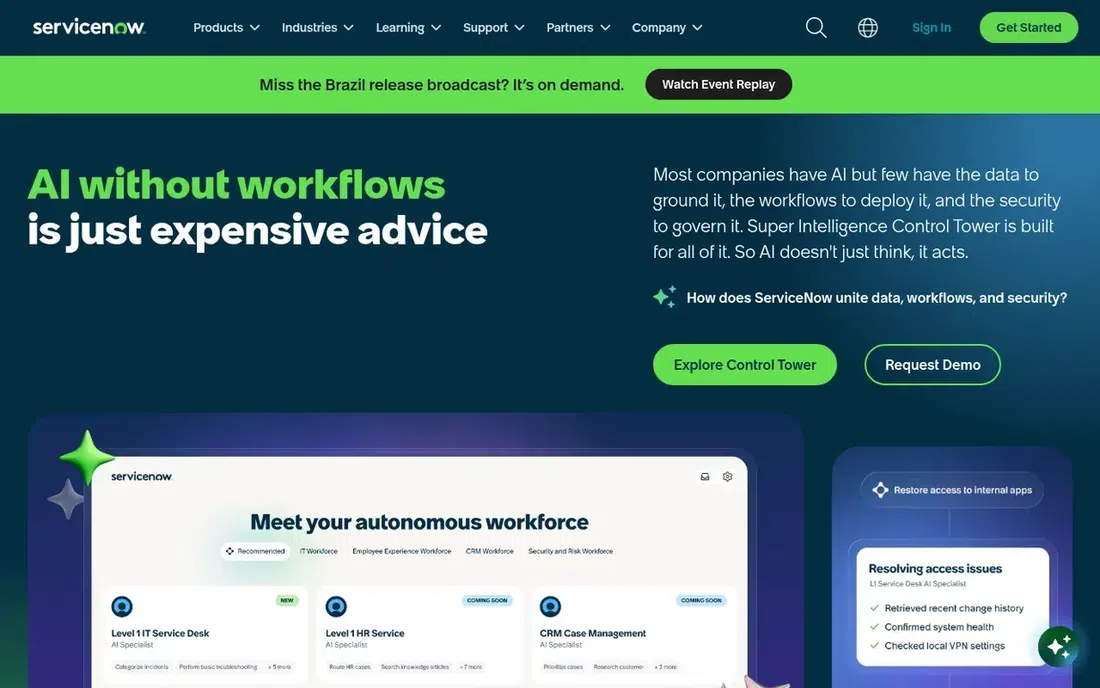
In short, ServiceNow is for enterprises standardizing workflows on one AI system. ServiceNow presents itself as an AI Platform for simplifying enterprise workflows and enabling customers and employees across the business.
Points against: Best value when already using its workflow ecosystem.
In practice, the system is wide, so adopting it for SOPs alone may involve more configuration than a focused tool. In daily use, for SOP management, that means procedures can live inside the same product that runs service, operations, and other enterprise workflows. Pricing for ServiceNow is not stated here, so ask the vendor for current figures. Free access: Not stated.
- AI Platform supports both customers and employees
- Wide coverage of enterprise process areas
- System breadth can mean a longer setup
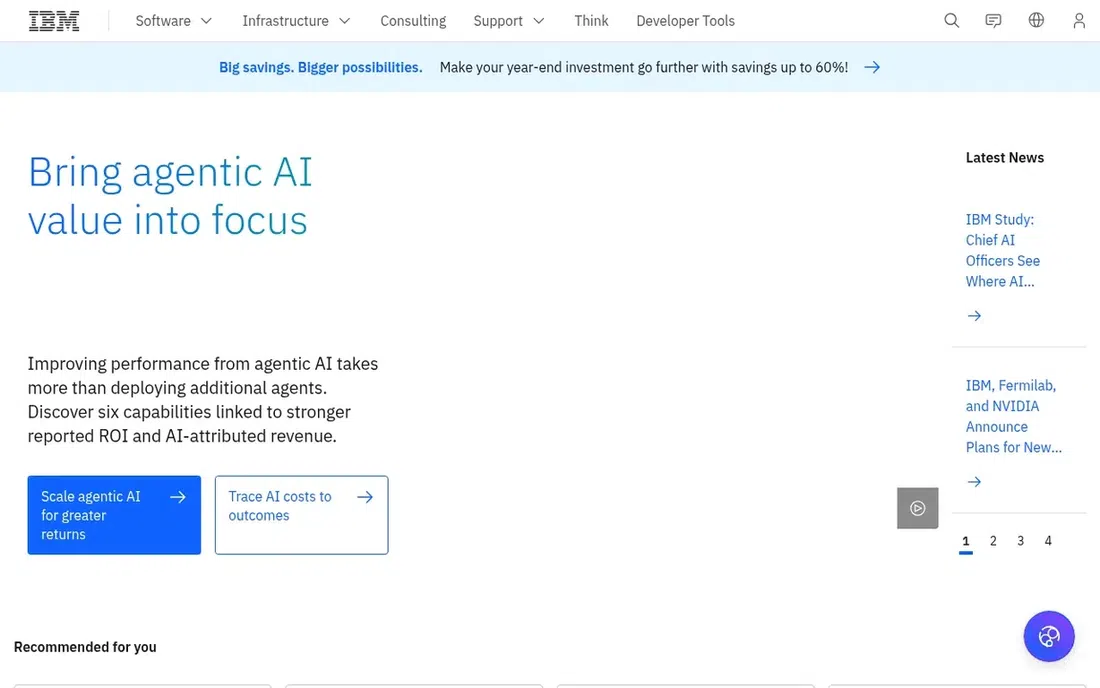
Think of IBM for enterprises combining automation with hybrid cloud. IBM's portfolio is deep, so SOP management is not a single packaged product but part of a bigger set of options.
IBM describes itself as a global technology innovator advancing AI, automation, and hybrid cloud options. For SOP management, enterprises generally draw on IBM automation and AI capabilities as part of a broader process program. IBM shows no starting price here, so confirm the cost on the vendor site. Trial and free access: Free trial.
Watch-outs: Needs planning to assemble the right components.
- Hybrid cloud
- Regulated environments
- SOP management is one part of a bigger portfolio
Kissflow is designed for low-code custom apps for SOP workflows. Choose Kissflow when speed of app creation and business-led automation matter more than a fixed SOP template.
Honest limits: Custom builds require governance as they scale.
As for the details, complicated integrations or highly regulated SOP requirements may call for deeper IT involvement. Check the vendor site for Kissflow pricing; none is listed in this comparison. On free options: Not stated.
- No-code tools targeted at business leaders
- AI-powered low-code product for IT
- May need IT involvement for complicated integrations
Tallyfy
Best for: Straightforward step-by-step workflow tracking
Choose Tallyfy for straightforward step-by-step workflow tracking. Tallyfy emphasizes simplicity, so organizations needing deep customization or deep integration with complicated enterprise systems may look elsewhere. It is most useful for processes that benefit from clear steps and status visibility.
Worth adding: consider it when adoption speed and clarity matter more than product breadth. In daily use, for SOP management, that means procedures become tracked workflows with clear ownership. Entry price for Tallyfy: $100 per year. Free options: Free trial.
Honest limits: Best for straightforward process tracking.
- Turns team processes into straightforward steps
- Tells each person what is next
- May lack deep enterprise customization
Where Scribe fits: capturing and sharing how work gets done. Scribe centres on workflow context for teams and AI agents, automatically capturing, improving, and scaling how work gets done.
Worth adding: Scribe is oriented toward capturing and sharing process knowledge instead of enforcing compliance or managing approvals. Beyond that, enterprises with strict audit trails may pair it with a dedicated compliance system. What you pay to start with Scribe: $25 per seat per month. As for free access: Not stated.
Trade-offs to know: Complicated approvals may need another system.
- Handy for scaling documented procedures
- Automatically records and boosts workflows
- Capture-focused instead of a full governance suite
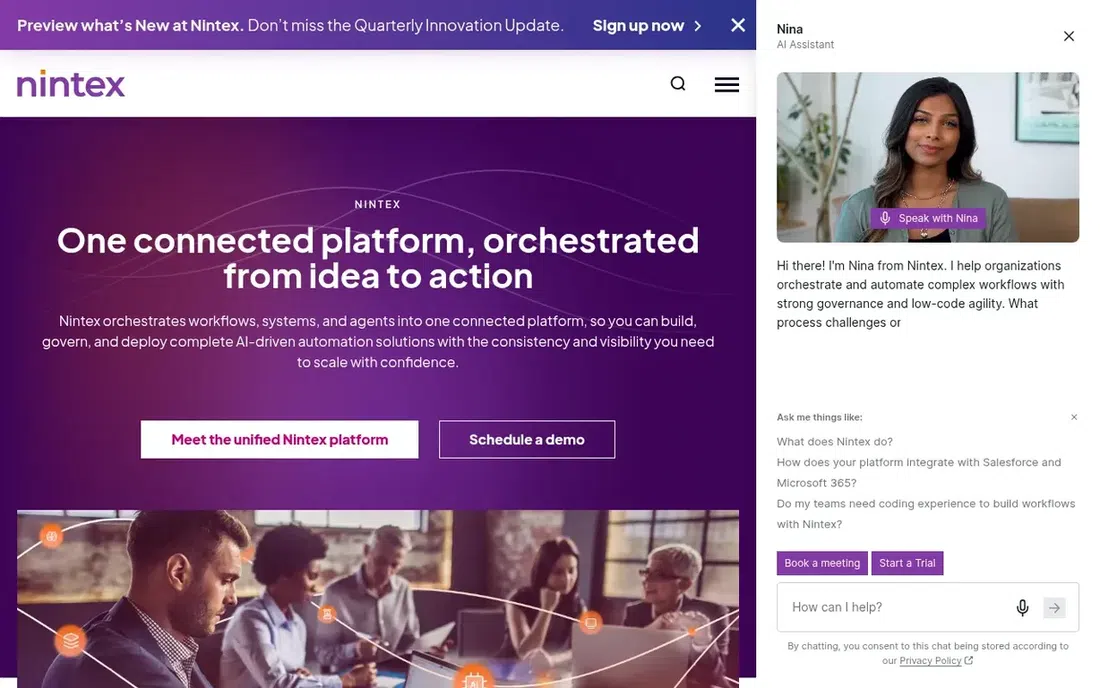
For end-to-end process and workflow automation, Nintex is a natural candidate. Nintex is a process management and workflow automation product that positions itself around end-to-end process automation.
More specifically, consider it when automation and integration are central to how SOPs are followed. As for the details, organizations seeking only light document storage may find it broader than needed. This comparison lists no price for Nintex; ask the vendor. Free plan details: Free trial.
Drawbacks to consider: Enterprise focus can suit bigger teams best.
- Supports custom app development for integrated workflows
- Spans end-to-end process needs
- Wide system may need configuration effort
How we chose
The comparison looks at four things: starting price, free access, how well the feature set matches SOP management software for enterprises, and the main limit of each tool. Treat prices as a snapshot: vendors change plans often, so check the vendor site for the figure that applies today. Position on the page reflects fit for a typical buyer first, with price clarity and free access breaking ties. Treat it as a guide, not a ruling.
Things to verify first
- Get a written quote from ServiceNow, IBM, Kissflow and Nintex; the list shows no starting price for them.
- Take the trial from IBM, Tallyfy and Nintex and push a live task through it before you pay.
- Read the limits listed for ServiceNow first: product breadth can mean a longer setup.
- Check whether the features you need in Kissflow sit on the entry plan or only on higher tiers.
- Ask Nintex how an export works before you move any records in; an easy exit lowers the risk.
FAQ
Does any tool for SOP management software for enterprises here have a free plan?
No tool in this list, ServiceNow and Nintex included, has a permanent free plan. IBM, Tallyfy, Nintex offer a trial. Trials and quotes are the usual route, so plan a short evaluation period.
Do these tools publish their prices?
Not all of them. ServiceNow, IBM, Kissflow and Nintex publish no starting price, so expect a quote request for those. The rest, Tallyfy included, show a starting price, though seats and billing terms still change the final cost.
Can I try these tools before paying?
Often, yes. IBM, Tallyfy and Nintex offer a free trial. Use your own data and a real task during the test, and check what the free tier or trial limits before you rely on it.
What should enterprises look for in SOP management software?
Compliance features, audit evidence, and integration with existing enterprise systems are also important. Governance controls and scalability should be confirmed with each vendor.
Is ServiceNow the right pick for everyone comparing SOP management software for enterprises?
No single tool suits every team. ServiceNow comes first because it fits enterprises standardizing workflows on one AI platform, while IBM suits enterprises combining automation with hybrid cloud and Kissflow suits low-code custom apps for SOP workflows. Match the tool to your own size, budget and workflow before deciding.
Sources
- https://www.servicenow.com
- https://www.ibm.com
- https://kissflow.com
- https://tallyfy.com
- https://scribehow.com
- https://www.nintex.com