6 ECM Tools for Large Enterprises Worth Shortlisting in 2026
6 best ECM tools for large enterprises, compared on pricing, free plans and best-fit use. The weak spots sit next to the strengths. Read the profiles.
- Editor's choice
 Laserfiche
Document management and process automation
Starts at$42 per user a monthVisit laserfiche.comFull review - Great alternative
 Box
External collaboration and workflow automation
Starts atSee websiteVisit box.comFull review - Also considerIBM FileNet Content Manager
Low-code business applications
Starts atSee websiteVisit ibm.comFull review
Direct answer
Start with Laserfiche if you need document management and process automation. Listed starting prices: Laserfiche from $42 per user a month and M-Files from €65 per seat a month. Box fits external collaboration and workflow automation; IBM FileNet Content Manager fits low-code business applications. The remaining 3 options are covered below with prices and limits.
TL;DR:
- The list opens with Laserfiche, aimed at document management and process automation.
- Laserfiche has the lowest monthly starting price in this list: $42 per user per month.
- Microsoft SharePoint suits Microsoft 365-centric collaboration.
- The main caution on Box: may lack deep records management features.
Last checked November 2026. Prices and plan details were read from the vendors' own pages in November 2026; vendors change plans often, so confirm the current price on the vendor site before you buy.
Quick comparison
| Tool | Best for | Starts at | Free plan? | |
|---|---|---|---|---|
| Laserfiche | Document management and process automation | $42 per user a month | Not stated | Visit |
| Box | External collaboration and workflow automation | See website | Not stated | Visit |
| IBM FileNet Content Manager | Low-code business applications | See website | Not stated | Visit |
 Hyland OnBase | Process-driven content management | See website | Not stated | Visit |
 M-Files | Context-based document organization | €65 per seat a month | Not stated | Visit |
 Microsoft SharePoint | Microsoft 365-centric collaboration | See website | Not stated | Visit |
The full ECM tools for large enterprises list
LinkVetted put together this guide to ECM tools for large enterprises for readers who want a clear shortlist without reading every vendor page. It compares 6 tools on starting price, free plans, who each one suits and where each one falls short.
In short, Laserfiche is for document management and process automation. Laserfiche offers AI-powered document management and process automation, with workflows, electronic forms, document management, and analytics to accelerate work. Consider other tools if you need broad case management or custom application development.
Points against: May need configuration for complicated processes.
Worth adding: Laserfiche is capable for document-centric automation but may be less suited for organizations needing wide content services beyond documents. In daily use, complicated deployments may need configuration and training. Laserfiche cost at the entry level: $42 per user per month. Free plan details: Not stated.
- Process automation with workflows
- AI-powered document management
- Centred on document-centric workflows
In short, Box is for external collaboration and workflow automation. Organizations with strict on-premises requirements may have to look elsewhere.
From a buyer's view, Box excels at collaboration but may not match specialized ECM suites for complicated records management or deep process automation. Worth adding: consider it for cloud-first collaboration scenarios. Pricing for Box is not stated here, so ask the vendor for current figures. Trial and free access: Not stated.
Watch-outs: Best for cloud-first organizations. Best features of Box: Simple internal and external collaboration.
- Guards sensitive data
- Workflow automation
- May lack deep records management features
IBM FileNet Content Manager
Best for: Low-code business applications
For low-code business applications, IBM FileNet Content Manager is a natural candidate. IBM FileNet Content Manager gives you low-code tools and capabilities to help produce meaningful business applications on any cloud. Consider alternatives if rapid deployment is critical.
On top of that, organizations without in-house technical resources may prefer more turnkey options. Beyond that, FileNet frequently needs specialized skills to implement and maintain, and integration with other systems may demand effort. This comparison lists no price for IBM FileNet Content Manager; ask the vendor. Free plan details: Not stated.
Trade-offs to know: May need integration effort.
- Low-code tools for app development
- Enterprise-scale content management
- Needs technical expertise
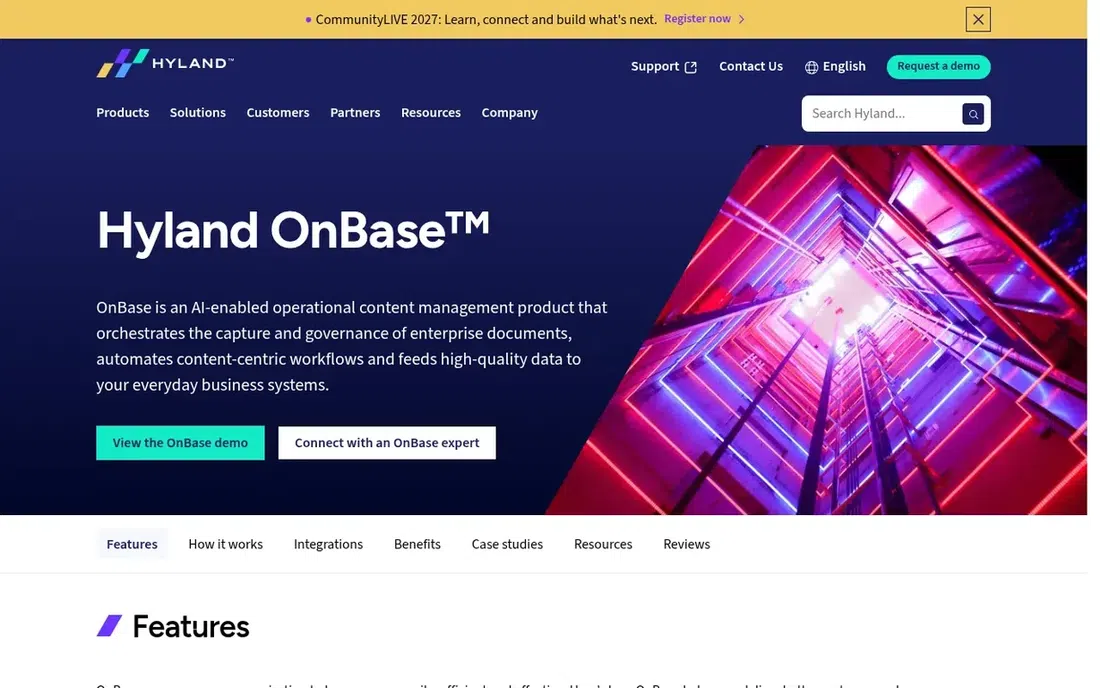
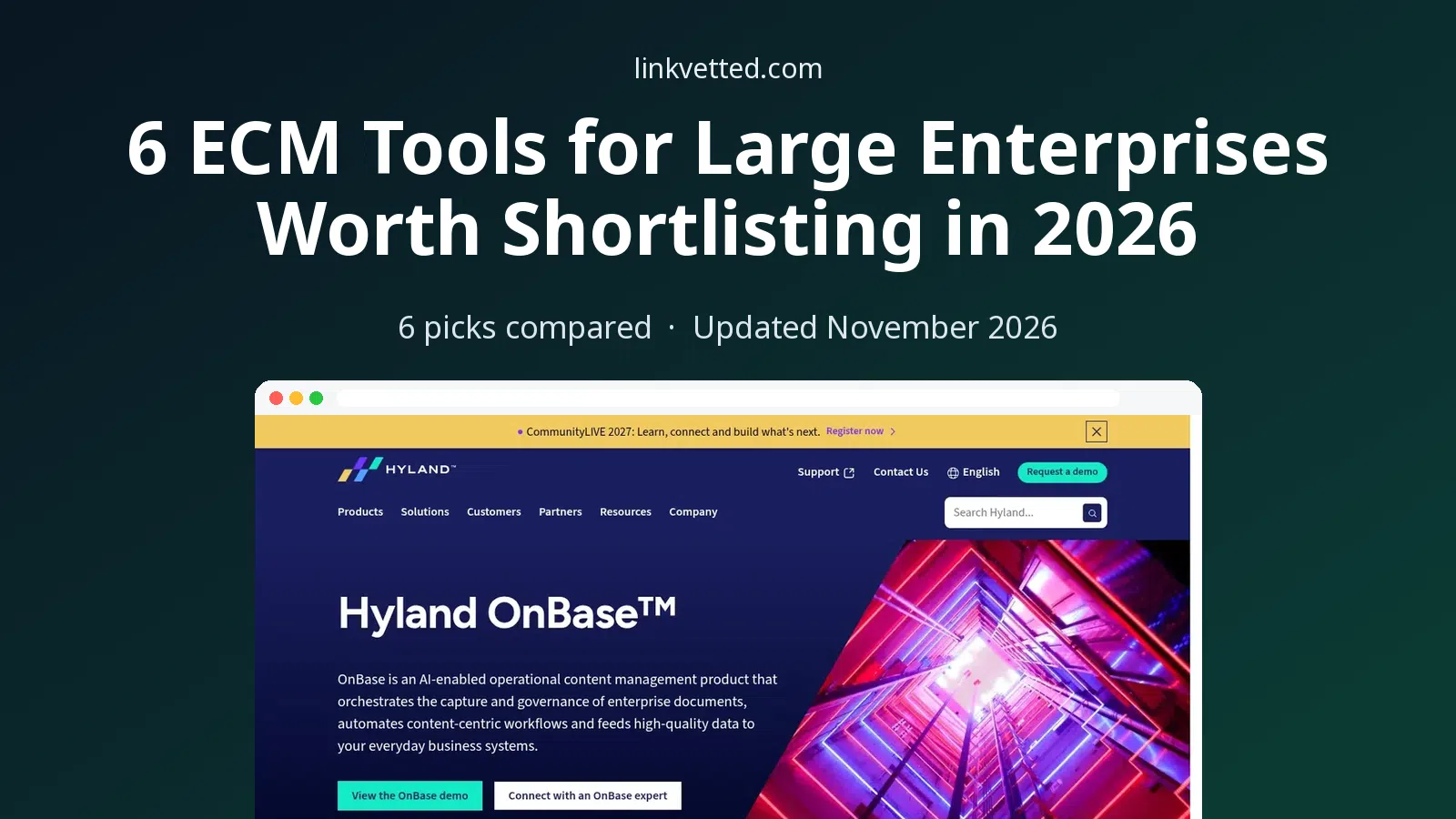
Pick Hyland OnBase if this describes you: process-driven content management. OnBase is process-oriented, so deployment commonly involves significant business analysis and configuration. Organizations seeking straightforward file storage may find it heavy.
Where it is weaker: May need process analysis before deployment.
Consider other tools if you need light collaboration or minimal IT involvement. Hyland OnBase is a content management option built to efficiently run information and simplify business processes for optimal performance. Hyland OnBase shows no starting price here, so confirm the cost on the vendor site. As for free access: Not stated.
- Focus on optimal performance
- Simplifies business processes
- Can be complicated for entry-level document storage
M-Files works best for context-based document organization. M-Files is an AI-powered document management system that helps organizations organize documents in context, automate workflows, and cut risk with secure management. On top of that, consider it for structured document management.
Where it is weaker: Centred on document management.
Beyond that, M-Files depends on thoughtful metadata design, which can need upfront planning and continuing governance. It is primarily document-focused, so organizations needing broad web content or collaboration features may need complementary tools. M-Files cost at the entry level: €65 per seat per month. Trial and free access: Not stated.
- Automates workflows
- Cuts risk with secure management
- May need metadata design
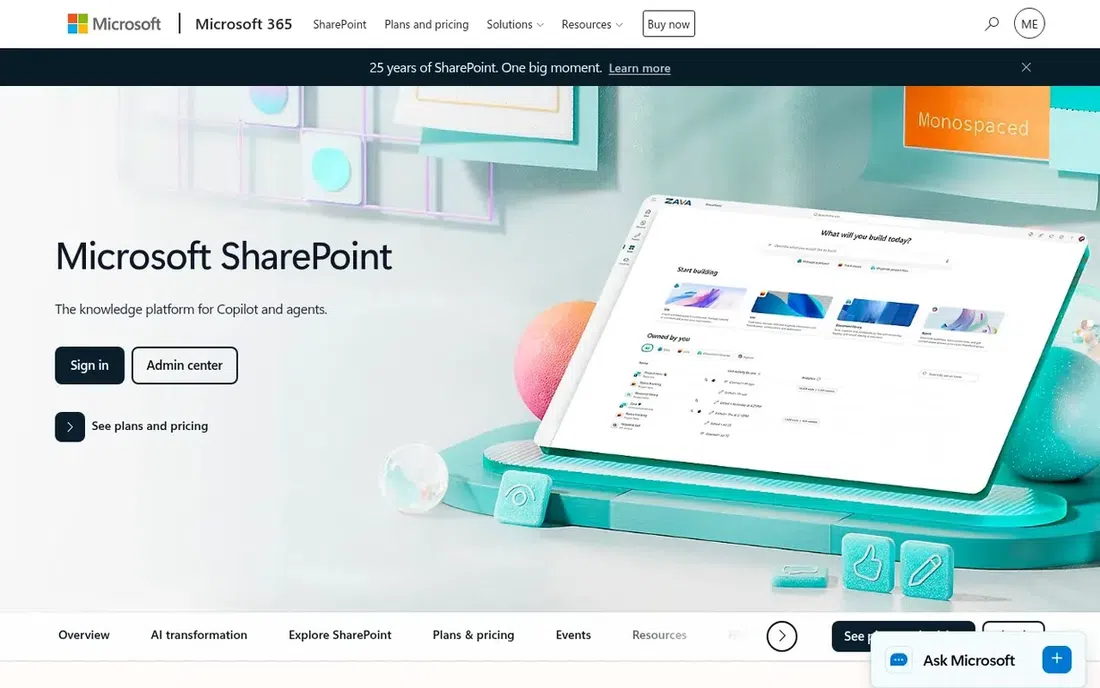
Microsoft SharePoint is aimed squarely at Microsoft 365-centric collaboration. Microsoft SharePoint is a collaborative content management product that helps organizations build, share, and govern trusted knowledge. It powers collaboration, communication, automation, and AI experiences across Microsoft 365.
Watch-outs: Complicated governance for very large deployments.
Governance and customization can become complicated at scale. SharePoint's strengths are tied to the Microsoft ecosystem, so organizations with heterogeneous environments may find integration less smooth. Microsoft SharePoint shows no starting price here, so confirm the cost on the vendor site. Free plan details: Not stated.
- Deep integration with Microsoft 365
- AI experiences built in
- Best value within Microsoft ecosystem
How the list was put together
We compared the tools on published pricing, free plan or trial availability, feature coverage for ECM tools for large enterprises, and the limits each vendor documents. Treat prices as a snapshot: vendors change plans often, so check the vendor site for the figure that applies today. The sequence is a judgement call: typical use case first, then pricing transparency, then free access. Use the profiles to check fit.
Things to verify first
- Confirm the entry price on the vendor page. For Box, IBM FileNet Content Manager, Hyland OnBase and Microsoft SharePoint that means a quote rather than a fixed price.
- Read the limits listed for Laserfiche first: may require configuration for complicated processes.
- Find out whether the entry plan of Laserfiche covers your must-haves or only a trimmed-down version.
- Total up the real monthly cost of Hyland OnBase, including add-ons, extra users and usage-based fees.
- Test the integrations you rely on with M-Files before committing; some connectors sit on upper tiers.
FAQ
What is the difference between Laserfiche and M-Files?
M-Files centres on organizing documents in context using metadata to boost findability and compliance. Both suit document-centric enterprises, but the best fit relies on whether process automation or context-based organization is the priority.
Is Laserfiche the right pick for everyone comparing ECM tools for large enterprises?
No single tool suits every team. Laserfiche comes first because it fits document management and process automation, while Box suits external collaboration and workflow automation and IBM FileNet Content Manager suits low-code business applications. Match the tool to your own size, budget and workflow before deciding.
How are the tools for ECM tools for large enterprises ordered?
Laserfiche sits first and Microsoft SharePoint last because the order follows typical fit for ECM tools for large enterprises, then price clarity and free access. It is a judgement call, so read each profile for fit and limits.
What is the cheapest option for ECM tools for large enterprises in this list?
On published monthly entry prices, Laserfiche is the lowest here at $42 per user per month. Entry price is only part of the cost, because seats, add-ons and billing terms can change the total. Prices, free plan details and limits for all 6 tools in this ECM tools for large enterprises roundup sit on the individual cards above.
Can Box serve as a full ECM system for a large enterprise?
Box offers AI-powered content management with capable collaboration and workflow automation, making it a good match for cloud-first organizations. Even so, it may lack some deep records management features found in specialized ECM suites.
How does Microsoft SharePoint compare to OpenText for enterprise content management?
SharePoint is tightly integrated with Microsoft 365 and excels at collaboration and automation within that ecosystem. OpenText concentrates on making organizational knowledge accessible within complicated workflows, commonly suiting organizations with heavy governance and compliance needs.
Sources
- https://www.laserfiche.com
- https://www.box.com
- https://www.ibm.com/products/filenet-content-manager
- https://www.hyland.com/en/solutions/products/onbase
- https://www.m-files.com
- https://www.microsoft.com/en-us/microsoft-365/sharepoint/collaboration