Choosing Software for Screenshots in 2026: 6 Options Compared
Best software for screenshots: 6 contenders ranked by fit, with entry costs and free tiers. Each listing flags where it falls short. Budget notes included.
- Editor's choice
 ShareX
Advanced open source Windows capture
Starts atSee websiteVisit getsharex.comFull review - Great alternative
 Droplr
Screen capture with audio and video
Starts at$6 per monthVisit droplr.comFull review - Also consider
 Snagit
All-in-one capture and recording
Starts atSee websiteVisit techsmith.comFull review
Direct answer
Start with ShareX if you need advanced open source Windows capture. Listed starting prices: Droplr from $6 per month, CleanShot X from $10 per user a month and Loom from $18 per user a month. Droplr fits screen capture with audio and video; Snagit fits all-in-one capture and recording. Prices, free plans and limits for all 6 tools follow.
TL;DR:
- ShareX sits first on this list: advanced open source Windows capture.
- Greenshot is the one to check for quick productivity screenshots.
- Check the limits for Droplr before you commit: broader suite than straightforward screenshots.
- Droplr is the lowest-priced starter here at $6 per month.
- Loom stands alone as the one tool in this list with a free plan.
Last checked November 2026. Prices and plan details were read from the vendors' own pages in November 2026; vendors change plans often, so confirm the current price on the vendor site before you buy.
Quick comparison
| Tool | Best for | Starts at | Free plan? | |
|---|---|---|---|---|
| ShareX | Advanced open source Windows capture | See website | Not stated | Visit |
| Droplr | Screen capture with audio and video | $6 per month | Free trial | Visit |
| Snagit | All-in-one capture and recording | See website | Not stated | Visit |
| CleanShot X | Mac capture with annotation | $10 per user a month | Free trial | Visit |
 Loom | Fast screen recording and sharing | $18 per user a month | Yes | Visit |
| Greenshot | Quick productivity screenshots | See website | Not stated | Visit |
The 6 tools in detail
LinkVetted put together this guide to software for screenshots for readers who want a clear shortlist without reading every vendor page. It compares 6 tools on starting price, free plans, who each one suits and where each one falls short.
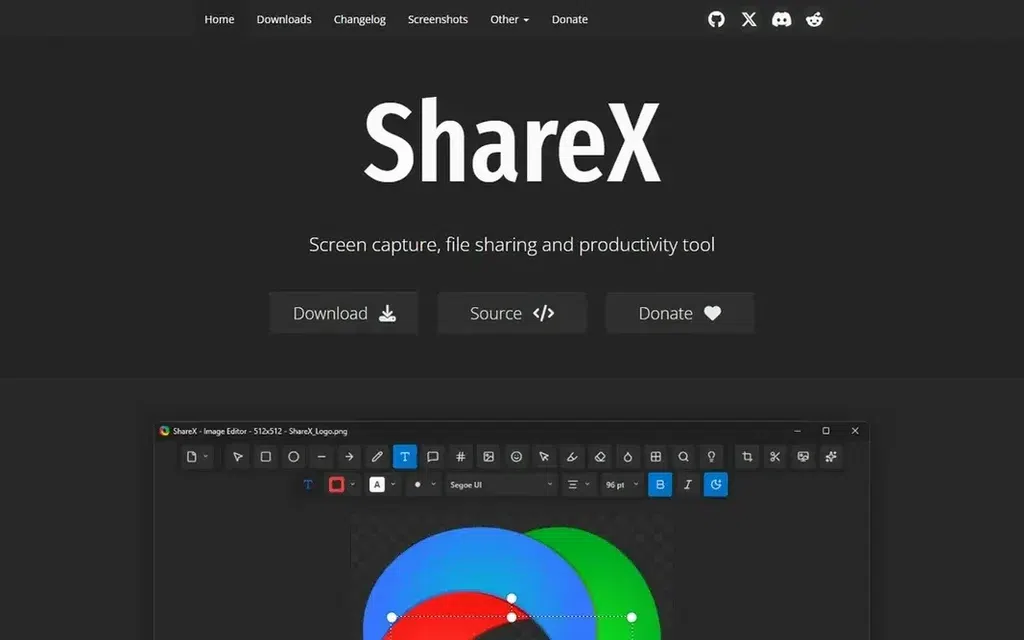
ShareX works best for advanced open source Windows capture. The breadth of choices can make the first run feel busy for someone who only wants an entry-level screenshot.
Also, ShareX is a free and open source program for Windows that records or records any area of the screen and shares it with a single key press. More specifically, choose ShareX when you want open source adaptability and do not mind spending time in settings. ShareX does not show a starting price in this comparison, so check the vendor site for current pricing. Free options: Not stated.
Limits to weigh: Windows only.
- Uploads to numerous supported destinations
- Capture or record any screen area
- Dense settings can overwhelm beginners
Droplr makes the most sense for screen capture with audio and video. Its emphasis on recording and capture together means it may be more than a user who only needs fast still screenshots needs.
In daily use, if annotation of images is your central task, a screenshot-first tool may be more direct. Price to start with Droplr: $6 per month. Free options: Free trial.
Where it is weaker: Less concentrated on still-image editing.
- Presented for screen recording needs
- Audio and video capture support
- Broader suite than straightforward screenshots
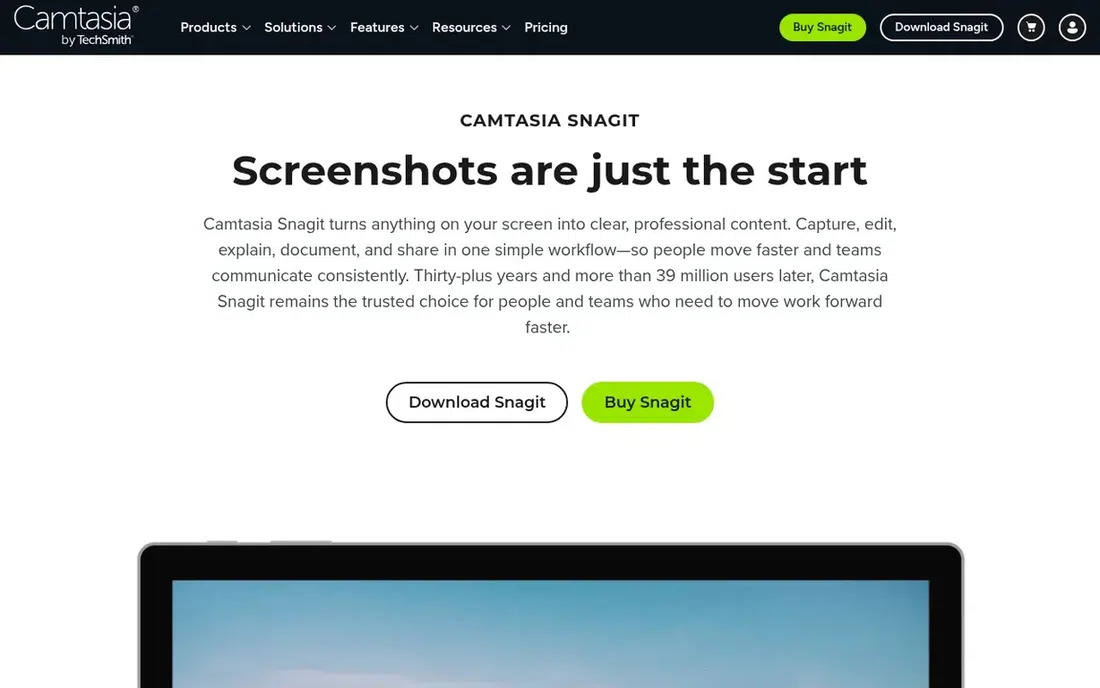
Snagit serves all-in-one capture and recording. If your needs are restricted to entry-level screenshots on Windows, a lighter utility may be more straightforward. Worth adding: choose Snagit when you want an editing step built into the capture flow.
Drawbacks to consider: Heavier than straightforward capture utilities.
Since it aims to include capture and recording together, it can feel like more software than someone who only needs a quick region grab. More specifically, Snagit is screen capture and recording software for Windows and Mac, positioned by its vendor for rapidly creating images and videos. This comparison lists no price for Snagit; ask the vendor. As for free access: Not stated.
Strengths: Windows and Mac support.
- Designed for fast image and video creation
- Capture and recording in one app
- More features than casual users need
CleanShot X
Best for: Mac capture with annotation
For Mac capture with annotation, CleanShot X is a natural candidate. Choose CleanShot X when you work on a Mac and want annotation and scrolling capture close at hand. CleanShot X is a screenshot and screen recording app for Mac with a built-in annotation tool, cloud uploading, and scrolling capture.
It is designed around Mac, so Windows users need an alternative. Worth adding: the range of features may also be more than someone who only takes occasional still screenshots needs. Entry price for CleanShot X: $10 per user per month. Free plan details: Free trial.
Where it shines: Scrolling capture and recording. Where it is weaker: Mac only.
- Cloud uploading
- Built-in annotation tool
- Feature set may exceed casual needs
Loom was built for fast screen recording and sharing. Loom is an online screen recording tool for Mac and PC with video editing and video storage. It emphasizes simple sharing from its site.
For everyday use, pick Loom when recorded explanations are the core of your workflow. If your priority is a quick image capture, a dedicated screenshot utility will be lighter. Entry price for Loom: $18 per user per month. Loom offers a free plan.
Where it falls short: Recording-first workflow.
- Simple sharing from the web
- Video editing and storage included
- Screenshot focus is secondary
Greenshot
Best for: Quick productivity screenshots
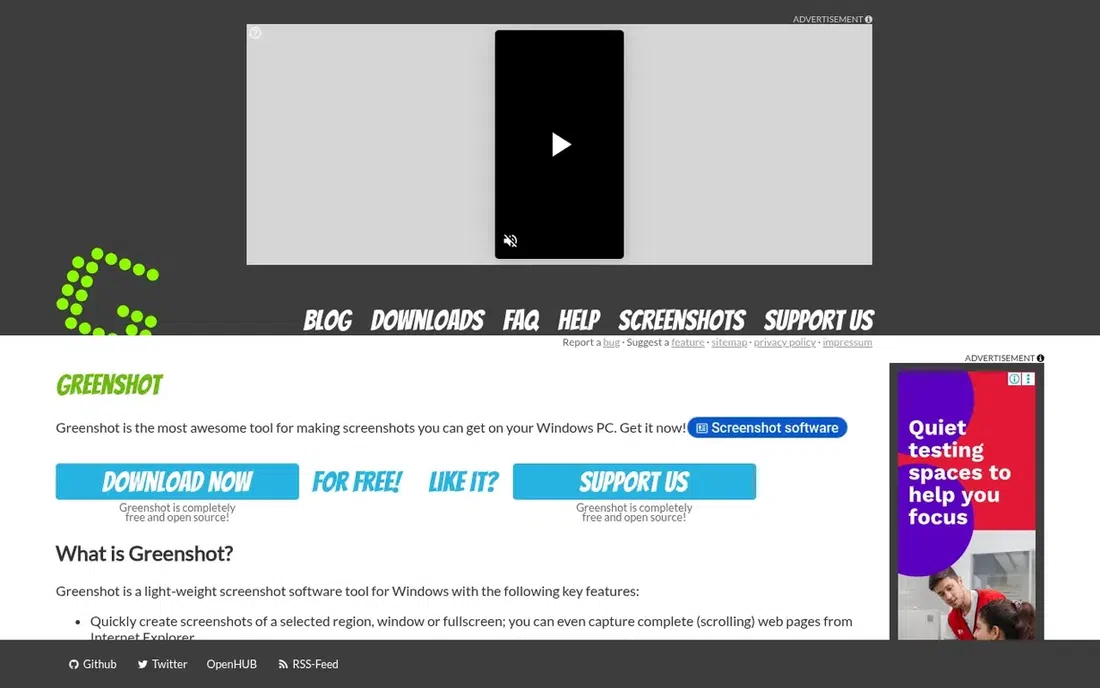
Greenshot works best for quick productivity screenshots. Pick Greenshot when speed and simplicity matter more than a wide feature set.
Points against: Limited recording capability.
For everyday use, Greenshot describes itself as a screenshot tool optimized for productivity. Check the vendor site for Greenshot pricing; none is listed in this comparison. Free plan details: Not stated.
- Light capture focus
- Straightforward screenshot workflow
- Fewer advanced sharing choices
Selection criteria
For each of the 6 tools we noted price, free plan or trial, fit for software for screenshots and the main limit, using vendor pages and documentation. Where a price is missing, the vendor does not list one publicly or ties it to a quote. Always confirm before budgeting. Tools are placed by general fit for software for screenshots, with price clarity and free access as tie-breakers. A different team can reasonably rank them differently.
What to check before you buy
- Get a written quote from ShareX, Snagit and Greenshot; the list shows no starting price for them.
- Test the free plan from Loom against your real workload before relying on it.
- Use real work to test the free trial from Droplr and CleanShot X, rather than a demo project.
- Read the limits listed for ShareX first: Windows only.
- Look at the help docs and support options for Loom before you commit.
- Pick one real project and run it in ShareX first; a small pilot shows fit faster than a checklist.
FAQ
What is the cheapest option for software for screenshots in this list?
On published monthly entry prices, Droplr is the lowest here at $6 per month. Entry price is only part of the cost, because seats, add-ons and billing terms can change the total.
Which options for software for screenshots have a free plan?
Loom is the only tool in this list with a free plan. Free plans usually cap users, projects or features, so check the limits on the vendor page. Several others offer a trial instead.
Do these tools publish their prices?
Not all of them. ShareX, Snagit and Greenshot publish no starting price, so expect a quote request for those. The rest, Droplr included, show a starting price, though seats and billing terms still change the final cost.
Is ShareX the right pick for everyone comparing software for screenshots?
No single tool suits every team. ShareX comes first because it fits advanced open source Windows capture, while Droplr suits screen capture with audio and video and Snagit suits all-in-one capture and recording. Match the tool to your own size, budget and workflow before deciding.
Do I need a recording tool or just a screenshot tool?
If you largely share still images, a dedicated capture utility keeps things straightforward. If you explain processes through video, Loom and Droplr are built around recording and sharing instead of stills alone.
Sources
- https://getsharex.com
- https://droplr.com
- https://www.techsmith.com/screen-capture.html
- https://cleanshot.com
- https://www.loom.com
- https://getgreenshot.org