Choosing SDLC Management Tools in 2026: 5 Options Compared
Shortlisting the best SDLC management tools? 5 products compared on cost, free access and ideal buyer. Every pick includes one clear drawback. Straight answers.
- Editor's choice
 Azure DevOps
Microsoft-centric teams needing planning and CI/CD
Starts atSee websiteVisit azure.microsoft.comFull review - Great alternative
 GitLab
Single application for the whole software lifecycle
Starts at$29 per user a monthVisit about.gitlab.comFull review - Also consider
 GitHub
Developer-centric collaboration and open source
Starts at$4 per user per monthVisit github.comFull review
Direct answer
Start with Azure DevOps if you need Microsoft-centric teams needing planning and CI/CD. Listed starting prices: GitLab from $29 per user a month, GitHub from $4 per user per month and Asana from $10.99 per user a month. For a different need, GitLab covers single application for the whole software lifecycle and GitHub covers developer-centric collaboration and open source. All 5 tools are compared below on price, free plan and limits.
TL;DR:
- Number one here is Azure DevOps, a fit for Microsoft-centric teams needing planning and CI/CD.
- Asana fits cross-functional work management with AI agents.
- GitHub has the lowest monthly starting price in this list: $4 per user per month.
- Before buying GitLab, weigh this: wide surface area to learn.
Last checked November 2026. Prices and plan details were read from the vendors' own pages in November 2026; vendors change plans often, so confirm the current price on the vendor site before you buy.
Quick comparison
| Tool | Best for | Starts at | Free plan? | |
|---|---|---|---|---|
| Azure DevOps | Microsoft-centric teams needing planning and CI/CD | See website | Not stated | Visit |
| GitLab | Single application for the whole software lifecycle | $29 per user a month | Yes | Visit |
| GitHub | Developer-centric collaboration and open source | $4 per user per month | Yes | Visit |
 Jira | Agile planning and issue tracking at scale | See website | Not stated | Visit |
 Asana | Cross-functional work management with AI agents | $10.99 per user a month | Yes | Visit |
Every option for SDLC management tools explained
This LinkVetted guide covers 5 SDLC management tools. Each profile lists a starting price, free plan details, strengths and drawbacks, so you can drop poor fits quickly.
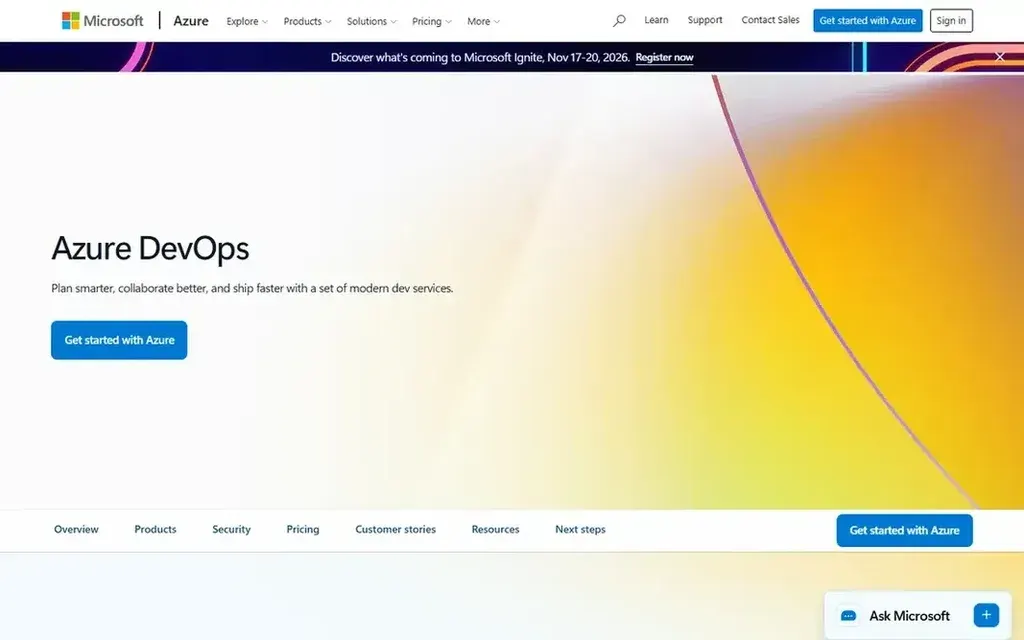
Where Azure DevOps fits: Microsoft-centric teams needing planning and CI/CD. Azure DevOps is Microsoft's suite for optimizing the development process, with agile planning, collaboration, CI/CD, and agentic AI.
The main drawbacks: Best value within Microsoft stack.
Teams can handle work items, repositories, and deployments whereas keeping governance consistent across projects. For everyday use, the interface is feature-rich and can feel dense for newcomers, and the experience is smoothest when paired with other Microsoft tools. This comparison lists no price for Azure DevOps; ask the vendor. Free plan details: Not stated.
- CI/CD and agentic AI included
- Integrated agile planning tools
- Interface can feel dense

GitLab is designed for single application for the whole software lifecycle. GitLab is an intelligent orchestration product that helps teams and agents ship trusted software quicker, with context and governance for the whole software lifecycle.
The starting price for GitLab: $29 per user per month. A free plan is available with GitLab.
Limits to weigh: Wide surface area to learn.
- Built-in governance and context
- Intelligent orchestration across the lifecycle
- May overlap with existing tooling
In short, GitHub is for developer-centric collaboration and open source. If you need deep agile planning from day one, Jira or Azure DevOps may be more appropriate. GitHub's project planning and portfolio management are less deep than dedicated SDLC suites, so complicated programs may need extra tools or integrations.
Points against: Project planning less deep than dedicated tools.
On top of that, GitHub is a widely adopted, AI-powered developer product where developers and organizations build software. It centers on code collaboration, repositories, and community, making it a natural home for development work. GitHub pricing: $4 per user per month. GitHub has a free plan.
- AI-powered developer product
- Capable collaboration features
- Advanced workflows may need integrations
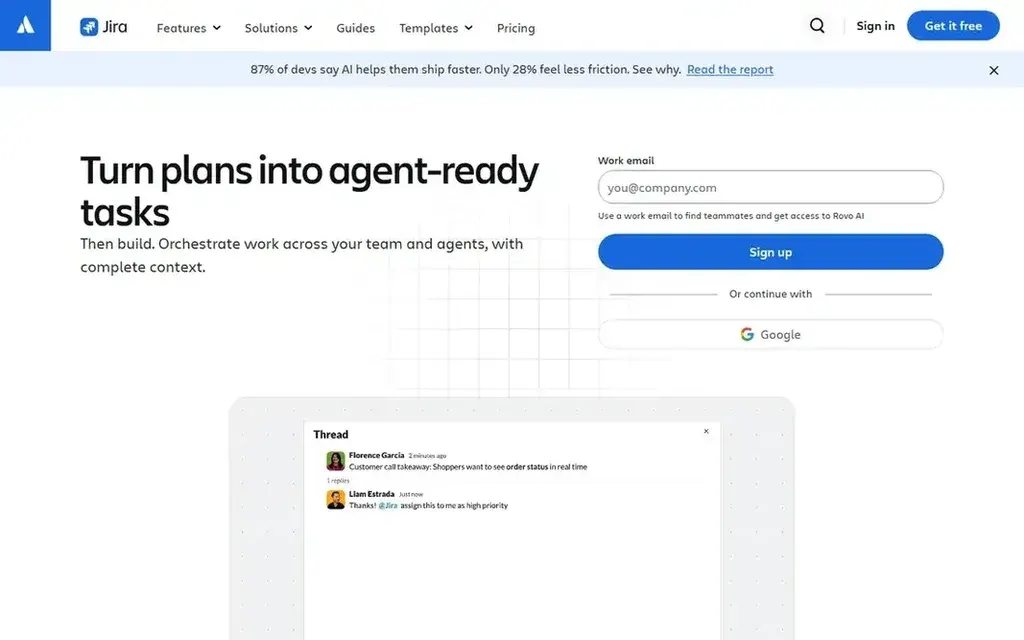
Jira is built with agile planning and issue tracking at scale in mind. Jira can become complicated to set up and maintain, particularly for small teams without dedicated administrators.
Worth adding: Jira is a project management system from Atlassian that brings teams together to plan, track, and orchestrate work. Check the vendor site for Jira pricing; none is listed in this comparison. Free options: Not stated.
Trade-offs to know: May require extras for full ALM.
- Adaptable project and issue tracking
- Scales across plenty of teams
- Can feel complicated to configure
For cross-functional work management with AI agents, Asana is a natural candidate. Its strength is in giving diverse teams a shared view of work and automating handoffs.
On top of that, Asana is not developer-first, so deep engineering workflows for example code review or CI/CD are not its core focus. If your priority is a tightly integrated software lifecycle, a product like GitHub or GitLab may be a better primary tool. Price to start with Asana: $10.99 per user per month. Asana has a free plan.
Where it is weaker: Software lifecycle depth may need integrations.
- Work management for teams and AI agents
- Well suited to cross-functional collaboration
- Not developer-first
How we built this list
We compared the tools on published pricing, free plan or trial availability, feature coverage for SDLC management tools, and the limits each vendor documents. Where a price is missing, the vendor does not list one publicly or ties it to a quote. Always confirm before budgeting. The sequence is a judgement call: typical use case first, then pricing transparency, then free access. Use the profiles to check fit.
Before you commit
- Confirm the entry price on the vendor page. For Azure DevOps and Jira that means a quote rather than a fixed price.
- Check what the free option really includes: GitLab, GitHub and Asana offer a free plan, and usage caps differ.
- Before choosing Azure DevOps, weigh its main limit: interface can feel dense.
- Ask GitLab about contract length, onboarding fees and user minimums before you sign.
- Work out what GitHub costs with your real seat count, add-ons and usage, not just the entry price.
FAQ
How are the tools for SDLC management tools ordered?
The order follows typical fit for SDLC management tools, with Azure DevOps first and Asana last, then price clarity and free access. It is editorial judgement, not a score, so another team could rank the tools differently.
What is the cheapest option for SDLC management tools in this list?
On published monthly entry prices, GitHub is the lowest here at $4 per user per month. Entry price is only part of the cost, because seats, add-ons and billing terms can change the total. For the full picture, the cards above cover all 5 entries of this SDLC management tools list, including price, free plan and limits.
Is Azure DevOps the right pick for everyone comparing SDLC management tools?
No single tool suits every team. Azure DevOps comes first because it fits Microsoft-centric teams needing planning and CI/CD, while GitLab suits single application for the entire software lifecycle and GitHub suits developer-centric collaboration and open source. Match the tool to your own size, budget and workflow before deciding.
Do these tools publish their prices?
Not all of them. Azure DevOps and Jira publish no starting price, so expect a quote request for those. The rest, GitLab included, show a starting price, though seats and billing terms still change the final cost.
Is Jira or Azure DevOps better for software teams?
Jira is an adaptable project management platform that suits plenty of agile workflows, whereas Azure DevOps integrates planning with CI/CD and agentic AI, notably for Microsoft-centric teams. The better choice relies on your existing stack and whether you want planning and pipelines in one suite.
Sources
- https://azure.microsoft.com/en-us/products/devops
- https://about.gitlab.com
- https://github.com
- https://www.atlassian.com/software/jira
- https://asana.com