Best Software to Sunset a Business (2026): 6 Picks Checked on Vendor Pages
6 options for the best software to sunset a business, with entry costs, free tiers and the buyer each one serves. Every tool lists pros and cons. Decide faster.

- Editor's choice
 NetSuite
Bigger businesses with complicated closeouts
Starts atSee websiteVisit netsuite.comFull review - Great alternative
 Xero
Bank-connected closing records
Starts at$7 a monthVisit xero.comFull review - Also consider
 FreshBooks
Straightforward invoicing and expense records
Starts at$23.00 per monthVisit freshbooks.comFull review
Direct answer
If you need bigger firms with complicated closeouts, NetSuite is the first tool to look at here. Listed starting prices: Xero from $7 a month, FreshBooks from $23.00 per month and QuickBooks Online from $11.40 a month. If your case is different, Xero suits bank-connected closing records and FreshBooks suits straightforward invoicing and expense records. Details, prices and limits for the rest of the 6 tools are below.
TL;DR:
- Number one here is NetSuite, a fit for bigger businesses with complicated closeouts.
- Neither NetSuite nor DocuSign, nor any of the other 4 tools, has a permanent free plan; trials and quotes are the norm.
- DocuSign suits signing final closing documents.
- QuickBooks Online comes with a trade-off: full feature set takes time to learn.
- Xero is the lowest-priced starter here at $7 per month.
Last checked November 2026. Prices and plan details were read from the vendors' own pages in November 2026; vendors change plans often, so confirm the current price on the vendor site before you buy.
Quick comparison
| Tool | Best for | Starts at | Free plan? | |
|---|---|---|---|---|
| NetSuite | Bigger businesses with complicated closeouts | See website | Not stated | Visit |
| Xero | Bank-connected closing records | $7 a month | Free trial | Visit |
| FreshBooks | Straightforward invoicing and expense records | $23.00 per month | Free trial | Visit |
 QuickBooks Online | Final books and payroll records | $11.40 a month | Free trial | Visit |
 Dropbox Business | Storing and sharing closing records | See website | Not stated | Visit |
 DocuSign | Signing final closing documents | $45 per user a month | Not stated | Visit |
Every option for software to sunset a business explained
Choosing software to sunset a business usually comes down to price, fit and limits. This LinkVetted guide sets 6 tools side by side on those three points, with the facts kept short and checkable.
For bigger businesses with complicated closeouts, NetSuite is a natural candidate. NetSuite is a cloud ERP system combining financials, CRM, accounting, inventory management and more with built-in AI. Owners of straightforward firms may prefer lighter accounting tools.
Upsides: CRM and inventory.
Worth adding: consider it when you need ERP-level consolidation across finance, inventory and customer data during a complicated wind-down. NetSuite is a substantial system with heavy setup, so it is more than most small closings need. This comparison lists no price for NetSuite; ask the vendor. Free options: Not stated.
Points against: Heavy setup for small teams.
- Merges financials
- Built-in AI for data analysis
- More system than a straightforward close needs

Pick Xero if this describes you: bank-connected closing records. It suits owners who work closely with an accountant and want books that stay linked to bank activity and supporting tools whereas the business is closed out.
It may be more than a straightforward closing needs if you only want entry-level records. On cost, Xero starts like this: $7 per month. Free plan details: Free trial.
Limits to weigh: Ramp-up time for new users.
- Links to banks and accountants
- Links with plenty of business apps
- Add-on apps can complicate setup
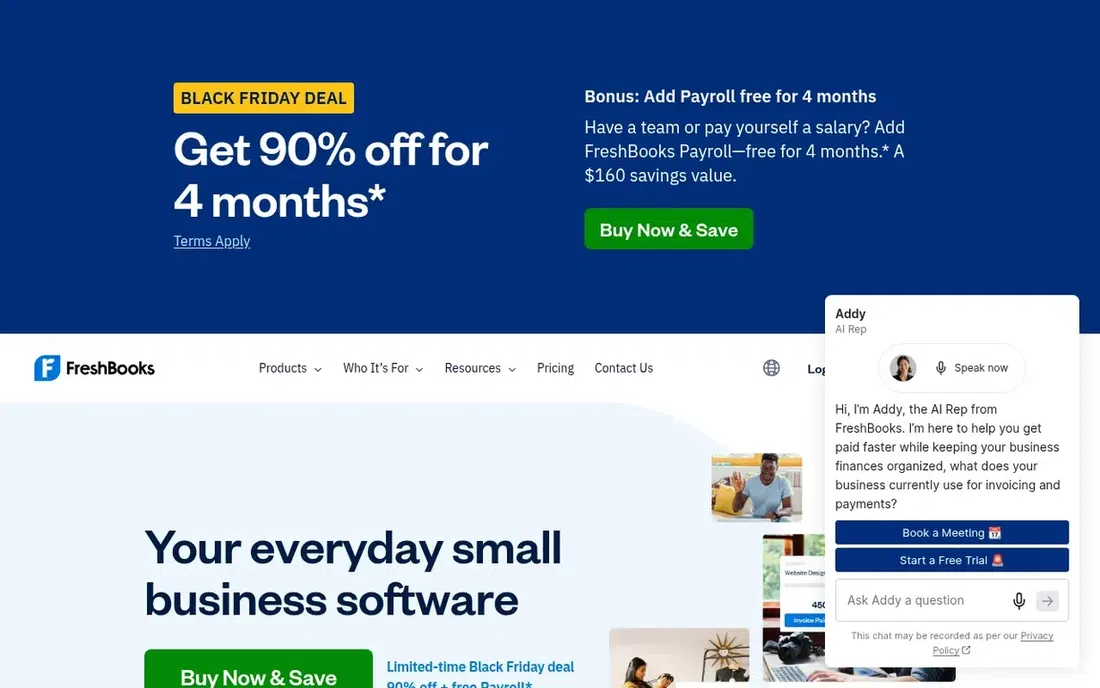
FreshBooks makes the most sense for straightforward invoicing and expense records. FreshBooks is cloud accounting software for small companies centred on invoicing, time tracking, receipts, expenses and card payments.
Trade-offs to know: Lighter on advanced accounting.
Worth adding: if you need fuller financial statements or payroll depth, a broader system for example QuickBooks Online may serve better. Choose FreshBooks when simplicity and clean invoicing records matter most. Entry price for FreshBooks: $23.00 per month. Free access: Free trial.
- Receipt and expense management
- Simple invoicing and time tracking
- Fewer deep reporting choices

Choose QuickBooks Online for final books and payroll records. QuickBooks Online is cloud accounting software that organizes income, expenses, invoices, payroll and reports in one dashboard. For a business being wound down, it keeps final financial records and reports in a single place that an accountant can review.
Downsides: Full feature set takes time to learn.
Consider Xero if connected bank feeds and accountant collaboration are your priority. For everyday use, the system carries a wide feature set, so setup and cleanup can take time. You keep paying whereas records remain active. Price to start with QuickBooks Online: $11.40 per month. Trial and free access: Free trial.
- Supports payroll and expense tracking
- Merges accounting
- Continuing subscription needed whereas records stay active
Think of Dropbox Business for storing and sharing closing records. Dropbox Business is not an accounting system, so it cannot produce final financial statements on its own.
From a buyer's view, choose it when secure archiving and sharing of closing records is the central need, and keep accounting in a dedicated tool. Pricing for Dropbox Business is not stated here, so ask the vendor for current figures. As for free access: Not stated.
Drawbacks to consider: Not an accounting system.
- ESignature choices included
- Cloud storage and file sharing
- Storage alone does not close books
DocuSign serves signing final closing documents. In a business wind-down, it lets owners, partners and advisors sign dissolution, transfer and settlement documents electronically and keep those agreements organized.
Where it falls short: Needs pairing with other tools.
It suits any closing that involves several signers who are not in the same place and need a clear record of what was signed and when. DocuSign starts at: $45 per user per month. Free options: Not stated.
- Electronic signatures for agreements
- Works for remote signers
- Concentrated on agreements, not accounting
How we chose
We compared the tools on published pricing, free plan or trial availability, feature coverage for software to sunset a business, and the limits each vendor documents. Where a price is missing, the vendor does not list one publicly or ties it to a quote. Always confirm before budgeting. The sequence is a judgement call: typical use case first, then pricing transparency, then free access. Use the profiles to check fit.
Pre-purchase checklist
- Ask NetSuite and Dropbox Business for a written quote, since no starting price is shown.
- Take the trial from Xero, FreshBooks and QuickBooks Online and push a live task through it before you pay.
- Before choosing NetSuite, weigh its main limit: heavy setup for small teams.
- Ask FreshBooks which support channels and response times come with the plan you would buy.
- The entry price of Xero is only the starting point; model the full cost with seats and extras.
FAQ
How should I store closing documents?
Use a cloud storage service with backup and sharing controls, for example Dropbox Business, and keep signed agreements in a tracked system like DocuSign. Keep copies accessible for provided that your records policy needs.
Can I keep using accounting software after the business closes?
Confirm retention and export choices with each vendor before you cancel anything. Exporting final reports and tax records to secure storage is a sensible safeguard.
How are the tools for software to sunset a business ordered?
NetSuite sits first and DocuSign last because the order follows typical fit for software to sunset a business, then price clarity and free access. It is a judgement call, so read each profile for fit and limits.
Is NetSuite the right pick for everyone comparing software to sunset a business?
No single tool suits every team. NetSuite comes first because it fits larger firms with complex closeouts, while Xero suits bank-connected closing records and FreshBooks suits simple invoicing and expense records. Match the tool to your own size, budget and workflow before deciding.
Do these tools publish their prices?
Not all of them. NetSuite and Dropbox Business publish no starting price, so expect a quote request for those. The rest, Xero included, show a starting price, though seats and billing terms still change the final cost.
What is the cheapest option for software to sunset a business in this list?
On published monthly entry prices, Xero is the lowest here at $7 per month. Entry price is only part of the cost, because seats, add-ons and billing terms can change the total. Prices, free plan details and limits for all 6 tools in this software to Sunset a business roundup sit on the individual cards above.
Sources
- https://www.netsuite.com
- https://www.xero.com
- https://www.freshbooks.com
- https://quickbooks.intuit.com
- https://www.dropbox.com/business
- https://www.docusign.com