Best Solo Entrepreneur Tools Back Office for 2026: Our 6 Vetted Picks
Compare 6 picks for the best solo entrepreneur tools back office, with prices, free plans and who each fits. The catches are listed up front. Decide faster.
- Editor's choice
 Wave
Straightforward invoicing and money management
Starts at$19 a monthVisit waveapps.comFull review - Great alternative
 Notion
Custom workspace and automation
Starts at$10 per member a monthVisit notion.comFull review - Also consider
 FreshBooks
Service companies with invoicing and time tracking
Starts at$23.00 per monthVisit freshbooks.comFull review
Direct answer
For straightforward invoicing and money management, Wave is where this list starts. Listed starting prices: Wave from $19 a month, Notion from $10 per member a month and FreshBooks from $23.00 per month. Notion is better for custom workspace and automation, and FreshBooks is better for service businesses with invoicing and time tracking. The full list of 6 tools follows, with prices and free plan facts.
TL;DR:
- Wave sits first on this list: straightforward invoicing and money management.
- ClickUp suits all-in-one productivity and task management.
- Free plans exist at 3 of 6 tools (Wave, Notion, ClickUp).
- The main caution on FreshBooks: less suited for product-based companies.
- ClickUp is the lowest-priced starter here at $9 per user per month.
Last checked November 2026. Prices and plan details were read from the vendors' own pages in November 2026; vendors change plans often, so confirm the current price on the vendor site before you buy.
Quick comparison
| Tool | Best for | Starts at | Free plan? | |
|---|---|---|---|---|
| Wave | Straightforward invoicing and money management | $19 a month | Yes | Visit |
| Notion | Custom workspace and automation | $10 per member a month | Yes | Visit |
| FreshBooks | Service companies with invoicing and time tracking | $23.00 per month | Free trial | Visit |
 Zoho Books | Small companies needing tax and reconciliation | See website | Not stated | Visit |
 QuickBooks Online | Full accounting and business organization | $11.40 a month | Free trial | Visit |
 ClickUp | All-in-one productivity and task management | $9 per user a month | Yes | Visit |
Solo Entrepreneur Tools Back Office compared in detail
Short on time? The summary and table above give the quick view of 6 tools for solo entrepreneur tools back office, and the profiles that follow give the detail behind each entry.
Wave is built with straightforward invoicing and money management in mind. Wave offers a suite of money management tools that contain invoicing, online payments, and accounting.
Honest limits: May not scale with complicated needs.
For everyday use, Wave is not as feature-rich as some competitors, so it may not support complicated accounting requirements or deep integrations. On cost, Wave starts like this: $19 per month. You can start on Wave without paying.
- Integrated accounting tools
- Approachable interface
- Restricted advanced features
For custom workspace and automation, Notion is a natural candidate. It is an adaptable tool for solo entrepreneurs who want to organize their back office operations, like client records, project plans, and internal documentation, in one configurable space.
Trade-offs to know: Needs setup to fit back office needs.
Also, Notion is not designed for accounting or invoicing, so it performs best alongside a dedicated financial tool. Entry price for Notion: $10 per member per month. Notion offers a free plan.
- Merges notes, tasks, databases
- AI-powered search and automation
- Not a dedicated accounting tool
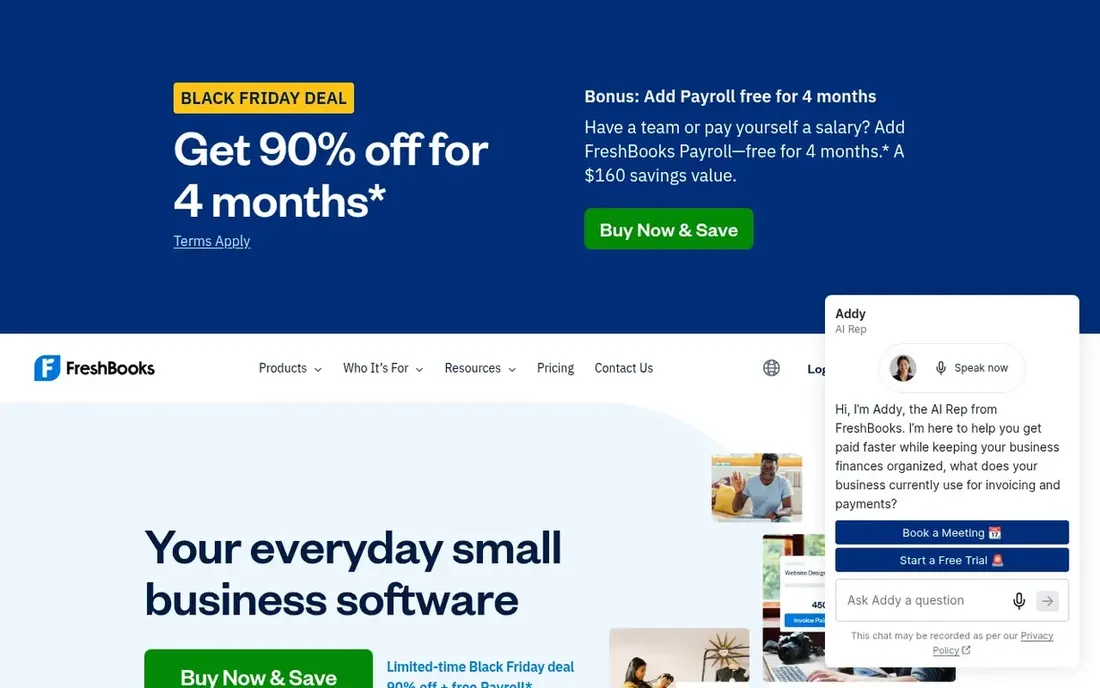
FreshBooks is a good fit for service firms with invoicing and time tracking. FreshBooks is cloud-based accounting software made for small companies, with a focus on invoicing, time tracking, and expense management.
Downsides: Less suited for product-based firms.
Also, Whereas FreshBooks excels at client-facing tasks, it may not offer the depth of accounting features needed for companies with complicated inventory or payroll needs. FreshBooks cost at the entry level: $23.00 per month. Free options: Free trial.
- Credit card acceptance
- Receipt and expense management
- May lack advanced accounting features
Zoho Books works best for small firms needing tax and reconciliation. Zoho Books is cloud-based accounting software that simplifies invoicing, expenses, tax management, bank reconciliation, and financial reporting for small firms.
Watch-outs: Interface can be complicated.
Beyond that, consider more straightforward tools if you need only entry-level invoicing without tax or reconciliation complexity. No starting price is listed for Zoho Books here; confirm pricing on the vendor site. Free plan details: Not stated.
- Bank reconciliation
- Full invoicing and expense tracking
- May need time to set up

Choose QuickBooks Online for full accounting and business organization. Consider a more straightforward choice if you only need entry-level invoicing and expense tracking. As for the details, the product can feel overwhelming for new users because of its deep feature set.
Downsides: May need ramp-up time for advanced features.
It may be more than needed for very straightforward firms. On top of that, QuickBooks Online is a cloud-based accounting option that helps solo entrepreneurs organize and handle their business finances. It provides tools for invoicing, expense tracking, and financial reporting, making it a good match for those who want a solid system to deal with multiple back office tasks in one place. What you pay to start with QuickBooks Online: $11.40 per month. On free options: Free trial.
- Full accounting features
- Simple setup and organization tools
- Can be complicated for beginners
Pick ClickUp if this describes you: all-in-one productivity and task management. ClickUp is an everything app for work that contains tasks, docs, goals, and chat. It helps solo entrepreneurs handle projects, track goals, and centralize communication, making it a handy hub for back office organization and productivity.
From a buyer's view, ClickUp does not deal with accounting or invoicing, so it should be paired with a financial tool. Its broad features may be overkill for straightforward task management, and configuration can take time. Entry price for ClickUp: $9 per user per month. ClickUp has a free plan.
The main drawbacks: Can be complicated to configure.
- AI features for productivity
- Configurable views
- Not a financial accounting tool
How we built this list
For each of the 6 tools we noted price, free plan or trial, fit for solo entrepreneur tools back office and the main limit, using vendor pages and documentation. Where a price is missing, the vendor does not list one publicly or ties it to a quote. Always confirm before budgeting. We ordered the tools by general fit, then by how clearly pricing is shown, then by free access. A buyer with unusual needs may reorder them.
What to check before you buy
- Get a written quote from Zoho Books; the list shows no starting price for them.
- Look at free plan limits closely: Wave, Notion and ClickUp have one, and the caps decide whether it is usable for real work.
- Take the trial from FreshBooks and QuickBooks Online and push a live task through it before you pay.
- Read the limits listed for Wave first: restricted advanced features.
- Before rolling out Notion, verify the integrations your workflow depends on.
- Work out what FreshBooks costs with your real seat count, add-ons and usage, not just the entry price.
FAQ
Which tool is a good match for invoicing and time tracking?
For most readers this guide would start with Wave, built for straightforward invoicing and money management. Notion is the alternative for custom workspace and automation, and FreshBooks for service companies with invoicing and time tracking. The right answer depends on budget and workflow.
What should a solo entrepreneur look for in a back office tool?
Focus on core needs like accounting, invoicing, and organization. Consider whether you need full accounting features or just straightforward money management, and check for simplicity and integration with your bank.
How are the tools for solo entrepreneur tools back office ordered?
The order follows typical fit for solo entrepreneur tools back office, with Wave first and ClickUp last, then price clarity and free access. It is editorial judgement, not a score, so another team could rank the tools differently.
What is the cheapest option for solo entrepreneur tools back office in this list?
On published monthly entry prices, ClickUp is the lowest here at $9 per user per month. Entry price is only part of the cost, because seats, add-ons and billing terms can change the total.
Do these tools publish their prices?
Not all of them. Zoho Books publishes no starting price, so expect a quote request for it. The rest, Wave included, show a starting price, though seats and billing terms still change the final cost.
Is Wave the right pick for everyone comparing solo entrepreneur tools back office?
No single tool suits every team. Wave comes first because it fits simple invoicing and money management, while Notion suits custom workspace and automation and FreshBooks suits service businesses with invoicing and time tracking. Match the tool to your own size, budget and workflow before deciding.
Sources
- https://www.waveapps.com
- https://www.notion.com
- https://www.freshbooks.com
- https://www.zoho.com/books
- https://quickbooks.intuit.com
- https://clickup.com