5 Software to Record Video Worth Shortlisting in 2026
Best software to record video, compared. 5 tools with published prices, free plans and limits. Costs and caveats sit beside each pick. Updated for 2026.

- Editor's choice
 Bandicam
Screen, gameplay and webcam capture
Starts atSee websiteVisit bandicam.comFull review - Great alternative
 DaVinci Resolve
Editing, color, effects and audio in one app
Starts atSee websiteVisit blackmagicdesign.comFull review - Also consider
 Camtasia
Tutorials, training videos and demos
Starts atSee websiteVisit techsmith.comFull review
Direct answer
Our first pick is Bandicam, best for screen, gameplay and webcam capture. Listed starting prices: Loom from $18 per user a month. DaVinci Resolve fits editing, color, effects and audio in one app; Camtasia fits Tutorials, training videos and demos. Prices, free plans and limits for all 5 tools follow.
TL;DR:
- This list starts with Bandicam, which is built for screen, gameplay and webcam capture.
- Loom suits fast screen recording and simple sharing.
- Loom is the only tool of the 5 with a free plan.
- Starting prices begin at $18 per user per month with Loom.
Last checked November 2026. Prices and plan details were read from the vendors' own pages in November 2026; vendors change plans often, so confirm the current price on the vendor site before you buy.
Quick comparison
| Tool | Best for | Starts at | Free plan? | |
|---|---|---|---|---|
| Bandicam | Screen, gameplay and webcam capture | See website | Not stated | Visit |
| DaVinci Resolve | Editing, color, effects and audio in one app | See website | Not stated | Visit |
| Camtasia | Tutorials, training videos and demos | See website | Not stated | Visit |
 OBS Studio | Free open source recording and streaming | See website | Not stated | Visit |
 Loom | Fast screen recording and simple sharing | $18 per user a month | Yes | Visit |
5 options for software to record video in detail
This LinkVetted guide covers 5 options for software to record video. Each profile lists a starting price, free plan details, strengths and drawbacks, so you can drop poor fits quickly.
Pick Bandicam if this describes you: screen, gameplay and webcam capture. Bandicam is screen recording software for capturing your screen, gameplay and webcam, with built-in editing and AI tools. In practice, if you need a full editing suite rather than a recorder, consider Camtasia or DaVinci Resolve instead.
Upsides: gameplay and webcam.
Watch-outs: Interface takes some learning. Bandicam is built around recording, so complicated post-production still belongs in an editor. Its feature set can take time to learn. No starting price is listed for Bandicam here; confirm pricing on the vendor site. Free access: Not stated.
- Comes with AI tools
- Records screen
- Windows-focused positioning
DaVinci Resolve is built with editing, color, effects and audio in one app in mind. DaVinci Resolve merges professional video editing, color correction, visual effects and audio postproduction in a single application, with versions for Mac, Windows and Linux.
In daily use, DaVinci Resolve is a postproduction suite, not a screen recorder, so capture needs another tool. Its breadth means a steeper ramp-up time. This comparison lists no price for DaVinci Resolve; ask the vendor. As for free access: Not stated.
Trade-offs to know: Steep ramp-up time. Strengths: Windows and Linux.
- Editing and color correction together
- Visual effects and audio post
- Not a screen recorder
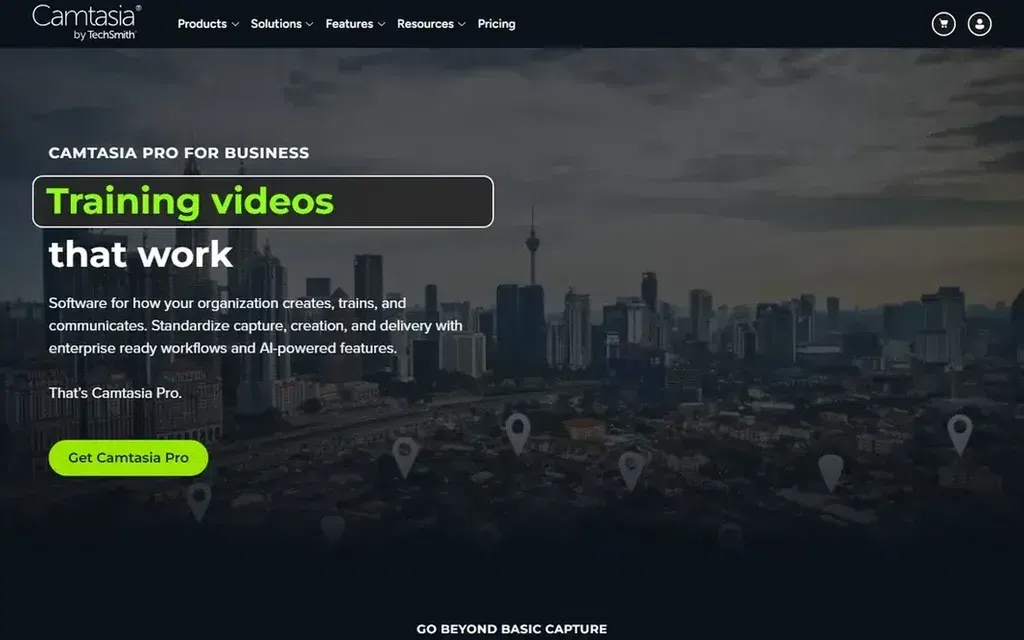
Camtasia is a good fit for Tutorials, training videos and demos. If you only want fast raw records, a lighter tool will feel quicker.
In daily use, choose it when editing tutorials is a core part of your work. No starting price is listed for Camtasia here; confirm pricing on the vendor site. Free plan details: Not stated.
Downsides: Editing focus may exceed entry-level needs.
- Screen recording plus video editing
- Built for tutorials and training
- Heavier than straightforward capture tools
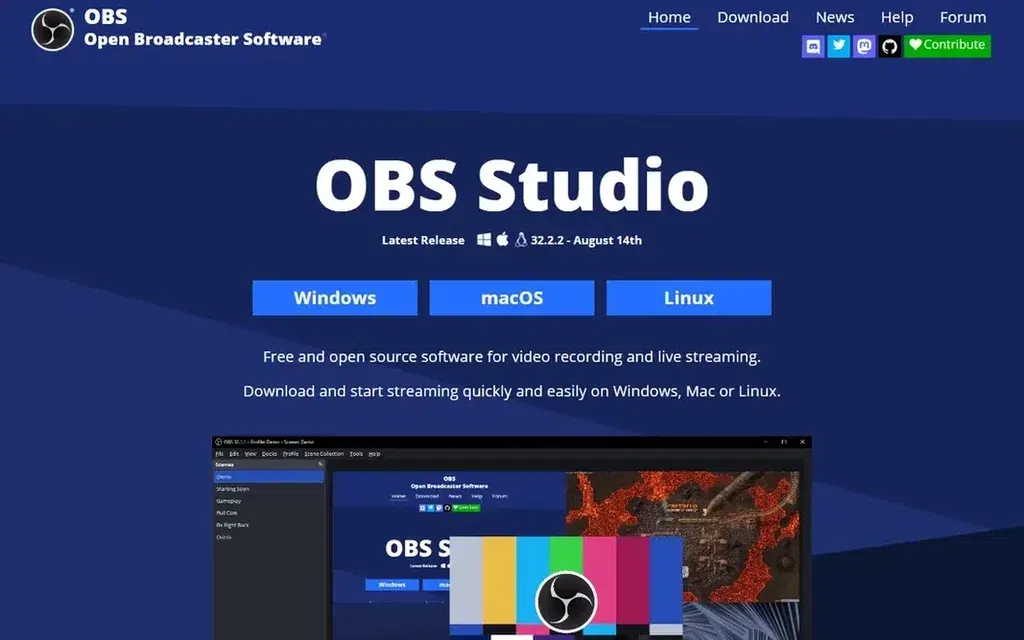
OBS Studio was built for free open source recording and streaming. Beyond that, since OBS Studio centers on capture instead of editing, you will typically need a separate editor to polish the result.
Its settings and scene management can overwhelm beginners. In daily use, pick a more straightforward screen recorder or an all-in-one editor if you want minimal setup. OBS Studio does not show a starting price in this comparison, so check the vendor site for current pricing. On free options: Not stated.
Where it is weaker: Setup can feel technical.
- Streams to plenty of providers
- High quality H264 and AAC encoding
- Restricted built-in editing
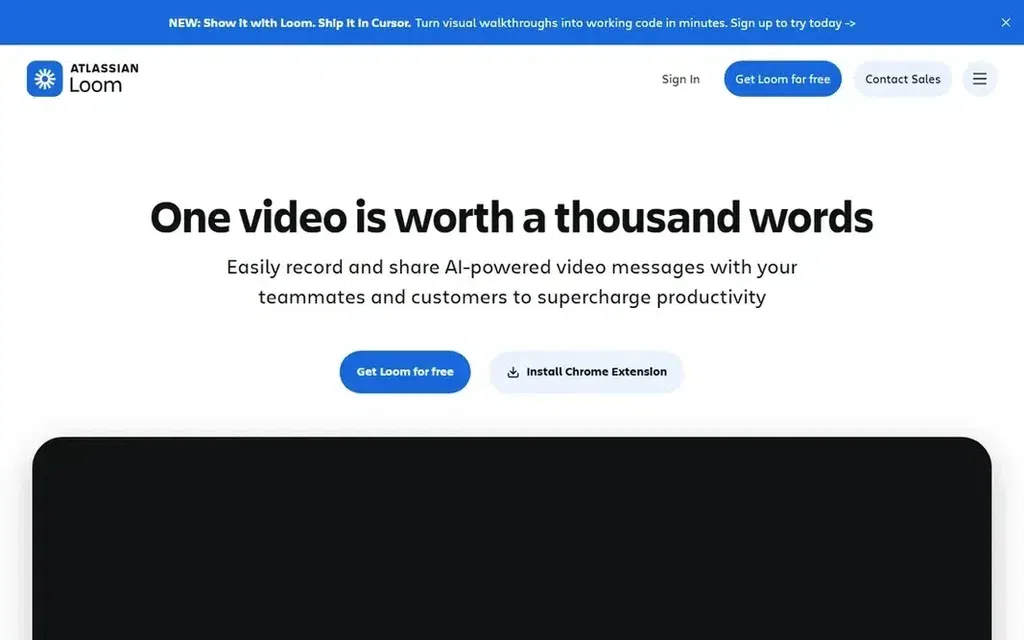
For fast screen recording and easy sharing, Loom is a natural candidate. For multi-source scenes or advanced encoding settings, a tool like OBS Studio is a better fit.
Downsides: Less control than studio tools.
Loom is designed around fast capture and sharing, so it supplies less granular control than dedicated studio software. As for the details, Loom is an online screen recording tool for Mac and PC with advanced video editing and video storage, plus simple sharing from its site. Entry price for Loom: $18 per user per month. Loom offers a free plan.
- Built-in editing and video storage
- Straightforward browser-based recording
- Not pitched at advanced production
How we built this list
A buyer's checklist
- Confirm the entry price on the vendor page. For Bandicam, DaVinci Resolve, Camtasia and OBS Studio that means a quote rather than a fixed price.
- Look at the free plan from Loom closely: its caps decide whether it is usable for real work.
- Before choosing Bandicam, weigh its main limit: Windows-focused positioning.
- Check how data leaves Bandicam: formats, limits and whether exports are available on every plan.
- Read the plan comparison for OBS Studio carefully; key features often start on a higher tier.
FAQ
What is the cheapest option for software to record video in this list?
On published monthly entry prices, Loom is the lowest here at $18 per user per month. Entry price is only part of the cost, because seats, add-ons and billing terms can change the total. For the full picture, the cards above cover all 5 entries of this software to record video list, including price, free plan and limits.
Can I try these tools before paying?
Often, yes. Loom has a free plan. Use your own data and a real task during the test, and check what the free tier or trial limits before you rely on it. Prices, free plan details and limits for all 5 tools in this software to record video roundup sit on the individual cards above.
Is Bandicam the right pick for everyone comparing software to record video?
No single tool suits every team. Bandicam comes first because it fits screen, gameplay and webcam capture, while DaVinci Resolve suits editing, color, effects and audio in one app and Camtasia suits Tutorials, training videos and demos. Match the tool to your own size, budget and workflow before deciding.
Can recording tools also stream live?
OBS Studio is designed for both recording and live streaming to providers for example Twitch and YouTube. If streaming is central, check each vendor page for current capabilities.
Do these tools publish their prices?
Not all of them. Bandicam, DaVinci Resolve, Camtasia and OBS Studio publish no starting price, so expect a quote request for those. The rest, Loom included, show a starting price, though seats and billing terms still change the final cost.
Sources
- https://www.bandicam.com
- https://www.blackmagicdesign.com/products/davinciresolve
- https://www.techsmith.com/camtasia.html
- https://obsproject.com
- https://www.loom.com