5 Software to Create Labels Worth Shortlisting in 2026
Weighing the best software to create labels? We lined up 5 products by cost, free access and fit. Price notes and drawbacks come with each one. Details below.
- Editor's choiceLabel LIVE
Mac and Windows thermal label printing
Starts at$19.99 a monthVisit label.liveFull review - Great alternativeAvery Design & Print
Template-based labels with Avery products
Starts atSee websiteVisit avery.comFull review - Also consider
 BarTender
Enterprise barcode and RFID labeling
Starts at$199 a yearVisit seagullscientific.comFull review
Direct answer
Label LIVE is the first pick on this list for Mac and Windows thermal label printing. Listed starting prices: Label LIVE from $19.99 a month and BarTender from $199 a year. Avery Design & Print is the stronger choice for template-based labels with Avery products, while BarTender suits enterprise barcode and RFID labeling. Details, prices and limits for the rest of the 5 tools are below.
TL;DR:
- Label LIVE takes the first slot, best suited to Mac and Windows thermal label printing.
- A permanent free plan is missing from all 5 tools, Label LIVE and Labeljoy included; plan for a trial or a premium start.
- For barcode generation and printing from any source, Labeljoy is worth a look.
- What to know about BarTender first: steeper ramp-up time for beginners.
- Label LIVE has the lowest monthly starting price in this list: $19.99 per month.
Last checked November 2026. Prices and plan details were read from the vendors' own pages in November 2026; vendors change plans often, so confirm the current price on the vendor site before you buy.
Quick comparison
| Tool | Best for | Starts at | Free plan? | |
|---|---|---|---|---|
| Label LIVE | Mac and Windows thermal label printing | $19.99 a month | No | Visit |
| Avery Design & Print | Template-based labels with Avery products | See website | Not stated | Visit |
| BarTender | Enterprise barcode and RFID labeling | $199 a year | No | Visit |
 Canva | Fast, template-driven label design | See website | Not stated | Visit |
 Labeljoy | Barcode generation and printing from any source | See website | Not stated | Visit |
Tool-by-tool breakdown
Short on time? The summary and table above give the quick view of 5 software to create labels, and the profiles that follow give the detail behind each entry.
Label LIVE
Best for: Mac and Windows thermal label printing
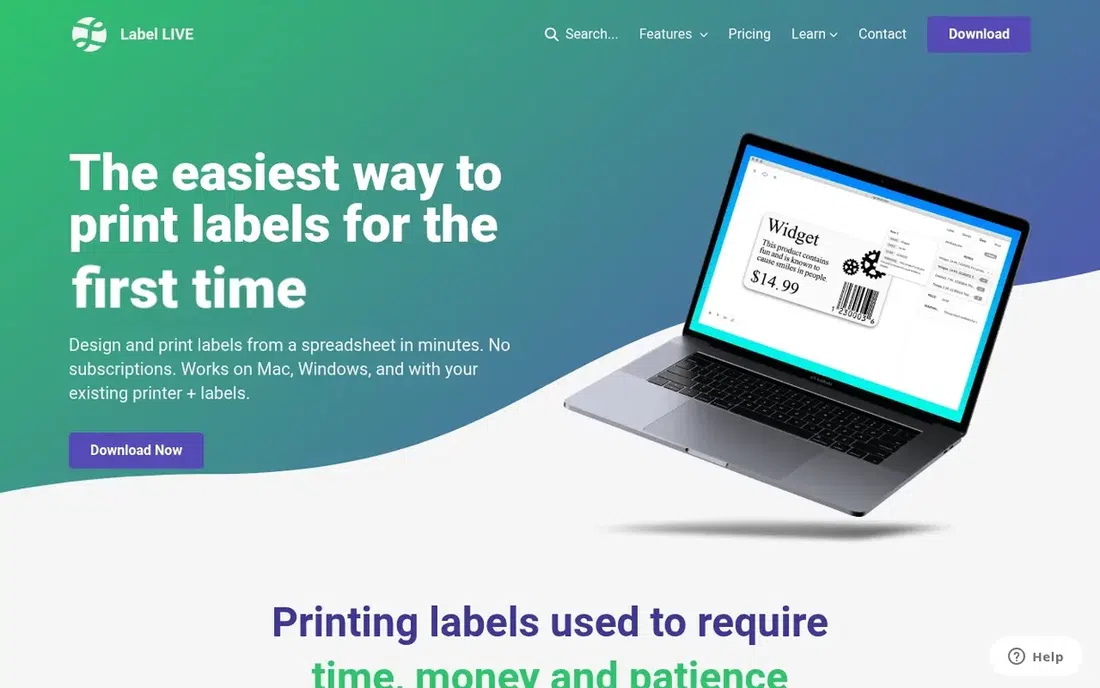
Label LIVE serves Mac and Windows thermal label printing. Label LIVE is label design and printing software for Mac and Windows. It lets you design labels, create barcodes and QR codes, and print from Excel or CSV data to thermal, inkjet, and laser printers, including Zebra, DYMO, and Brother models.
Limits to weigh: Restricted advanced design features.
What Label LIVE does well: Prints to Zebra, DYMO, Brother; Imports data from Excel or CSV.
More specifically, Label LIVE concentrates on printing and barcode generation instead of elaborate graphic design. In daily use, pick Label LIVE when you need steady thermal printing and straightforward data-driven labels. What you pay to start with Label LIVE: $19.99 per month. No free plan comes with Label LIVE.
- Native support for Mac and Windows
- Other printers
- Focused primarily on label printing
Avery Design & Print
Best for: Template-based labels with Avery products
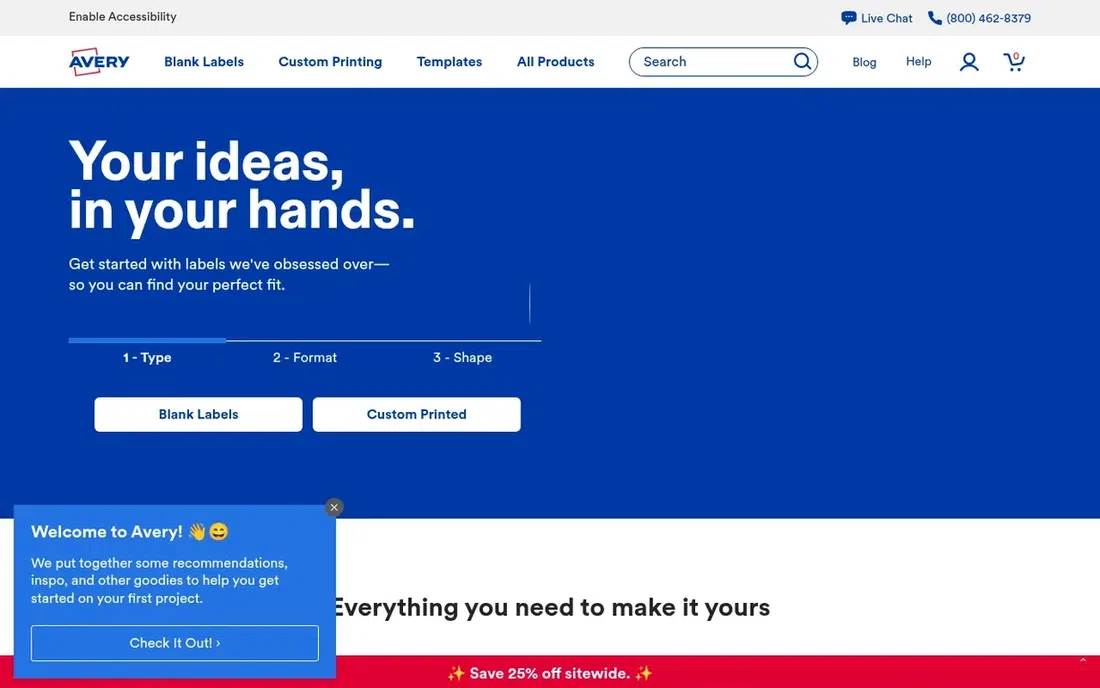
Avery Design & Print serves template-based labels with Avery products. The tool is tailored to Avery's label formats, so it may not accommodate non-Avery sizes or specialized industrial labels. As for the details, Avery Design & Print is an online tool for designing and printing labels, stickers, cards, and tags using Avery's blank or custom printed products.
It offers templates and a simple drag-and-drop interface, making it well suited to small firms, event planners, and home users who want fast, professional-looking labels without design software. As for the details, for barcode-heavy or high-volume printing, consider BarTender or Label LIVE. No starting price is listed for Avery Design & Print here; confirm pricing on the vendor site. Trial and free access: Not stated.
Points against: Less adaptable for custom sizes.
- Free online design tool with templates
- Choice to order professionally printed labels
- Most useful for Avery brand products
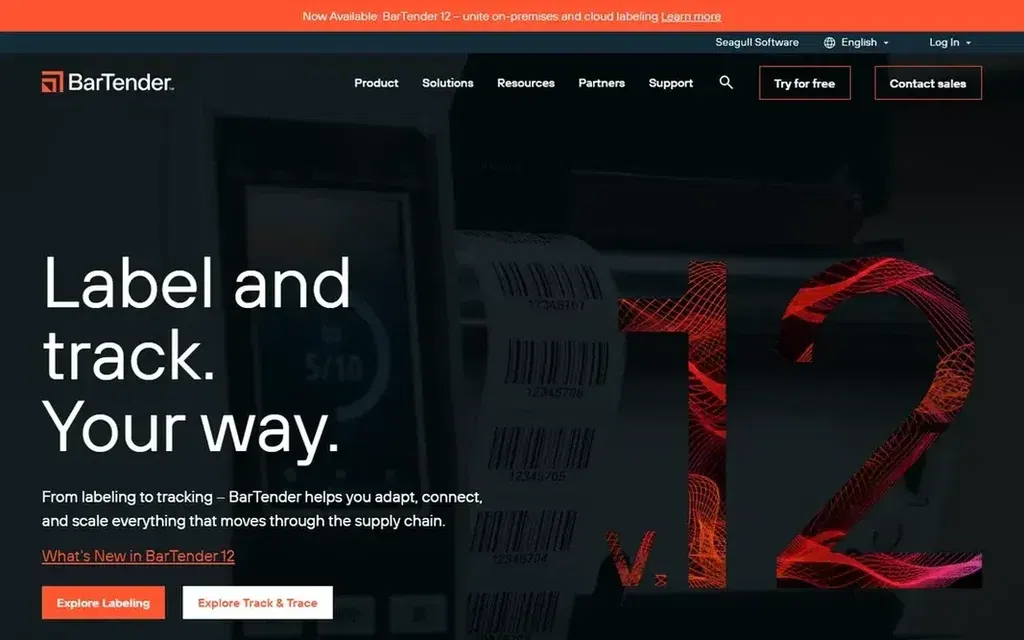
BarTender serves enterprise barcode and RFID labeling. If you only need occasional simple labels, a lighter tool like Canva or Avery Design & Print may be more appropriate. From a buyer's view, BarTender is a barcode label design and printing software built for managing barcodes, labels, RFID tags, and more.
Drawbacks to consider: Steeper ramp-up time for beginners.
It is widely used in industries requiring precise, compliant labeling and high-volume printing. Choose BarTender when barcode accuracy and print automation are critical. BarTender pricing: $199 per year. BarTender has no free plan.
- Supports complicated labeling workflows
- Thorough barcode and RFID label design
- May be overkill for straightforward label needs
Choose Canva for fast, template-driven label design. Canva is a free-to-use online graphic design tool for creating social media posts, presentations, posters, logos, and more.
Beyond that, Canva performs best for straightforward, visually appealing labels. No starting price is listed for Canva here; confirm pricing on the vendor site. Free access: Not stated.
Limits to weigh: Restricted barcode and variable data features.
- Simple drag-and-drop interface
- Free online design tool with templates
- Not optimized for high-volume printing
Labeljoy is aimed squarely at barcode generation and printing from any source. It is targeted at users who require reliable barcode creation and label printing without specialized hardware, like small retailers and warehouse operators.
Honest limits: Interface may feel dated to some users.
For everyday use, Labeljoy centres on barcode functionality instead of creative design, so it may not satisfy users seeking deep layout customization. Check the vendor site for Labeljoy pricing; none is listed in this comparison. Free plan details: Not stated.
- Supports EAN barcode design
- Roll printers
- Restricted advanced graphic design features
How we chose
Pre-purchase checklist
- Confirm the entry price on the vendor page. For Avery Design & Print, Canva and Labeljoy that means a quote rather than a fixed price.
- Read the limits listed for Label LIVE first: restricted advanced design features.
- Run a one or two week pilot of Avery Design & Print with the people who will use it every day.
- Find out what support Canva includes on your plan, and whether onboarding help costs extra.
- Price BarTender for your actual team size; headline prices rarely include add-ons or overage.
FAQ
Do I need special software for thermal printers?
Yes, thermal printers frequently need software that supports specific printer languages. Label LIVE and BarTender are built to work with thermal printers from brands like Zebra and DYMO, ensuring proper output.
Can I try these tools before paying?
Not by default. None of the tools, from Label LIVE to Labeljoy, lists a free plan or a free trial here, so ask each vendor for a demo before committing.
Is Label LIVE the right pick for everyone comparing software to create labels?
No single tool suits every team. Label LIVE comes first because it fits Mac and Windows thermal label printing, while Avery Design & Print suits template-based labels with Avery products and BarTender suits enterprise barcode and RFID labeling. Match the tool to your own size, budget and workflow before deciding.
Does any tool for software to create labels here have a free plan?
A permanent free plan is not offered by Label LIVE, Labeljoy or the other tools here. Plan a short evaluation period instead.
Do these tools publish their prices?
Not all of them. Avery Design & Print, Canva and Labeljoy publish no starting price, so expect a quote request for those. The rest, Label LIVE included, show a starting price, though seats and billing terms still change the final cost.
Sources
- https://label.live
- https://www.avery.com
- https://www.seagullscientific.com
- https://www.canva.com
- https://www.labeljoy.com