5 Software for Managing Chatbot Interactions Worth Shortlisting in 2026
Best software for managing chatbot interactions: 5 contenders ranked by fit, with entry costs and free tiers. Clear notes on pricing gaps and limits. No filler.
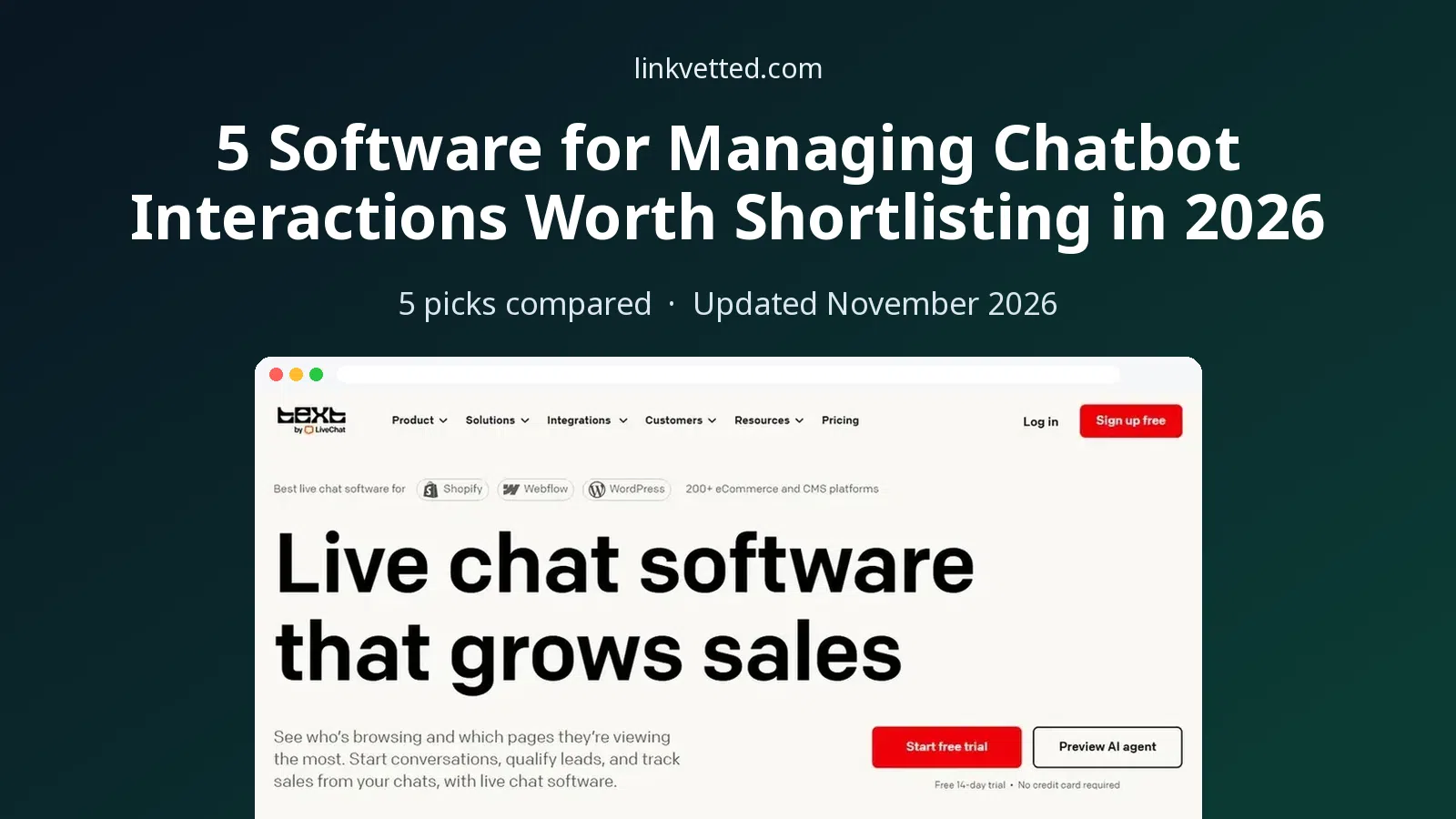
- Editor's choice
 HubSpot Service Hub
Expanding teams already in HubSpot
Starts atSee websiteVisit hubspot.comFull review - Great alternative
 LiveChat
Website live chat with an AI Agent
Starts at$19 per user per monthVisit livechat.comFull review - Also consider
 Freshdesk
Omnichannel ticketing with automatic workflows
Starts atSee websiteVisit freshworks.comFull review
Direct answer
Start with HubSpot Service Hub if you need expanding teams already in HubSpot. Listed starting prices: LiveChat from $19 per user per month and Zendesk from $19 agent/month premium yearly. If your case is different, LiveChat suits website live chat with an AI Agent and Freshdesk suits omnichannel ticketing with automatic workflows. The full list of 5 tools follows, with prices and free plan facts.
TL;DR:
- HubSpot Service Hub is the opening pick, best for expanding teams already in HubSpot.
- For the cheapest start, look at LiveChat: $19 per user per month.
- Kustomer is the one to check for unified conversations inside a service CRM.
- Neither HubSpot Service Hub nor Kustomer, nor any of the other 3 tools, has a permanent free plan; trials and quotes are the norm.
Last checked November 2026. Prices and plan details were read from the vendors' own pages in November 2026; vendors change plans often, so confirm the current price on the vendor site before you buy.
Quick comparison
| Tool | Best for | Starts at | Free plan? | |
|---|---|---|---|---|
| HubSpot Service Hub | Expanding teams already in HubSpot | See website | Not stated | Visit |
| LiveChat | Website live chat with an AI Agent | $19 per user per month | Free trial | Visit |
| Freshdesk | Omnichannel ticketing with automatic workflows | See website | Not stated | Visit |
 Zendesk | End-to-end AI issue resolution | $19 agent/month premium yearly | Free trial | Visit |
 Kustomer | Unified conversations inside a service CRM | See website | Not stated | Visit |
Software for Managing Chatbot Interactions compared in detail
Choosing software for managing chatbot interactions usually comes down to price, fit and limits. This LinkVetted guide sets 5 tools side by side on those three points, with the facts kept short and checkable.
Think of HubSpot Service Hub for expanding teams already in HubSpot. Compare your existing stack first, since value depends heavily on how much customer data already lives in one place. Also, teams that only need a website chat widget may find it broader than necessary.
Where it is weaker: May be more than a chat-only team needs.
On top of that, for managing chatbot interactions, its appeal is continuity: conversations can sit alongside the wider customer context a team already keeps in HubSpot. As for the details, HubSpot Service Hub is described as an AI-powered customer service product for expanding teams, centred on transforming the customer experience. No starting price is listed for HubSpot Service Hub here; confirm pricing on the vendor site. Free plan details: Not stated.
- Suits teams expanding their customer experience
- Links service with wider customer context
- Most valuable inside the HubSpot ecosystem
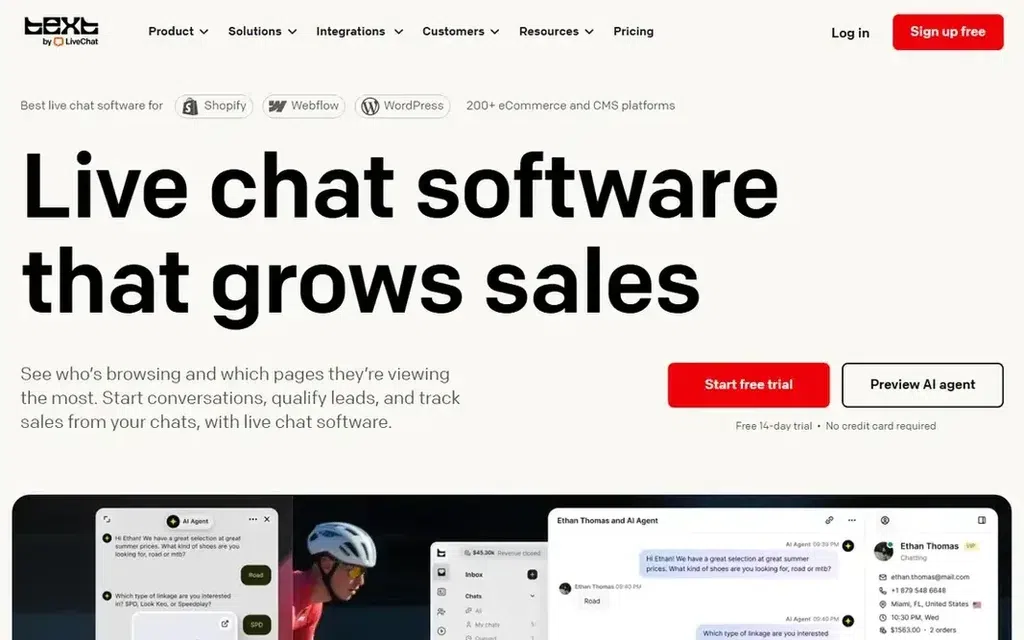
For website live chat with an AI Agent, LiveChat is a natural candidate. LiveChat, from Text, is live chat software for your website with an AI Agent that answers around the clock. This makes it a natural fit for firms whose chatbot interactions start on the website and commonly blend support questions with sales interest, notably where a quick chat widget matters more than a deep service suite.
Downsides: Narrower than full service suites.
Also, the product centers on chat instead of on wide omnichannel ticketing, so organizations with complicated multi-channel service operations may outgrow it. More specifically, pick something else when chat is one of plenty of channels that must share one queue. In practice, lead and sales tracking is handy, but teams needing deep CRM-style case management should compare wider products. Price to start with LiveChat: $19 per user per month. On free options: Free trial.
- AI Agent answers around the clock
- Chats can qualify leads and track sales
- Best fit when chat is the primary channel
Freshdesk makes the most sense for omnichannel ticketing with automated workflows. Freshdesk is presented by Freshworks as an AI-powered customer service option with omnichannel ticketing and automatic workflows, geared toward boosting agent productivity and delivering smooth customer experiences.
Beyond that, for chatbot interactions, this means bot conversations can feed into a ticketing structure alongside other channels, with automation handling routing and repetitive steps. Review how automation rules map to your actual processes before adopting it widely. No starting price is listed for Freshdesk here; confirm pricing on the vendor site. Trial and free access: Not stated.
Limits to weigh: Feature breadth needs configuration.
- Omnichannel ticketing in one place
- Automatic workflows boost agent productivity
- Chat is one part of a bigger suite
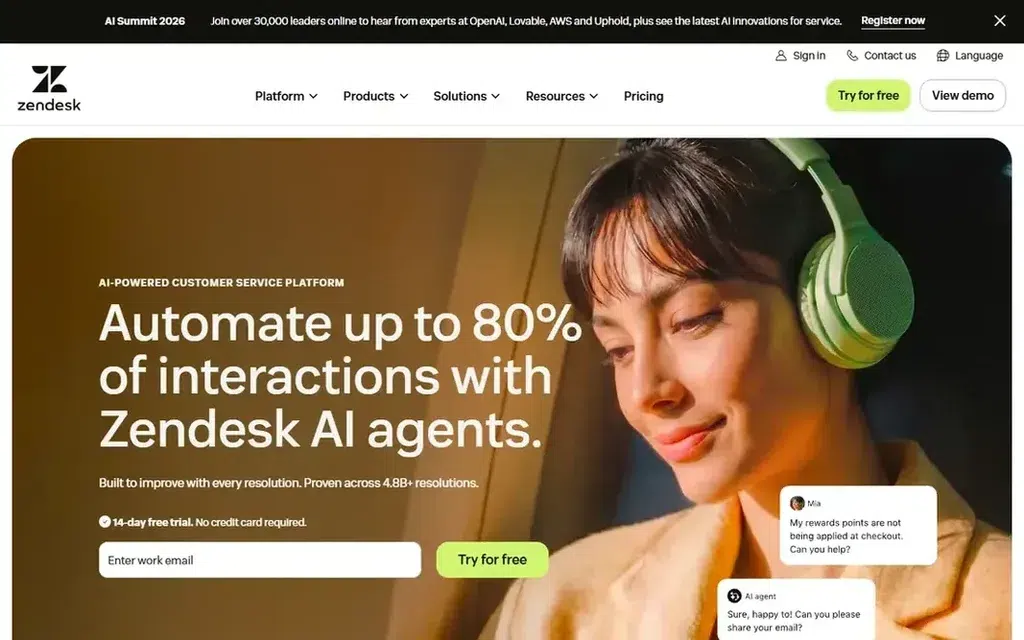
Where Zendesk fits: end-to-end AI issue resolution. Zendesk presents itself as an AI-powered customer service product built to move beyond deflection, with AI agents that resolve issues end-to-end. It targets organizations that want to boost service quality, speed and scale at the same time.
Limits to weigh: Setup depth relies on your workflows.
Worth adding: the system is wide, so smaller teams may find the scope bigger than their immediate chatbot needs. In practice, for managing chatbot interactions, that means bot conversations can sit inside a broader service operation instead of in a separate tool, which suits teams with defined support processes and several channels. Zendesk starts at: $19 agent/month premium yearly. On free options: Free trial.
- Suited to established support teams
- Made for service quality and scale
- Wide product may feel heavy for small teams
Think of Kustomer for unified conversations inside a service CRM. Check how existing customer data would move into the product before deciding.
In practice, for chatbot interactions, the emphasis is on keeping every conversation attached to a customer record so context carries across channels. The CRM-centric model rewards teams willing to design routing and workflow automation carefully; without that, the unified view brings less. Kustomer does not show a starting price in this comparison, so check the vendor site for current pricing. Free options: Not stated.
Limits to weigh: Requires clean conversation routing design.
- Omnichannel CX in one product
- Automates workflows for quicker support
- CRM-centric approach may not suit every team
What went into this list
The comparison looks at four things: starting price, free access, how well the feature set matches software for managing chatbot interactions, and the main limit of each tool. Where a vendor does not publish a price, the entry says quote. Where a price depends on seats or billing term, the entry says so. Order on the page follows fit for the typical buyer first, then price transparency and free access. Your own requirements should decide the final pick.
Pre-purchase checklist
- Ask HubSpot Service Hub, Freshdesk and Kustomer for a written quote, since no starting price is shown.
- Run a trial of LiveChat and Zendesk with real work before paying for a year; your own workflow is the best test.
- Read the limits listed for HubSpot Service Hub first: most valuable inside the HubSpot ecosystem.
- Compare total cost, not headline price: for Freshdesk, add extra seats, add-ons and any usage-based charges.
- Check whether the features you need in Kustomer sit on the entry plan or only on higher tiers.
FAQ
Do these tools publish their prices?
Not all of them. HubSpot Service Hub, Freshdesk and Kustomer publish no starting price, so expect a quote request for those. The rest, LiveChat included, show a starting price, though seats and billing terms still change the final cost.
How are the tools for software for managing chatbot interactions ordered?
HubSpot Service Hub sits first and Kustomer last because the order follows typical fit for software for managing chatbot interactions, then price clarity and free access. It is a judgement call, so read each profile for fit and limits.
How do CRM-based systems differ from help desk tools for chatbots?
CRM-based products for example Kustomer emphasize keeping every conversation attached to a customer record so context carries across channels. Help desk tools emphasize ticketing and workflow automation for resolution.
Is HubSpot Service Hub the right pick for everyone comparing software for managing chatbot interactions?
No single tool suits every team. HubSpot Service Hub comes first because it fits growing teams already in HubSpot, while LiveChat suits website live chat with an AI Agent and Freshdesk suits omnichannel ticketing with automated workflows. Match the tool to your own size, budget and workflow before deciding.
Does any tool for software for managing chatbot interactions here have a free plan?
A permanent free plan is not offered by HubSpot Service Hub, Kustomer or the other tools here. LiveChat, Zendesk offer a trial. Plan a short evaluation period instead.
Sources
- https://www.hubspot.com/products/service
- https://www.livechat.com
- https://www.freshworks.com/freshdesk
- https://www.zendesk.com
- https://www.kustomer.com