Best Software to Manage Workflow Rules in Quoting (2026): 5 Picks Checked on Vendor Pages
Best software to manage workflow rules in quoting in 2026: 5 contenders with entry costs and free tiers. Strengths and gaps are listed per tool. Easy to scan.
- Editor's choice
 Conga CPQ
Complicated catalog quoting
Starts atPricing on requestVisit conga.comFull review - Great alternativeEpicor CPQ
Visual product configuration
Starts atPricing on requestVisit epicor.comFull review - Also consider
 Salesforce CPQ
Salesforce-integrated quoting
Starts atPricing on requestVisit salesforce.comFull review
Direct answer
This list puts Conga CPQ first for complicated catalog quoting. Alternatives: Epicor CPQ for visual product configuration, and Salesforce CPQ for Salesforce-integrated quoting. All 5 tools are compared below on fit, free plan and limits. None of these vendors publish plan prices, so pricing is on request for every option.
TL;DR:
- Number one here is Conga CPQ, a fit for complicated catalog quoting.
- Check the limits for Conga CPQ before you commit: may need integration effort.
- For end-to-end revenue lifecycle management, Salesforce Revenue Cloud is worth a look.
- A permanent free plan is missing from all 5 tools, Conga CPQ and Salesforce Revenue Cloud included; plan for a trial or a premium start.
- Conga CPQ, Salesforce Revenue Cloud and the 3 others all sell by quote; expect sales conversations before you see a price.
Last checked November 2026. Pricing on request: vendors did not publish plan prices when this guide was last checked (November 2026), so ask each vendor for a written quote.
Quick comparison
| Tool | Best for | Starts at | Free plan? | |
|---|---|---|---|---|
| Conga CPQ | Complicated catalog quoting | Pricing on request | Not stated | Visit |
| Epicor CPQ | Visual product configuration | Pricing on request | Not stated | Visit |
| Salesforce CPQ | Salesforce-integrated quoting | Pricing on request | Not stated | Visit |
| Tacton CPQ | Manufacturer buyer engagement | Pricing on request | Not stated | Visit |
 Salesforce Revenue Cloud | End-to-end revenue lifecycle management | Pricing on request | Not stated | Visit |
Our 5 picks for software to manage workflow rules in quoting
LinkVetted compared 5 tools for software to manage workflow rules in quoting. The goal is a practical shortlist: published prices, free plan facts, best-fit use cases and honest limits for every entry.
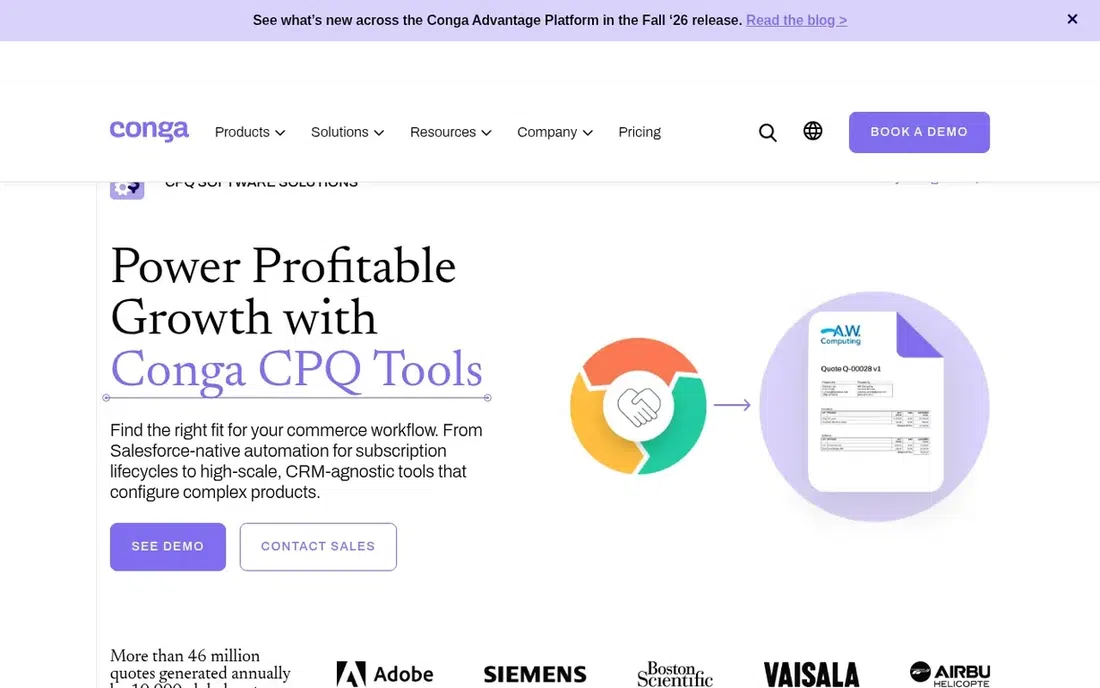
Conga CPQ targets complicated catalog quoting. It is made for enterprise-grade quoting needs, making it a good match for organizations with large or intricate product offerings.
Points against: Potentially steep ramp-up time.
It might be overkill for straightforward quoting needs. Pricing for Conga CPQ is not stated here, so ask the vendor for current figures. Trial and free access: Not stated.
- Enterprise-grade quoting tools
- Transforms complicated catalogs
- May need integration effort
Epicor CPQ
Best for: Visual product configuration
Epicor CPQ serves visual product configuration. It is a strong match for firms with complicated, configurable products that benefit from visual representation during the quoting process. The platform supports workflow rules to handle configurations and ensure accurate quotes.
Consider alternative CPQ options if visual configuration is not a priority. The advanced visual features may need technical resources to set up and maintain. Pricing for Epicor CPQ is not stated here, so ask the vendor for current figures. As for free access: Not stated.
The main drawbacks: Could be complicated for straightforward products. Upsides: 2D, 3D.
- VR configuration
- Smart visual selling
- May need technical resources
In short, Salesforce CPQ is for Salesforce-integrated quoting. The tool supports complicated product configurations and pricing rules.
Points against: Can be expensive for small teams.
In practice, consider standalone CPQ tools if you are not invested in Salesforce. Salesforce CPQ shows no starting price here, so confirm the cost on the vendor site. Trial and free access: Not stated.
- Links up with Salesforce
- Simplifies revenue lifecycle
- Needs Salesforce ecosystem
Tacton CPQ
Best for: Manufacturer buyer engagement
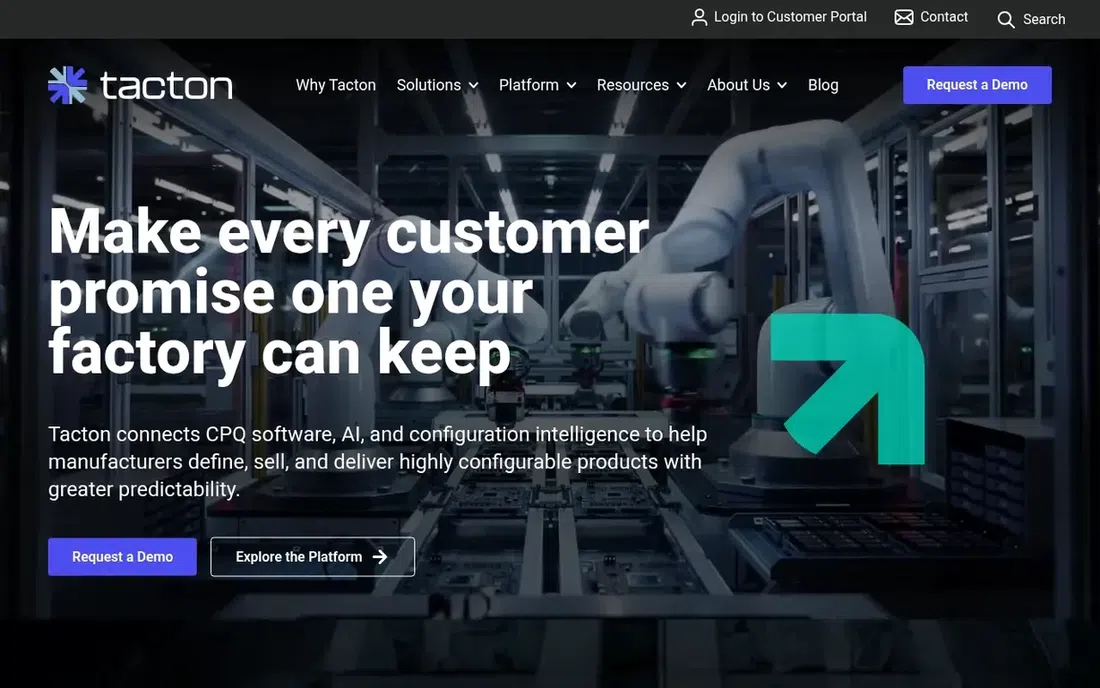
Tacton CPQ works best for manufacturer buyer engagement. Tacton CPQ is a buyer engagement product built for manufacturers to bring complicated products to market quicker and transform customer experiences. It emphasizes configuration and quoting workflows tailored to manufacturing environments.
Its focus on manufacturing may limit its appeal to other industries. On top of that, setup and configuration might need specialized knowledge. Tacton CPQ does not show a starting price in this comparison, so check the vendor site for current pricing. As for free access: Not stated.
Downsides: May be industry-specific.
- Supports complicated product configuration
- Helps bring products to market quicker
- Could need configuration expertise
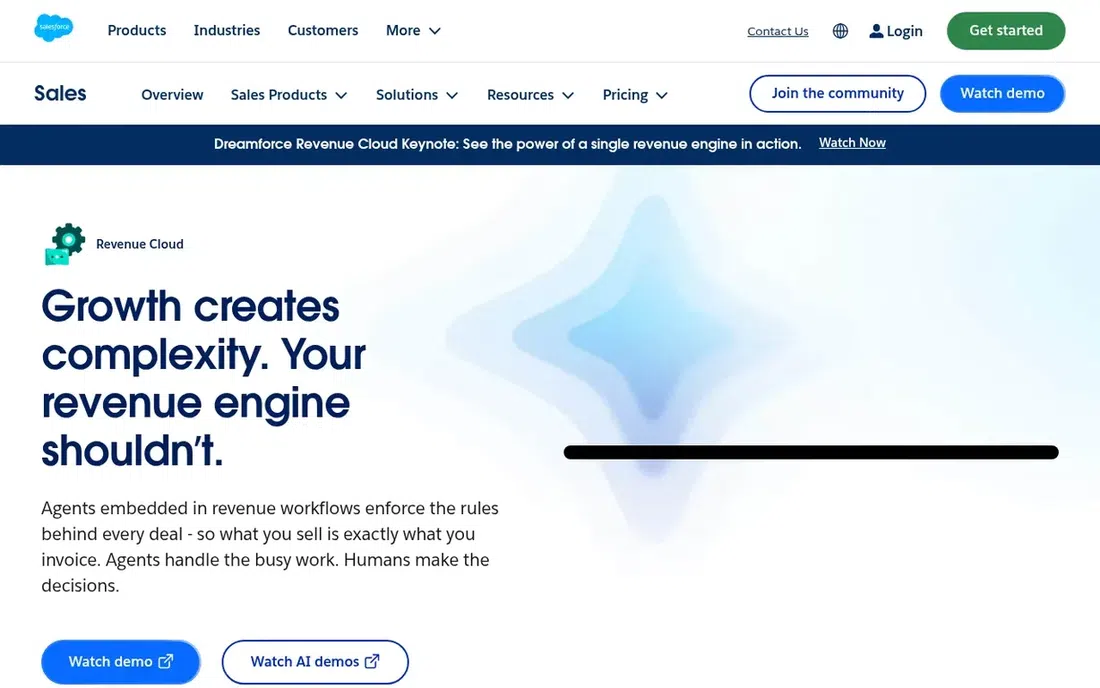
Where Salesforce Revenue Cloud fits: end-to-end revenue lifecycle management. Smaller teams or those without Salesforce experience might find it overly complicated. From a buyer's view, the system suits firms already using Salesforce or those needing a unified system to deal with complicated revenue processes with customizable rules.
Salesforce Revenue Cloud is a revenue management product that simplifies the revenue lifecycle from quote to cash. It is built for organizations seeking an integrated approach to managing quoting workflows, billing, and revenue recognition. Consider more straightforward CPQ tools if you need only basic quoting workflow rules without full revenue management. Salesforce Revenue Cloud does not show a starting price in this comparison, so check the vendor site for current pricing. Free plan details: Not stated.
Trade-offs to know: Can be complicated for small teams.
- Thorough revenue management
- Simplified quote-to-cash processes
- May need specialized setup
How these tools were picked
We compared the tools on published pricing, free plan or trial availability, feature coverage for software to manage workflow rules in quoting, and the limits each vendor documents. Plan names, prices and limits change often. Treat the figures here as a starting point and verify them with the vendor. Tools are placed by general fit for software to manage workflow rules in quoting, with price clarity and free access as tie-breakers. A different team can reasonably rank them differently.
Questions to settle before buying
- Request quotes from Conga CPQ, Salesforce Revenue Cloud and the others; the list shows no fixed prices.
- Read the limits listed for Conga CPQ first: may need integration effort.
- Map your must-have features to a specific Tacton CPQ plan before you compare prices.
- Check whether Epicor CPQ bills monthly or annually, and what cancelling early costs.
- Add up seats, add-ons and usage charges for Conga CPQ before comparing it with cheaper entries.
FAQ
Can these tools manage complex product configurations?
Yes, numerous of these tools, like Epicor CPQ and Tacton CPQ, are made for complicated product configuration. They support visual selling and rule-based configurations to run intricate products effectively.
Is Conga CPQ the right pick for everyone comparing software to manage workflow rules in quoting?
No single tool suits every team. Conga CPQ comes first because it fits complex catalog quoting, while Epicor CPQ suits visual product configuration and Salesforce CPQ suits Salesforce-integrated quoting. Match the tool to your own size, budget and workflow before deciding.
What are workflow rules in quoting software?
Workflow rules in quoting software automate and enforce business logic during the quote creation process. They can govern approvals, pricing adjustments, product configurations, and document generation to ensure accuracy and efficiency.
Does any tool for software to manage workflow rules in quoting here have a free plan?
No tool in this list, Conga CPQ and Salesforce Revenue Cloud included, has a permanent free plan. Trials and quotes are the usual route, so plan a short evaluation period.
How are the tools for software to manage workflow rules in quoting ordered?
The order follows typical fit for software to manage workflow rules in quoting, with Conga CPQ first and Salesforce Revenue Cloud last, then price clarity and free access. It is editorial judgement, not a score, so another team could rank the tools differently.
How do I choose the right tool for managing workflow rules?
Consider your product complexity, existing systems, and team size. Tools like Salesforce Revenue Cloud offer thorough management, whereas others like Conga CPQ specialize in complicated catalogs.
Sources
- https://conga.com/products/cpq
- https://www.epicor.com/en-us/products/epicor-cpq
- https://www.salesforce.com/products/cpq
- https://tacton.com
- https://www.salesforce.com/products/revenue-cloud