Best Solar Project Management Software in 2026: 8 Tools Compared
best solar project management software compared: 8 tools for solar design, installs, field work and customer updates, with pricing and pros and cons in 2026.
- Editor's choice
 Scoop
Solar install and field operations
Starts atSee websiteVisit scoop.solarFull review - Great alternative
 Sunbase
All-in-one solar CRM and projects
Starts at$59 per user per monthVisit sunbase.comFull review - Also consider
 Aurora Solar
Residential design and proposals
Starts at$135 per user per monthVisit aurorasolar.comFull review
TL;DR:
- Solar project work spans sales, design, permitting, install, and inspection, so the best tools track every stage rather than only tasks.
- Design tools and project tools are different jobs: some products design panels and proposals, while others run field crews and timelines.
- Field access matters, since crews need checklists, photos, and documents offline or in low-signal areas.
- Customer updates reduce calls and complaints, so look for a portal or automated messages that keep homeowners informed.
Quick comparison
| Tool | Best for | Starts at | Free plan? | |
|---|---|---|---|---|
| Scoop | Solar install and field operations | See website | No | Visit |
| Sunbase | All-in-one solar CRM and projects | $59 per user per month | Free trial | Visit |
| Aurora Solar | Residential design and proposals | $135 per user per month | No | Visit |
 OpenSolar | Free design and proposals | Free | Yes | Visit |
 Solargraf | Design plus financing workflows | $2,799 per year | No | Visit |
 HelioScope | Commercial solar design | $135 per license per month | Free trial | Visit |
 JobNimbus | Roofing and solar contractors | See website | Free trial | Visit |
 monday.com | Custom solar project workflows | $9 per user per month | Yes | Visit |
The best solar project management software
We compared official pricing pages, feature lists, and public reviews for tools that solar installers actually use to run projects. The list mixes solar-specific operations tools with design platforms and one general project tool that many solar teams adapt, so we note what each one does best.
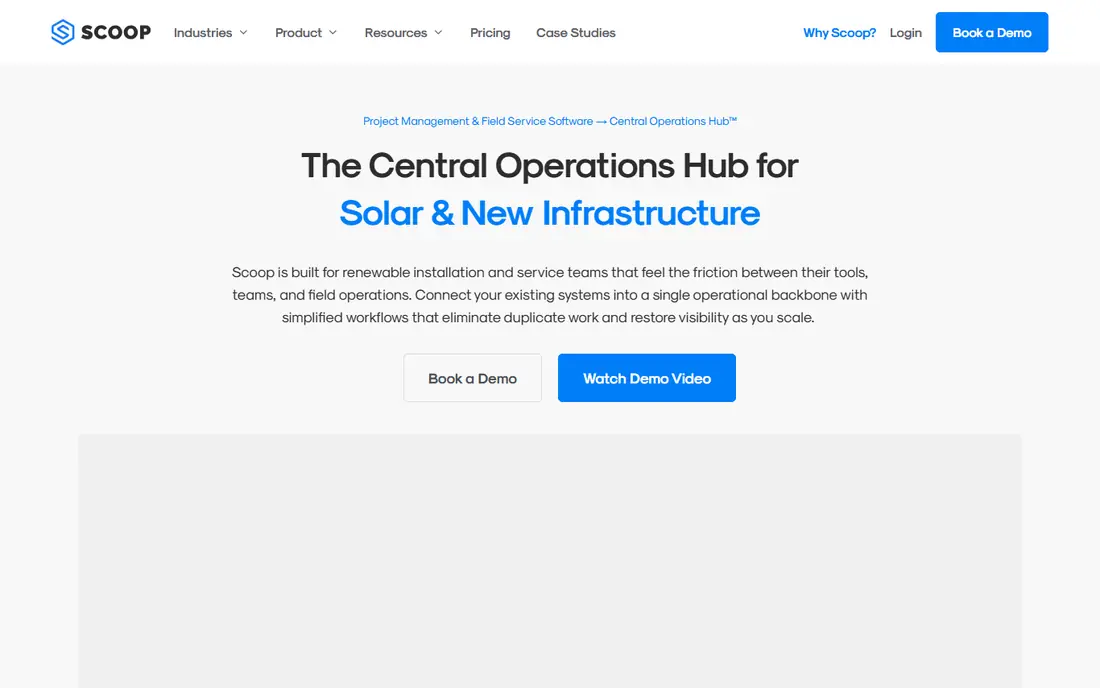
Scoop is our pick for solar teams that need to run installs well, rather than only design them. It connects office, field, and customer work across install, service, and maintenance jobs, with stage handoffs and audit trails that show what happened at each step. Crews can work offline in the field, which matters on roofs and in areas with weak signal.
Scoop does not design solar systems or produce stamped plan sets, so design teams still need a design tool alongside it. Pricing is also quote-based, which makes budgeting harder before a sales call. For an installer whose main pain is missed handoffs and messy field paperwork, Scoop addresses the right problem.
- Built for solar field work and stage handoffs
- Offline field execution
- Unlimited users on plans
- Does not design PV systems or produce plan sets
- Quote-based pricing

Sunbase suits a solar team that wants one system for leads, quotes, proposals, and project tracking. Instead of stitching together a CRM, a design tool, and a spreadsheet, a small installer can follow a job from first contact through install in one place. That single view helps owners spot stalled jobs and follow up with customers before delays grow.
The trade-off is depth. A dedicated design tool will beat Sunbase on panel layout, and a dedicated field tool will beat it on crew execution. Sunbase is best for teams that value consolidation over specialist depth, especially smaller installers that cannot support several systems at once.
- CRM, quoting, proposals, and project tracking together
- Solar-specific workflows
- Good for small to mid-size installers
- Each module is less deep than a specialist tool
- Pricing details for higher tiers are limited
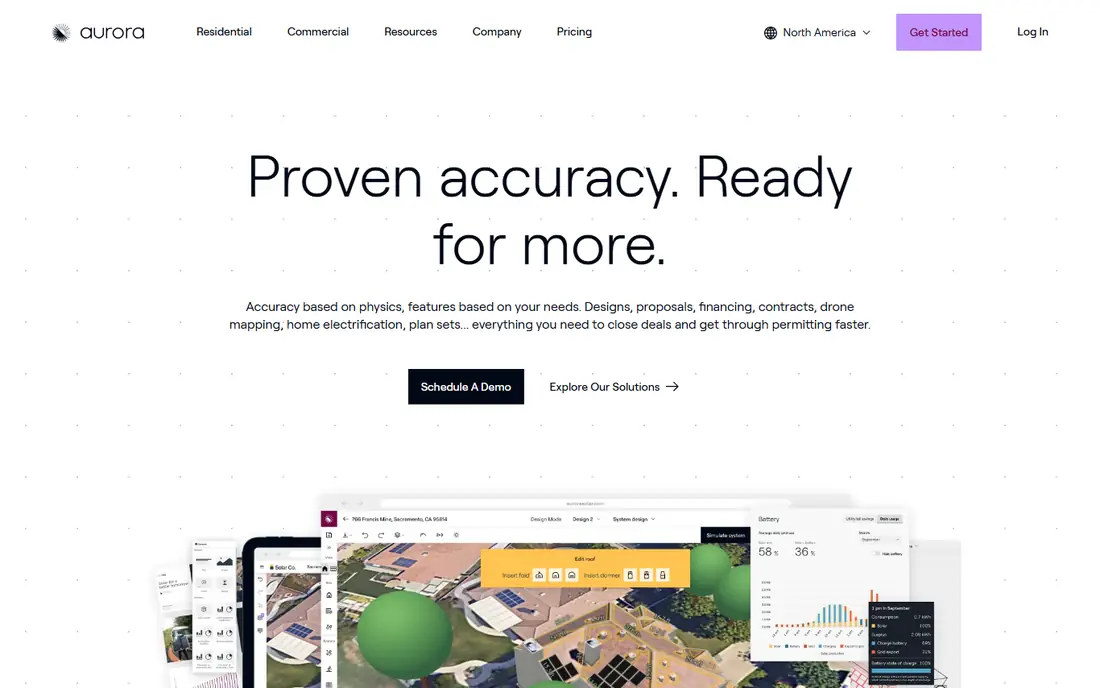
Aurora Solar is the standard many residential installers use for design and sales. Its 3D modeling, shade analysis, and financing options produce proposals that homeowners can understand and sign, and the same design data can feed permit-ready plan sets. For a sales-led team, design accuracy also means fewer change orders after the sale.
Aurora is not a project management tool in the field sense. It does not run crew schedules, job closeout, or install checklists, so operations teams need another system for delivery. The per-seat price also grows with every designer and closer. Use Aurora for design and proposals, and pair it with an operations tool for install delivery.
- Accurate 3D roof modeling and shade analysis
- Polished customer proposals
- Permit-ready plan sets
- Per-seat price scales with headcount
- No field execution or crew scheduling
OpenSolar is the best starting point for a lean residential installer or a new solar business. The core platform covers design, interactive proposals, and a built-in CRM at no license cost, which removes a major barrier for small teams. That free core lets a team sell and design professionally before committing to paid software.
OpenSolar does not handle field execution, crew scheduling, or dispatch, so growing installers will still need an operations tool. Some accounting connectors and API access are paid, so check those costs if you plan to connect other systems. For design and sales on a tight budget, OpenSolar is hard to beat.
- Core design and proposal platform at no license cost
- Built-in CRM
- Good for lean teams
- No field execution or crew dispatch
- Some connectors and API access are paid
Solargraf suits US residential installers that want design and third-party financing in one workflow. Its express editor speeds up common designs, and financing integrations let sales teams present payment options without leaving the proposal. That combination helps a sales team close on the first visit rather than following up with separate financing paperwork.
Pricing is project-based, so teams that exceed their project allowance can face overage charges. Solargraf is also residential-focused, so commercial developers will find HelioScope or similar tools a better fit. For a residential team with steady volume and financing needs, Solargraf is a strong option.
- Express design editor
- Direct financing partner integrations
- Good for US residential installers
- Project-based pricing can trigger overage costs
- Less suited to commercial work
HelioScope is built for commercial and industrial solar layouts, where roof shape, shading, and electrical design are more complex than a typical home. It handles larger arrays and storage modeling, and it fits engineering-led teams that need detailed layouts. Commercial developers use it alongside project tools to move from design into delivery.
HelioScope is a design tool, not a full project manager, so timelines, crews, and customer updates need another system. Some licenses also limit projects per month, which matters for high-volume teams. For commercial design depth, HelioScope remains a leading choice.
- Strong commercial array design
- Storage modeling
- Good for larger and complex roofs
- Project limits on some licenses
- Not a full project management system
JobNimbus suits contractors that do roofing and solar together, or solar teams that want a contractor-focused CRM and project system. Jobs, contacts, documents, and timelines sit in one place, and teams can track a job from lead through completion. That contractor view helps firms that juggle many trades and crews.
JobNimbus does not design solar systems, so design still needs a specialist tool. Pricing is also not fully published, so a quote is needed for an exact budget. For a contractor that needs solid job tracking without solar-only software, JobNimbus is a practical fit.
- CRM and project tracking for contractors
- Job boards and timelines
- Good for roofing plus solar teams
- Not solar-specific in design
- Pricing is not fully published
monday.com is the general tool on this list, and it earns its place because many solar teams build their own stage boards for permits, installs, and inspections. Boards, timelines, automations, and dashboards can mirror a solar workflow, and the low entry price makes it easy to test. Teams that already use monday.com for other work can extend it to solar without a new vendor.
The catch is setup. monday.com does not come with solar designs, permit checklists, or solar-specific stages, so someone must build and maintain those boards. It also does not replace a design tool. For a team that wants full control over its workflow and is willing to build it, monday.com is flexible and affordable.
- Flexible boards for permits, installs, and inspections
- Automations and dashboards
- Easy to shape to solar stages
- Needs setup to fit solar work
- No solar design or permitting content built in
How we picked these
We compared official pricing pages, feature lists, and public reviews for solar tools that are still sold and supported in 2026. We favored tools with a clear solar use case, whether design, operations, or project tracking, and we noted where a tool covers only part of the solar job. Where pricing was not published, we marked it as See website rather than guessing.
How to run solar projects without dropped handoffs
Map your stages before you buy software, from lead and site survey through design, permitting, install, inspection, and permission to operate. A tool that cannot track each stage, with an owner and a due date, will leave gaps that show up as missed inspections or unhappy customers. Ask each vendor to show a real job moving through every stage, not just a task list.
Field work is the next test. Crews need checklists, photos, signatures, and documents on a phone, often with weak signal, and the office needs to see that work without waiting for paperwork to return. Test offline access, photo capture, and document storage on a real job site, and check how changes sync back to the office. A tool that only works well at a desk will fail in the field.
Finally, keep the homeowner informed. Automated updates, a customer portal, and clear next steps reduce calls to the office and build trust during long permit waits. Ask how customers are notified at each stage and what they can see. A project tool that helps customers as well as crews will pay for itself in fewer support calls and better reviews.
FAQ
What is solar project management software?
Solar project management software tracks a solar job from sale through design, permitting, install, inspection, and final approval. It stores documents, tasks, timelines, and customer messages in one place, so office and field teams work from the same record. Some tools focus on design, while others focus on field operations, so many installers use two tools together.
Do I need separate design and project software?
Often yes. Design tools such as Aurora Solar and OpenSolar create panel layouts and proposals, while operations tools such as Scoop run crews, checklists, and stage handoffs. All-in-one tools such as Sunbase cover more of the job but with less depth in each area. Match the combination to your volume and team size.
How much does solar project management software cost?
Costs range from free design cores to per-seat design licenses near $135 per user per month and quote-based operations platforms. Project-based pricing can add overage costs, so check project limits and user limits before signing. Always confirm what is included in the base price and what needs an add-on.
Can solar software work offline in the field?
Some operations tools offer offline field work, with data syncing when signal returns, while many design tools need an internet connection. Test offline checklists, photos, and forms on a real site before committing, especially if crews work in rural areas or inside buildings with weak signal.
How does solar software help with permits and inspections?
Good tools store permit documents, track permit status, and remind staff about inspection dates and required paperwork. They do not file permits for you in most cases, but they keep the paper trail in one place so nothing is missed. Ask how permit stages, documents, and approvals are tracked during a demo.