Software to Make Apps Without Coding in 2026: The 6 Best Options Side by Side
6 products for the best software to make apps without coding, ranked by fit, with starting costs and free tiers. Each pick lists its main limit. Prices checked.
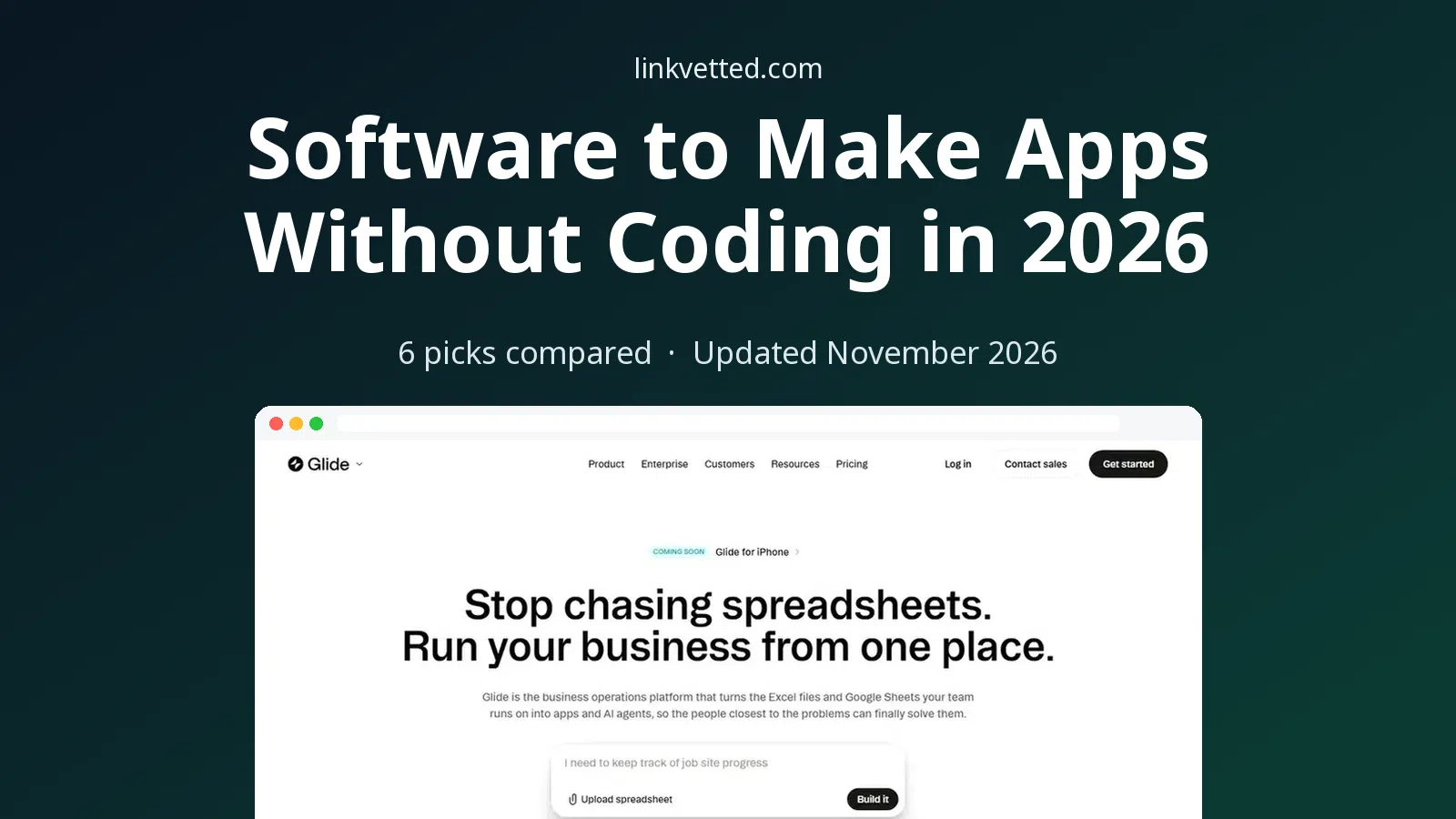
- Editor's choice
 Airtable
Database-driven workflows and apps
Starts at$20 per user a monthVisit airtable.comFull review - Great alternative
 Softr
Secure business apps and portals
Starts atSee websiteVisit softr.ioFull review - Also consider
 Glide
Internal business apps from spreadsheets
Starts at$25 a monthVisit glideapps.comFull review
Direct answer
Our first pick is Airtable, best for database-driven workflows and apps. Listed starting prices: Airtable from $20 per user a month, Glide from $25 a month and Adalo from $65 a month. For a different need, Softr covers secure business apps and portals and Glide covers internal business apps from spreadsheets. Details, prices and limits for the rest of the 6 tools are below.
TL;DR:
- The list opens with Airtable, aimed at database-driven workflows and apps.
- Free plans exist at 4 of 6 tools (Airtable, Softr, Glide, Adalo).
- The cheapest monthly starting price in the list is $20 per user per month, offered by Airtable.
- A fair warning about Airtable: app building is tied to its data model.
Last checked November 2026. Prices and plan details were read from the vendors' own pages in November 2026; vendors change plans often, so confirm the current price on the vendor site before you buy.
Quick comparison
| Tool | Best for | Starts at | Free plan? | |
|---|---|---|---|---|
| Airtable | Database-driven workflows and apps | $20 per user a month | Yes | Visit |
| Softr | Secure business apps and portals | See website | Yes | Visit |
| Glide | Internal business apps from spreadsheets | $25 a month | Yes | Visit |
 Zoho Creator | Custom business apps and workflows | See website | Not stated | Visit |
 Bubble | Full web and mobile apps | See website | Not stated | Visit |
 Adalo | Native mobile app publishing | $65 a month | Yes | Visit |
The full software to make apps without coding list
LinkVetted compared 6 tools for software to make apps without coding. The goal is a practical shortlist: published prices, free plan facts, best-fit use cases and honest limits for every entry.
Airtable works best for database-driven workflows and apps. Airtable describes itself as a system for enterprise-ready AI workflows, apps and agents. Its homepage flags live collaboration, automating repetitive tasks and simplifying business processes in minutes.
What users get: Supports live collaboration.
On top of that, teams that already organize work in structured tables will find it a natural base for building apps and automations around that data. For everyday use, projects with very complicated custom logic may eventually outgrow what the product comfortably manages. As for the details, Airtable's app building is closely tied to its own data model. So it is not the best match for someone who needs a standalone native mobile app. What you pay to start with Airtable: $20 per user per month. A free plan is available with Airtable.
Drawbacks to consider: Not a pure mobile app publisher.
- Merges data
- Enterprise-ready workflow positioning
- App building is tied to its data model
Softr was built for secure business apps and portals. Highly specialized workflows may still need configuration beyond the initial generated build, and permissions should be tested before going live. More specifically, Softr is positioned as a way to build and launch secure business apps and internal tools rapidly.
Its homepage says you can describe what you need and Softr will build it with the security, permissions and workflows required from the start. The product is oriented toward business apps and internal tools, so it is less targeted at consumer mobile apps. Check the vendor site for Softr pricing; none is listed in this comparison. Softr includes a free tier.
Drawbacks to consider: Business-tool focus instead of consumer apps.
- Pitched at business apps and internal tools
- Emphasizes permissions and security from day one
- Complicated workflows may need additional configuration
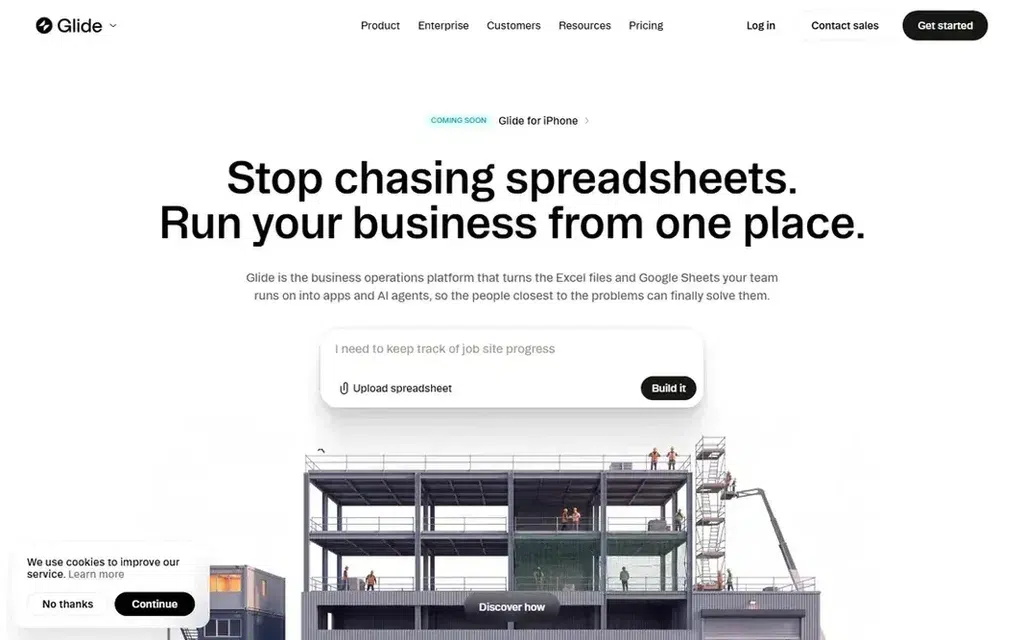
In short, Glide is for internal business apps from spreadsheets. Your results also rely on how clean and well-structured the underlying spreadsheet data is, so messy sources need cleanup first.
Downsides: Narrower fit for consumer mobile apps.
It fits operations, admin and team-facing tools where the data already lives in a sheet. Price to start with Glide: $25 per month. You can start on Glide without paying.
- Builds from a spreadsheet or a prompt
- Centred on internal business apps and agents
- Relies on well-structured source data
In short, Zoho Creator is for custom business apps and workflows. Teams outside the Zoho ecosystem may find integration and administration less convenient than those already using its other products.
Drawbacks to consider: Custom logic may need platform-specific learning.
Building more advanced custom logic needs learning the product's specific approach, so plan time for that. On top of that, Zoho Creator is an AI app development system that helps firms build custom applications, agents and workflows securely, based on its homepage. No starting price is listed for Zoho Creator here; confirm pricing on the vendor site. On free options: Not stated.
- AI app builder for custom applications
- Includes agents and workflows
- Best value inside the wider Zoho ecosystem
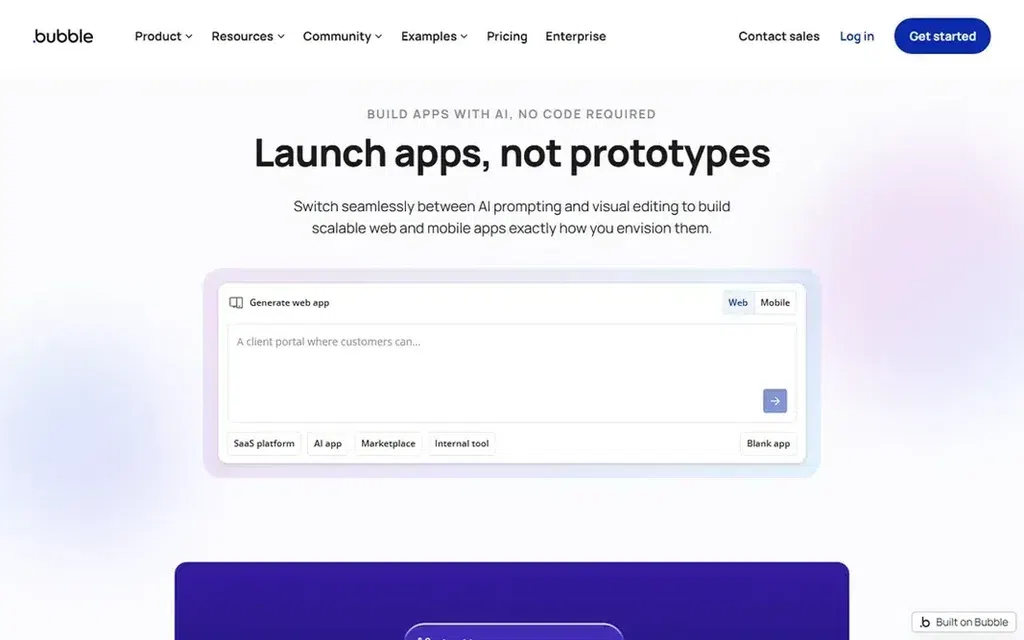
For full web and mobile apps, Bubble is a natural candidate. Bubble presents itself as a no-code AI app builder for web and mobile.
Where it is weaker: Less suited to straightforward spreadsheet tools.
On top of that, since Bubble handles design, data and logic together, the ramp-up time is steeper than a single-purpose tool, and complicated apps still demand careful planning. Pricing for Bubble is not stated here, so ask the vendor for current figures. Free plan details: Not stated.
- Manages database
- Logic and privacy rules
- Full-featured builds take time to learn
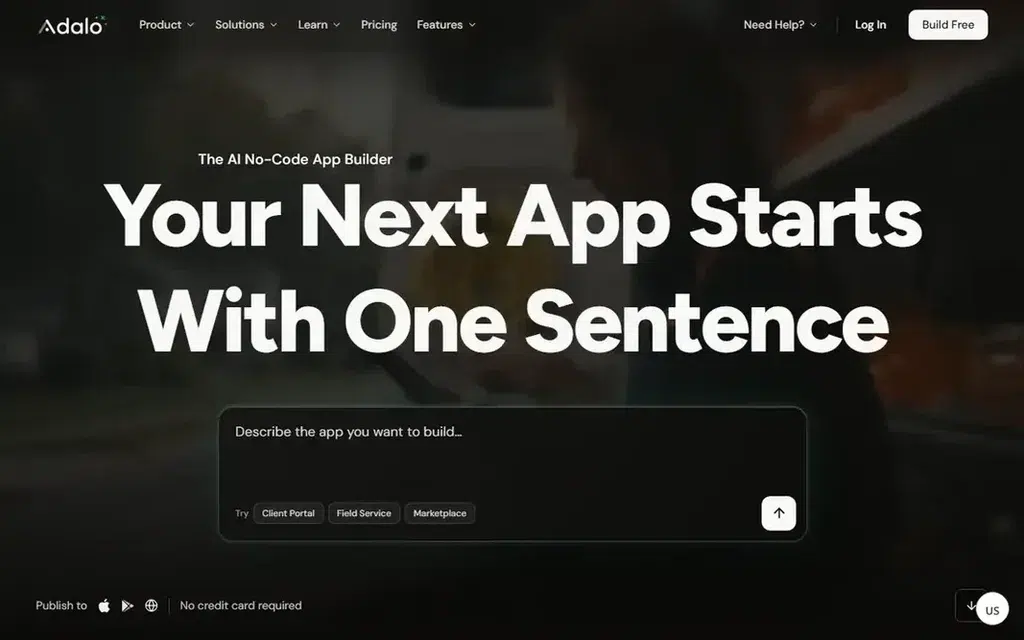
Choose Adalo for native mobile app publishing. Adalo is an AI no-code app builder pitched at iOS, Android and web. Its homepage describes a flow where you describe your app and Ada builds the screens, data and logic, then you publish native apps for mobile and web from a single project.
In practice, AI-generated screens and logic should be checked and refined before launch instead of accepted as final. In daily use, the product leans toward mobile app publishing, so projects that require heavy web functionality or intricate backend logic may feel constrained. What you pay to start with Adalo: $65 per month. A free plan is available with Adalo.
What to check first: Mobile-first focus may limit complicated web apps.
- Data and logic from a description
- Publishes native iOS
- Generated logic still needs review
How we chose
We compared the tools on published pricing, free plan or trial availability, feature coverage for software to make apps without coding, and the limits each vendor documents. Where a vendor does not publish a price, the entry says quote. Where a price depends on seats or billing term, the entry says so. The ranking is editorial: typical fit first, then clear pricing, then free access. If your needs are unusual, read the profiles rather than relying on position.
Before you commit
- Ask Softr, Zoho Creator and Bubble for a written quote, since no starting price is shown.
- Look at free plan limits closely: Airtable, Softr, Glide and Adalo have one, and the caps decide whether it is usable for real work.
- Read the limits listed for Airtable first: app building is tied to its data model.
- Let daily users try Glide on real work; their feedback beats any feature checklist.
- Compare total cost, not headline price: for Adalo, add extra seats, add-ons and any usage-based charges.
FAQ
Do these tools publish their prices?
Not all of them. Softr, Zoho Creator and Bubble publish no starting price, so expect a quote request for those. The rest, Airtable included, show a starting price, though seats and billing terms still change the final cost.
Is Airtable the right pick for everyone comparing software to make apps without coding?
No single tool suits every team. Airtable comes first because it fits database-driven workflows and apps, while Softr suits secure business apps and portals and Glide suits internal business apps from spreadsheets. Match the tool to your own size, budget and workflow before deciding.
Which options for software to make apps without coding have a free plan?
On this list, Airtable, Softr, Glide and Adalo include a free plan. Caps on seats, usage or features are common, so test the free plan against your real workload.
What is the best no-code app builder for a first project?
Start with Airtable if you need database-driven workflows and apps. Softr is the better match for secure business apps and portals, and Glide for internal business apps from spreadsheets. The best choice depends on budget, team size and workflow.
What is the cheapest option for software to make apps without coding in this list?
On published monthly entry prices, Airtable is the lowest here at $20 per user per month. Entry price is only part of the cost, because seats, add-ons and billing terms can change the total. All 6 picks in this software to make apps without coding comparison list a starting price, free plan details and the main limits on their cards above.
Sources
- https://www.airtable.com
- https://www.softr.io
- https://www.glideapps.com
- https://www.zoho.com/creator
- https://bubble.io
- https://www.adalo.com