The 6 Best Software to Make a Decision Tree in 2026, Ranked
6 products for the best software to make a decision tree, ranked by fit, with starting costs and free tiers. Includes honest limits for each tool. Plain facts.
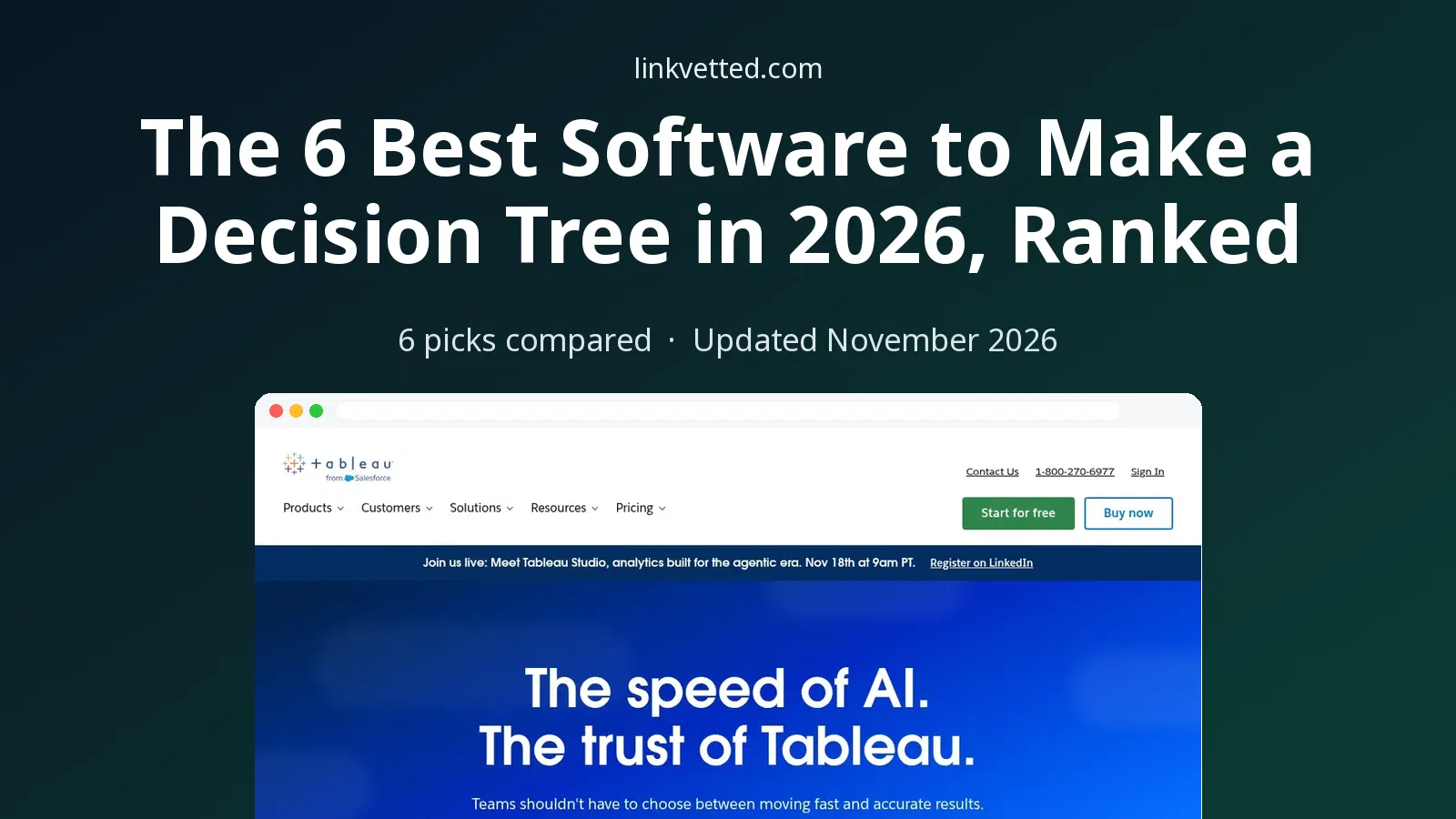
- Editor's choice
 DataRobot
Automatic enterprise AI applications
Starts atSee websiteVisit datarobot.comFull review - Great alternativeKNIME Analytics Platform
Open source visual workflow building
Starts atSee websiteVisit knime.comFull review - Also consider
 Tableau
Visual exploration and sharing
Starts at$15 per user a monthVisit tableau.comFull review
Direct answer
DataRobot comes first here, mainly for automatic enterprise AI applications. Listed starting prices: Tableau from $15 per user a month, Alteryx Designer from $250 per user a month and IBM SPSS Modeler from $529 per month. Alternatives: KNIME Analytics Platform for open source visual workflow building, and Tableau for visual exploration and sharing. The other 3 tools in the list cover narrower or pricier cases.
TL;DR:
- Top of the list is DataRobot, which targets automatic enterprise AI applications.
- Tableau is the lowest-priced starter here at $15 per user per month.
- Check the limits for Alteryx Designer before you commit: focus is data workflows.
- RapidMiner is the one to check for end-to-end enterprise AI and analytics.
- Only Tableau offers a free plan among these 6 tools.
Last checked November 2026. Prices and plan details were read from the vendors' own pages in November 2026; vendors change plans often, so confirm the current price on the vendor site before you buy.
Quick comparison
| Tool | Best for | Starts at | Free plan? | |
|---|---|---|---|---|
| DataRobot | Automatic enterprise AI applications | See website | Not stated | Visit |
| KNIME Analytics Platform | Open source visual workflow building | See website | Not stated | Visit |
| Tableau | Visual exploration and sharing | $15 per user a month | Yes | Visit |
| Alteryx Designer | Automating data preparation workflows | $250 per user a month | Free trial | Visit |
| IBM SPSS Modeler | Visual predictive modeling workflows | $529 per month | Free trial | Visit |
 RapidMiner | End-to-end enterprise AI and analytics | See website | Not stated | Visit |
Every option for software to make a decision tree explained
Short on time? The summary and table above give the quick view of 6 tools for software to make a decision tree, and the profiles that follow give the detail behind each entry.
DataRobot targets automatic enterprise AI applications. DataRobot provides AI applications and a system intended to maximize impact and minimize risk for firms.
It fits teams that want automatic model building and management, including tree-based models, without hand-tuning every step, and that value governance and oversight across numerous models. This comparison lists no price for DataRobot; ask the vendor. As for free access: Not stated.
What to check first: Automation-first approach.
- Focus on maximizing impact
- Automatic modeling product
- Less manual tree control
KNIME Analytics Platform
Best for: Open source visual workflow building
KNIME Analytics Platform works best for open source visual workflow building. For decision trees, the node-based approach fits users who want transparency and control over each modeling step.
Its visual workflow builder lets users build data science options and put them into production in the enterprise. From a buyer's view, new users may need time to learn the workflow paradigm, and production deployment in bigger organizations involves the separate enterprise offering. No starting price is listed for KNIME Analytics Platform here; confirm pricing on the vendor site. Trial and free access: Not stated.
Trade-offs to know: Enterprise features are separate.
- Path to enterprise production
- Free and open source
- Needs workflow thinking
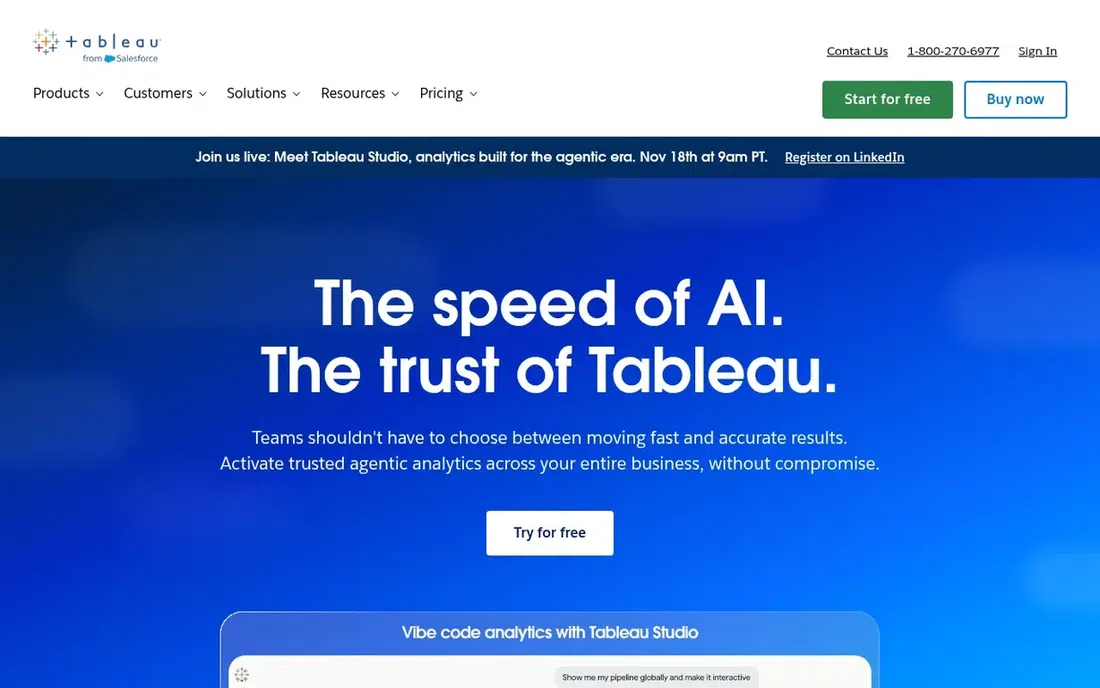
Where Tableau fits: visual exploration and sharing. Tableau is business intelligence and analytics software built around seeing and understanding data. It links to almost any database, lets users drag-and-drop to produce visualizations, and shares results with a click.
In daily use, Tableau is not a dedicated machine learning workbench, so building and tuning decision tree models normally happens elsewhere. On top of that, for decision trees, it fits analysts who want to explore the data behind a model visually and communicate outcomes to stakeholders instead of train models straight. Starting cost for Tableau: $15 per user per month. A free plan is available with Tableau.
The main drawbacks: Best value for visual-first teams.
- Drag-and-drop visualizations
- Links to plenty of databases
- Restricted native tree modeling
Alteryx Designer
Best for: Automating data preparation workflows
Alteryx Designer targets automating data preparation workflows. It suits analysts who spend significant time preparing and blending data before modeling and who want repeatable workflows feeding decision tree analysis and reporting.
Where it is weaker: Focus is data workflows.
Price to start with Alteryx Designer: $250 per user per month. As for free access: Free trial.
- Cuts manual work
- Links up with BI tools
- Modeling is one part
IBM SPSS Modeler
Best for: Visual predictive modeling workflows
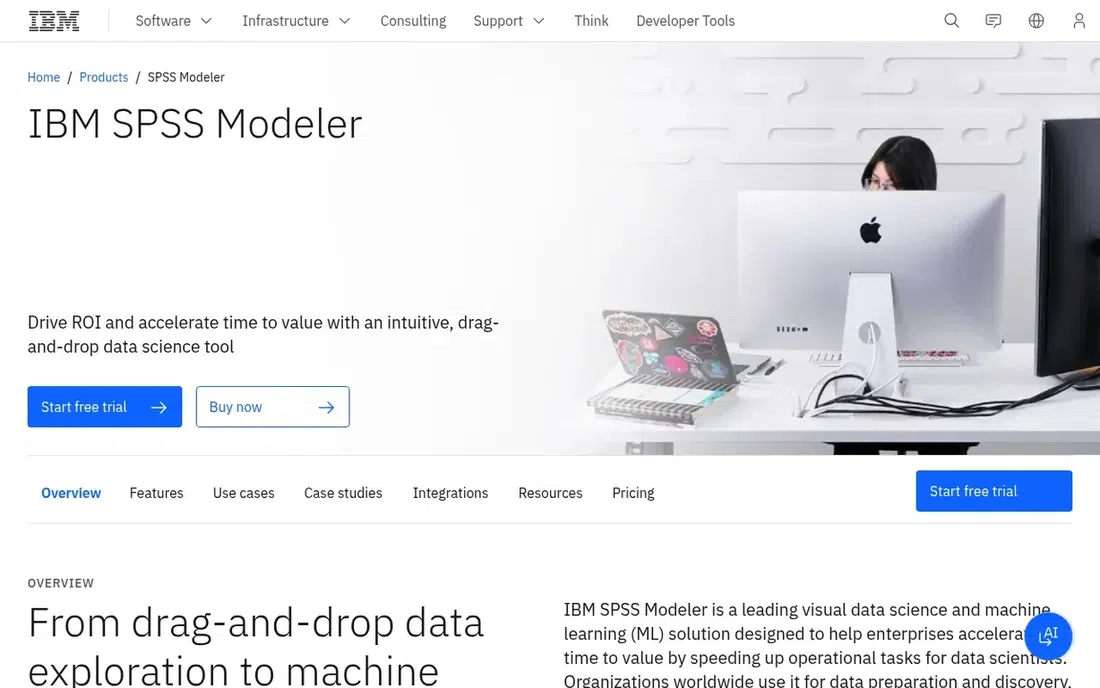
Where IBM SPSS Modeler fits: visual predictive modeling workflows. IBM SPSS Modeler is visual data science and machine learning software with automatic workflows that help teams build and deploy predictive models quicker.
Worth adding: the system leans toward established analytics teams and structured enterprise environments, which can feel heavy for small exploratory projects. In daily use, if you primarily need open source adaptability, a workflow tool like KNIME may fit better. Entry price for IBM SPSS Modeler: $529 per month. On free options: Free trial.
Strengths: Automatic workflows. Limits to weigh: Enterprise-oriented setup.
- Build and deploy predictive models
- Visual data science interface
- Less suited to pure visualization
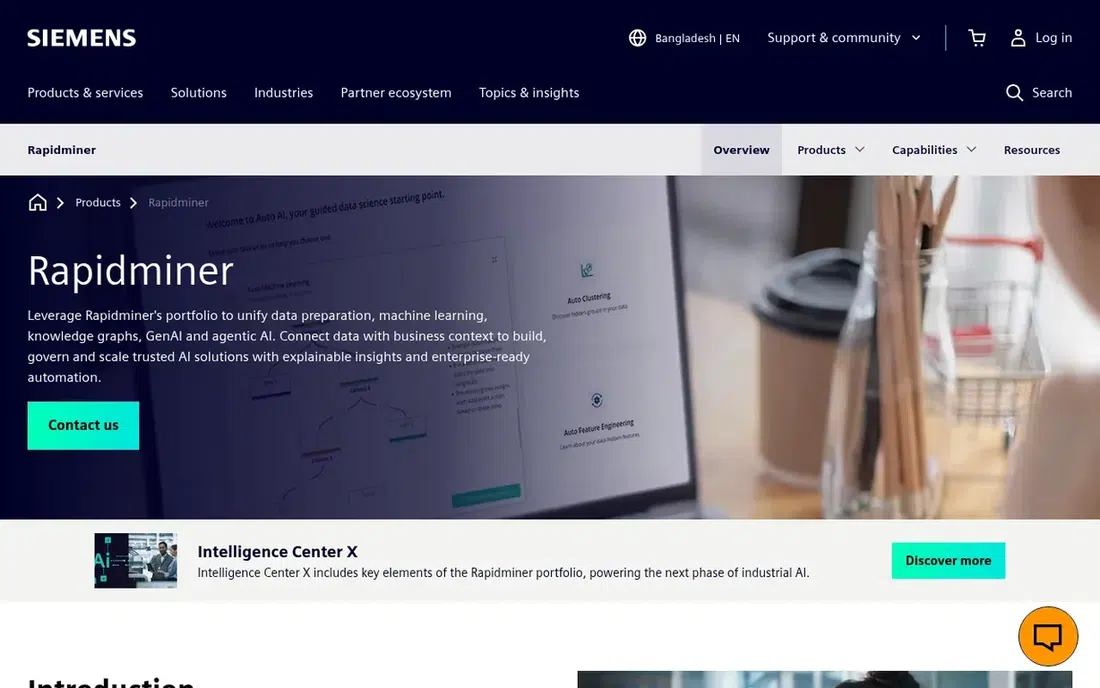
RapidMiner serves end-to-end enterprise AI and analytics. RapidMiner supplies end-to-end enterprise artificial intelligence and analytics options enabling modernization and automation for diverse analytics teams.
Limits to weigh: May exceed small project needs.
Since it is positioned as a wide enterprise system, smaller teams may find more focused tools simpler to adopt. Consider it when automation and enterprise-scale analytics are priorities instead of straightforward tree diagrams alone. Pricing for RapidMiner is not stated here, so ask the vendor for current figures. Free access: Not stated.
- Automation for analytics teams
- End-to-end analytics options
- Wide product scope
How we chose
We compared the tools on published pricing, free plan or trial availability, feature coverage for software to make a decision tree, and the limits each vendor documents. Where a vendor does not publish a price, the entry says quote. Where a price depends on seats or billing term, the entry says so. Tools are placed by general fit for software to make a decision tree, with price clarity and free access as tie-breakers. A different team can reasonably rank them differently.
Before you commit
- Get a written quote from DataRobot, KNIME Analytics Platform and RapidMiner; the list shows no starting price for them.
- Test the free plan from Tableau against your real workload before relying on it.
- Use real work to test the free trial from Alteryx Designer and IBM SPSS Modeler, rather than a demo project.
- Read the limits listed for DataRobot first: automation-first approach.
- Read the plan comparison for Alteryx Designer carefully; key features often start on a higher tier.
- Look at the help docs and support options for Tableau before you commit.
FAQ
Which options for software to make a decision tree have a free plan?
Tableau is the only tool in this list with a free plan. Free plans usually cap users, projects or features, so check the limits on the vendor page. Several others offer a trial instead. Each of the 6 options in this software to make A decision tree guide has its own card above with the price, free plan and limits.
Can I try these tools before paying?
Often, yes. Tableau has a free plan and Alteryx Designer and IBM SPSS Modeler offer a free trial. Use your own data and a real task during the test, and check what the free tier or trial limits before you rely on it.
How are the tools for software to make a decision tree ordered?
The order follows typical fit for software to make a decision tree, with DataRobot first and RapidMiner last, then price clarity and free access. It is editorial judgement, not a score, so another team could rank the tools differently.
How should I compare these systems fairly?
Start from your use case: visual analysis, data preparation, automatic modeling or self-hosted AI. As for the details, confirm current capabilities on vendor sites, since product scope changes over time.
Is DataRobot the right pick for everyone comparing software to make a decision tree?
No single tool suits every team. DataRobot comes first because it fits automated enterprise AI applications, while KNIME Analytics Platform suits open source visual workflow building and Tableau suits visual exploration and sharing. Match the tool to your own size, budget and workflow before deciding.
Sources
- https://www.datarobot.com
- https://www.knime.com
- https://www.tableau.com
- https://www.alteryx.com
- https://www.ibm.com/products/spss-modeler
- https://rapidminer.com