Choosing Decision Making Software in 2026: 5 Options Compared
Weighing the best decision making software? We lined up 5 products by cost, free access and fit. Short, factual notes on every option. Pick by budget.

- Editor's choice
 Causal
Financial modeling and scenario planning
Starts atSee websiteVisit causal.appFull review - Great alternative
 Miro
Collaborative ideation and visual planning
Starts at$8 per member a monthVisit miro.comFull review - Also consider
 Lucidchart
Visual decision mapping and process diagrams
Starts atSee websiteVisit lucidchart.comFull review
Direct answer
This list puts Causal first for financial modeling and scenario planning. Listed starting prices: Miro from $8 per member a month, Tableau from $15 per user a month and Mural from $9.99 per member a month. Alternatives: Miro for collaborative ideation and visual planning, and Lucidchart for visual decision mapping and process diagrams. All 5 tools are compared below on price, free plan and limits.
TL;DR:
- Top of the list is Causal, which targets financial modeling and scenario planning.
- The lowest published monthly entry price here is $8 per member per month, from Miro.
- Free plans exist at 3 of 5 tools (Miro, Tableau, Mural).
- Mural suits structured workshops and strategy sessions.
- A fair warning about Miro: can feel open-ended without facilitation.
Last checked November 2026. Prices and plan details were read from the vendors' own pages in November 2026; vendors change plans often, so confirm the current price on the vendor site before you buy.
Quick comparison
| Tool | Best for | Starts at | Free plan? | |
|---|---|---|---|---|
| Causal | Financial modeling and scenario planning | See website | Not stated | Visit |
| Miro | Collaborative ideation and visual planning | $8 per member a month | Yes | Visit |
| Lucidchart | Visual decision mapping and process diagrams | See website | Not stated | Visit |
 Tableau | Data visualization and business intelligence | $15 per user a month | Yes | Visit |
 Mural | Structured workshops and strategy sessions | $9.99 per member a month | Yes | Visit |
Decision Making Software compared in detail
LinkVetted compared 5 tools for decision making software. The goal is a practical shortlist: published prices, free plan facts, best-fit use cases and honest limits for every entry.
Causal works best for financial modeling and scenario planning. Causal is not a visual collaboration workspace, so teams looking for workshop-style ideation should consider Miro or Mural instead. Worth adding: Causal is now part of Lucanet, and it is usually known as a tool for financial modeling, planning, and scenario analysis.
Drawbacks to consider: Documentation now centers on Lucanet.
Beyond that, for decision making, it suits teams that require to compare scenarios, build forecasts, and evaluate financial outcomes in a structured model. It is most handy when decisions rely on numbers and projections instead of visual brainstorming. No starting price is listed for Causal here; confirm pricing on the vendor site. On free options: Not stated.
- Designed for modeling and planning
- Supports scenario comparison
- Not a general collaboration canvas

For collaborative ideation and visual planning, Miro is a natural candidate. Miro is an AI innovation workspace that accelerates product development from ideation to launch.
Pick a more structured diagramming or modeling tool when the decision relies on rigorous data instead of collaborative exploration. Starting cost for Miro: $8 per member per month. Free access exists with Miro.
Limits to weigh: Can feel open-ended without facilitation.
- Supports ideation through launch
- AI-powered visual workspace
- Deep quantitative modeling is restricted
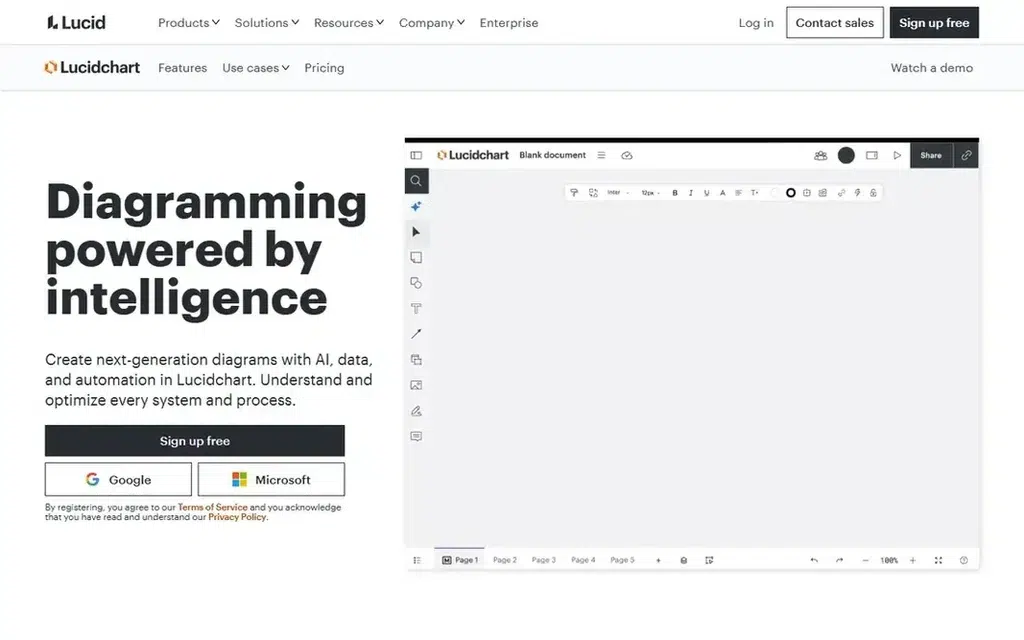
Lucidchart is aimed squarely at visual decision mapping and process diagrams. It helps teams understand and optimize systems and processes, making it a good fit for mapping decision trees, workflows, and logic in a structured visual format.
From a buyer's view, Lucidchart is not a workshop facilitation tool, so live brainstorming and voting happen elsewhere. Lucidchart shows no starting price here, so confirm the cost on the vendor site. On free options: Not stated.
The main drawbacks: Less suited to live workshop facilitation.
- Data-linked visuals for systems
- AI-assisted diagram creation
- Advanced analytics need other tools
Tableau serves data visualization and business intelligence. Users can link to almost any database, drag-and-drop to build visualizations, and share with a click.
Trade-offs to know: Advanced analytics may need additional tools.
Also, for decision making, it is valuable when teams need dashboards and visual evidence to inform choices and monitor outcomes over time. In practice, Tableau is not a diagramming or decision-logging tool, so it does not capture the reasoning behind a choice by itself. Price to start with Tableau: $15 per user per month. You can start on Tableau without paying.
- Drag-and-drop visualization building
- Links to almost any database
- Not a decision-logging or diagramming tool
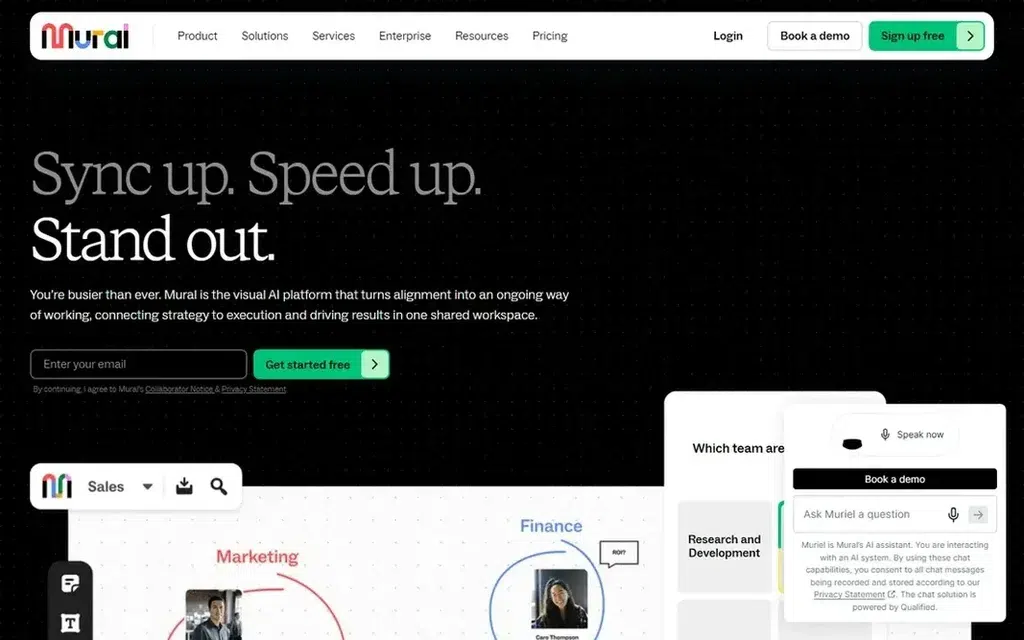
Mural makes the most sense for structured workshops and strategy sessions. Mural is an AI-powered visual workspace for team collaboration that helps boost innovation.
Downsides: Less centred on technical diagramming.
From a buyer's view, teams needing in-depth system maps or quantitative risk analysis may find it complements instead of replaces specialized tools. What you pay to start with Mural: $9.99 per member per month. A free plan is available with Mural.
- Templates for planning and strategy
- AI-powered visual collaboration
- Analytics features are restricted
How these tools were picked
The comparison looks at four things: starting price, free access, how well the feature set matches decision making software, and the main limit of each tool. Plan names, prices and limits change often. Treat the figures here as a starting point and verify them with the vendor. Tools are placed by general fit for decision making software, with price clarity and free access as tie-breakers. A different team can reasonably rank them differently.
What to check before you buy
- Ask Causal and Lucidchart for a written quote, since no starting price is shown.
- Check what the free option really includes: Miro, Tableau and Mural offer a free plan, and usage caps differ.
- Read the limits listed for Causal first: not a general collaboration canvas.
- Check the integration list for Causal against the tools you run today, and note which ones need a higher plan.
- Look at the renewal terms for Lucidchart: auto-renewal, notice periods and price changes can matter more than the first-year price.
FAQ
Do these tools publish their prices?
Not all of them. Causal and Lucidchart publish no starting price, so expect a quote request for those. The rest, Miro included, show a starting price, though seats and billing terms still change the final cost.
Can I use a visual workspace for formal decision making?
Yes, tools like Miro and Mural support structured decision workshops with visual canvases and templates. For rigorous modeling or audit-style documentation, pair them with a dedicated analytical or diagramming tool.
What is the cheapest option for decision making software in this list?
On published monthly entry prices, Miro is the lowest here at $8 per member per month. Entry price is only part of the cost, because seats, add-ons and billing terms can change the total. All 5 picks in this decision making software comparison list a starting price, free plan details and the main limits on their cards above.
How are the tools for decision making software ordered?
The order follows typical fit for decision making software, with Causal first and Mural last, then price clarity and free access. It is editorial judgement, not a score, so another team could rank the tools differently.
Can I try these options before paying?
Often, yes. Miro, Tableau and Mural have a free plan. Use your own data and a real task during the test, and check what the free tier or trial limits before you rely on it.
Sources
- https://causal.app
- https://miro.com
- https://www.lucidchart.com
- https://www.tableau.com
- https://www.mural.co