Best Software to Automate Legal Workflow in 2026: Prices, Free Plans and 5 Picks
Shortlisting the best software to automate legal workflow? 5 products compared on cost, free access and ideal buyer. Strengths and gaps are listed per tool.
- Editor's choiceRelativity
E-discovery and legal data analysis
Starts atSee websiteVisit relativity.comFull review - Great alternative
 DocuSign
Agreement signing and management
Starts at$45 per user a monthVisit docusign.comFull review - Also consider
 PracticePanther
Automating billing and time tracking
Starts at$49 per user per monthVisit practicepanther.comFull review
Direct answer
Our first pick is Relativity, best for E-discovery and legal data analysis. Listed starting prices: DocuSign from $45 per user a month, PracticePanther from $49 per user per month and MyCase from $50 per user a month. For a different need, DocuSign covers agreement signing and management and PracticePanther covers automating billing and time tracking. Prices, free plans and limits for all 5 tools follow.
TL;DR:
- The list opens with Relativity, aimed at E-discovery and legal data analysis.
- A fair warning about MyCase: less depth for large teams.
- DocuSign has the lowest monthly starting price in this list: $45 per user per month.
- A permanent free plan is missing from all 5 tools, Relativity and Smokeball included; plan for a trial or a premium start.
- For small businesses wanting automatic time capture, Smokeball is worth a look.
Last checked November 2026. Prices and plan details were read from the vendors' own pages in November 2026; vendors change plans often, so confirm the current price on the vendor site before you buy.
Quick comparison
| Tool | Best for | Starts at | Free plan? | |
|---|---|---|---|---|
| Relativity | E-discovery and legal data analysis | See website | Not stated | Visit |
| DocuSign | Agreement signing and management | $45 per user a month | Not stated | Visit |
| PracticePanther | Automating billing and time tracking | $49 per user per month | Free trial | Visit |
 MyCase | Running a profitable small firm | $50 per user a month | Free trial | Visit |
 Smokeball | Small businesses wanting automatic time capture | See website | Not stated | Visit |
Our 5 picks for software to automate legal workflow
Short on time? The summary and table above give the quick view of 5 tools for software to automate legal workflow, and the profiles that follow give the detail behind each entry.
Relativity
Best for: E-discovery and legal data analysis
Relativity works best for E-discovery and legal data analysis. Relativity is a legal data intelligence company whose AI system, Relativity aiR, turns complicated data into insights and actions for legal work.
Check the vendor site for Relativity pricing; none is listed in this comparison. Free access: Not stated.
Downsides: Needs trained users.
- Relativity aiR toolset
- Built for complicated data
- Specialized, not general practice
DocuSign is built with agreement signing and management in mind. It suits businesses and legal departments that require a dependable signing step inside a broader workflow, or that want agreement management without a full practice suite.
Where it is weaker: Restricted legal-specific features.
- Agreement management (IAM)
- Widely used workflow
- Not a case management system
Where PracticePanther fits: automating billing and time tracking. PracticePanther is law practice management software that automates firm processes, billing, and time tracking.
Where it falls short: Best for smaller practices.
Beyond that, teams that bill on a regular basis and want automation around invoicing and time capture are the core audience. Price to start with PracticePanther: $49 per user per month. Free plan details: Free trial.
- Process automation focus
- Billing and time tracking
- Restricted advanced AI depth
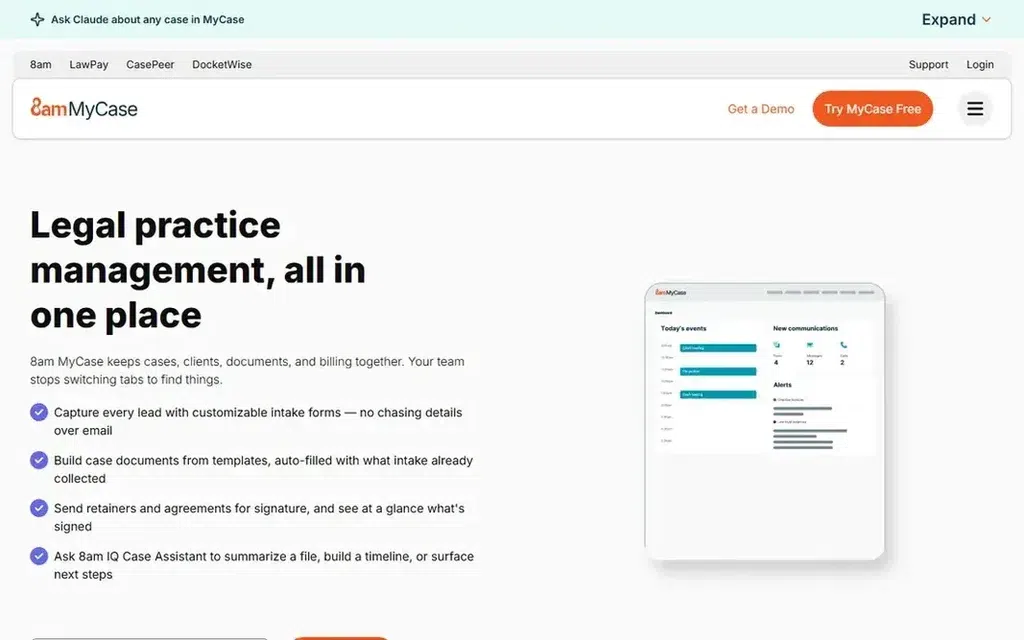
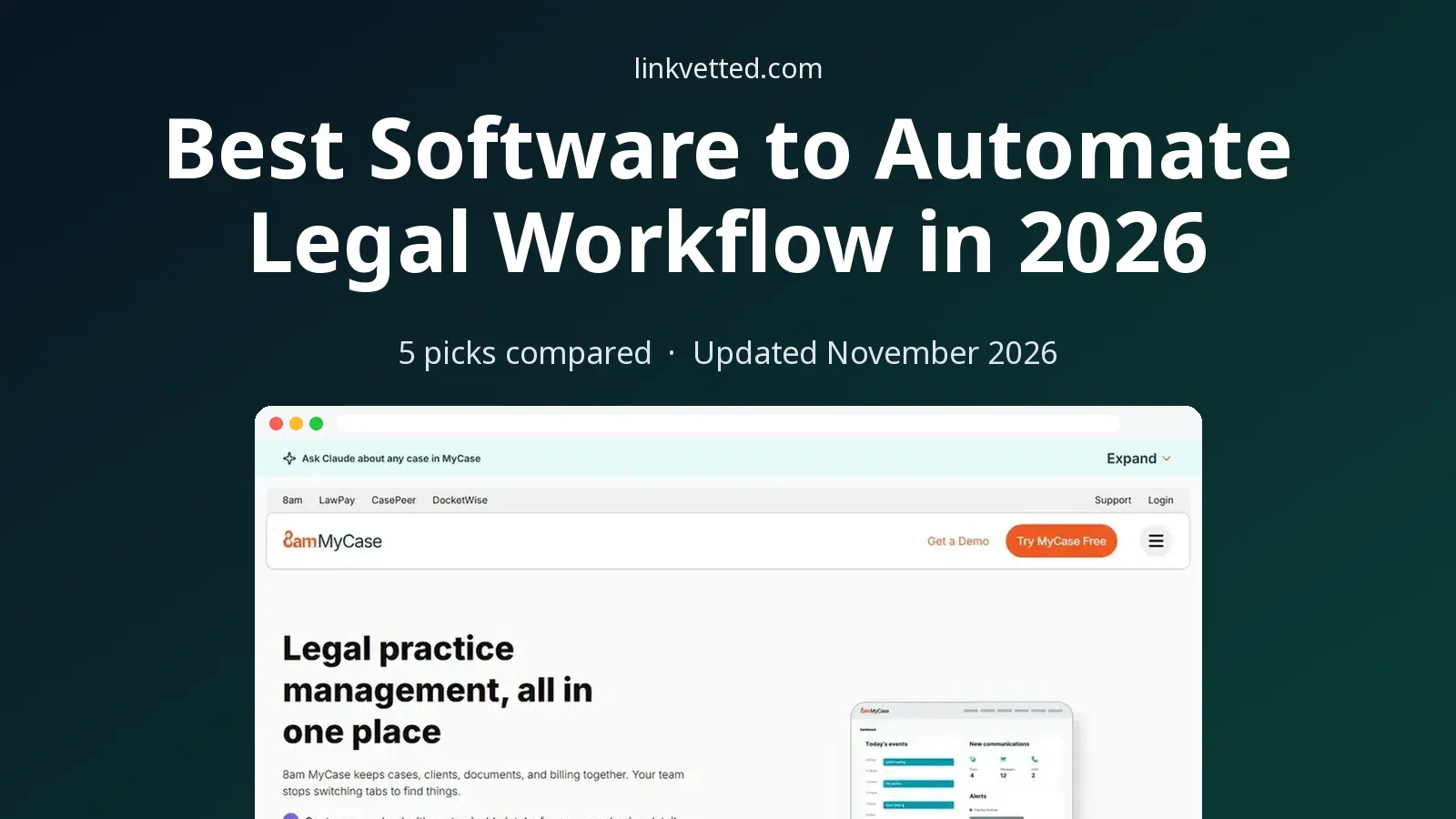
MyCase works best for running a profitable small firm. MyCase is legal practice management software built to run a profitable firm, not just run cases, with cases, clients, billing, and payments in one place.
Practices that want billing and payments connected to case work without additional integrations are a decent match. Worth adding: MyCase emphasizes firm management instead of deep AI or e-discovery, so bigger teams with specialized needs may outgrow it. What you pay to start with MyCase: $50 per user per month. Free access: Free trial.
Downsides: Automation is practice-focused.
Where MyCase stands out: Cases and clients in one place.
- Clear firm-management focus
- Billing and payments included
- Less depth for large teams

Where Smokeball fits: small businesses wanting automatic time capture. Businesses that bill by the hour and manage repetitive document sets tend to see the clearest fit.
Watch-outs: Desktop-centric workflow.
From a buyer's view, since Smokeball is oriented toward smaller practices, very large businesses or legal departments with complicated multi-system requirements may find it less adaptable than enterprise products. No starting price is listed for Smokeball here; confirm pricing on the vendor site. On free options: Not stated.
- Document automation
- Automatic time tracking
- Centred on smaller businesses
How we chose
We compared the tools on published pricing, free plan or trial availability, feature coverage for software to automate legal workflow, and the limits each vendor documents. Treat prices as a snapshot: vendors change plans often, so check the vendor site for the figure that applies today. The order reflects how well each tool fits the most common buying scenario for software to automate legal workflow, then price clarity, then free plan access. It is a starting point, not a verdict.
Things to verify first
- Ask Relativity and Smokeball for a written quote, since no starting price is shown.
- Run a trial of PracticePanther and MyCase with real work before paying for a year; your own workflow is the best test.
- Read the limits listed for Relativity first: specialized, not general practice.
- Compare total cost, not headline price: for Smokeball, add extra seats, add-ons and any usage-based charges.
- Look at the renewal terms for MyCase: auto-renewal, notice periods and price changes can matter more than the first-year price.
FAQ
What should a small law firm look for in legal workflow automation software?
Small businesses typically benefit most from automatic time tracking, document automation, and connected billing. Match the tool to the tasks that consume the most manual hours in your practice.
What is the cheapest option for software to automate legal workflow in this list?
On published monthly entry prices, DocuSign is the lowest here at $45 per user per month. Entry price is only part of the cost, because seats, add-ons and billing terms can change the total. Each of the 5 options in this software to automate legal workflow guide has its own card above with the price, free plan and limits.
Does any tool for software to automate legal workflow here have a free plan?
No tool in this list, Relativity and Smokeball included, has a permanent free plan. PracticePanther, MyCase offer a trial. Trials and quotes are the usual route, so plan a short evaluation period.
Can I try these tools before paying?
Often, yes. PracticePanther and MyCase offer a free trial. Use your own data and a real task during the test, and check what the free tier or trial limits before you rely on it. All 5 picks in this software to automate legal workflow comparison list a starting price, free plan details and the main limits on their cards above.
Is Relativity the right pick for everyone comparing software to automate legal workflow?
No single tool suits every team. Relativity comes first because it fits E-discovery and legal data analysis, while DocuSign suits agreement signing and management and PracticePanther suits automating billing and time tracking. Match the tool to your own size, budget and workflow before deciding.
Sources
- https://www.relativity.com
- https://www.docusign.com
- https://www.practicepanther.com
- https://www.mycase.com
- https://www.smokeball.com