Best Software for Voiceovers in 2026: 5 Tools Compared
Compare 5 best software for voiceovers, with prices, free plans and who each fits. Adobe Audition opens the ranking for in-depth audio cleanup and restoration.
- Editor's choice
 Adobe Audition
In-depth audio cleanup and restoration
Starts atSee websiteVisit adobe.comFull review - Great alternativeTwistedWave
Quick editing and batch processing
Starts atSee websiteVisit twistedwave.comFull review - Also consider
 Descript
Text-based voiceover editing
Starts at$16 per person per monthVisit descript.comFull review
Direct answer
Start with Adobe Audition if you need in-depth audio cleanup and restoration. Listed starting prices: Descript from $16 per person per month. TwistedWave is the stronger choice for quick editing and batch processing, while Descript suits text-based voiceover editing. Details, prices and limits for the rest of the 5 tools are below.
TL;DR:
- Adobe Audition takes the first slot, best suited to in-depth audio cleanup and restoration.
- Before buying TwistedWave, weigh this: fewer advanced mixing features.
- For professional studio production, Pro Tools is worth a look.
- Descript is the only tool of the 5 with a free plan.
- The lowest published monthly entry price here is $16 per person per month, from Descript.
Last checked November 2026. Prices and plan details were read from the vendors' own pages in November 2026; vendors change plans often, so confirm the current price on the vendor site before you buy.
Quick comparison
| Tool | Best for | Starts at | Free plan? | |
|---|---|---|---|---|
| Adobe Audition | In-depth audio cleanup and restoration | See website | Not stated | Visit |
| TwistedWave | Quick editing and batch processing | See website | Not stated | Visit |
| Descript | Text-based voiceover editing | $16 per person per month | Yes | Visit |
 Logic Pro | Mac-based music and voiceover | See website | Not stated | Visit |
 Pro Tools | Professional studio production | See website | Not stated | Visit |
5 software for voiceovers in detail
This LinkVetted guide covers 5 software for voiceovers. Each profile lists a starting price, free plan details, strengths and drawbacks, so you can drop poor fits quickly.
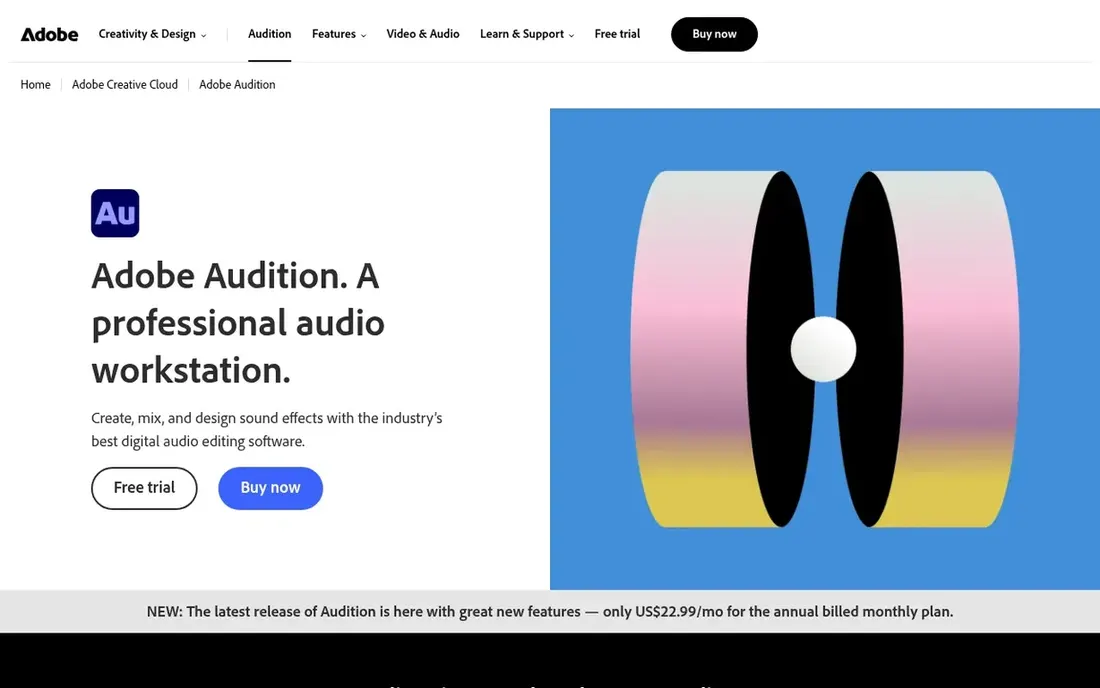
Adobe Audition works best for in-depth audio cleanup and restoration. Adobe Audition is a professional audio workstation concentrated on recording, mixing, and editing. Its multitrack, waveform, and spectral display views provide voiceover artists fine control over noise reduction, clicks, and tonal balance.
As for the details, if you prefer a more straightforward text-based workflow, Descript may be quicker. In daily use, for those who require spectral repair and precise restoration, Audition remains a solid choice. Adobe Audition shows no starting price here, so confirm the cost on the vendor site. On free options: Not stated.
Drawbacks to consider: Can be overwhelming for beginners.
- Multitrack and waveform editing
- Thorough restoration tools
- Subscription-based model
TwistedWave
Best for: Quick editing and batch processing
TwistedWave makes the most sense for quick editing and batch processing. Choose TwistedWave for efficient single-track editing and batch work. If you need a full DAW for music or film post, Pro Tools or Logic Pro are more appropriate.
Where it is weaker: Fewer advanced mixing features.
Where it shines: responsive interface; Available on Mac, Windows, iOS, online.
Worth adding: TwistedWave is not aimed at complicated multitrack productions or deep spectral repair. TwistedWave is a fast, easy-to-use audio editor for Mac, Windows, iPhone, iPad, and the web. It centres on recording, editing, mastering, batch processing, and conversion, which fits voiceover artists who require fast turnarounds and consistent output across several files. This comparison lists no price for TwistedWave; ask the vendor. On free options: Not stated.
- Straightforward
- Batch processing for repetitive tasks
- Not a full DAW replacement
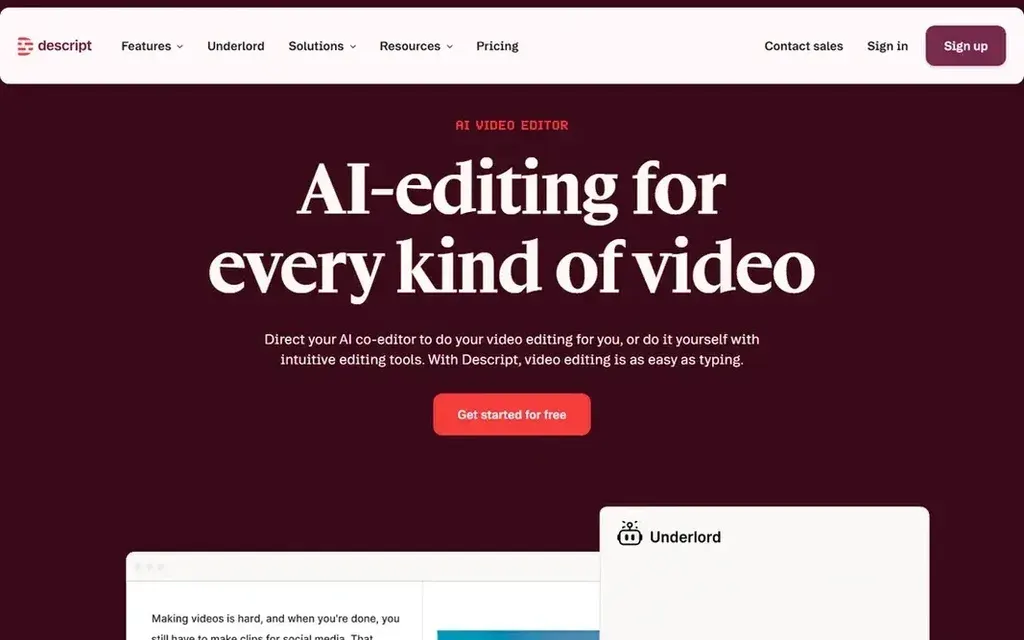
Pick Descript if this describes you: text-based voiceover editing. Descript is an AI-powered audio and video editor that treats speech like a text document.
Descript is less suited to complicated multitrack mixing or precise spectral repair. The starting price for Descript: $16 per person per month. Descript includes a free tier.
Honest limits: Advanced mixing is restricted.
- Built-in recording and transcription
- Edit audio by editing text
- May need learning a new workflow
Pick Logic Pro if this describes you: Mac-based music and voiceover. Logic Pro is Apple's professional music creation software for Mac and iPad, with feature-rich tools for songwriting, beat-making, editing, and mixing. Voiceover artists on Apple hardware can use it for recording and polishing narration, notably if they also produce music or need a full production suite.
Downsides: May be overkill for entry-level voiceover.
As for the details, Logic Pro is exclusive to Apple devices and its broad features can distract from simple voiceover work. For everyday use, pick Logic Pro for a thorough Apple-native studio. No starting price is listed for Logic Pro here; confirm pricing on the vendor site. Free plan details: Not stated.
Strengths: Integrated with Apple ecosystem.
- Deep feature set for Mac and iPad
- Capable editing and mixing
- Mac and iPad only
Pro Tools targets professional studio production. Pro Tools is a professional digital audio workstation for recording, editing, composing, and mixing music, audio, and sound for film and television.
Choose Pro Tools when you need a full studio environment and industry compatibility. Pro Tools can be heavy for straightforward voiceover tasks and needs significant setup and learning. Pricing for Pro Tools is not stated here, so ask the vendor for current figures. Free plan details: Not stated.
Where it is weaker: Steep ramp-up time.
- Solid editing and mixing
- Industry-standard DAW
- Can be resource-intensive
How we built this list
The comparison looks at four things: starting price, free access, how well the feature set matches software for voiceovers, and the main limit of each tool. Figures are shown as the vendors publish them. Billing terms, seat minimums and add-ons can change the real cost. Position on the page reflects fit for a typical buyer first, with price clarity and free access breaking ties. Treat it as a guide, not a ruling.
Pre-purchase checklist
- Ask Adobe Audition, TwistedWave, Logic Pro and Pro Tools for a written quote, since no starting price is shown.
- Look at the free plan from Descript closely: its caps decide whether it is usable for real work.
- Read the limits listed for Adobe Audition first: subscription-based model.
- Add up seats, add-ons and usage charges for Logic Pro before comparing it with cheaper entries.
- List the apps you already depend on and check that Adobe Audition supports each one on the plan you would buy.
FAQ
How are the tools for software for voiceovers ordered?
The order follows typical fit for software for voiceovers, with Adobe Audition first and Pro Tools last, then price clarity and free access. It is editorial judgement, not a score, so another team could rank the tools differently.
Can I try these tools before paying?
Often, yes. Descript has a free plan. Use your own data and a real task during the test, and check what the free tier or trial limits before you rely on it. Prices, free plan details and limits for all 5 tools in this software for Voiceovers roundup sit on the individual cards above.
What is the cheapest option for software for voiceovers in this list?
On published monthly entry prices, Descript is the lowest here at $16 per person per month. Entry price is only part of the cost, because seats, add-ons and billing terms can change the total. Each of the 5 options in this software for Voiceovers guide has its own card above with the price, free plan and limits.
Which options for software for voiceovers have a free plan?
Descript is the only tool in this list with a free plan. Free plans usually cap users, projects or features, so check the limits on the vendor page. All 5 picks in this software for Voiceovers comparison list a starting price, free plan details and the main limits on their cards above.
Sources
- https://www.adobe.com/products/audition.html
- https://twistedwave.com
- https://www.descript.com
- https://www.apple.com/logic-pro
- https://www.avid.com/pro-tools