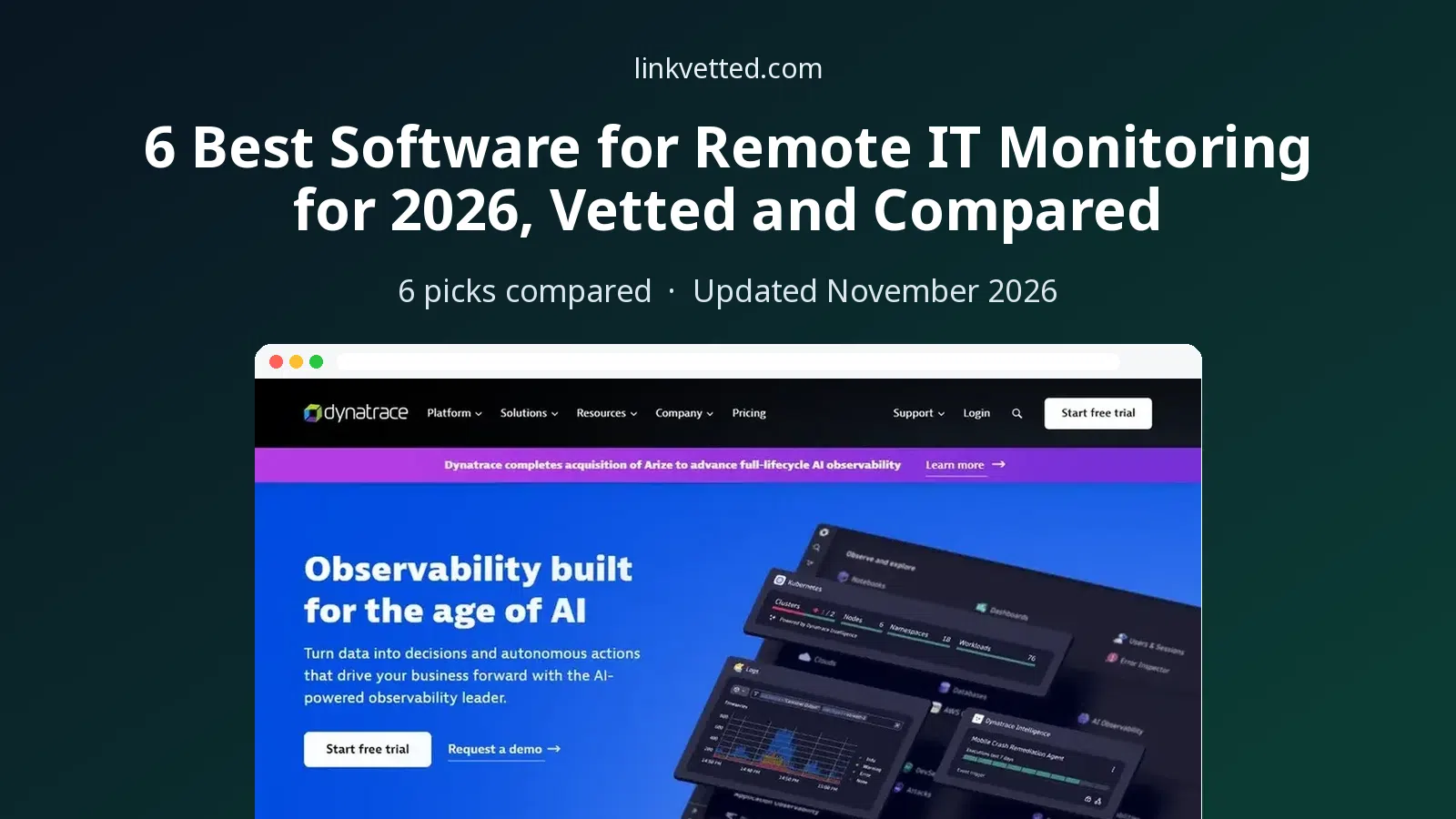
6 Best Software for Remote IT Monitoring for 2026, Vetted and Compared
Best software for remote IT monitoring: 6 contenders ranked by fit, with entry costs and free tiers. Each tool gets a one-line verdict. Pick with confidence.
- Editor's choiceConnectWise Automate
RMM automation for MSPs
Starts atSee websiteVisit connectwise.comFull review - Great alternative
 SolarWinds Network Performance Monitor
Hybrid network health and visibility
Starts atSee websiteVisit solarwinds.comFull review - Also considerPRTG Network Monitor
All-in-one infrastructure monitoring
Starts atSee websiteVisit paessler.comFull review
Direct answer
This list puts ConnectWise Automate first for RMM automation for MSPs. Listed starting prices: Dynatrace from $7 per host a month, New Relic from $10 per user a month and Datadog from $8 per committer per month. Look at SolarWinds Network Performance Monitor for hybrid network health and visibility, and at PRTG Network Monitor for all-in-one infrastructure monitoring. The remaining 3 options are covered below with prices and limits.
TL;DR:
- Top of the list is ConnectWise Automate, which targets RMM automation for MSPs.
- Datadog suits cloud and infrastructure monitoring.
- Before buying SolarWinds Network Performance Monitor, weigh this: Network-focused instead of full-stack.
- Just one of the 6 tools, New Relic, has a free plan.
Last checked November 2026. Prices and plan details were read from the vendors' own pages in November 2026; vendors change plans often, so confirm the current price on the vendor site before you buy.
Quick comparison
| Tool | Best for | Starts at | Free plan? | |
|---|---|---|---|---|
| ConnectWise Automate | RMM automation for MSPs | See website | Not stated | Visit |
| SolarWinds Network Performance Monitor | Hybrid network health and visibility | See website | Not stated | Visit |
| PRTG Network Monitor | All-in-one infrastructure monitoring | See website | Not stated | Visit |
 Dynatrace | AI-driven observability and automation | $7 per host a month | Free trial | Visit |
 New Relic | Application performance and root cause | $10 per user a month | Yes | Visit |
 Datadog | Cloud and infrastructure monitoring | $8 per committer per month | Free trial | Visit |
Tool-by-tool breakdown
If you are comparing software for remote IT monitoring, this page covers 6 tools in one place: what each is best for, what it costs to start, whether it has a free plan, and the main limit to know about.
ConnectWise Automate
Best for: RMM automation for MSPs
ConnectWise Automate is built with RMM automation for MSPs in mind. ConnectWise Automate is RMM software that automates technical work and aims to boost IT team efficiency. It is made for managed service providers and IT departments that need remote monitoring and management of endpoints at scale.
The main drawbacks: Automation setup can be involved.
As for the details, the system concentrates on automating routine tasks so teams can spend less time on manual work. From a buyer's view, automation design also takes planning. This comparison lists no price for ConnectWise Automate; ask the vendor. On free options: Not stated.
- Capable RMM software
- Automates technical work
- RMM focus instead of full observability
SolarWinds Network Performance Monitor
Best for: Hybrid network health and visibility
Where SolarWinds Network Performance Monitor fits: hybrid network health and visibility. SolarWinds Network Performance Monitor is self-hosted observability software for network health and performance.
Beyond that, since it is network-centric, teams looking for application performance monitoring or endpoint management may need extra tools. Worth adding: self-hosted deployment also means you run the underlying infrastructure. Pricing for SolarWinds Network Performance Monitor is not stated here, so ask the vendor for current figures. Free options: Not stated.
Downsides: Self-hosted deployment needs infrastructure.
- Self-hosted observability choice
- Visibility into hybrid IT environments
- Network-focused rather than full-stack
PRTG Network Monitor
Best for: All-in-one infrastructure monitoring
PRTG Network Monitor was built for all-in-one infrastructure monitoring. PRTG Network Monitor from Paessler is professional and adaptable network monitoring software that examines and watches your whole IT infrastructure.
Where it is weaker: Configuration can take time.
Beyond that, PRTG is not a full observability system. So teams needing deep application telemetry or AI-driven correlation may pair it with another tool. PRTG Network Monitor does not show a starting price in this comparison, so check the vendor site for current pricing. Trial and free access: Not stated.
- Adaptable monitoring of IT infrastructure
- All-in-one network monitoring approach
- Not a full observability suite
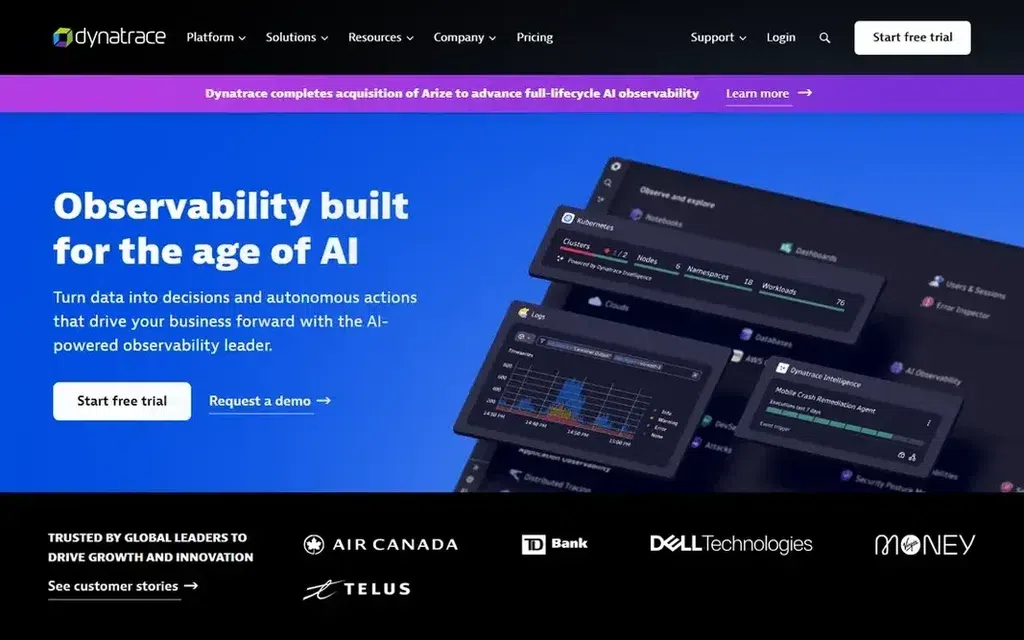
Dynatrace is aimed squarely at AI-driven observability and automation. In daily use, choose Dynatrace when you want an integrated observability and automation system instead of a narrow point tool.
The product is positioned for teams managing complicated, modern environments where automation and security are part of monitoring. It is also not a dedicated network performance monitor. On cost, Dynatrace starts like this: $7 per host per month. Free plan details: Free trial.
Highlights: AI and automation in one product.
Where it falls short: System breadth can be complicated to adopt.
- Observability
- Made for modern cloud environments
- May be more than small teams need

Pick New Relic if this describes you: application performance and root cause. New Relic is an AI-powered observability system that correlates telemetry across your whole stack. It is geared toward teams that require to isolate root cause rapidly and cut mean time to resolution, notably for applications and services.
Points against: May need configuration for full-stack coverage.
Also, pick New Relic when application performance and root-cause analysis are central to your monitoring goals. From a buyer's view, remote IT teams monitoring software performance across distributed systems can use it to link signals from different layers. Price to start with New Relic: $10 per user per month. New Relic has a free plan.
- Correlates telemetry across the stack
- AI-powered observability focus
- Application-centric for some IT teams
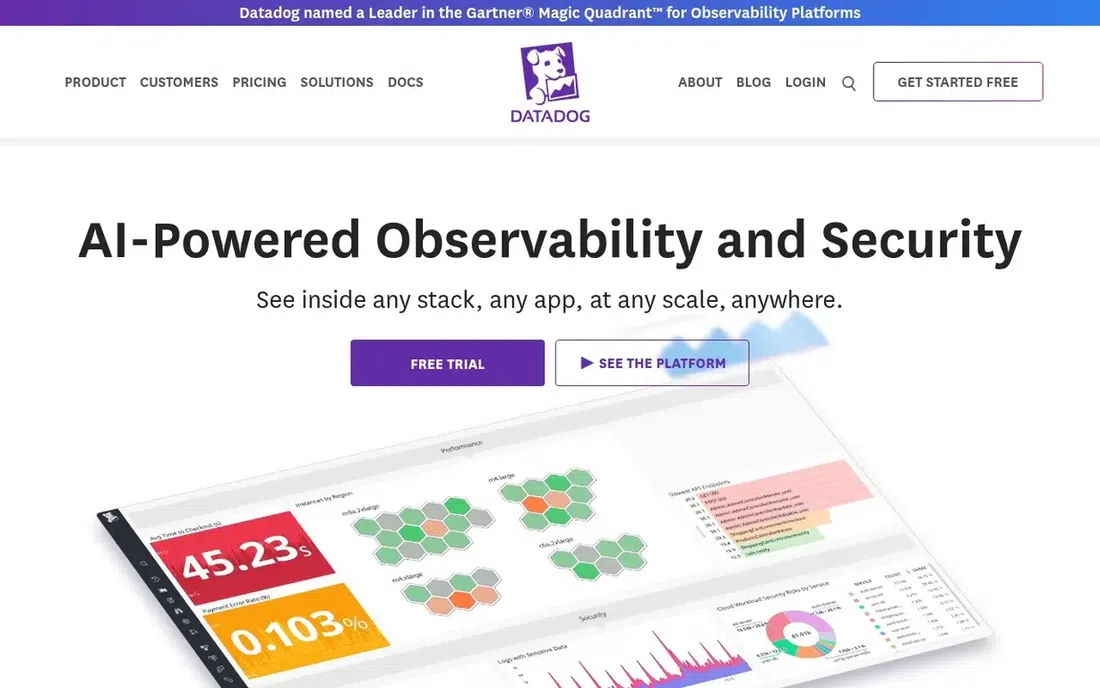
In short, Datadog is for cloud and infrastructure monitoring. Choose Datadog when cloud and application visibility is the priority and you want one console for plenty of metric sources.
Trade-offs to know: Less concentrated on on-premises network hardware.
For everyday use, since Datadog is wide, teams with deep on-premises network hardware monitoring needs may find a dedicated network tool more direct. Worth adding: the product is meant to collect and visualize telemetry from numerous sources, making it a practical first stop for general observability needs. Datadog pricing: $8 per committer per month. As for free access: Free trial.
- Unified metrics from apps
- Cloud monitoring as a service
- Can need tuning to control data volume
How we compared the tools
A buyer's checklist
- Ask ConnectWise Automate, SolarWinds Network Performance Monitor and PRTG Network Monitor for a written quote, since no starting price is shown.
- Look at the free plan from New Relic closely: its caps decide whether it is usable for real work.
- Run a trial of Dynatrace and Datadog with real work before paying for a year; your own workflow is the best test.
- Read the limits listed for ConnectWise Automate first: automation setup can be involved.
- Read the plan comparison for PRTG Network Monitor carefully; key features often start on a higher tier.
- Pick one real project and run it in Datadog first; a small pilot shows fit faster than a checklist.
FAQ
Can I try these tools before paying?
Often, yes. New Relic has a free plan and Dynatrace and Datadog offer a free trial. Use your own data and a real task during the test, and check what the free tier or trial limits before you rely on it.
Do these tools publish their prices?
Not all of them. ConnectWise Automate, SolarWinds Network Performance Monitor and PRTG Network Monitor publish no starting price, so expect a quote request for those. The rest, Dynatrace included, show a starting price, though seats and billing terms still change the final cost.
What is the cheapest option for software for remote IT monitoring in this list?
On published monthly entry prices, Dynatrace is the lowest here at $7 per host per month. Entry price is only part of the cost, because seats, add-ons and billing terms can change the total. Each of the 6 options in this software for remote IT monitoring guide has its own card above with the price, free plan and limits.
Which options for software for remote IT monitoring have a free plan?
New Relic is the only tool in this list with a free plan. Free plans usually cap users, projects or features, so check the limits on the vendor page. Several others offer a trial instead. All 6 picks in this software for remote IT monitoring comparison list a starting price, free plan details and the main limits on their cards above.
What is remote IT monitoring software?
Remote IT monitoring software collects health and performance data from systems that are not physically on site, like cloud services, network devices and endpoints. It helps IT teams detect issues, troubleshoot and handle infrastructure from a central console.
Sources
- https://www.connectwise.com/platform/automate
- https://www.solarwinds.com/network-performance-monitor
- https://www.paessler.com/prtg
- https://www.dynatrace.com
- https://newrelic.com
- https://www.datadoghq.com
Related guides
- Best Companies for Managing IT Infrastructure in 2026: 8 Companies Compared
- 5 Best 3D Modeling Software for Remote Teams for 2026, Vetted and Compared
- Best Augmented Reality SDK Software for Remote Teams in 2026: Prices, Free Plans and 5 Picks
- Best Application Monitoring Service in 2026: 8 Platforms Compared