Software for Managing an Art Gallery in 2026: The 6 Best Options Side by Side
Shortlisting the best software for managing an Art gallery? 6 products compared on cost, free access and ideal buyer. Strengths and weak spots are spelled out.

- Editor's choiceGallery Systems
Museums and complicated collections
Starts atSee websiteVisit gallerysystems.comFull review - Great alternativeArtCloud
Current ArtCloud users transitioning
Starts at£42 per user per monthVisit artcloud.comFull review - Also considerArt Galleria
Catalog-first art companies
Starts at$65 a month billed annuallyVisit artgalleria.comFull review
Direct answer
Gallery Systems leads the list, best for museums and complicated collections. Listed starting prices: ArtCloud from £42 per user per month, Art Galleria from $65 a month billed annually and ArtBase from £42 per user per month. For a different need, ArtCloud covers current ArtCloud users transitioning and Art Galleria covers catalog-first art companies. Details, prices and limits for the rest of the 6 tools are below.
TL;DR:
- Gallery Systems sits first on this list: museums and complex collections.
- Artlogic suits all-in-one gallery operations.
- A fair warning about Art Galleria: fewer public details on integrations.
- Starting prices begin at $39 per month with Masterpiece Manager.
- Gallery Systems, Artlogic and the 4 others all need a premium plan or a trial, since no free plan is listed.
Last checked November 2026. Prices and plan details were read from the vendors' own pages in November 2026; vendors change plans often, so confirm the current price on the vendor site before you buy.
Quick comparison
| Tool | Best for | Starts at | Free plan? | |
|---|---|---|---|---|
| Gallery Systems | Museums and complicated collections | See website | Not stated | Visit |
| ArtCloud | Current ArtCloud users transitioning | £42 per user per month | Not stated | Visit |
| Art Galleria | Catalog-first art companies | $65 a month billed annually | Free trial | Visit |
| ArtBase | Existing ArtBase users seeking support | £42 per user per month | Not stated | Visit |
| Masterpiece Manager | Galleries wanting bundled business tools | $39 a month | No | Visit |
| Artlogic | All-in-one gallery operations | £42 per user a month | Not stated | Visit |
Our 6 picks for software for managing an Art gallery
LinkVetted compared 6 tools for software for managing an Art gallery. The goal is a practical shortlist: published prices, free plan facts, best-fit use cases and honest limits for every entry.
Gallery Systems
Best for: Museums and complicated collections
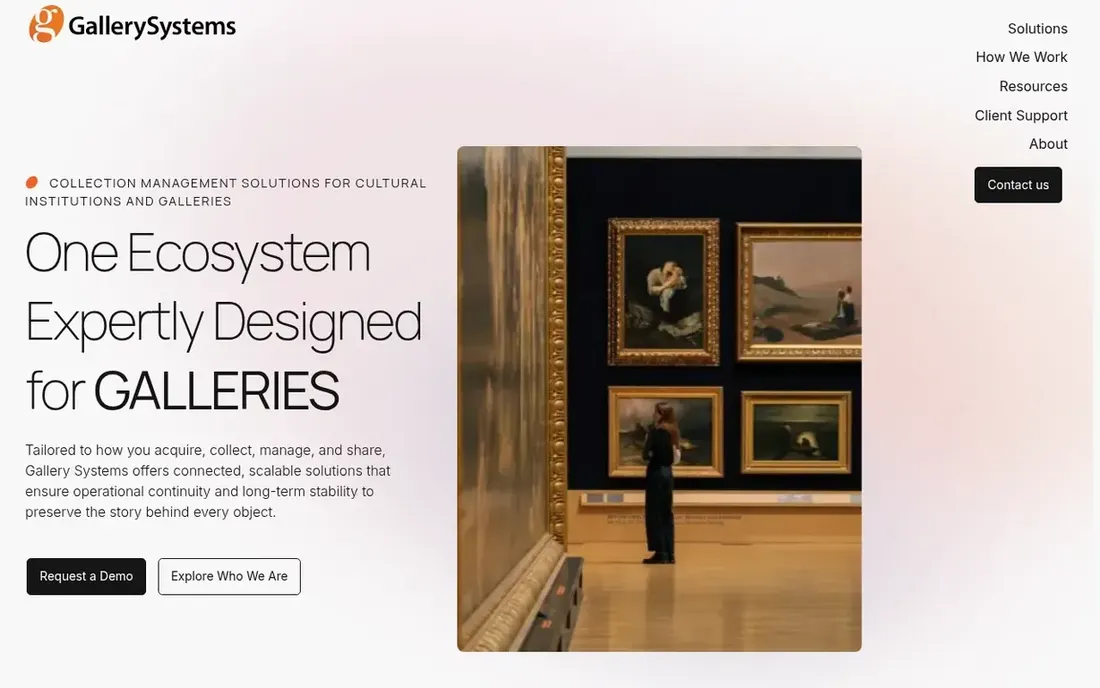
Gallery Systems was built for museums and complicated collections. The collections-first design may feel like more structure than a small sales-focused gallery needs.
The main drawbacks: Collections focus can mean more setup.
Gallery Systems does not show a starting price in this comparison, so check the vendor site for current pricing. Free access: Not stated.
- Manages digital assets on one product
- Suited to museums and galleries
- May be heavy for small commercial galleries
ArtCloud
Best for: Current ArtCloud users transitioning
Choose ArtCloud for current ArtCloud users transitioning. Galleries evaluating fresh choices might look at systems with more visible feature documentation. On top of that, since the public page centers on the name change, new buyers may find less detail to compare features.
It is most relevant to galleries already on ArtCloud who require continuity and support during the rename. In daily use, the page is oriented toward existing users instead of a full product tour. ArtCloud cost at the entry level: £42 per user per month. Free options: Not stated.
Honest limits: Public page concentrates on transition.
- Clear continuity for existing users
- Same system under a new name
- Restricted new-buyer feature detail
Art Galleria
Best for: Catalog-first art companies
Art Galleria targets catalog-first art companies. Art Galleria describes art business management built around cataloging once and then presenting, selling, documenting, and publishing from the same records.
In daily use, teams needing deep point of sale or multi-location retail features might compare dedicated retail systems. Pick Art Galleria when catalog reuse and art-focused workflows matter most. Starting cost for Art Galleria: $65 per month billed annually. Free access: Free trial.
Where it is weaker: May suit smaller teams better.
- Keeps art instead of admin in focus
- Present, sell, document, publish
- Fewer public details on integrations
ArtBase
Best for: Existing ArtBase users seeking support
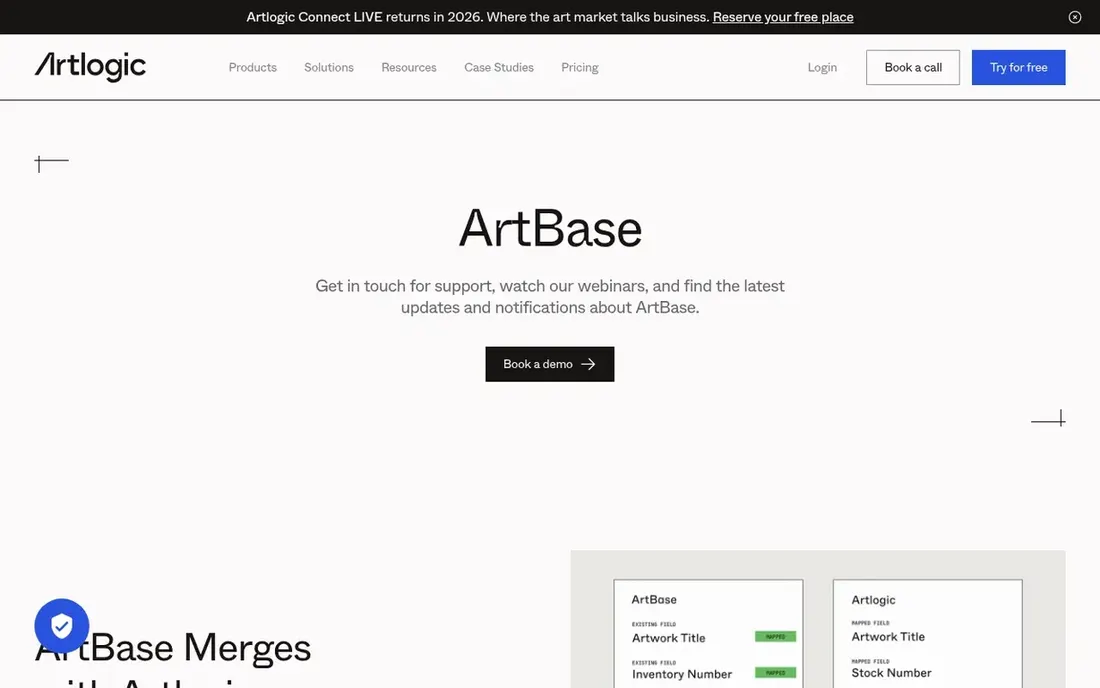
In short, ArtBase is for existing ArtBase users seeking support. ArtBase is presented as an established art management system, with a page concentrated on support, login access, webinars, and migration resources following a merger. It is most relevant to galleries already using ArtBase or those exploring migration choices.
In daily use, consider ArtBase chiefly if you are an existing user or need migration guidance. Since the public page centers on support and migration, buyers new to the market may find less detail to evaluate. The current public page emphasizes help and transition instead of a full feature tour. Entry price for ArtBase: £42 per user per month. As for free access: Not stated.
Points against: Restricted public detail on current features.
- Webinars and migration resources
- Clear path for existing customers
- Not positioned as a new-buyer product
Masterpiece Manager
Best for: Galleries wanting bundled business tools
Masterpiece Manager serves galleries wanting bundled business tools. Choose Masterpiece Manager when you want inventory, CRM, and marketing together.
It is targeted at users who want multiple business functions under one roof. Masterpiece Manager pricing: $39 per month. Masterpiece Manager has no free tier.
Where it falls short: Bundled scope may be more than needed.
- Designed for galleries, artists, collectors
- Inventory, websites, POS, CRM, marketing
- Feature depth varies by module
Artlogic
Best for: All-in-one gallery operations
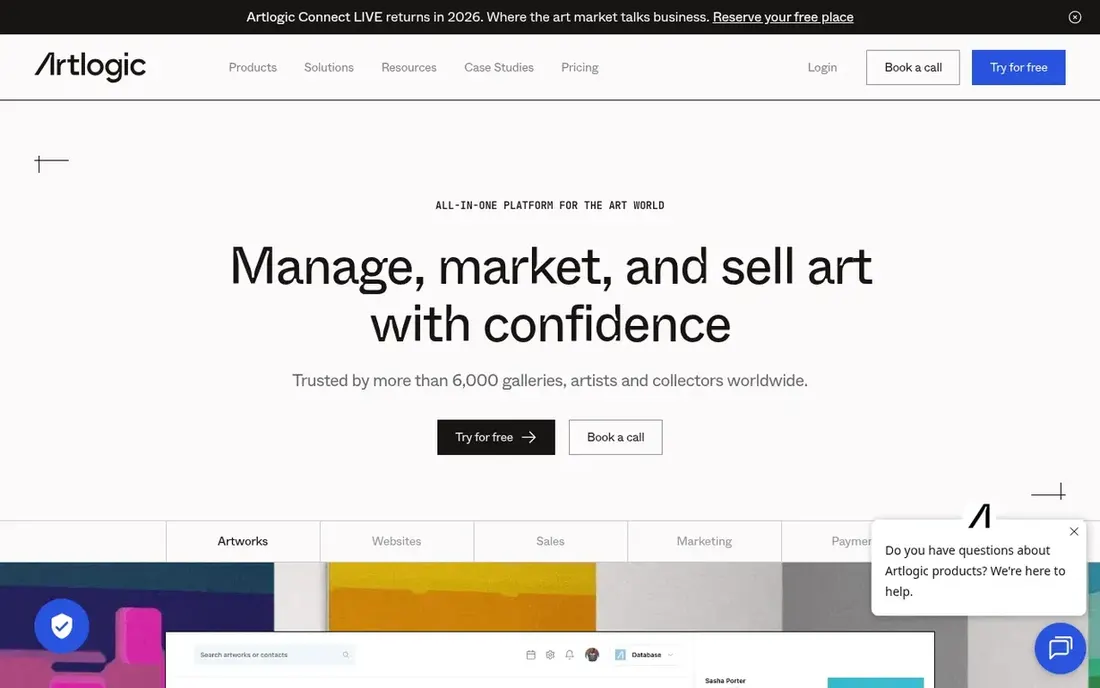
Think of Artlogic for all-in-one gallery operations. If your gallery needs to handle stock, publish a site, and run sales from the same place, Artlogic is a natural first stop. Also, since Artlogic spans numerous functions, smaller galleries may find the scope bigger than they need at first.
Teams that only want a straightforward inventory list might prefer a narrower tool. Also, consider Artlogic when you expect to grow into websites, marketing, and sales features over time. Artlogic pricing: £42 per user per month. Free options: Not stated.
Drawbacks to consider: Setup needs planning across modules.
- Single system for core workflows
- Merges inventory, websites, marketing, sales
- Wide feature set may overwhelm small teams
How we chose
Selection started from tools commonly considered for software for managing an Art gallery, then narrowed to 6 that have clear pricing information or a clear quote process. Figures are shown as the vendors publish them. Billing terms, seat minimums and add-ons can change the real cost. Tools are placed by general fit for software for managing an Art gallery, with price clarity and free access as tie-breakers. A different team can reasonably rank them differently.
A buyer's checklist
- Ask Gallery Systems for a written quote, since no starting price is shown.
- Use real work to test the free trial from Art Galleria, rather than a demo project.
- Read the limits listed for Gallery Systems first: may be heavy for small commercial galleries.
- Check whether ArtBase bills monthly or annually, and what cancelling early costs.
- Check how data leaves Art Galleria: formats, limits and whether exports are available on every plan.
FAQ
What should an art gallery look for in management software?
Focus on inventory and cataloging, sales and CRM, and website publishing, since these are core gallery tasks. Also check how the tool deals with artist and consignment records.
Is Gallery Systems the right pick for everyone comparing software for managing an Art gallery?
No single tool suits every team. Gallery Systems comes first because it fits museums and complex collections, while ArtCloud suits current ArtCloud users transitioning and Art Galleria suits catalog-first art businesses. Match the tool to your own size, budget and workflow before deciding.
Can I try these tools before paying?
Often, yes. Art Galleria offers a free trial. Use your own data and a real task during the test, and check what the free tier or trial limits before you rely on it.
What is the cheapest option for software for managing an Art gallery in this list?
On published monthly entry prices, Masterpiece Manager is the lowest here at $39 per month. Entry price is only part of the cost, because seats, add-ons and billing terms can change the total. Each of the 6 options in this software for managing an Art gallery guide has its own card above with the price, free plan and limits.
Does any tool for software for managing an Art gallery here have a free plan?
No tool in this list, Gallery Systems and Artlogic included, has a permanent free plan. Art Galleria offer a trial. Trials and quotes are the usual route, so plan a short evaluation period.
Sources
- https://www.gallerysystems.com
- https://www.artcloud.com
- https://www.artgalleria.com
- https://www.artbase.com
- https://www.masterpiecemanager.com
- https://www.artlogic.net