5 Best Software for Growing Home Service Business for 2026, Vetted and Compared
5 products for the best software for growing home service business, ranked by fit, with starting costs and free tiers. Real limits included. Easy to scan.
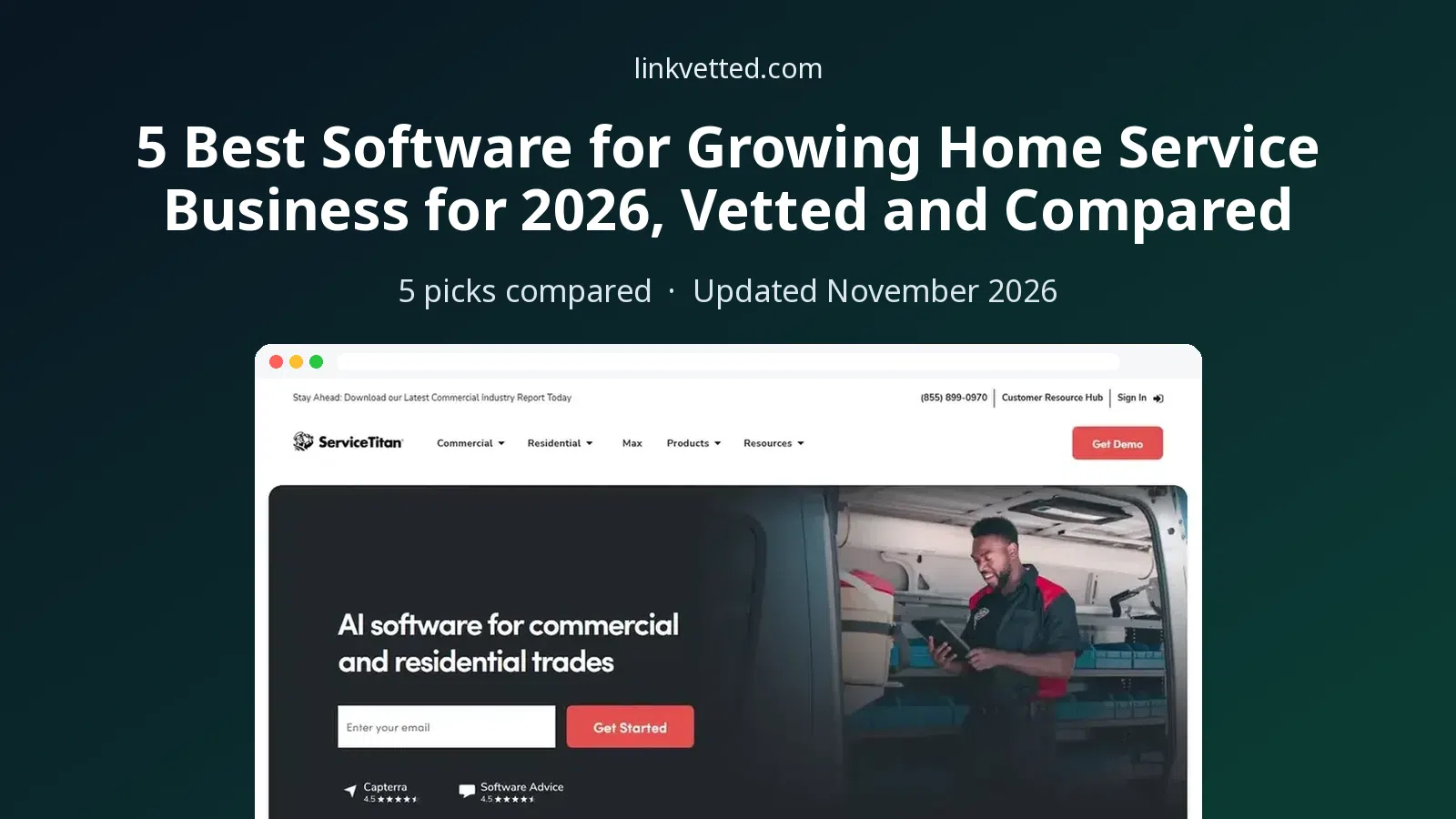
- Editor's choice
 Kickserv
Jobs, customers, and payments
Starts at$60 per monthVisit kickserv.comFull review - Great alternative
 ServiceM8
Job tracking for trade contractors
Starts at$29 a monthVisit servicem8.comFull review - Also consider
 ServiceTitan
All-in-one contractor operations
Starts atSee websiteVisit servicetitan.comFull review
Direct answer
Kickserv leads the list, best for jobs, customers, and payments. Listed starting prices: Kickserv from $60 per month, ServiceM8 from $29 a month and Service Fusion from $220 a month. Look at ServiceM8 for job tracking for trade contractors, and at ServiceTitan for all-in-one contractor operations. The other 2 tools in the list cover narrower or pricier cases.
TL;DR:
- Top of the list is Kickserv, which targets jobs, customers, and payments.
- Check the limits for Service Fusion before you commit: may be broader than basic scheduling needs.
- ServiceM8 has the lowest monthly starting price in this list: $29 per month.
- Housecall Pro is the one to check for field service operations and communication.
- Only ServiceM8 offers a free plan among these 5 tools.
Last checked November 2026. Prices and plan details were read from the vendors' own pages in November 2026; vendors change plans often, so confirm the current price on the vendor site before you buy.
Quick comparison
| Tool | Best for | Starts at | Free plan? | |
|---|---|---|---|---|
| Kickserv | Jobs, customers, and payments | $60 per month | Free trial | Visit |
| ServiceM8 | Job tracking for trade contractors | $29 a month | Yes | Visit |
| ServiceTitan | All-in-one contractor operations | See website | Free trial | Visit |
 Service Fusion | All-in-one field service management | $220 a month | No | Visit |
 Housecall Pro | Field service operations and communication | $59 per month | Free trial | Visit |
Our 5 picks for software for growing home service business
LinkVetted put together this guide to software for growing home service business for readers who want a clear shortlist without reading every vendor page. It compares 5 tools on starting price, free plans, who each one suits and where each one falls short.
For jobs, customers, and payments, Kickserv is a natural candidate. Kickserv is field service management software that provides management of jobs, customers, communication, and payments for home service firms. It is built to keep the core parts of a service business organized in one place.
Honest limits: Feature depth may suit smaller teams.
What Kickserv does well: Handles jobs and customers.
In practice, teams with complicated project needs may want a broader product. Worth adding: the product suits home service teams that want job and customer management alongside communication and payment tools. Kickserv is oriented toward home service firms instead of construction project management. Choose Kickserv when you want a focused system for jobs, customers, communication, and payments. Entry price for Kickserv: $60 per month. Trial and free access: Free trial.
- Supports communication and payments
- Centred on home service companies
- May not cover construction project management
ServiceM8 was built for job tracking for trade contractors. It is built to cut paperwork and help teams get more jobs done whereas supplying decent service.
In daily use, ServiceM8 is concentrated on job management and CRM for trades instead of construction project management. The starting price for ServiceM8: $29 per month. ServiceM8 offers a free plan.
Where it falls short: Fit relies on trade workflow.
- Made for home service companies
- Job tracking and CRM for trade contractors
- May be less suited to construction projects
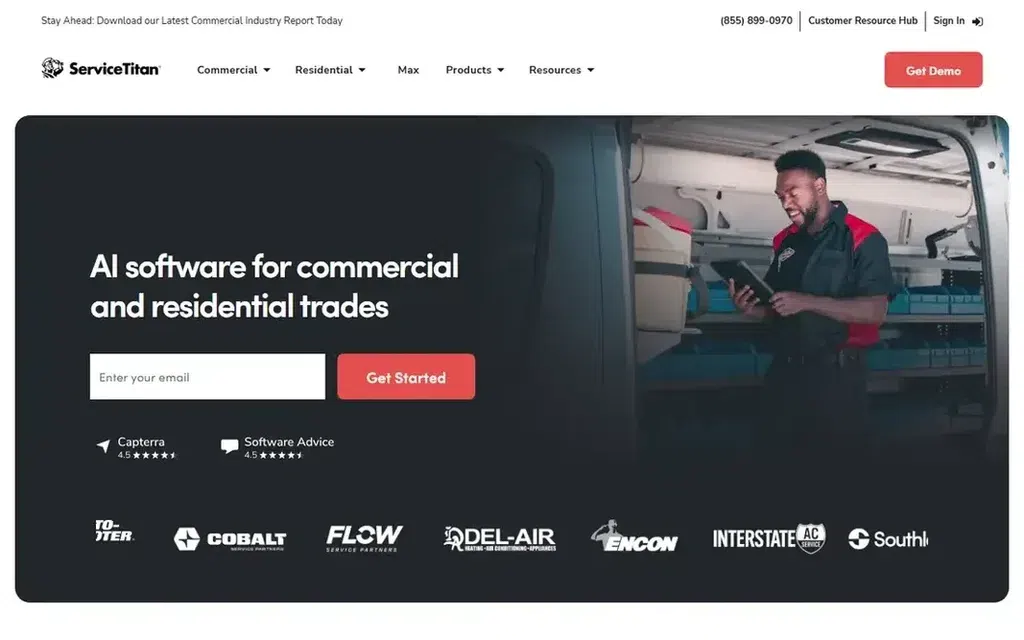
Think of ServiceTitan for all-in-one contractor operations. It is built to keep service visits and construction projects running smoothly in one place.
Drawbacks to consider: Setup can need planning.
From a buyer's view, since it is designed for many different contractor operations, smaller teams may find the scope broader than they need at first. No starting price is listed for ServiceTitan here; confirm pricing on the vendor site. Free access: Free trial.
- Centralizes operations in one system
- Spans service visits and construction projects
- Wide feature set may suit bigger operations
Where Service Fusion fits: all-in-one field service management. Companies that require combined service and project tracking may prefer a product made for both. Worth adding: Service Fusion is built around field service management instead of construction project work.
Service Fusion provides all-in-one field service management software aimed at service companies and contractors. It is built to help teams save time and increase productivity by keeping field service work organized. Also, the product suits contractors who want a single system for managing jobs, customers, and daily field operations. Service Fusion pricing: $220 per month. Service Fusion has no free tier.
The main drawbacks: May be broader than entry-level scheduling needs.
- All-in-one field service management
- Aims to save time and increase productivity
- Fit relies on contractor workflow
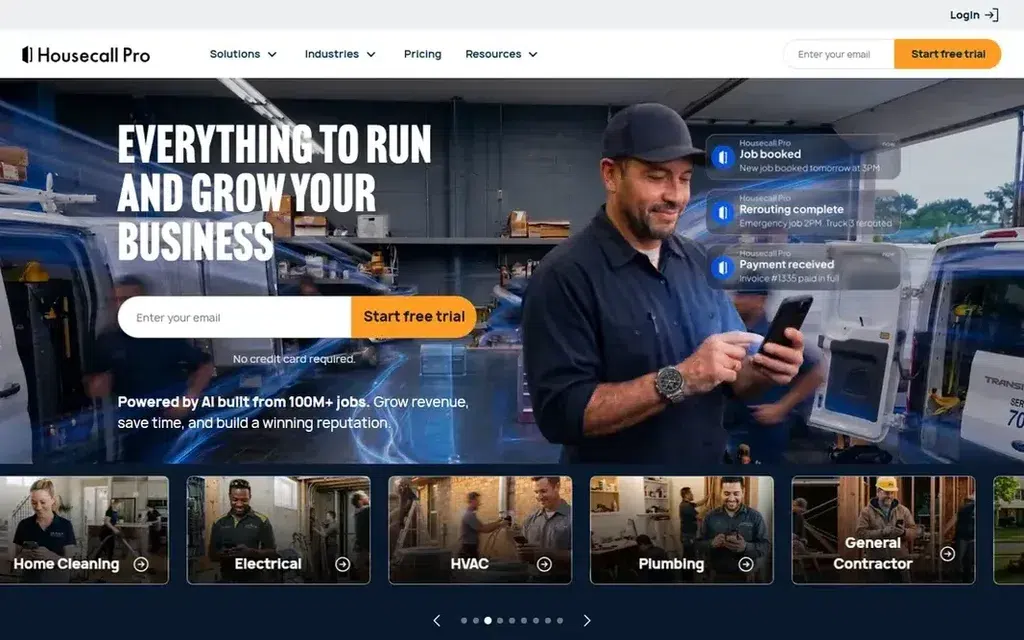
Pick Housecall Pro if this describes you: field service operations and communication. Teams wanting only basic job tracking may find it broader than necessary.
Worth adding: choose Housecall Pro when field service management and customer communication are the priority. In practice, Housecall Pro is home services business management software for field service companies. Entry price for Housecall Pro: $59 per month. Trial and free access: Free trial.
Where it falls short: May not handle heavy construction project needs.
- Supports field service professionals
- Home services business management focus
- Feature depth varies by business size
Our selection method
A buyer's checklist
- Get a written quote from ServiceTitan; the list shows no starting price for them.
- Look at the free plan from ServiceM8 closely: its caps decide whether it is usable for real work.
- Run a trial of Kickserv, ServiceTitan and Housecall Pro with real work before paying for a year; your own workflow is the best test.
- Read the limits listed for Kickserv first: may not cover construction project management.
- Check how data leaves Kickserv: formats, limits and whether exports are available on every plan.
- Compare total cost, not headline price: for Service Fusion, add extra seats, add-ons and any usage-based charges.
FAQ
How are the tools for software for growing home service business ordered?
The order follows typical fit for software for growing home service business, with Kickserv first and Housecall Pro last, then price clarity and free access. It is editorial judgement, not a score, so another team could rank the tools differently.
Do these tools publish their prices?
Not all of them. ServiceTitan publishes no starting price, so expect a quote request for it. The rest, Kickserv included, show a starting price, though seats and billing terms still change the final cost. Prices, free plan details and limits for all 5 tools in this software for growing home service business roundup sit on the individual cards above.
Is Kickserv the right pick for everyone comparing software for growing home service business?
No single tool suits every team. Kickserv comes first because it fits jobs, customers, and payments, while ServiceM8 suits job tracking for trade contractors and ServiceTitan suits all-in-one contractor operations. Match the tool to your own size, budget and workflow before deciding.
Can these tools deal with both residential and commercial work?
Some systems, like ServiceTitan, are explicitly aimed at home and commercial contractors. In practice, check each vendor page to confirm coverage for the type of work you do before choosing.
Do I need a field service product or just invoicing software?
If you primarily have to send invoices and record payments, a more straightforward tool may be enough. Match the software to the parts of your operation that require the most organization.
Can I try these tools before paying?
Often, yes. ServiceM8 has a free plan and Kickserv, ServiceTitan and Housecall Pro offer a free trial. Use your own data and a real task during the test, and check what the free tier or trial limits before you rely on it. Each of the 5 options in this software for growing home service business guide has its own card above with the price, free plan and limits.
Sources
- https://www.kickserv.com
- https://www.servicem8.com
- https://www.servicetitan.com
- https://www.servicefusion.com
- https://www.housecallpro.com