Choosing Cloud PBX Software for Growing Companies in 2026: 6 Options Compared
Compare 6 best cloud PBX software for growing companies, with prices, free plans and who each fits. Details on cost, catches and fit. Updated for 2026.
- Editor's choice
 Microsoft Teams Phone
Calling inside the Microsoft ecosystem
Starts atSee websiteVisit microsoft.comFull review - Great alternative
 Nextiva
Customer experience with business phone
Starts at$15 per user a monthVisit nextiva.comFull review - Also considerRingCentral MVP
AI-assisted business voice at scale
Starts at$52 a monthVisit ringcentral.comFull review
Direct answer
If you need Calling inside the Microsoft ecosystem, Microsoft Teams Phone is the first tool to look at here. Listed starting prices: Nextiva from $15 per user a month, RingCentral MVP from $52 a month and Intermedia Unite from $10.60 per user per month. Look at Nextiva for customer experience with business phone, and at RingCentral MVP for AI-assisted business voice at scale. Details, prices and limits for the rest of the 6 tools are below.
TL;DR:
- This list starts with Microsoft Teams Phone, which is built for Calling inside the Microsoft ecosystem.
- Vonage Business Communications is the one to check for adaptable voice plus communications APIs.
- None of the 6 tools, from Microsoft Teams Phone to Vonage Business Communications, has a free plan, so budget for a subscription or use a trial.
- The lowest published monthly entry price here is $10.60 per user per month, from Intermedia Unite.
Last checked November 2026. Prices and plan details were read from the vendors' own pages in November 2026; vendors change plans often, so confirm the current price on the vendor site before you buy.
Quick comparison
| Tool | Best for | Starts at | Free plan? | |
|---|---|---|---|---|
| Microsoft Teams Phone | Calling inside the Microsoft ecosystem | See website | Not stated | Visit |
| Nextiva | Customer experience with business phone | $15 per user a month | No | Visit |
| RingCentral MVP | AI-assisted business voice at scale | $52 a month | Free trial | Visit |
| Intermedia Unite | All-in-one business phone and collaboration | $10.60 per user per month | No | Visit |
 Dialpad | AI conversation intelligence across teams | $15 per user a month | Free trial | Visit |
| Vonage Business Communications | Adaptable voice plus communications APIs | See website | Not stated | Visit |
Cloud PBX Software for Growing Companies, one by one
This LinkVetted guide covers 6 cloud PBX software for growing companies. Each profile lists a starting price, free plan details, strengths and drawbacks, so you can drop poor fits quickly.
Pick Microsoft Teams Phone if this describes you: Calling inside the Microsoft ecosystem. Microsoft Teams Phone is a cloud-based phone system that lets Teams users make calls and dial external numbers.
Beyond that, the value depends heavily on how deeply your organization already uses Microsoft services, and connecting to external phone lines needs planning with a provider. For everyday use, Teams that need advanced contact center or AI receptionist features may need extras or a dedicated cloud PBX instead. No starting price is listed for Microsoft Teams Phone here; confirm pricing on the vendor site. Free options: Not stated.
The main drawbacks: PSTN connectivity needs separate planning.
- Supports external number dialing
- Cloud phone system built into Teams
- Value relies on existing Microsoft usage
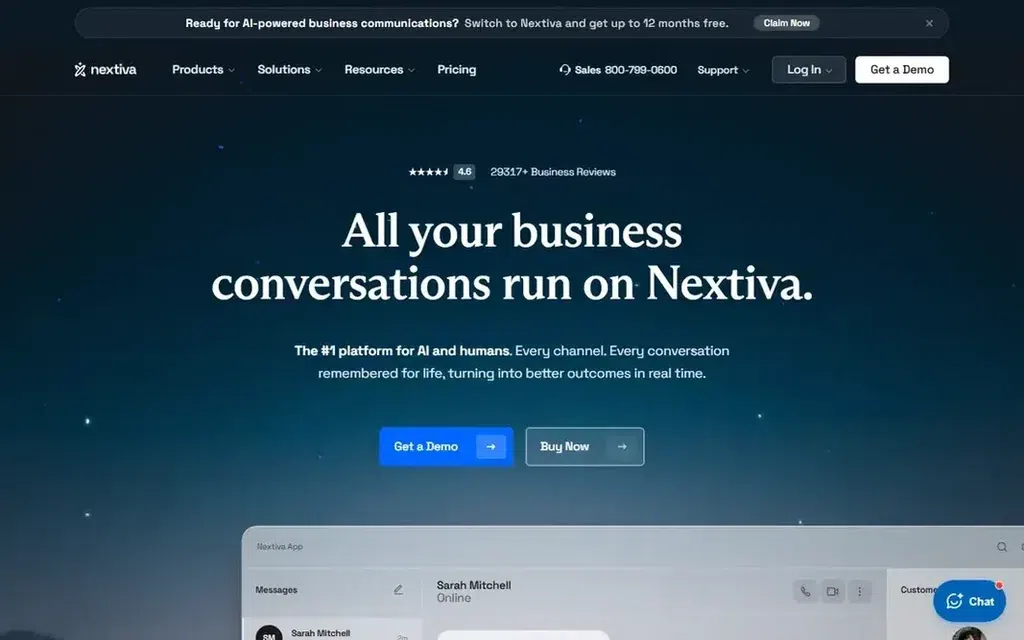
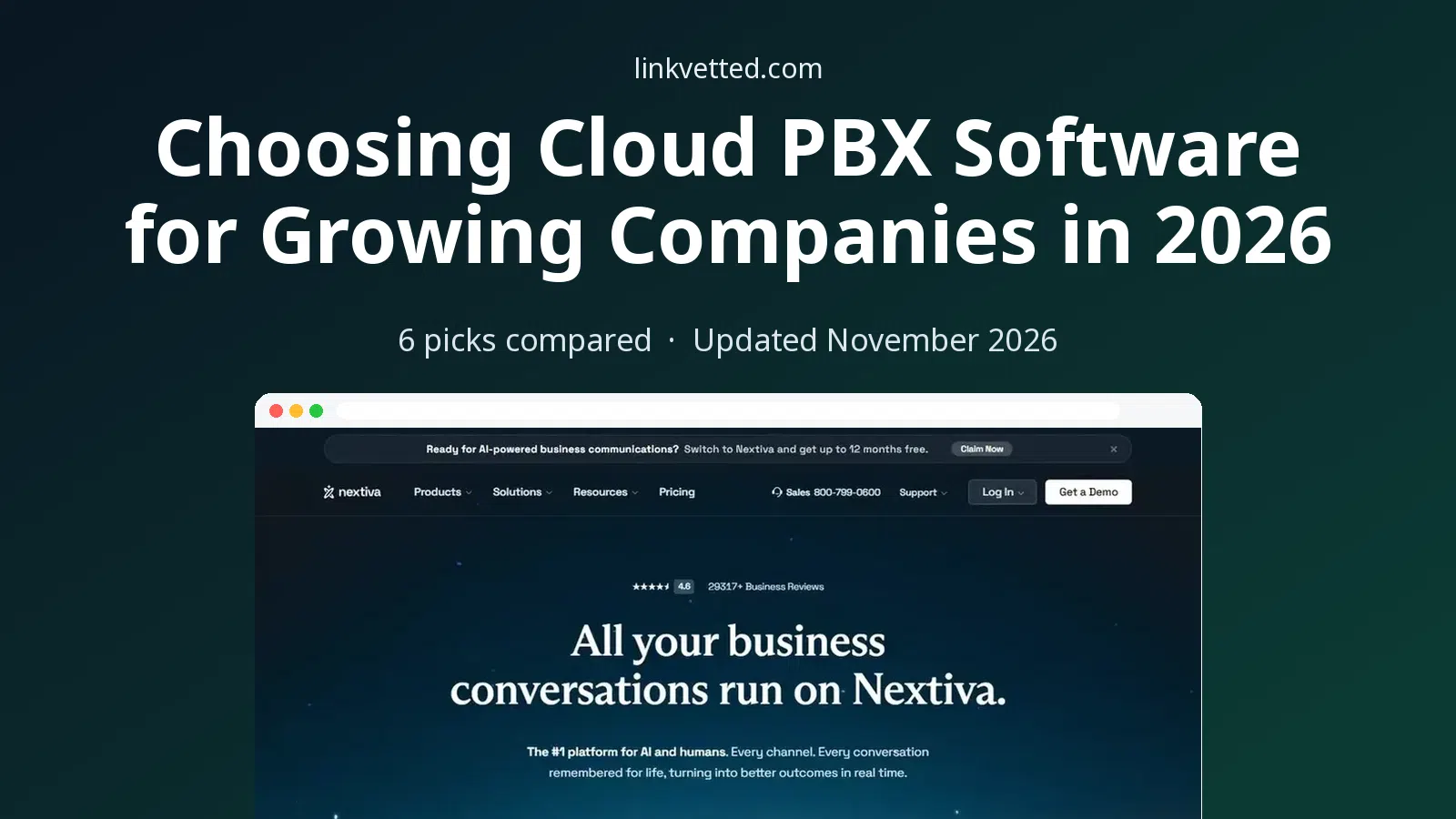
Nextiva is designed for customer experience with business phone. Nextiva is positioned as an AI customer experience management system that merges business phone, contact center, AI receptionist and unified CX.
Since the system leans toward customer experience, teams that only need entry-level extensions and voicemail may find it heavier than necessary. Confirm which calling and contact center features you actually need before committing, and compare with a voice-first system if CX tooling is not a priority. Nextiva cost at the entry level: $15 per user per month. No free plan comes with Nextiva.
Points against: Setup depth varies by team size.
- AI receptionist included in the CX offering
- Business phone and contact center in one system
- CX focus may be more than voice-only teams need
RingCentral MVP
Best for: AI-assisted business voice at scale
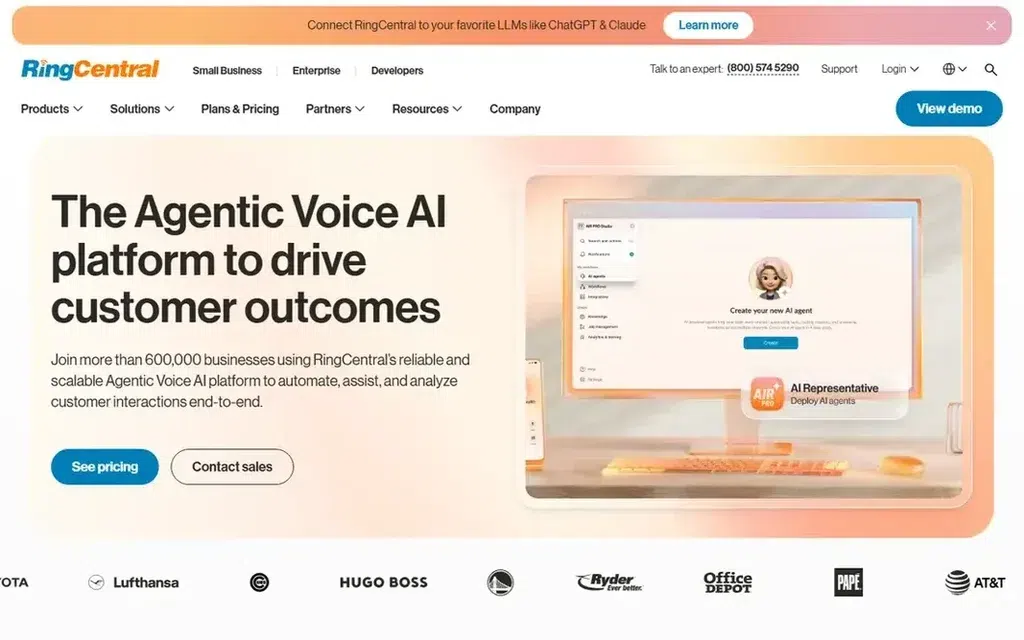
RingCentral MVP works best for AI-assisted business voice at scale. RingCentral MVP is a cloud business phone system built around voice, with AI Receptionist, AI Virtual Assistant and AI Conversation Expert features layered on top.
The main drawbacks: Feature depth may exceed small team needs.
On top of that, the AI feature set is wide, so smaller teams may pay for capability they do not yet use. Configuration also takes planning. On cost, RingCentral MVP starts like this: $52 per month. On free options: Free trial.
- Fits businesses adding voice channels rapidly
- Contains AI Receptionist and virtual assistant tools
- Advanced AI features need review on vendor site
Intermedia Unite
Best for: All-in-one business phone and collaboration
Pick Intermedia Unite if this describes you: all-in-one business phone and collaboration. It suits expanding firms that want a single provider for everyday calling and teamwork tools without assembling several separate services.
Where it falls short: Feature details need vendor confirmation.
Intermedia Unite starts at: $10.60 per user per month. There is no free plan with Intermedia Unite.
- Merges phone service with collaboration tools
- Single product for calls and messaging
- Less AI emphasis than some rivals
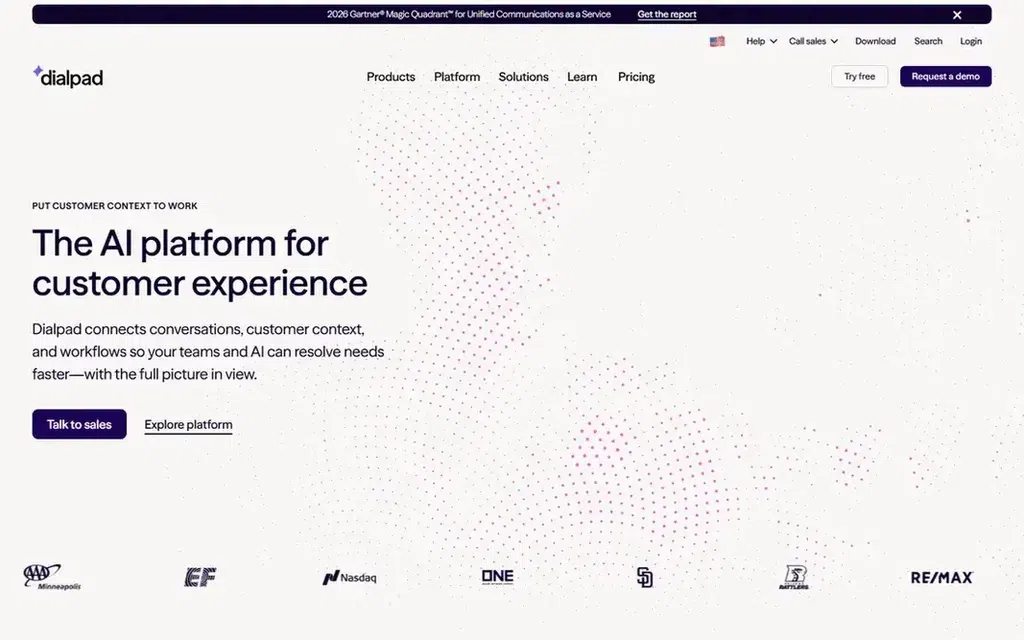
Where Dialpad fits: AI conversation intelligence across teams. The emphasis on AI agents and intelligence means teams should map features to real workflows first.
Trade-offs to know: May overlap with existing sales tools.
Also, Dialpad presents itself as an AI customer experience product that merges AI agents, contact center, sales and business communications. What you pay to start with Dialpad: $15 per user per month. Free access: Free trial.
- Brings AI agents and contact center together
- Turns conversations into usable intelligence
- AI-heavy positioning needs careful scoping
Vonage Business Communications
Best for: Adaptable voice plus communications APIs
In short, Vonage Business Communications is for adaptable voice plus communications APIs. Businesses that only need straightforward cloud calling may find the API story irrelevant, and should compare setup effort against more straightforward voice-first providers.
What works well: Scalable across contact center and UC.
Vonage Business Communications provides voice, messaging, video and data capabilities across unified communications, contact centers and communications APIs. The breadth of products means buyers have to confirm which capabilities belong to the specific service they choose. This comparison lists no price for Vonage Business Communications; ask the vendor. Trial and free access: Not stated. Downsides: API choices add complexity for entry-level buyers.
- Unified communications with voice
- Communications APIs for custom integrations
- Feature mix varies by product line
What went into this list
LinkVetted looked at what each vendor publishes: pricing, plan limits, feature coverage for cloud PBX software for growing companies and stated drawbacks. No hands-on testing is claimed. Figures are shown as the vendors publish them. Billing terms, seat minimums and add-ons can change the real cost. The sequence is a judgement call: typical use case first, then pricing transparency, then free access. Use the profiles to check fit.
What to check before you buy
- Confirm the entry price on the vendor page. For Microsoft Teams Phone and Vonage Business Communications that means a quote rather than a fixed price.
- Take the trial from RingCentral MVP and Dialpad and push a live task through it before you pay.
- Read the limits listed for Microsoft Teams Phone first: value relies on existing Microsoft usage.
- Involve the people who will use Dialpad daily; a short pilot beats a long feature checklist.
- Check the integration list for RingCentral MVP against the tools you run today, and note which ones need a higher plan.
FAQ
Do expanding businesses need AI features in a phone system?
AI receptionist and conversation intelligence can help route calls and capture customer context, which is handy as call volume rises. Smaller teams should confirm the features match real workflows before paying for capability they will not use.
Can I try these tools before paying?
Often, yes. RingCentral MVP and Dialpad offer a free trial. Use your own data and a real task during the test, and check what the free tier or trial limits before you rely on it. Prices, free plan details and limits for all 6 tools in this cloud PBX software for growing companies roundup sit on the individual cards above.
How are the tools for cloud PBX software for growing companies ordered?
Microsoft Teams Phone sits first and Vonage Business Communications last because the order follows typical fit for cloud PBX software for growing companies, then price clarity and free access. It is a judgement call, so read each profile for fit and limits.
Do these tools publish their prices?
Not all of them. Microsoft Teams Phone and Vonage Business Communications publish no starting price, so expect a quote request for those. The rest, Nextiva included, show a starting price, though seats and billing terms still change the final cost.
Does any tool for cloud PBX software for growing companies here have a free plan?
No tool in this list, Microsoft Teams Phone and Vonage Business Communications included, has a permanent free plan. RingCentral MVP, Dialpad offer a trial. Trials and quotes are the usual route, so plan a short evaluation period.
What should a growing company look for in cloud PBX software?
Prioritize dependable call quality, simple user administration and room to add extensions as headcount grows. Then check integrations with your CRM and productivity tools, plus whether contact center or AI call handling will be needed soon.
Sources
- https://www.microsoft.com/en-us/microsoft-teams/microsoft-teams-phone
- https://www.nextiva.com
- https://www.ringcentral.com
- https://www.intermedia.com
- https://www.dialpad.com
- https://www.vonage.com