5 Best Platforms for Fast-Growing Teams for 2026, Vetted and Compared
Best platforms for Fast-Growing teams: 5 contenders ranked by fit, with entry costs and free tiers. Each pick lists its main limit. Reviewed this month.

- Editor's choice
 Asana
Project and work management
Starts at$10.99 per user a monthVisit asana.comFull review - Great alternative
 Zoom
Video meetings and webinars
Starts atSee websiteVisit zoom.usFull review - Also consider
 Monday.com
Configurable work operating system
Starts at$9 per seat per monthVisit monday.comFull review
Direct answer
This list puts Asana first for project and work management. Listed starting prices: Asana from $10.99 per user a month, Monday.com from $9 per seat per month and Notion from $10 per member a month. Zoom is the stronger choice for video meetings and webinars, while Monday.com suits configurable work operating system. All 5 tools are compared below on price, free plan and limits.
TL;DR:
- Asana takes the first slot, best suited to project and work management.
- For the cheapest start, look at Slack: $4.38 per user per month.
- 4 of 5 tools offer a free plan: Asana, Monday.com, Notion, Slack.
- For central team communication and integration, Slack is worth a look.
- The main caution on Zoom: less concentrated on project management.
Last checked November 2026. Prices and plan details were read from the vendors' own pages in November 2026; vendors change plans often, so confirm the current price on the vendor site before you buy.
Quick comparison
| Tool | Best for | Starts at | Free plan? | |
|---|---|---|---|---|
| Asana | Project and work management | $10.99 per user a month | Yes | Visit |
| Zoom | Video meetings and webinars | See website | Not stated | Visit |
| Monday.com | Configurable work operating system | $9 per seat per month | Yes | Visit |
 Notion | Adaptable workspace for docs and wikis | $10 per member a month | Yes | Visit |
 Slack | Central team communication and integration | $4.38 per user a month | Yes | Visit |
The best platforms for Fast-Growing teams
Choosing platforms for Fast-Growing teams usually comes down to price, fit and limits. This LinkVetted guide sets 5 tools side by side on those three points, with the facts kept short and checkable.
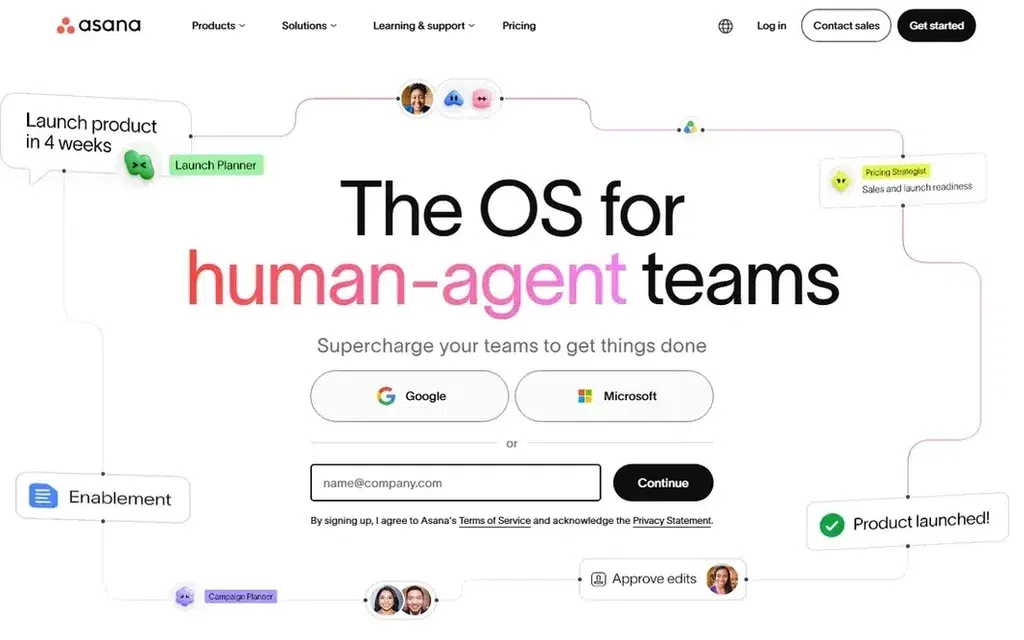
Asana is built with project and work management in mind. Asana is work management software for teams and AI agents, enabling planning, automation, and execution of critical workflows together. Its structured approach helps maintain clarity as teams scale.
Points against: Advanced features may need higher levels.
In practice, Asana may be overkill for teams that only need entry-level task lists. Its advanced features are commonly gated behind higher-tier plans. As for the details, Teams looking for a more straightforward, more communication-focused tool might prefer Slack or Notion. Entry price for Asana: $10.99 per user per month. Free access exists with Asana.
- Automation and AI agents for workflows
- Thorough project views and timelines
- Can be complicated for straightforward task tracking
In short, Zoom is for video meetings and webinars. Zoom is a product for video meetings, chat, phone, webinars, whiteboard, and events, built to modernize workflows and link teams. It is a strong match for fast-growing teams that prioritize high-quality video communication and have to host meetings or webinars at scale.
Beyond that, Whereas Zoom gives you chat and other tools, it is not a full project management or knowledge base option. That said, for video-first communication, Zoom is a solid choice. Zoom shows no starting price here, so confirm the cost on the vendor site. As for free access: Not stated.
Limits to weigh: Some features need add-ons.
- Steady video and audio quality
- Extra tools like chat, phone, whiteboard
- Less concentrated on project management
Monday.com is built with customizable work operating system in mind. Monday.com is an AI workspace where AI agents work side by side with people to execute, run, and operate together. It is well-suited for fast-growing teams that want a configurable system to manage projects and workflows in a visual way.
Honest limits: Can be overwhelming with numerous options.
Its adaptability permits teams to adapt boards to their specific processes. It can also become expensive as more features are needed. On top of that, Teams seeking a more straightforward out-of-the-box option might find Monday.com too complicated. But it excels for those who want to tailor their workspace. What you pay to start with Monday.com: $9 per seat per month. Monday.com includes a free tier.
- Highly configurable boards and workflows
- AI agents for task automation
- May need training for full utilization
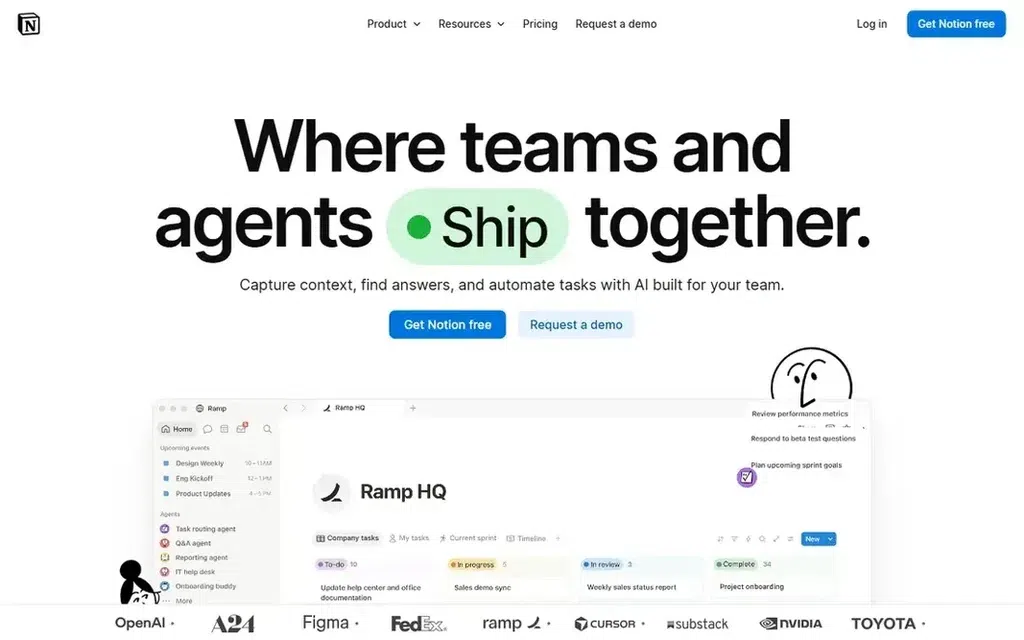
Notion is aimed squarely at adaptable workspace for docs and wikis. Notion is an AI workspace that lets teams build custom agents, search across apps, and automate busywork. It is well suited to fast-growing teams that require an adaptable space for documentation, knowledge sharing, and light project tracking.
What to check first: Can need setup time to structure.
It also may not satisfy teams needing solid project management features like Gantt charts or resource allocation. Beyond that, for those needs, a dedicated project management tool might be better. Notion pricing: $10 per member per month. Notion offers a free plan.
- AI features for drafting and summarizing
- Configurable pages and databases
- May lack advanced project management features
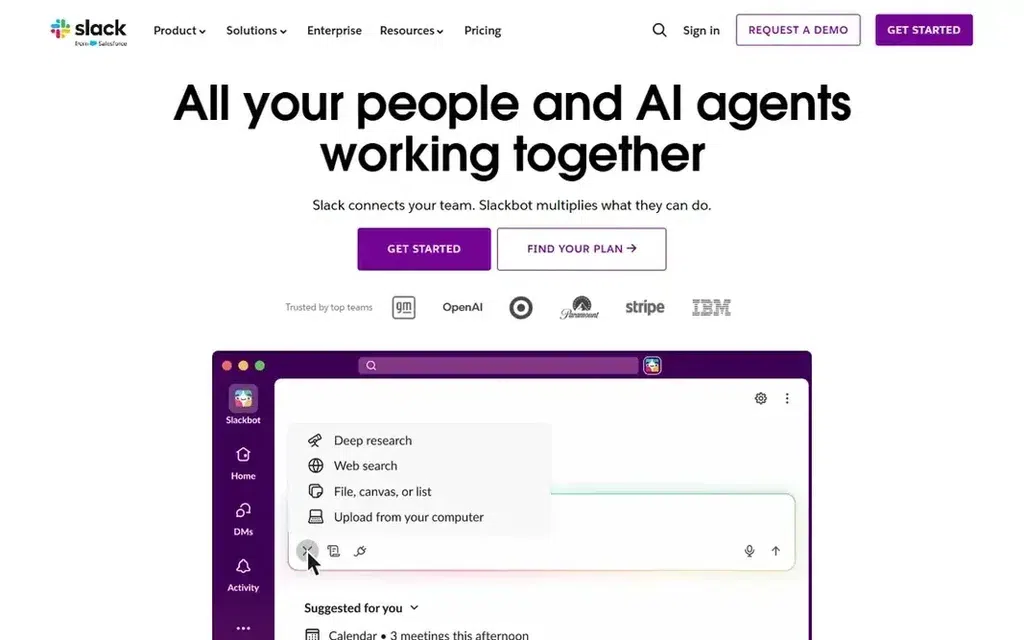
Slack targets central team communication and integration. Slack is an AI work platform built to boost productivity by managing projects, automating workflows, and connecting teams securely. Its channel-based structure helps keep conversations organized as teams expand.
That said, Slack can become overwhelming if channels and notifications are not managed well. It also has message history limitations on some plans. Slack starts at: $4.38 per user per month. You can start on Slack without paying.
Main advantages: AI-enhanced workflows.
Points against: Message history limits on lower levels.
- Channels organize conversations by topic or team
- Broad app integrations and automation
- Can become noisy without clear channel guidelines
Our selection method
Selection started from tools commonly considered for platforms for Fast-Growing teams, then narrowed to 5 that have clear pricing information or a clear quote process. Prices and plan limits come from vendor pages and can change, so confirm them on the vendor site before you buy. Order on the page follows fit for the typical buyer first, then price transparency and free access. Your own requirements should decide the final pick.
Questions to settle before buying
- Ask Zoom for a written quote, since no starting price is shown.
- Check what the free option really includes: Asana, Monday.com, Notion and Slack offer a free plan, and usage caps differ.
- Before choosing Asana, weigh its main limit: can be complex for straightforward task tracking.
- Ask whether Slack integrates with your current software, and whether that comes standard or as an add-on.
- Check whether Monday.com bills monthly or annually, and what cancelling early costs.
FAQ
Is Asana the right pick for everyone comparing platforms for Fast-Growing teams?
No single tool suits every team. Asana comes first because it fits project and work management, while Zoom suits video meetings and webinars and Monday.com suits customizable work operating system. Match the tool to your own size, budget and workflow before deciding.
Can I try these tools before paying?
Often, yes. Asana, Monday.com, Notion and Slack have a free plan. Use your own data and a real task during the test, and check what the free tier or trial limits before you rely on it.
How are the tools for platforms for Fast-Growing teams ordered?
Asana sits first and Slack last because the order follows typical fit for platforms for Fast-Growing teams, then price clarity and free access. It is a judgement call, so read each profile for fit and limits.
What is the best product for fast-growing teams that need both communication and project management?
Asana is the pick this page puts first, mainly for project and work management. If your situation differs, Zoom suits video meetings and webinars, and Monday.com suits configurable work operating system. Compare price and limits before you decide.
Which options for platforms for Fast-Growing teams have a free plan?
On this list, Asana, Monday.com, Notion and Slack include a free plan. Caps on seats, usage or features are common, so test the free plan against your real workload.
How does Notion compare to Confluence for knowledge management?
Notion gives you a more adaptable, configurable workspace that can combine notes, databases, and wikis. The choice relies on whether you prefer adaptability or structure and existing tool integrations.