5 Best Mobile Ordering Software for 2026, Vetted and Compared
Searching for the best mobile ordering software? Here are 5 options with prices and free plans. Strengths and gaps are listed per tool. Quick comparison inside.
- Editor's choiceOlo
Enterprise digital ordering and operations
Starts atPricing on requestVisit olo.comFull review - Great alternativeGrubbrr
Self-ordering systems for bigger brands
Starts atPricing on requestVisit grubbrr.comFull review - Also consider
 Clover
POS and payment terminals for ordering
Starts atPricing on requestVisit clover.comFull review
Direct answer
This list puts Olo first for enterprise digital ordering and operations. Grubbrr is better for self-ordering systems for bigger brands, and Clover is better for POS and payment terminals for ordering. Details and limits for the rest of the 5 tools are below. None of these vendors publish plan prices, so pricing is on request for every option.
TL;DR:
- Olo is the opening pick, best for enterprise digital ordering and operations.
- Every tool from Olo to Lightspeed Restaurant works by quote, with no list price shown.
- Lightspeed Restaurant fits Restaurant POS with management insights.
- Neither Olo nor Lightspeed Restaurant, nor any of the other 3 tools, has a permanent free plan; trials and quotes are the norm.
Last checked November 2026. Pricing on request: vendors did not publish plan prices when this guide was last checked (November 2026), so ask each vendor for a written quote.
Quick comparison
| Tool | Best for | Starts at | Free plan? | |
|---|---|---|---|---|
| Olo | Enterprise digital ordering and operations | Pricing on request | Not stated | Visit |
| Grubbrr | Self-ordering systems for bigger brands | Pricing on request | Not stated | Visit |
| Clover | POS and payment terminals for ordering | Pricing on request | Not stated | Visit |
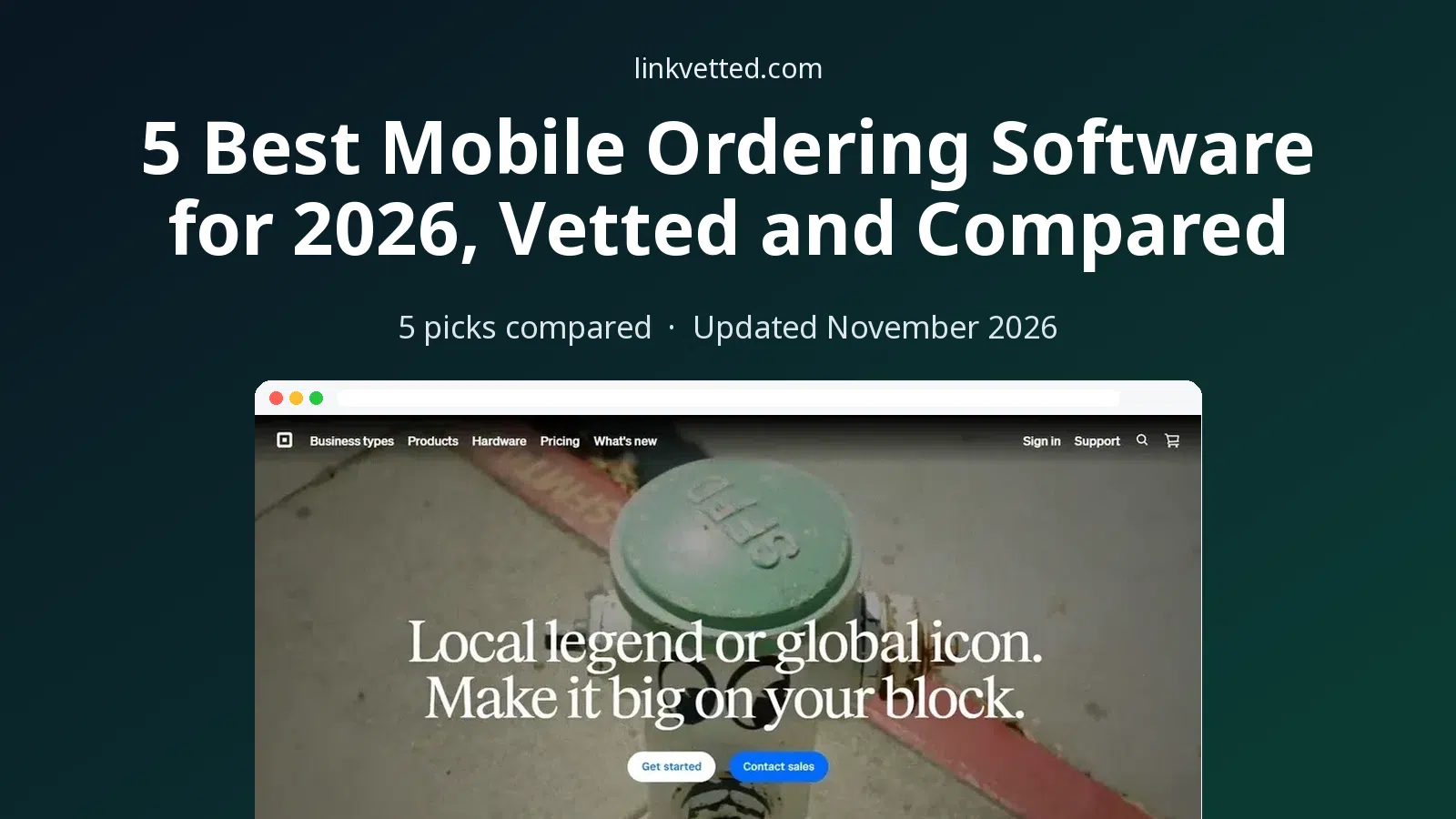
 Square | All-in-one mobile ordering and payments | Pricing on request | Not stated | Visit |
 Lightspeed Restaurant | Restaurant POS with management insights | Pricing on request | Not stated | Visit |
Our 5 picks for mobile ordering software
Short on time? The summary and table above give the quick view of 5 tools for mobile ordering software, and the profiles that follow give the detail behind each entry.
Olo
Best for: Enterprise digital ordering and operations
Olo is a good fit for enterprise digital ordering and operations. Olo is a restaurant technology and digital ordering product built to drive revenue and simplify operations. It supports integrated digital ordering, catering, payments, marketing, and loyalty, which makes it a fit for multi-unit or expanding restaurant brands that require ordering connected to broader operations.
Where it shines: Catering, payments.
Choose Olo when digital ordering must scale alongside marketing, loyalty, and payments. From a buyer's view, restaurants seeking a scalable product instead of a single ordering app should consider Olo. For everyday use, Olo's scope and enterprise orientation mean smaller single-location restaurants may find it more than they need. If you run a straightforward operation or want a light ordering tool, compare more straightforward choices first. Olo does not show a starting price in this comparison, so check the vendor site for current pricing. On free options: Not stated.
Where it falls short: Targeted at bigger restaurant operations.
- Built to scale restaurant operations
- Marketing and loyalty
- Implementation may be involved
Grubbrr
Best for: Self-ordering systems for bigger brands
Grubbrr is a good fit for self-ordering systems for bigger brands. Grubbrr supplies self-ordering systems and kiosk software designed to help restaurants and companies increase revenue, cut labor costs, and automate ordering. It is positioned for enterprise brands, making it a fit for bigger operations exploring self-service ordering at scale.
Limits to weigh: Mobile ordering specifics need confirmation.
More specifically, choose Grubbrr when self-ordering automation for a bigger brand is the objective. Mobile ordering features beyond kiosks should be confirmed straight. Pricing for Grubbrr is not stated here, so ask the vendor for current figures. As for free access: Not stated.
- Aims to cut labor costs
- Self-ordering kiosk systems
- Enterprise orientation may not fit small shops
Clover is a good fit for POS and payment terminals for ordering. Restaurants needing advanced online ordering, delivery integration, or kiosk software may have to pair Clover with other tools or choose a restaurant-specific product.
What to check first: Mobile ordering features need verification.
In daily use, Clover's public homepage centres on POS and payment hardware, so mobile ordering capabilities should be confirmed with the vendor. Clover shows no starting price here, so confirm the cost on the vendor site. As for free access: Not stated.
- Hardware and software packaged together
- Point of sale system with card readers
- Setup relies on hardware choices
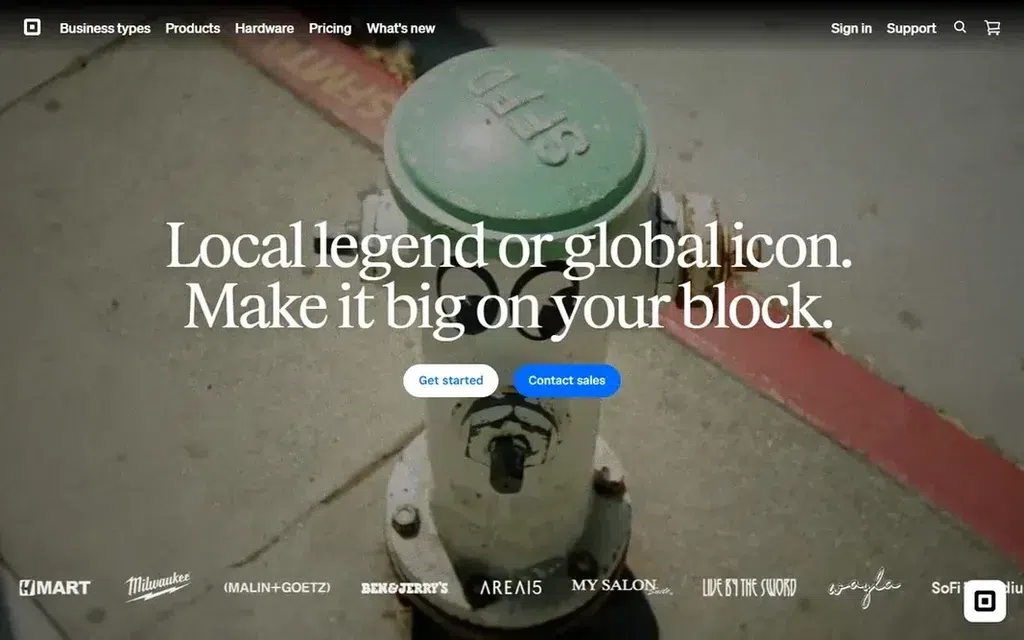
Pick Square if this describes you: all-in-one mobile ordering and payments. Square presents itself as a product to power a whole business, with selling anywhere, simplifying operations, and managing staff.
Choose Square when you want a wide, integrated foundation and are comfortable confirming restaurant features on the vendor site. More specifically, since Square spans plenty of business types, restaurant-specific ordering depth may not match dedicated restaurant products. Square does not show a starting price in this comparison, so check the vendor site for current pricing. On free options: Not stated.
Drawbacks to consider: Feature depth varies by business type.
- Tools for staff and revenue management
- Merges ordering with payments and operations
- Hardware needs rely on setup
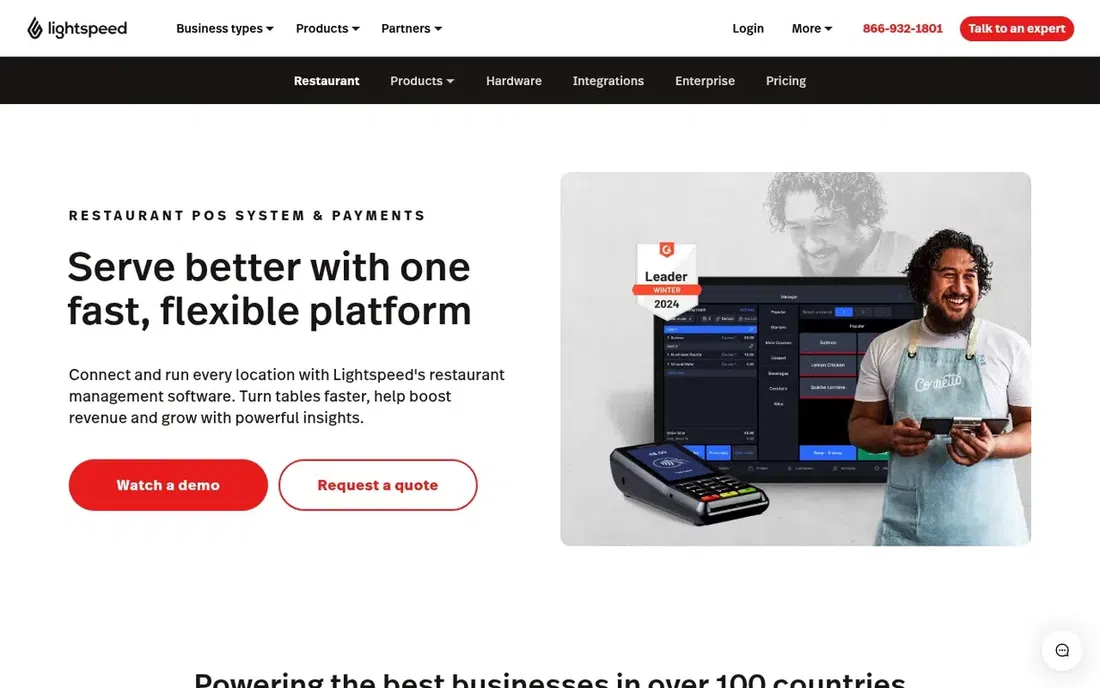
Think of Lightspeed Restaurant for Restaurant POS with management insights. Choose Lightspeed Restaurant when restaurant-specific POS and management insight matter more than a pure mobile ordering app. More specifically, smaller operations may find customization unnecessary, whereas bigger ones should verify multi-location support.
Beyond that, Lightspeed Restaurant is described as an adaptable, configurable restaurant point of sale, payments, and restaurant management system with industry-leading insights. On top of that, for mobile ordering, it suits operators who prefer a restaurant-focused system that links ordering with broader restaurant management. Lightspeed Restaurant does not show a starting price in this comparison, so check the vendor site for current pricing. Free options: Not stated.
Points against: Customization may need setup effort.
- Bundles payments and management tools
- Adaptable and configurable restaurant POS
- Mobile ordering specifics need confirmation
How we chose
For each of the 5 tools we noted price, free plan or trial, fit for mobile ordering software and the main limit, using vendor pages and documentation. Where a price is missing, the vendor does not list one publicly or ties it to a quote. Always confirm before budgeting. Tools are placed by general fit for mobile ordering software, with price clarity and free access as tie-breakers. A different team can reasonably rank them differently.
A buyer's checklist
- Request quotes from Olo, Lightspeed Restaurant and the others; the list shows no fixed prices.
- Read the limits listed for Olo first: geared toward bigger restaurant operations.
- Verify that exporting from Olo is possible on your plan and covers all your records.
- Test how quickly Lightspeed Restaurant answers a pre-sales question; it hints at how support will feel later.
- Confirm minimum seats and billing terms with Square before you commit to an annual plan.
FAQ
Is Olo the right pick for everyone comparing mobile ordering software?
No single tool suits every team. Olo comes first because it fits enterprise digital ordering and operations, while Grubbrr suits self-ordering systems for larger brands and Clover suits POS and payment terminals for ordering. Match the tool to your own size, budget and workflow before deciding.
Do these tools publish their prices?
No. None of the tools, from Olo to Lightspeed Restaurant, shows a fixed starting price here, so budget time for quotes.
Does any tool for mobile ordering software here have a free plan?
A permanent free plan is not offered by Olo, Lightspeed Restaurant or the other tools here. Plan a short evaluation period instead.
Can I try these options before paying?
Not by default. None of the tools, from Olo to Lightspeed Restaurant, lists a free plan or a free trial here, so ask each vendor for a demo before committing.
Can these tools support multiple restaurant locations?
Some tools, for example Olo and Grubbrr, are positioned for bigger or enterprise operations, which commonly implies multi-location support. Others may suit single locations or small groups. Confirm multi-location capabilities, reporting, and user management straight with each vendor.
Sources
- https://www.olo.com
- https://grubbrr.com
- https://www.clover.com
- https://squareup.com
- https://www.lightspeedhq.com/pos/restaurant