Best Software for Creating an Org Chart (2026): 5 Picks Checked on Vendor Pages
Comparing the best software for creating an org chart? 5 contenders, each with entry cost, free tier and best-fit buyer. Each pick lists its main limit.
- Editor's choice
 SmartDraw
Simple diagram creation without training
Starts atSee websiteVisit smartdraw.comFull review - Great alternative
 ChartHop
HR data-driven org intelligence
Starts atSee websiteVisit charthop.comFull review - Also consider
 Miro
Collaborative visual workspace
Starts at$8 per member a monthVisit miro.comFull review
Direct answer
SmartDraw comes first here, mainly for simple diagram creation without training. Listed starting prices: Miro from $8 per member a month. Alternatives: ChartHop for HR data-driven org intelligence, and Miro for collaborative visual workspace. The other 2 tools in the list cover narrower or pricier cases.
TL;DR:
- Number one here is SmartDraw, a fit for simple diagram creation without training.
- A free plan is available from 2 of the 5 tools: Miro, Creately.
- Lucidchart is the one to check for AI-powered diagramming and automation.
- The main caution on Creately: may need data preparation.
- The lowest published monthly entry price here is $8 per member per month, from Miro.
Last checked November 2026. Prices and plan details were read from the vendors' own pages in November 2026; vendors change plans often, so confirm the current price on the vendor site before you buy.
Quick comparison
| Tool | Best for | Starts at | Free plan? | |
|---|---|---|---|---|
| SmartDraw | Simple diagram creation without training | See website | Free trial | Visit |
| ChartHop | HR data-driven org intelligence | See website | Not stated | Visit |
| Miro | Collaborative visual workspace | $8 per member a month | Yes | Visit |
 Creately | AI-assisted org planning | See website | Yes | Visit |
 Lucidchart | AI-powered diagramming and automation | See website | Not stated | Visit |
The full software for creating an org chart list
If you are comparing software for creating an org chart, this page covers 5 tools in one place: what each is best for, what it costs to start, whether it has a free plan, and the main limit to know about.
SmartDraw is a good fit for easy diagram creation without training. For organizations requiring live HR data links or deep team editing, other tools might be better.
SmartDraw may not offer the same depth of live collaboration or data connectivity as some competitors. No starting price is listed for SmartDraw here; confirm pricing on the vendor site. Free options: Free trial.
What to check first: Less emphasis on live collaboration.
- Supports org charts and flowcharts
- No training required
- May lack advanced data integration
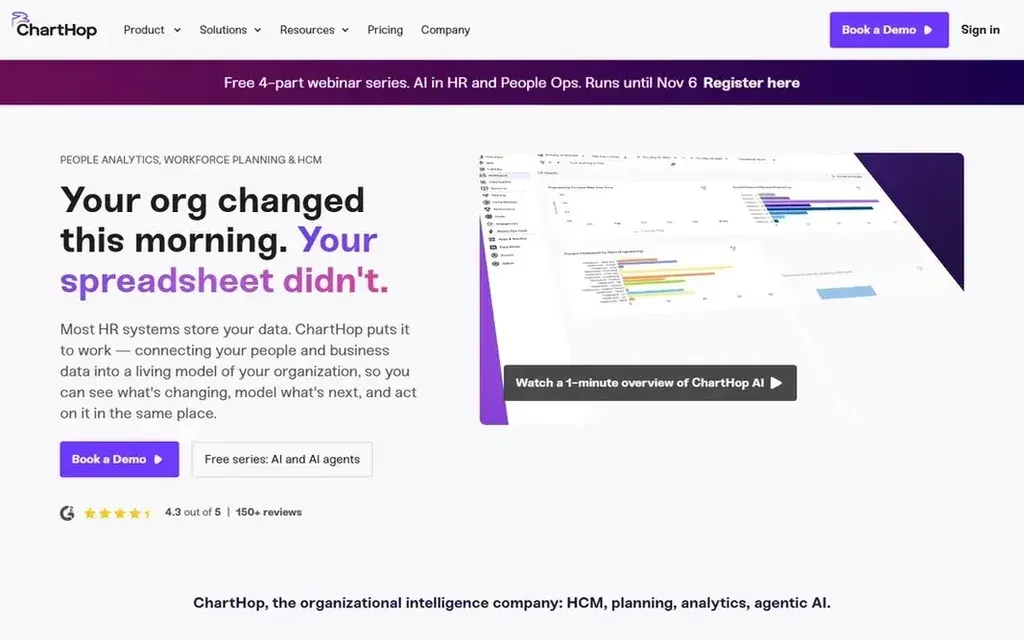
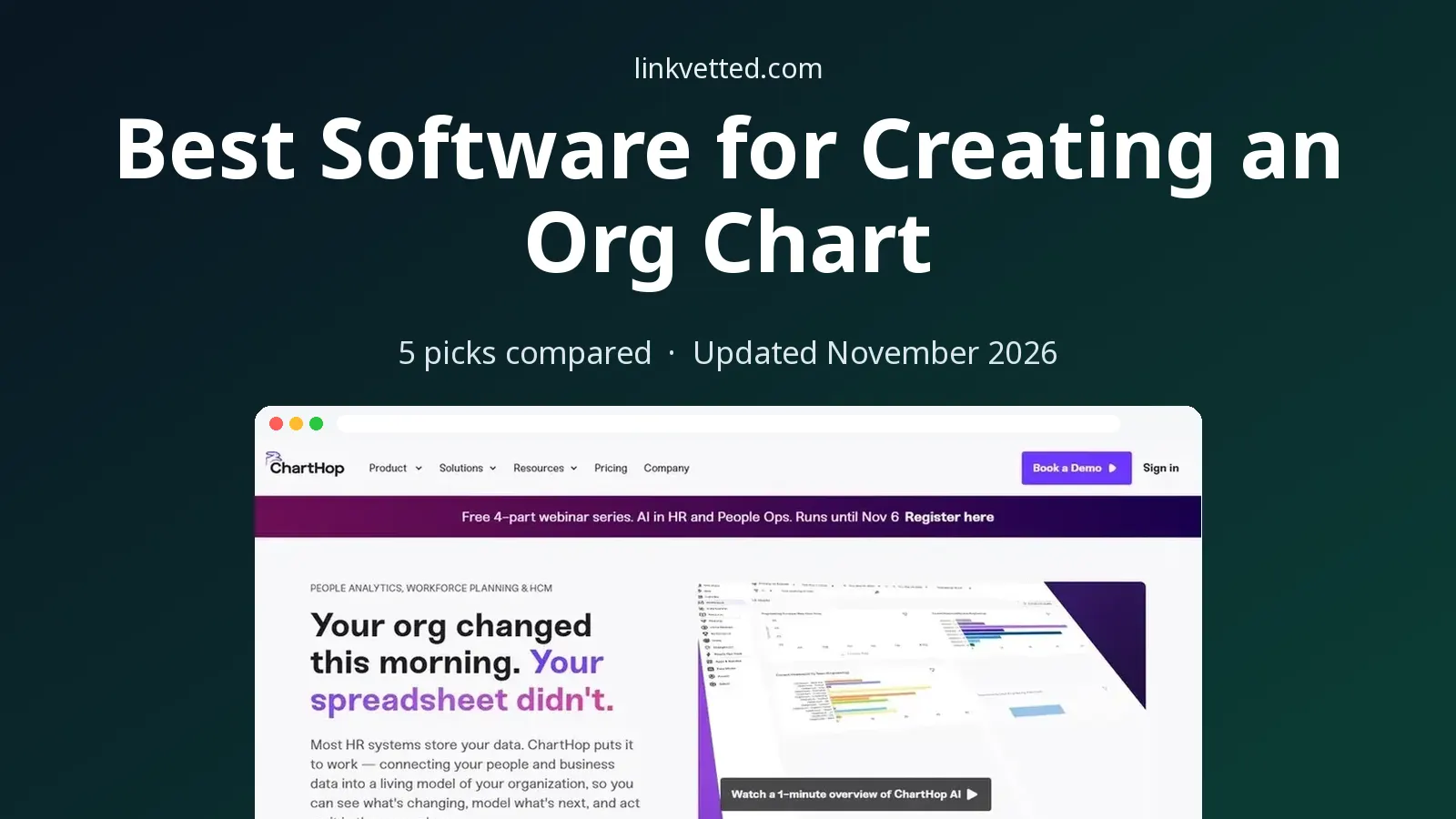
ChartHop is built with HR data-driven org intelligence in mind. ChartHop is an organizational intelligence system that links people and business data into a living model of your organization.
ChartHop is specialized for HR and planning, so teams seeking general-purpose diagramming might find it less adaptable. ChartHop does not show a starting price in this comparison, so check the vendor site for current pricing. Trial and free access: Not stated.
Downsides: Centred on HR use cases.
- Links people and business data
- Offers analytics and AI workflows
- May need data integration setup
Choose Miro for collaborative visual workspace. Miro is an AI-powered visual workspace that helps teams align and break down silos.
From a buyer's view, whereas it is not exclusively an org chart tool, its collaborative canvas supports creating org charts alongside other visual work. In practice, teams needing advanced HR data integration or automatic chart generation may have to look elsewhere. Price to start with Miro: $8 per member per month. Miro offers a free plan.
Where it falls short: Can become cluttered without structure.
- Versatile visual system
- AI-powered features
- Org charts are one of plenty of use cases
Creately was built for AI-assisted org planning. Creately is a cloud-based tool for org planning, process mapping, and cloud architecture, with AI assistance. It lets teams to start from HR data and procedures to build org charts collaboratively.
Where it is weaker: Less known for advanced diagramming.
It is a solid fit for organizations looking to combine planning with diagramming. Beyond that, Creately's feature set may be less deep for complicated diagramming compared with specialized tools. It also depends on data inputs to be effective. Creately does not show a starting price in this comparison, so check the vendor site for current pricing. Free access exists with Creately.
- Opens from HR data
- AI-supported org planning
- May need data preparation
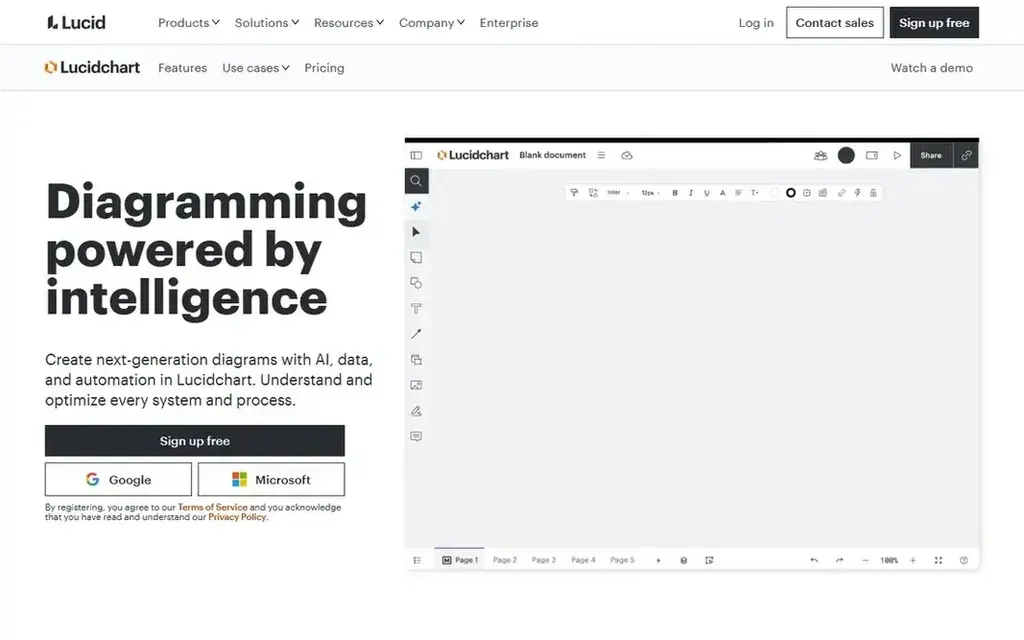
Lucidchart is built with AI-powered diagramming and automation in mind. Lucidchart is a diagramming product that uses AI, data, and automation to help teams produce and optimize systems. It is well-suited for organizations that want to build org charts quickly and link them to live data.
Where it falls short: May need orientation for advanced features.
Whereas Lucidchart is feature-rich, its advanced features may take time to learn. Consider alternatives if you need deep HR system integration without extra setup. Lucidchart shows no starting price here, so confirm the cost on the vendor site. On free options: Not stated.
- Live team collaboration
- AI-assisted diagram creation
- Restricted offline functionality
How the list was put together
The comparison looks at four things: starting price, free access, how well the feature set matches software for creating an org chart, and the main limit of each tool. Seat minimums, billing terms and add-ons can move the real cost, so the starting prices here are a guide and not a quote. Position on the page reflects fit for a typical buyer first, with price clarity and free access breaking ties. Treat it as a guide, not a ruling.
Questions to settle before buying
- Ask SmartDraw, ChartHop, Creately and Lucidchart for a written quote, since no starting price is shown.
- Read the fine print on the free plans from Miro and Creately; seat, project and feature caps differ.
- Run a trial of SmartDraw with real work before paying for a year; your own workflow is the best test.
- Read the limits listed for SmartDraw first: less emphasis on live collaboration.
- Find out whether the entry plan of SmartDraw covers your must-haves or only a trimmed-down version.
- Involve the people who will use Miro daily; a short pilot beats a long feature checklist.
FAQ
What is the best org chart software for small teams?
SmartDraw is the pick this page puts first, mainly for simple diagram creation without training. If your situation differs, ChartHop suits HR data-driven org intelligence, and Miro suits collaborative visual workspace. Compare price and limits before you decide.
Can I try these tools before paying?
Often, yes. Miro and Creately have a free plan and SmartDraw offers a free trial. Use your own data and a real task during the test, and check what the free tier or trial limits before you rely on it.
Do these tools publish their prices?
Not all of them. SmartDraw, ChartHop, Creately and Lucidchart publish no starting price, so expect a quote request for those. The rest, Miro included, show a starting price, though seats and billing terms still change the final cost.
What is the cheapest option for software for creating an org chart in this list?
On published monthly entry prices, Miro is the lowest here at $8 per member per month. Entry price is only part of the cost, because seats, add-ons and billing terms can change the total. All 5 picks in this software for creating an Org chart comparison list a starting price, free plan details and the main limits on their cards above.
Which options for software for creating an org chart have a free plan?
Miro and Creately offer a free plan in this list. Free plans usually cap users, projects or features, so check the limits on the vendor page. One other tool offers a trial instead.
Sources
- https://www.smartdraw.com
- https://www.charthop.com
- https://miro.com
- https://creately.com
- https://www.lucidchart.com