Best AI Org Chart Software in 2026: 6 Tools Compared
6 options for the best AI org chart software, with entry costs, free tiers and the buyer each one serves. Real limits included. Built for quick decisions.
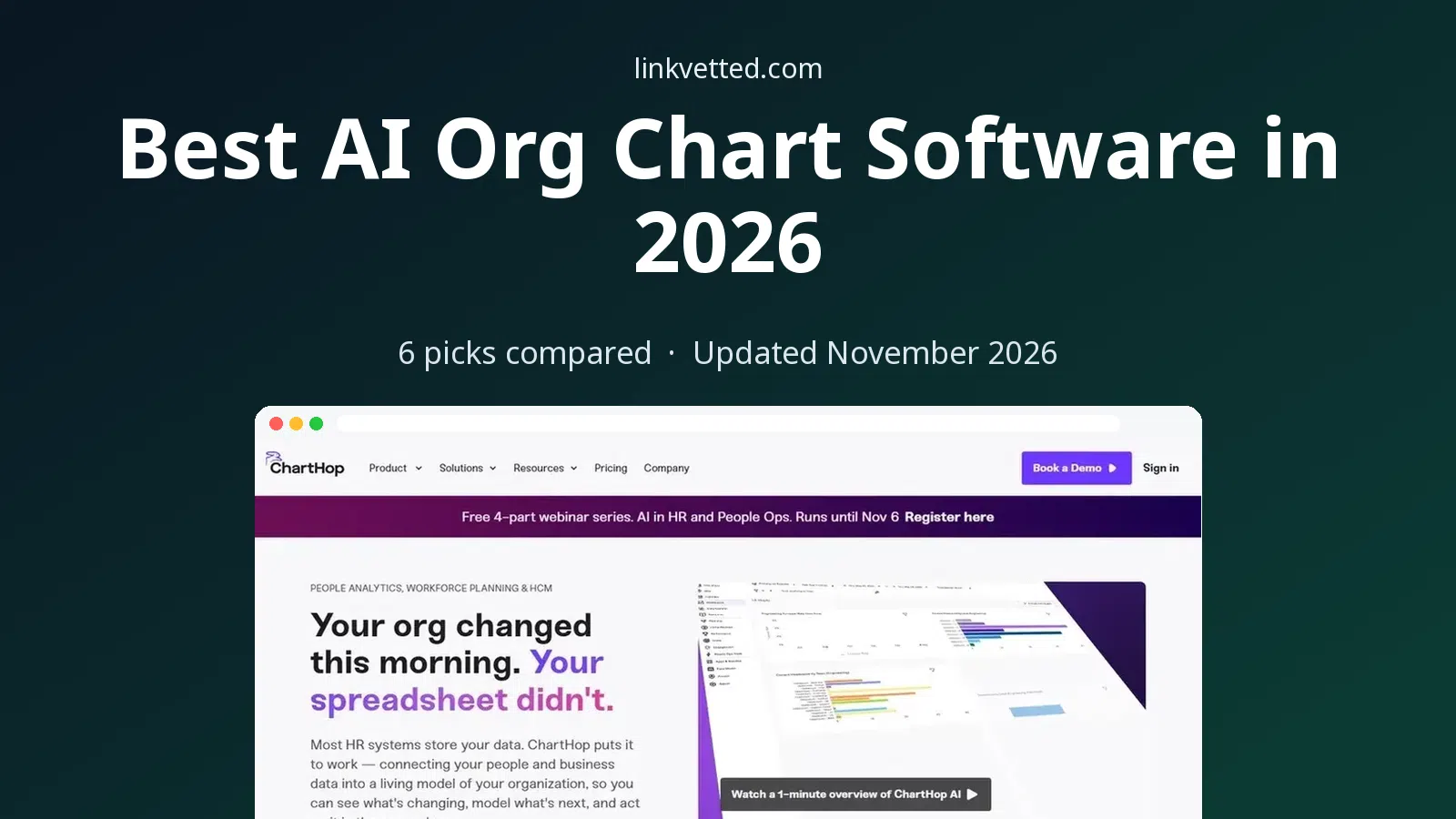
- Editor's choice
 Microsoft Visio
Diagramming and flowcharts in Microsoft ecosystem
Starts at$5.00 per user a monthVisit microsoft.comFull review - Great alternative
 ChartHop
Organizational intelligence and headcount planning
Starts atSee websiteVisit charthop.comFull review - Also consider
 Miro
Visual collaboration and innovation workspaces
Starts at$8 per member a monthVisit miro.comFull review
Direct answer
If you need Diagramming and flowcharts in Microsoft ecosystem, Microsoft Visio is the first tool to look at here. Listed starting prices: Microsoft Visio from $5.00 per user a month and Miro from $8 per member a month. Look at ChartHop for organizational intelligence and headcount planning, and at Miro for visual collaboration and innovation workspaces. All 6 tools are compared below on price, free plan and limits.
TL;DR:
- Microsoft Visio takes the first slot, best suited to Diagramming and flowcharts in Microsoft ecosystem.
- Microsoft Visio is the lowest-priced starter here at $5.00 per user per month.
- Free plans exist at 2 of 6 tools (Miro, Creately).
- A fair warning about Creately: may require data import.
Last checked November 2026. Prices and plan details were read from the vendors' own pages in November 2026; vendors change plans often, so confirm the current price on the vendor site before you buy.
Quick comparison
| Tool | Best for | Starts at | Free plan? | |
|---|---|---|---|---|
| Microsoft Visio | Diagramming and flowcharts in Microsoft ecosystem | $5.00 per user a month | Free trial | Visit |
| ChartHop | Organizational intelligence and headcount planning | See website | Not stated | Visit |
| Miro | Visual collaboration and innovation workspaces | $8 per member a month | Yes | Visit |
 Creately | AI-assisted org planning and process mapping | See website | Yes | Visit |
 Lucidchart | AI-powered diagramming and org charts | See website | Not stated | Visit |
 Visier | Enterprise people analytics and AI governance | See website | Not stated | Visit |
6 options for AI org chart software in detail
Short on time? The summary and table above give the quick view of 6 tools for AI org chart software, and the profiles that follow give the detail behind each entry.
Microsoft Visio works best for Diagramming and flowcharts in Microsoft ecosystem. For advanced people analytics, consider Visier or ChartHop. In daily use, Visio is a dependable choice for traditional diagramming with some AI enhancements.
For everyday use, Microsoft Visio is a diagramming and flowchart tool that connects with Microsoft 365, enabling users to build org charts, data visualizations, and workflows. It is well-suited for organizations already using Microsoft tools, as it links with data sources and supports team collaboration. What you pay to start with Microsoft Visio: $5.00 per user per month. As for free access: Free trial.
Drawbacks to consider: May need Microsoft 365 subscription.
- Integrated with Microsoft 365
- Collaboration features
- Less AI-focused than others
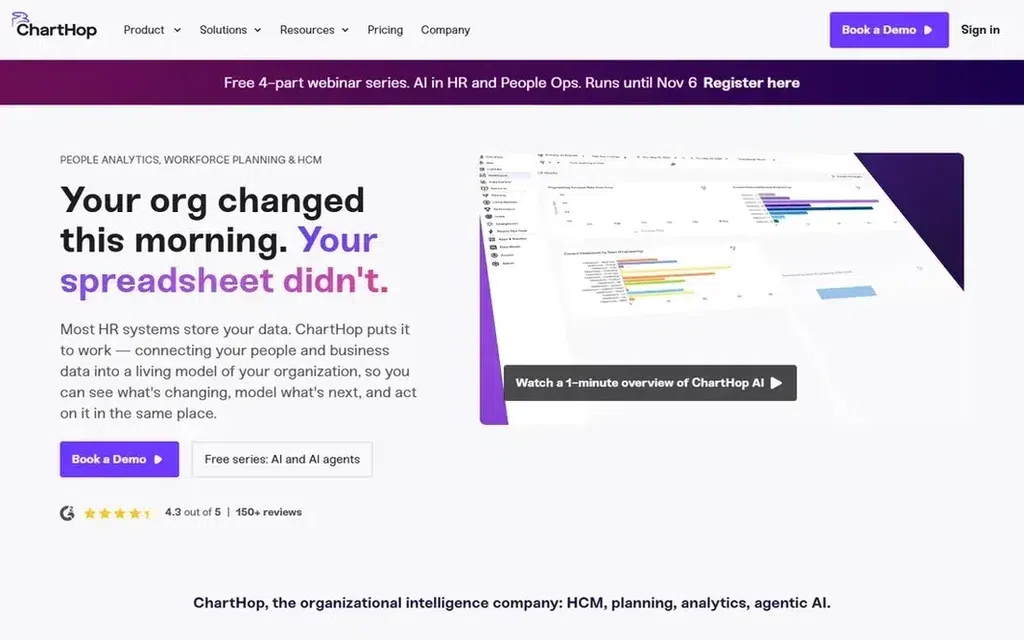
ChartHop works best for organizational intelligence and headcount planning. ChartHop is an organizational intelligence system that links people and business data into a dynamic model of your organization. It supports people analytics, headcount planning, and HCM workflows, with agentic AI to automate tasks.
Downsides: Pricing not transparent.
For straightforward org chart drawing, a dedicated diagramming tool might be more straightforward. Worth adding: ChartHop may need significant data integration and setup. Its pricing is not publicly listed, which could be a barrier for budget-conscious teams. Pricing for ChartHop is not stated here, so ask the vendor for current figures. Trial and free access: Not stated.
- Living model of the organization
- Links data from several sources
- May need integration setup
Think of Miro for visual collaboration and innovation workspaces. Miro is an AI innovation workspace that helps teams accelerate product development from ideation to launch.
The main drawbacks: Org chart features are not core.
In practice, while not exclusively an org chart tool, its visual collaboration system can be used to produce and share org charts as part of broader planning and alignment activities. Miro's org chart capabilities are not as specialized as dedicated tools, and it may lack deep HR analytics or automatic data integration. Miro pricing: $8 per member per month. A free plan is available with Miro.
- Breaks down tool silos
- AI-powered visual product
- May need extras for advanced needs
Creately targets AI-assisted org planning and process mapping. Creately is a system for org planning, process mapping, and cloud architecture that you and your AI work on together. For complicated people analytics, consider a dedicated product.
Creately may be less suited for large enterprises needing advanced governance and analytics. Its AI features might be more entry-level than those of Visier or ChartHop. This comparison lists no price for Creately; ask the vendor. Creately has a free plan.
Where it falls short: May need data import.
- AI-assisted org planning
- Opens from HR data
- Less enterprise-focused
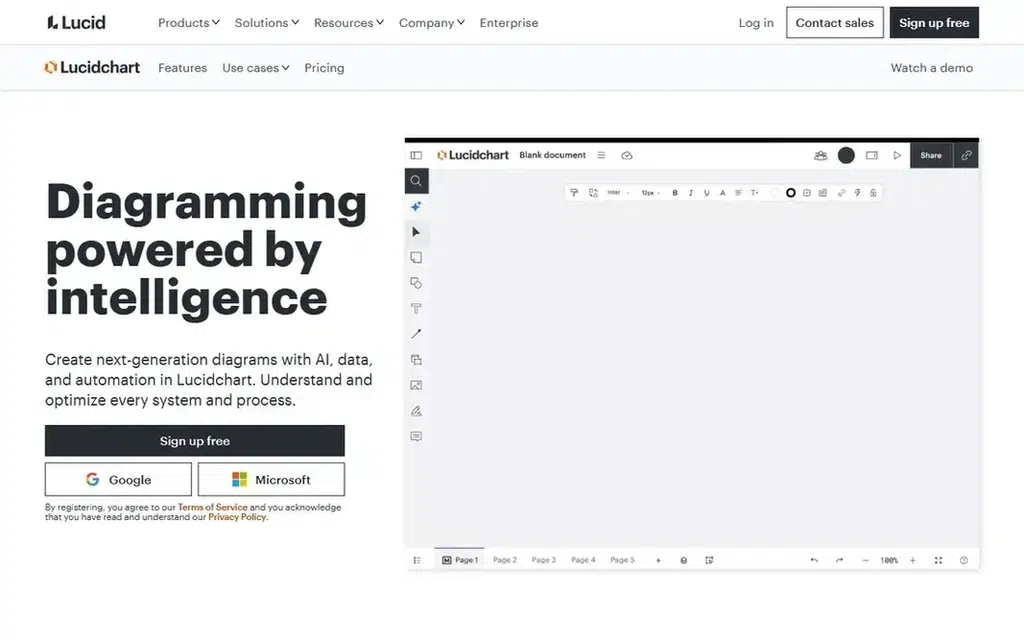
Lucidchart was built for AI-powered diagramming and org charts. Lucidchart's broad feature set may overwhelm users seeking a straightforward org chart tool, and its full capabilities need a subscription.
Lucidchart shows no starting price here, so confirm the cost on the vendor site. Free access: Not stated.
Drawbacks to consider: Can be complicated for beginners.
- Intelligent diagramming with AI
- Automation features
- Subscription required for full features
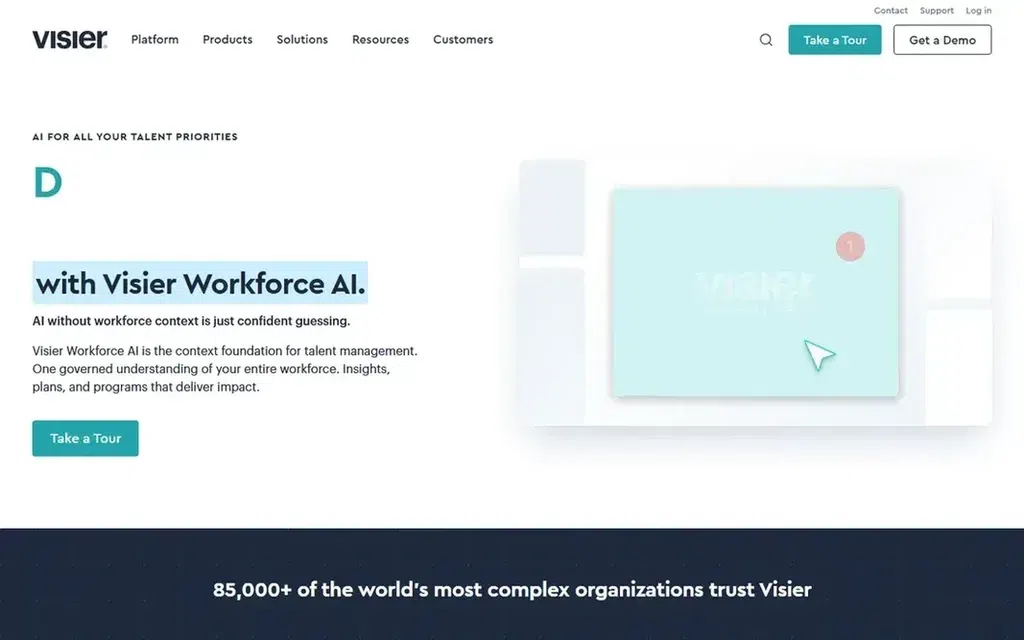
Think of Visier for enterprise people analytics and AI governance. It is made for large organizations that require to apply AI to sensitive workforce data whereas maintaining safety and compliance.
From a buyer's view, Visier may be overkill for smaller businesses or those seeking straightforward org chart creation, as its focus is on analytics and governance instead of diagramming. Check the vendor site for Visier pricing; none is listed in this comparison. Free plan details: Not stated.
Trade-offs to know: Enterprise-oriented pricing.
- Enterprise-grade analytics
- Focus on workforce context for AI
- May be complicated for small teams
What went into this list
Things to verify first
- Confirm the entry price on the vendor page. For ChartHop, Creately, Lucidchart and Visier that means a quote rather than a fixed price.
- Check what the free option really includes: Miro and Creately offer a free plan, and usage caps differ.
- Run a trial of Microsoft Visio with real work before paying for a year; your own workflow is the best test.
- Read the limits listed for Microsoft Visio first: may need Microsoft 365 subscription.
- Look at the help docs and support options for Lucidchart before you commit.
- Check how data leaves Creately: formats, limits and whether exports are available on every plan.
FAQ
How are the tools for AI org chart software ordered?
The order follows typical fit for AI org chart software, with Microsoft Visio first and Visier last, then price clarity and free access. It is editorial judgement, not a score, so another team could rank the tools differently.
Which options for AI org chart software have a free plan?
Miro and Creately offer a free plan in this list. Free plans usually cap users, projects or features, so check the limits on the vendor page. One other tool offers a trial instead. For the full picture, the cards above cover all 6 entries of this AI Org chart software list, including price, free plan and limits.
Can I try these options before paying?
Often, yes. Miro and Creately have a free plan and Microsoft Visio offers a free trial. Use your own data and a real task during the test, and check what the free tier or trial limits before you rely on it.
How does AI improve org chart creation?
AI can automate the import of employee data, suggest optimal chart layouts, and keep charts updated as roles change. It can also supply analytics on spans of control and reporting lines. This cuts manual effort and boosts accuracy.
What is AI org chart software?
It can automate data integration, supply insights into team structures, and support planning. These tools commonly contain features like drag-and-drop editing and data linking.
Do these tools publish their prices?
Not all of them. ChartHop, Creately, Lucidchart and Visier publish no starting price, so expect a quote request for those. The rest, Microsoft Visio included, show a starting price, though seats and billing terms still change the final cost.
Sources
- https://www.microsoft.com/en-us/microsoft-365/visio
- https://www.charthop.com
- https://miro.com
- https://creately.com
- https://www.lucidchart.com
- https://www.visier.com