6 Best Org Chart Software Microsoft for 2026, Vetted and Compared
Compare 6 picks for the best org chart software microsoft, with prices, free plans and who each fits. Trade-offs are spelled out for each entry. Easy to scan.
- Editor's choice
 SmartDraw
Simple org charts without training
Starts atSee websiteVisit smartdraw.comFull review - Great alternative
 Miro
Visual collaboration around org design
Starts at$8 per member a monthVisit miro.comFull review - Also consider
 Namely
All-in-one HCM with org visibility
Starts atSee websiteVisit namely.comFull review
Direct answer
Start with SmartDraw if you need simple org charts without training. Listed starting prices: Miro from $8 per member a month, Microsoft Visio from $5.00 per user a month and BambooHR from $10 per employee per month. If your case is different, Miro suits visual collaboration around org design and Namely suits all-in-one HCM with org visibility. Prices, free plans and limits for all 6 tools follow.
TL;DR:
- This list starts with SmartDraw, which is built for simple org charts without training.
- For the cheapest start, look at Microsoft Visio: $5.00 per user per month.
- For core HR with org structure, BambooHR is worth a look.
- Before buying Microsoft Visio, weigh this: diagram focus instead of HR records.
- Miro is the only tool of the 6 with a free plan.
Last checked November 2026. Prices and plan details were read from the vendors' own pages in November 2026; vendors change plans often, so confirm the current price on the vendor site before you buy.
Quick comparison
| Tool | Best for | Starts at | Free plan? | |
|---|---|---|---|---|
| SmartDraw | Simple org charts without training | See website | Free trial | Visit |
| Miro | Visual collaboration around org design | $8 per member a month | Yes | Visit |
| Namely | All-in-one HCM with org visibility | See website | Not stated | Visit |
 Microsoft Visio | Microsoft 365 diagramming and org charts | $5.00 per user a month | Free trial | Visit |
 ChartHop | People analytics and headcount planning | See website | Not stated | Visit |
 BambooHR | Core HR with org structure | $10 per employee per month | No | Visit |
The full org chart software microsoft list
Short on time? The summary and table above give the quick view of 6 tools for org chart software microsoft, and the profiles that follow give the detail behind each entry.
SmartDraw was built for simple org charts without training. SmartDraw positions itself as simple layout and diagramming software with no training required, handling floor plans, flowcharts and org charts among other layout types. From a buyer's view, teams needing live people analytics or headcount planning should look at products made for that purpose.
Where it falls short: Collaboration depth varies by use case.
It remains a practical pick for straightforward, presentable charts produced by non-specialists. From a buyer's view, SmartDraw is a drawing tool, so org charts built in it are not automatically tied to HR systems and need manual updates. SmartDraw shows no starting price here, so confirm the cost on the vendor site. Free plan details: Free trial.
- No training required approach
- Org charts and flowcharts included
- Less concentrated on HR data integration
For visual collaboration around org design, Miro is a natural candidate. Miro is an AI-powered visual workspace for innovation, used to align teams and break down tool silos from ideation to launch. If you need charts generated from live HR data, choose an HCM or organizational intelligence product instead.
Worth adding: Miro does not handle employee records, so org charts built there are manual and need refreshing as the organization changes. It is best treated as a collaboration layer instead of a system of record. Miro pricing: $8 per member per month. Miro offers a free plan.
Points against: No native HR data management.
- Shared visual workspace
- Supports team alignment workshops
- Org charts are manually built
In short, Namely is for all-in-one HCM with org visibility. For org chart needs, it offers structure and people data within a single HCM environment, which fits organizations that want reporting lines managed alongside core HR administration instead of in a separate drawing tool. Also, pick Namely when consolidating HR operations and org visibility is the central goal.
Drawbacks to consider: Not made for general diagramming.
Best features of Namely: Payroll; compliance and benefits together. On top of that, Namely's strength is HR administration. So it is not the choice for teams needing rich, freeform diagramming or process mapping. As for the details, organizations already settled on another HCM system may prefer a standalone charting tool that links to it. Namely describes itself as an all-in-one human capital management system with payroll and managed services, including payroll, compliance, benefits and analytics. This comparison lists no price for Namely; ask the vendor. On free options: Not stated.
- Analytics support people decisions
- Unified HCM product
- Org charting sits inside a bigger suite
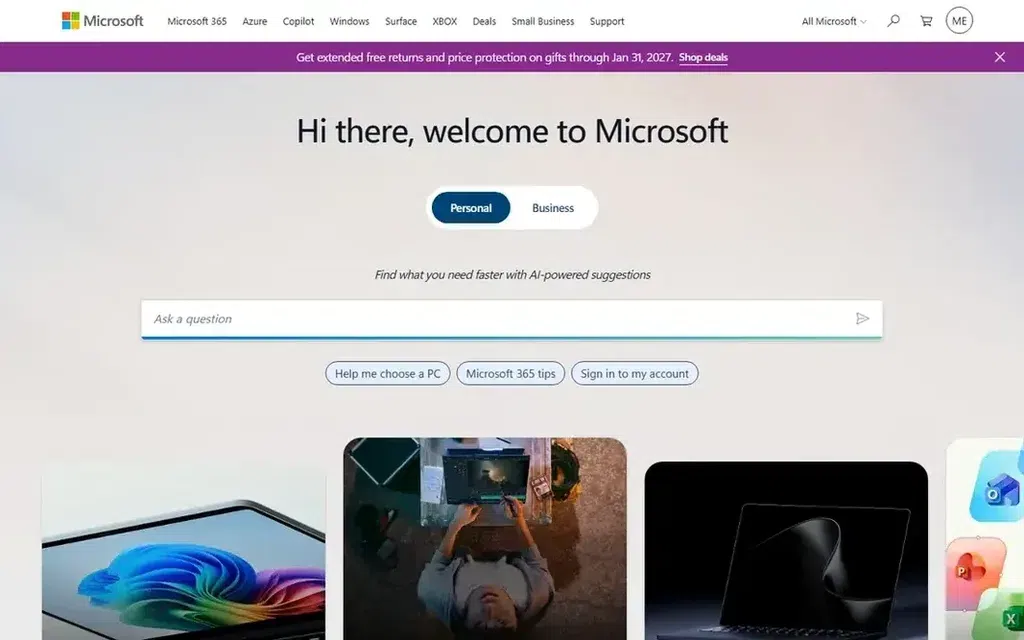
Microsoft Visio is built with Microsoft 365 diagramming and org charts in mind. Microsoft Visio is diagramming and flowchart software from Microsoft, positioned for flowcharts, data visualization and integrated workflows. Also, for org chart work it fits teams already standardized on Microsoft 365 who want charts created alongside process and system diagrams.
Where it is weaker: Org chart data must be maintained separately.
Its collaboration features support shared diagramming, and the familiar Microsoft environment cuts the ramp-up time for staff who already use those tools daily. As for the details, if you need org charts tied straight to HR data and reporting lines, an HR product or organizational intelligence tool is the better fit. Starting cost for Microsoft Visio: $5.00 per user per month. Free options: Free trial.
- Supports integrated workflows
- Takes care of org charts
- Diagram focus instead of HR records
ChartHop was built for people analytics and headcount planning. ChartHop is an organizational intelligence product that links people and business data from several sources into a living model of the entire organization, with HCM and planning workflows, analytics and AI-driven features.
It is not a general-purpose diagramming tool for flowcharts or process maps. Choose it when org intelligence and planning are central, and pair it with a diagramming tool if visual adaptability is also required. Pricing for ChartHop is not stated here, so ask the vendor for current figures. Trial and free access: Not stated.
Downsides: Narrower diagramming scope.
- Living model of the organization
- Links people and business data
- Needs connected data sources to shine
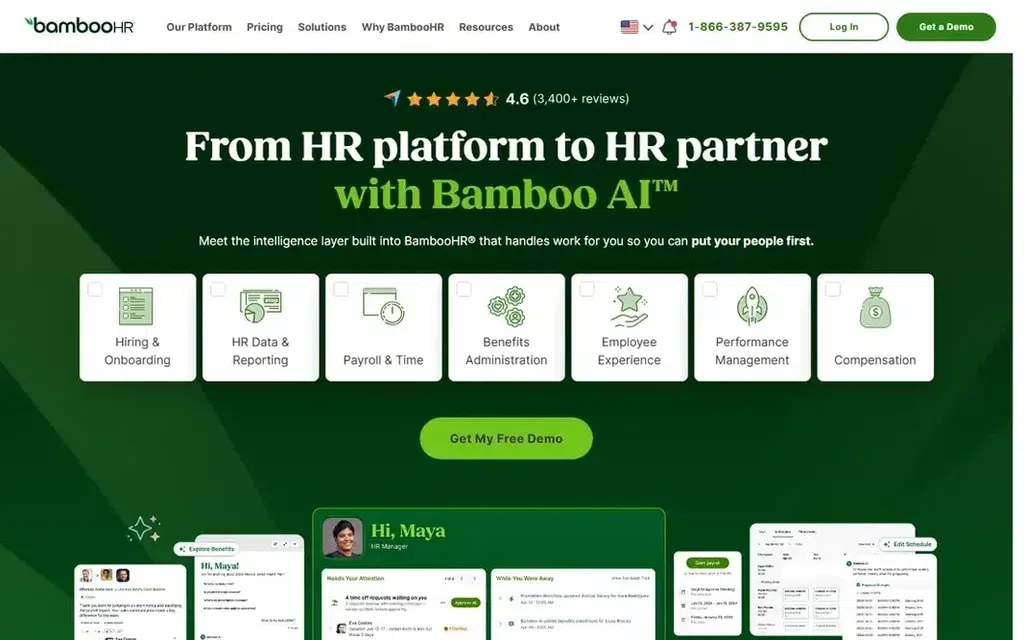
In short, BambooHR is for core HR with org structure. It suits small and midsize organizations that want org visibility without maintaining a separate diagram file.
For everyday use, BambooHR is an HR product instead of an adaptable diagramming tool, so complicated custom charting or process diagrams are better handled elsewhere. Entry price for BambooHR: $10 per employee per month. BambooHR has no free tier.
The main drawbacks: Not a general diagramming tool.
- People
- Handles hire-to-retire HR workflows
- Org charting is part of a broader HR suite
How we built this list
For each of the 6 tools we noted price, free plan or trial, fit for org chart software microsoft and the main limit, using vendor pages and documentation. Figures are shown as the vendors publish them. Billing terms, seat minimums and add-ons can change the real cost. The order reflects how well each tool fits the most common buying scenario for org chart software microsoft, then price clarity, then free plan access. It is a starting point, not a verdict.
Questions to settle before buying
- Confirm the entry price on the vendor page. For SmartDraw, Namely and ChartHop that means a quote rather than a fixed price.
- Look at the free plan from Miro closely: its caps decide whether it is usable for real work.
- Use real work to test the free trial from SmartDraw and Microsoft Visio, rather than a demo project.
- Read the limits listed for SmartDraw first: less concentrated on HR data integration.
- Involve the people who will use Microsoft Visio daily; a short pilot beats a long feature checklist.
- Test the integrations you rely on with SmartDraw before committing; some connectors sit on upper tiers.
FAQ
Which options for org chart software microsoft have a free plan?
Miro is the only tool in this list with a free plan. Free plans usually cap users, projects or features, so check the limits on the vendor page. Several others offer a trial instead. For the full picture, the cards above cover all 6 entries of this Org chart software microsoft list, including price, free plan and limits.
Is SmartDraw the right pick for everyone comparing org chart software microsoft?
No single tool suits every team. SmartDraw comes first because it fits easy org charts without training, while Miro suits visual collaboration around org design and Namely suits all-in-one HCM with org visibility. Match the tool to your own size, budget and workflow before deciding.
Do these tools publish their prices?
Not all of them. SmartDraw, Namely and ChartHop publish no starting price, so expect a quote request for those. The rest, Miro included, show a starting price, though seats and billing terms still change the final cost.
Can I try these tools before paying?
Often, yes. Miro has a free plan and SmartDraw and Microsoft Visio offer a free trial. Use your own data and a real task during the test, and check what the free tier or trial limits before you rely on it.
Sources
- https://www.smartdraw.com
- https://miro.com
- https://www.namely.com
- https://www.microsoft.com/en-us/microsoft-365/visio
- https://www.charthop.com
- https://www.bamboohr.com