Best Org Chart Software in 2026: 9 Tools Compared
Compare the best org chart software in 2026, from free diagram tools to live HR charts, with prices, sync options and honest limits for teams. for teams.
- Editor's choice
 Lucidchart
Polished diagrams and templates
Starts atFreeVisit lucidchart.comFull review - Great alternative
 Pingboard
Live employee directory and org chart
Starts atSee websiteVisit pingboard.comFull review - Also consider
 ChartHop
Workforce planning and analytics
Starts atSee websiteVisit charthop.comFull review
TL;DR:
- Lucidchart is the best choice if you mainly need a polished diagram, while Pingboard and ChartHop suit live employee charts.
- Live charts that sync with your HR system stay accurate, while manual diagrams go out of date fast.
- Free plans work for a one off chart, but large companies need paid plans for sync, permissions, and planning.
- Check data privacy and access controls before you put employee details into any org chart tool.
Quick comparison
| Tool | Best for | Starts at | Free plan? | |
|---|---|---|---|---|
| Lucidchart | Polished diagrams and templates | Free | Yes | Visit |
| Pingboard | Live employee directory and org chart | See website | Yes | Visit |
| ChartHop | Workforce planning and analytics | See website | No | Visit |
 Miro | Collaborative whiteboard org charts | Free | Yes | Visit |
 Microsoft Visio | Enterprise diagramming inside Microsoft 365 | See website | Free trial | Visit |
 The Org | Public org charts and internal directories | See website | Yes | Visit |
 Sift | People directory with a live org chart | See website | No | Visit |
 GoProfiles | Live chart plus directory for growing teams | Free | Yes | Visit |
 Canva | Quick simple charts for small teams | Free | Yes | Visit |
The best org chart software
Org chart software falls into two groups. Diagram tools help you draw a chart once, while live people platforms keep the chart updated from your HR system. The right choice depends on your team size, how often roles change, and whether you need planning tools as well.
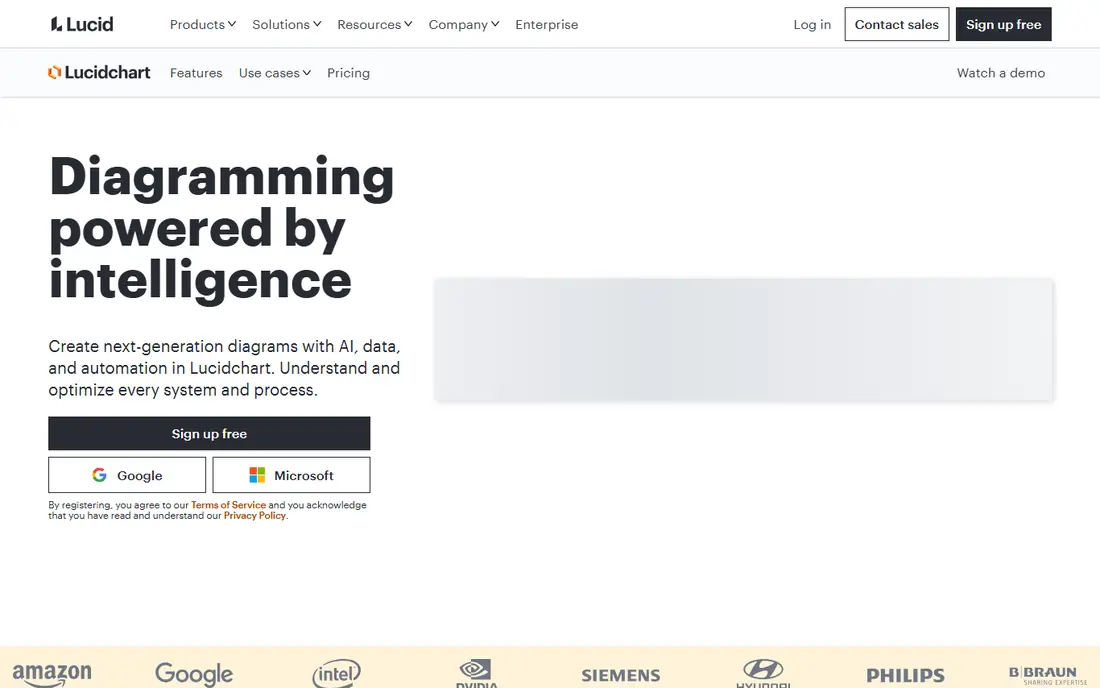
Lucidchart is the best diagram first org chart tool in this list. It offers templates, drag and drop editing, conditional formatting, and data linking from CSV files, Google Sheets, and HR systems such as BambooHR. A team can build a clean, professional chart in an afternoon, then share it as a link, PDF, or image.
Collaboration is a strength. Multiple people can edit the same chart, leave comments, and track version history, which helps when a reorganization is still being drafted. Lucidchart also works for process maps, system diagrams, and other documentation, so one subscription covers more than org charts.
The limit is that Lucidchart is not a live people system. Unless you link data and refresh it, the chart will go out of date as people join, leave, or change managers. The free plan also limits editable documents. For a polished, one off or periodically updated chart, Lucidchart is excellent.
- Large template library
- Data linking from spreadsheets and HR tools
- Real time collaboration
- Not a live employee system on its own
- Free plan limits editable documents
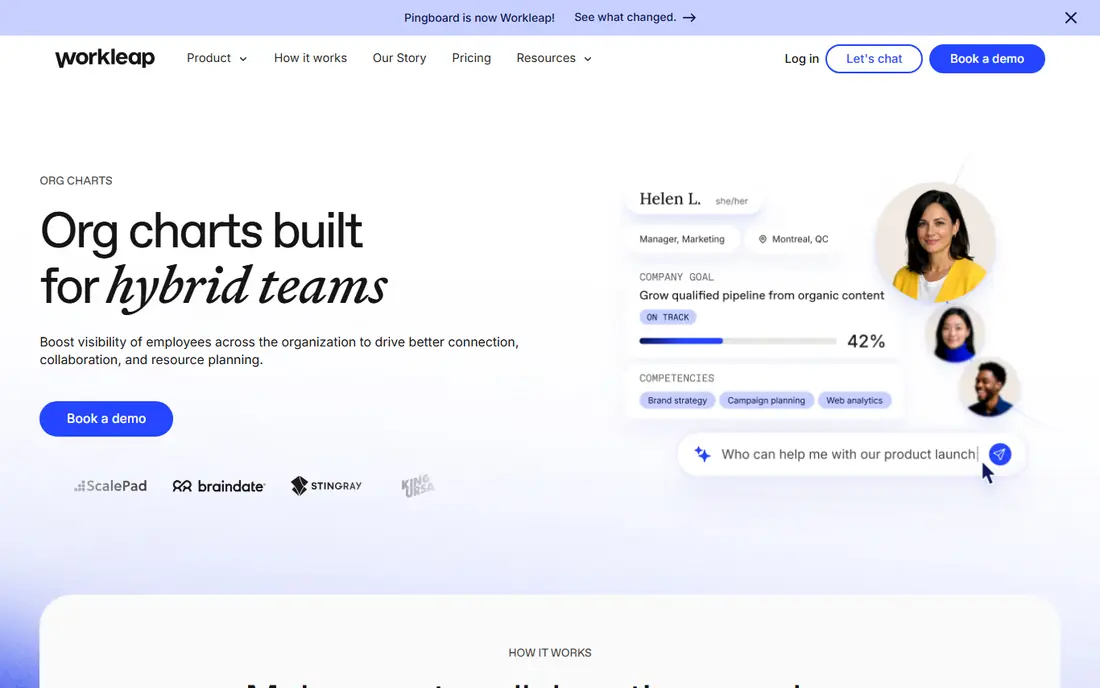
Pingboard is built for companies that want a chart employees actually use every day. It combines a live org chart with an employee directory, profiles, and out of office status, so staff can find who reports to whom, what team someone is on, and whether they are available. That everyday use keeps the chart relevant.
Data can be imported and synced from HR systems, which reduces manual updates. Pingboard also offers planning charts, so leaders can draft future structures, model a reorganization, and compare scenarios before making changes. Mobile apps help remote teams check the chart on the go.
Pricing has varied across listings, with some sources reporting team plans and others reporting annual company plans, so confirm the current price directly. A free plan exists for a single user and chart, which is useful for a small team trial. For a live, employee facing chart, Pingboard is a strong pick.
- Live chart plus employee directory
- HR system sync
- Org planning tools
- Pricing varies by plan and company size
- Larger plans need a sales quote
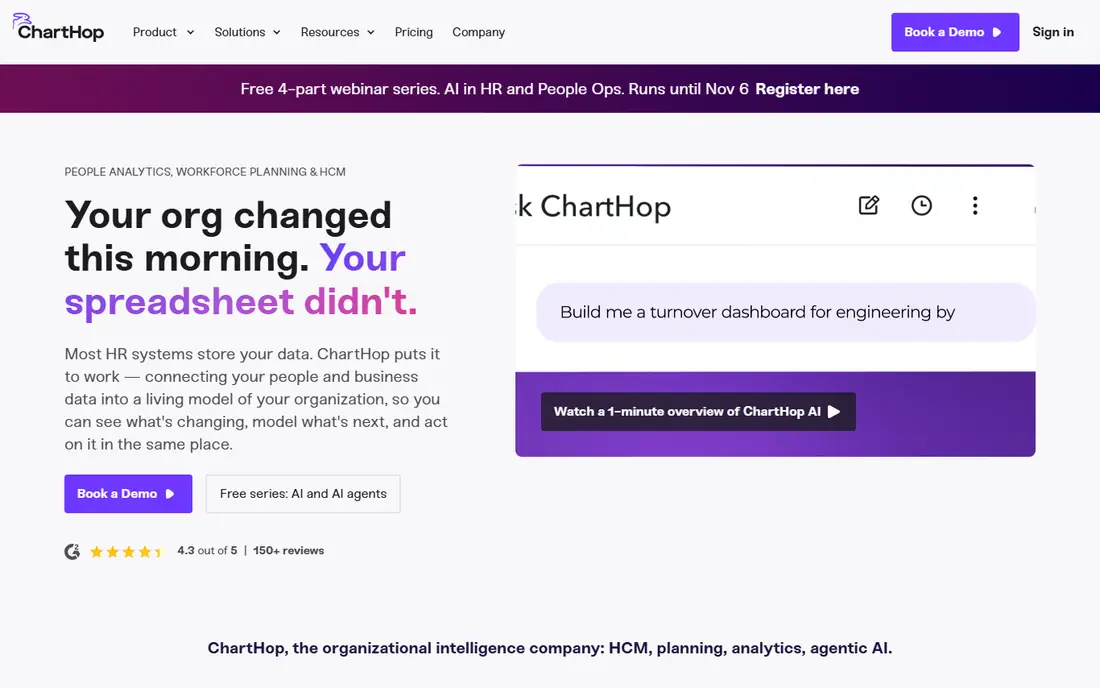
ChartHop started as an org chart platform and grew into a people operations system. The chart is the interface to workforce data, with overlays for headcount, compensation, performance, and location. Leaders can model hiring plans, run scenarios, and see how a reorganization affects budgets and team size.
HR and payroll sync keeps the chart current, which matters for companies with frequent changes. ChartHop also offers reporting and analytics that help HR and finance teams answer questions about span of control, tenure, and diversity across teams. That depth is why larger companies choose it over a simple diagram tool.
The trade is cost and complexity. ChartHop is priced by module, so a team that only wants a chart will pay more than with a chart first tool. Pricing is also custom for larger companies. For workforce planning, it is excellent. For a simple chart, it is more than most teams need.
- Org chart with data overlays
- Headcount planning and scenario modeling
- Compensation and performance data
- Priced by module, so the chart alone costs more
- Heavier than a simple chart tool
Miro is a collaborative whiteboard, and it works well for org charts during a workshop or reorganization. Teams can drag shapes, move people between teams, add sticky notes, and discuss changes in real time, with everyone seeing the same board. Templates give a quick start, and the free plan covers basic use.
That workshop strength is also its limit. Miro charts are manual, so they go out of date unless someone updates them after every change. There is no HR sync to keep reporting lines current, and no employee directory behind the shapes.
For a small team, a startup sketching its first structure, or a leadership workshop, Miro is fast and flexible. For a large company that needs a chart employees trust every day, pair Miro with a live people platform, or choose Pingboard or ChartHop instead.
- Easy drag and drop whiteboard
- Great for workshops and reorganizations
- Many templates
- Not a live HR chart
- Charts need manual updates
Microsoft Visio is a long standing diagramming tool for enterprises, and it includes an org chart wizard that can build a chart from employee data in a spreadsheet or directory. That data link helps large teams create a chart from existing records, rather than drawing every box by hand.
Visio offers precise shapes, templates, and formatting controls, plus integration with Microsoft 365 apps such as Teams and SharePoint. For a company already standardized on Microsoft tools, that integration reduces friction and keeps charts inside a familiar system.
Visio is not a live employee directory, and its learning curve is steeper than Lucidchart or Canva. Pricing varies by plan, including web and desktop options, so confirm the current plan for your team. For enterprise diagramming, it remains a dependable choice.
- Deep diagramming tools
- Org chart wizard from data
- Strong for Microsoft shops
- Steeper learning curve
- Pricing and plans vary
- Not a live people directory
The Org is different from most tools here, because it combines public org charts with internal chart tools. Companies can publish a chart, job seekers can research a team structure, and sales teams can understand who leads a department. That public database is useful for hiring, partnerships, and market research.
Internal tools let companies manage their own chart and directory, with profiles and team pages. For a company that wants both an internal chart and a public presence, The Org covers both jobs in one place. A free tier lets small teams start, with paid plans adding more control and features.
Public data is the caveat. Charts for other companies may be incomplete or out of date, since they rely on public information and user updates. Verify any external chart before acting on it. For your own internal chart, The Org is a clean, modern option.
- Large public org chart database
- Internal chart and directory tools
- Useful for research and hiring
- Public data may be incomplete or out of date
- Paid features needed for full internal use
Sift is a people directory platform with a live org chart at its core. Employees get rich profiles with skills, interests, location, and reporting lines, and colleagues can search for expertise across the company. That search function helps large, remote teams find the right person without asking around.
HR system integrations keep profiles and reporting lines current, which is the main advantage over a manual diagram. Sift also supports org chart views, team pages, and directory search from one place, so employees use it daily, not just during a reorganization.
Sift is a smaller vendor than Microsoft or Lucidchart, and pricing is quote based, so budget planning needs a sales conversation. For mid-size and large companies that want a people first directory, it is a strong, focused choice.
- Employee profiles with skills and interests
- Org chart plus directory search
- HR system integrations
- Pricing is quote based
- Smaller vendor than Lucidchart or Microsoft
GoProfiles combines a live org chart with a company directory and peer recognition, aimed at growing teams. The free plan covers a basic chart, while paid plans add automatic sync with HR systems, skills search, and an employee map for multi office teams. That progression suits a company scaling from a manual chart to a live system.
Skills and interests fields make expertise searchable, so a manager can find who on a team knows a certain tool or language. The employee map helps remote teams see where colleagues are based, which is useful for planning meetings across time zones.
GoProfiles is not built for deep headcount planning, and dotted line relationships need an enterprise tier. For a live, everyday chart with a directory, it offers good value, especially with its free starting point.
- Free plan available
- Live chart with HRIS sync on paid plans
- Skills search and employee map
- Headcount planning is limited
- Dotted line relationships need a higher tier
Canva is the fastest way to make a simple org chart that looks good. Templates, drag and drop shapes, and easy sharing mean a small team can build a chart in minutes, without learning a diagramming tool. The free plan covers basic charts, and paid plans add brand kits and more storage.
For a startup, a small business, or a presentation slide, Canva is enough. You can export a chart as an image or PDF, share a link, and update it by hand when roles change. That simplicity is the appeal, and it is why many small teams start here.
Canva is not a live people system. There is no HR sync, limited data linking, and permissions are basic compared with Pingboard or ChartHop. For a large company, or a chart that must stay accurate every day, choose a live platform instead.
- Very easy to use
- Many org chart templates
- Free plan covers basic charts
- Not a live HR chart
- Limited data linking and permissions
How we picked these
We compared official feature pages, pricing pages, and public reviews for org chart tools available in October 2026. We favored tools with a real org chart function, not just a generic diagram, and we included both diagram tools and live people platforms. We flagged where pricing is quote based, since that affects how a team can budget.
How to choose org chart software for your team size
A team under 50 people can often use a diagram tool such as Lucidchart or Canva, updated monthly. The chart is simple, changes are infrequent, and a manual update takes minutes. Spend the budget on clarity, not on sync features you will not use.
For growing and large companies, choose live sync
Once headcount passes 100, or changes happen weekly, a manual chart will drift out of date. Choose a live platform that syncs with your HR system, such as Pingboard, ChartHop, Sift, or GoProfiles. Employees will trust a chart that matches reality.
Check permissions and privacy before rollout
Org charts contain names, titles, managers, and sometimes compensation or location data. Check who can view, edit, and export the chart, and whether sensitive fields can be hidden. A chart that leaks private data creates a bigger problem than an out of date chart.
Plan for reorganizations, not just the current chart
Ask whether the tool supports draft or planning charts. Leaders need to model a future structure, compare scenarios, and share a proposal before making it live. Lucidchart, Pingboard, and ChartHop all handle planning in different ways, so test that workflow during a trial.
FAQ
What is the best org chart software?
Lucidchart is best for polished diagrams, Pingboard is best for a live employee chart and directory, and ChartHop is best for workforce planning. Miro and Canva suit small teams that need a quick chart, while Microsoft Visio suits enterprises on Microsoft 365.
What is the best software for org charts in large companies?
Pingboard, ChartHop, Sift, and GoProfiles are the strongest picks for large companies, because they sync with HR systems and stay current. Lucidchart and Visio work for diagrams, but they need manual updates unless data is linked and refreshed.
Is there a free org chart software option?
Yes. Lucidchart, Miro, GoProfiles, and Canva all offer free plans for basic charts. Pingboard offers a free plan for a single user and chart. Free plans have limits on documents, users, or sync, so check them before relying on one for a whole company.
What is the best organizational chart software for HR teams?
ChartHop and Pingboard are strong for HR teams, because they combine live charts with directories, planning, and HR system sync. Sift and GoProfiles are also good for HR teams that prioritize people search and directory use.
Can org chart software sync with HR systems?
Yes, live platforms such as Pingboard, ChartHop, Sift, and GoProfiles offer HR system sync on paid plans. Diagram tools such as Lucidchart and Visio can link data from spreadsheets and some HR tools, but they need a refresh to stay current.
How do I keep an org chart up to date?
Use a live platform that syncs with your HR system, assign one owner for chart accuracy, and review the chart after every hiring, exit, or reorganization. A manual chart needs a monthly review at minimum, or it will quickly become misleading.