Best Software for Creating Training Manuals for 2026: Our 5 Vetted Picks
5 products for the best software for creating training manuals, ranked by fit, with starting costs and free tiers. Read the caveats before you buy. No filler.
- Editor's choice
 MadCap Flare
Single-source publishing to help, knowledge bases, and PDFs
Starts at$263 per author a monthVisit madcapsoftware.comFull review - Great alternative
 iSpring Suite
Building SCORM-ready courses in PowerPoint
Starts atSee websiteVisit ispringsolutions.comFull review - Also consider
 Docebo
Delivering and tracking training at scale
Starts atSee websiteVisit docebo.comFull review
Direct answer
MadCap Flare comes first here, mainly for single-source publishing to help, knowledge bases, and PDFs. Listed starting prices: MadCap Flare from $263 per author a month. For a different need, iSpring Suite covers building SCORM-ready courses in PowerPoint and Docebo covers delivering and tracking training at scale. The other 2 tools in the list cover narrower or pricier cases.
TL;DR:
- Top of the list is MadCap Flare, which targets single-source publishing to help, knowledge bases, and PDFs.
- Adobe FrameMaker fits structured technical authoring with XML and DITA.
- What to know about Docebo first: delivery platform, not an authoring tool.
- For the cheapest start, look at MadCap Flare: $263 per author per month.
- A permanent free plan is missing from all 5 tools, MadCap Flare and Adobe FrameMaker included; plan for a trial or a premium start.
Last checked November 2026. Prices and plan details were read from the vendors' own pages in November 2026; vendors change plans often, so confirm the current price on the vendor site before you buy.
Quick comparison
| Tool | Best for | Starts at | Free plan? | |
|---|---|---|---|---|
| MadCap Flare | Single-source publishing to help, knowledge bases, and PDFs | $263 per author a month | Free trial | Visit |
| iSpring Suite | Building SCORM-ready courses in PowerPoint | See website | Not stated | Visit |
| Docebo | Delivering and tracking training at scale | See website | Not stated | Visit |
| TechSmith Camtasia | Screen-recorded video tutorials and demos | See website | Not stated | Visit |
 Adobe FrameMaker | Structured technical authoring with XML and DITA | See website | Not stated | Visit |
Software for Creating Training Manuals compared in detail
Choosing software for creating training manuals usually comes down to price, fit and limits. This LinkVetted guide sets 5 tools side by side on those three points, with the facts kept short and checkable.
MadCap Flare
Best for: Single-source publishing to help, knowledge bases, and PDFs
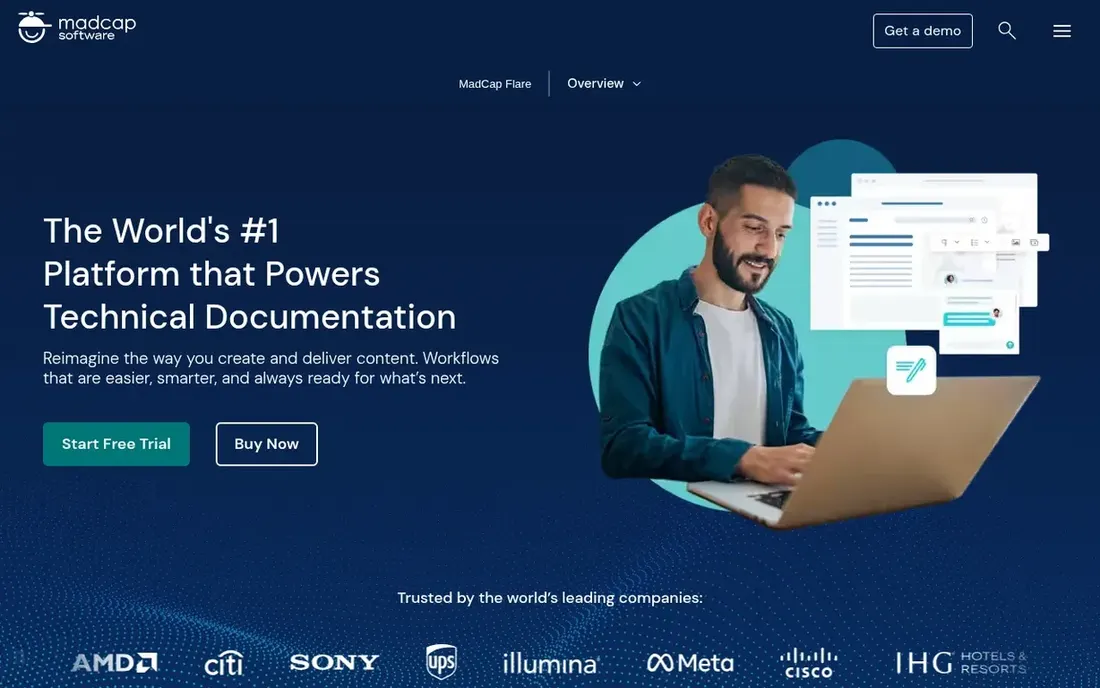
MadCap Flare was built for single-source publishing to help, knowledge bases, and PDFs. MadCap Flare is technical documentation and authoring software that lets you build, handle, and publish content from a single source.
It suits documentation groups that want consistency across deliverables. MadCap Flare cost at the entry level: $263 per author per month. On free options: Free trial.
Drawbacks to consider: Needs setup for publishing targets.
- Manages knowledge bases
- Publishes online help and PDFs
- Can be complicated for small teams
iSpring Suite is a good fit for building SCORM-ready courses in PowerPoint. iSpring Suite is an authoring tool that produces interactive, SCORM-ready courses straight in PowerPoint. It lets you build quizzes, video tutorials, and role-plays within a single tool, making it right for trainers already comfortable with PowerPoint.
Where it falls short: Centred on course authoring.
As for the details, since it runs in PowerPoint, the workflow relies on that environment and is centered on course delivery instead of long-form technical manuals. Beyond that, if you need standalone documentation publishing, consider a dedicated authoring tool. This comparison lists no price for iSpring Suite; ask the vendor. On free options: Not stated.
- Builds quizzes and role-plays
- Works inside PowerPoint
- Needs PowerPoint
Think of Docebo for delivering and tracking training at scale. Docebo is a workforce readiness system that links skills intelligence, learning, knowledge, and AI agents.
Drawbacks to consider: not an authoring tool.
It helps organizations know who is ready and build what comes next, making it right for delivering and tracking training programs. Beyond that, if your central need is writing and publishing manuals, start with an authoring option. Pricing for Docebo is not stated here, so ask the vendor for current figures. Free plan details: Not stated.
- Links skills intelligence and learning
- Workforce readiness focus
- Needs content from other sources
TechSmith Camtasia
Best for: Screen-recorded video tutorials and demos
In short, TechSmith Camtasia is for screen-recorded video tutorials and demos. It suits trainers and support teams who explain processes visually instead of in text.
Watch-outs: Restricted for written manuals.
In practice, the tool is handy for supplementing manuals with walkthroughs. Pricing for TechSmith Camtasia is not stated here, so ask the vendor for current figures. Free options: Not stated.
- Well suited to software demos
- Screen recorder included
- Video-focused, not text authoring
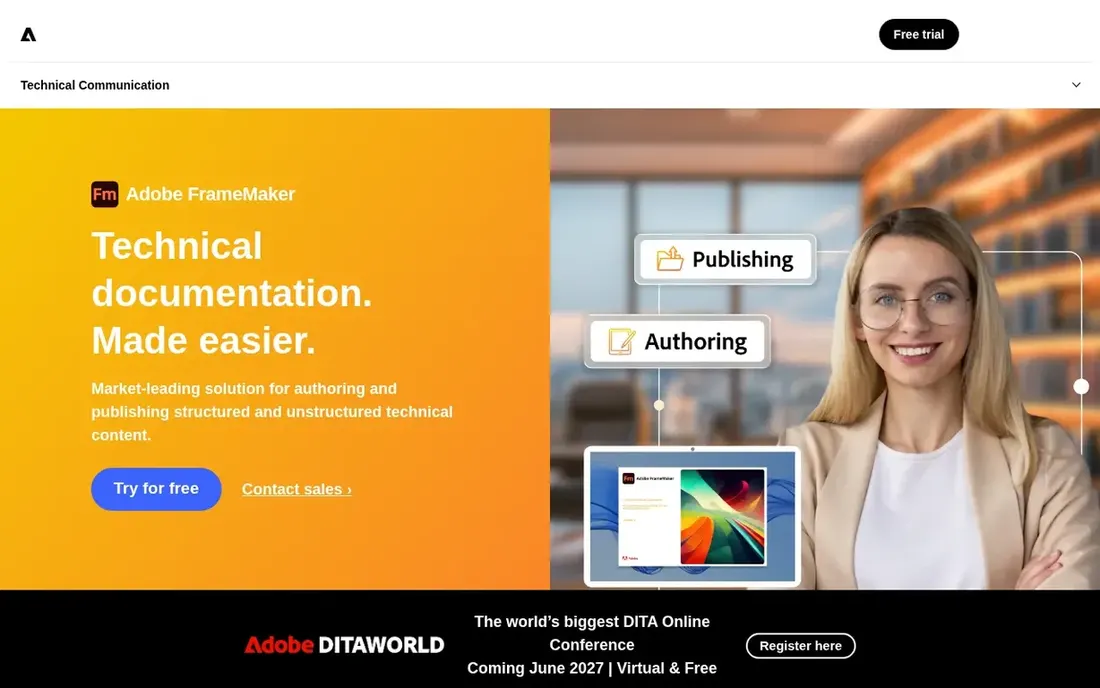
Adobe FrameMaker is aimed squarely at structured technical authoring with XML and DITA. Adobe FrameMaker is authoring and publishing software for technical content, with support for XML and DITA to structure smart content.
Honest limits: Centred on technical documentation.
For everyday use, the tool suits organizations producing long-form manuals that must follow structured standards. As for the details, if you need fast e-learning modules instead of technical references, a course authoring tool may be a better fit. This comparison lists no price for Adobe FrameMaker; ask the vendor. Free options: Not stated.
- Supports XML and DITA authoring
- Made for technical content
- Steeper ramp-up time
How we built this list
Selection started from tools commonly considered for software for creating training manuals, then narrowed to 5 that have clear pricing information or a clear quote process. Plan names, prices and limits change often. Treat the figures here as a starting point and verify them with the vendor. The sequence is a judgement call: typical use case first, then pricing transparency, then free access. Use the profiles to check fit.
Questions to settle before buying
- Get a written quote from iSpring Suite, Docebo, TechSmith Camtasia and Adobe FrameMaker; the list shows no starting price for them.
- Use real work to test the free trial from MadCap Flare, rather than a demo project.
- Read the limits listed for MadCap Flare first: can be complicated for small teams.
- Total up the real monthly cost of TechSmith Camtasia, including add-ons, extra users and usage-based fees.
- Ask whether Adobe FrameMaker integrates with your current software, and whether that comes standard or as an add-on.
FAQ
What is the cheapest option for software for creating training manuals in this list?
On published monthly entry prices, MadCap Flare is the lowest here at $263 per author per month. Entry price is only part of the cost, because seats, add-ons and billing terms can change the total.
Is MadCap Flare the right pick for everyone comparing software for creating training manuals?
No single tool suits every team. MadCap Flare comes first because it fits single-source publishing to help, knowledge bases, and PDFs, while iSpring Suite suits building SCORM-ready courses in PowerPoint and Docebo suits delivering and tracking training at scale. Match the tool to your own size, budget and workflow before deciding.
What is the best tool for a structured technical training manual?
The first pick on this list is MadCap Flare, because it suits single-source publishing to help, knowledge bases, and PDFs. iSpring Suite is better for building SCORM-ready courses in PowerPoint, and Docebo for delivering and tracking training at scale. Check price and limits against your own needs before choosing.
How do video tutorials fit into training manuals?
TechSmith Camtasia records screens and edits videos for tutorials and software demos. It performs well alongside a text authoring tool to add visual walkthroughs.
Can I try these tools before paying?
Often, yes. MadCap Flare offers a free trial. Use your own data and a real task during the test, and check what the free tier or trial limits before you rely on it.
Do these tools publish their prices?
Not all of them. iSpring Suite, Docebo, TechSmith Camtasia and Adobe FrameMaker publish no starting price, so expect a quote request for those. The rest, MadCap Flare included, show a starting price, though seats and billing terms still change the final cost.
Sources
- https://www.madcapsoftware.com/products/flare
- https://www.ispringsolutions.com/ispring-suite
- https://www.docebo.com
- https://www.techsmith.com/camtasia.html
- https://www.adobe.com/products/framemaker.html