Best Articulation Training App in 2026: 9 Apps Compared
Compare the best articulation training app options in 2026 for speech practice, with apps for children, clinicians, adults and home practice compared here.
- Editor's choice
 Articulation Station
Structured sound practice
Starts atSee websiteVisit littlebeespeech.comFull review - Great alternative
 Articulation Station Hive
Clinician and classroom use
Starts atSee websiteVisit littlebeespeech.comFull review - Also consider
 Speech Blubs
Early speech imitation
Starts atSee websiteVisit speechblubs.comFull review
TL;DR:
- Articulation Station and its Hive version lead for structured speech sound practice, with sound-specific decks and scoring.
- Speech Blubs leads for early engagement, using video modeling to encourage imitation in young children.
- Tactus Therapy apps lead for adult and clinical use, with clear, research-informed activities for speech sound work.
- Home practice works best when an app matches the target sound, the age of the user, and the plan set by a speech-language pathologist.
Quick comparison
| Tool | Best for | Starts at | Free plan? | |
|---|---|---|---|---|
| Articulation Station | Structured sound practice | See website | Free trial | Visit |
| Articulation Station Hive | Clinician and classroom use | See website | Free trial | Visit |
| Speech Blubs | Early speech imitation | See website | Free trial | Visit |
 Speech Tutor | Mouth placement visuals | See website | Yes | Visit |
 Articulation Practice | Simple home drills | See website | Yes | Visit |
 Tactus Speech Therapy | Adult speech practice | See website | Free trial | Visit |
 Apraxia Speech | Apraxia word practice | See website | Free trial | Visit |
 Speech Sounds on Cue | Cueing for speech sounds | See website | Free trial | Visit |
 Articulation Flashcards | Quick flashcard drills | See website | Yes | Visit |
The best articulation training app
Articulation training means practicing specific speech sounds in words, phrases and sentences until they become automatic. The apps below differ in age range, sound coverage and clinical depth, so the right pick depends on who is practicing and what a speech-language pathologist has targeted. These apps support practice; they do not diagnose a speech disorder or replace professional assessment.
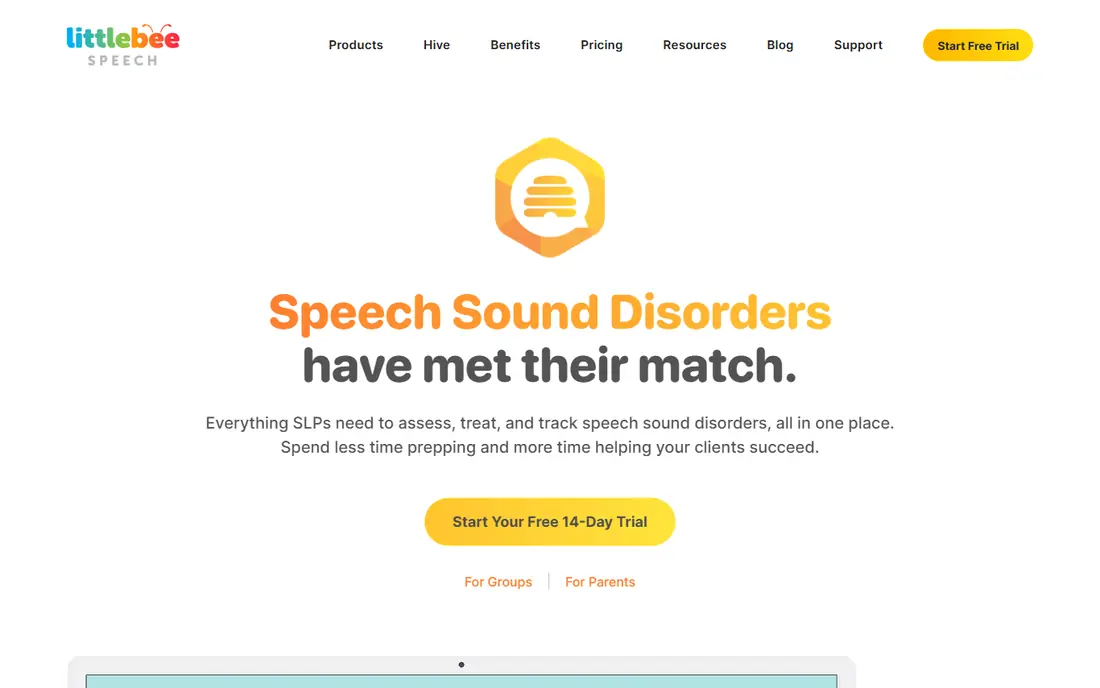
Articulation Station from Little Bee Speech is the most widely used articulation app for children in this list. It organizes practice by sound and position in the word, with flashcards, matching games and sentence activities. Scoring and data tracking help parents and clinicians see which sounds are improving and which still need work.
The free trial lets you test one sound before buying others, which is wise, since a child usually needs only a few target sounds at a time. Use it as home practice between sessions, not as a standalone program, and ask a speech-language pathologist which sounds and positions to target first.
- Sound-specific word decks
- Scoring and data tracking
- Engaging artwork
- Full sound sets are paid
- Best used alongside professional guidance

Hive is the subscription version of Articulation Station, built for clinicians, schools and clinics that need every sound and multiple student profiles. Data tracking across students, printable reports and a shared library make it practical for a caseload, rather than a single child.
For a single family, buying individual sounds in the base app is usually cheaper. For a practice or a classroom, Hive saves the cost and hassle of buying sounds one by one. Either way, the practice itself stays the same: short, focused drills on a target sound, repeated often.
- All sounds in one subscription
- Multi-student data
- Classroom-friendly setup
- Subscription cost suits professionals more than single families
- Setup takes time
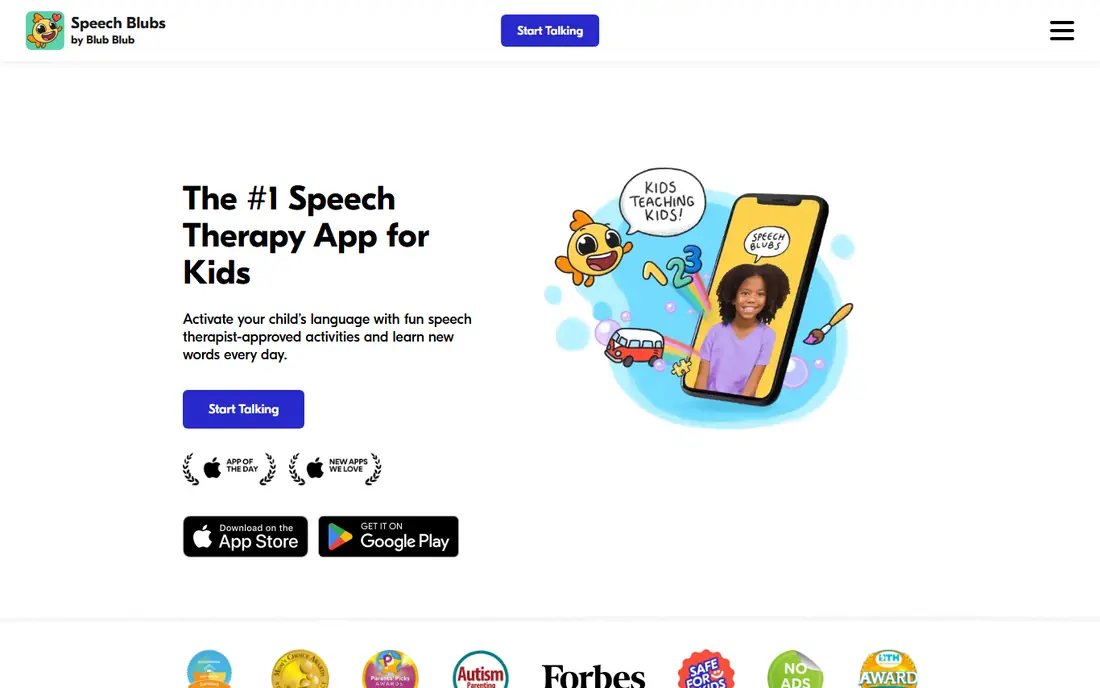
Speech Blubs uses video of children making sounds and faces to encourage imitation, which can engage toddlers and preschoolers who resist flashcards. Its sections cover early sounds, first words, facial expressions and social routines, with a playful look that suits short sessions.
It is best as an engagement tool and a supplement, not as a complete articulation program for a specific sound disorder. Parents should watch sessions, join in, and share progress with a speech-language pathologist, who can tell whether imitation practice is enough or whether structured drills are also needed.
- Video modeling for imitation
- Playful design
- Early sounds and words focus
- Less structured drill tracking than Articulation Station
- Not a full therapy program
Speech Tutor shows side-view animations of mouth, tongue and lip placement for each sound, which helps when a child or adult cannot tell from listening alone where a sound should be made. That visual cue is its core strength, and it is useful for clinicians explaining a new sound for the first time.
The app is more instructional than playful, so younger children may need a clinician or parent to guide sessions. Pair it with a drill app such as Articulation Station: learn the placement in Speech Tutor, then practice it in words and sentences elsewhere.
- Side-view mouth animations
- Sound-by-sound guidance
- Useful for teaching placement
- Older interface
- Limited game elements for young children
Articulation Practice offers a simpler drill format for families who want straightforward repetition without many games. You pick a sound, work through words in different positions, and keep sessions short and regular. That simplicity can be a plus for older children and adults who find game elements distracting.
It does not replace the richer activities in Articulation Station, and its data tracking is lighter. Use it when the goal is steady daily repetition on a known target, and keep a simple paper log if you need to track progress over weeks.
- Simple drill format
- Sound-specific practice
- Low cost entry
- Fewer games than Articulation Station
- Limited data features
Tactus Therapy makes a family of apps for adults with speech, language and cognitive needs after stroke, brain injury or other conditions. Its speech apps use adult photos and topics, clear instructions and adjustable difficulty, which matters when a child-focused app would feel patronizing.
Each app is sold separately, so costs add up if you need several areas. Clinicians often recommend a specific Tactus app for a specific goal, such as naming, comprehension or speech sounds, so start with that recommendation rather than buying the whole set at once.
- Adult-appropriate content
- Clear instructions
- Range of speech apps in one family
- Priced per app
- Adult focus means less appeal for young children
Apraxia apps from Tactus focus on motor planning for speech, with progression from sounds and syllables to words and phrases. That staged approach suits childhood apraxia of speech and adult apraxia, where the challenge is planning movements, not just knowing a sound.
Apraxia requires assessment and a treatment plan from a qualified clinician, and an app alone cannot provide that. Used as guided home practice, with targets set by a clinician, it can give the repetition that apraxia therapy needs. Do not use it as a self-diagnosis tool.
- Motor planning focus
- Syllable and word progression
- Adult and child options in family
- Needs professional guidance for apraxia
- Not a general articulation app
Speech Sounds on Cue provides cueing support for speech sounds, with visual prompts and structured practice that clinicians can adapt to a session or to home work. Its focus on cues helps users who know a sound in isolation but lose it in longer words and sentences.
Availability and device support should be checked on the vendor site before purchase, since smaller apps can vary by platform. Ask a clinician whether cueing is the right next step, or whether a simpler drill app would serve the same goal at lower cost.
- Visual and verbal cues
- Sound-specific practice
- Clinician-designed activities
- Smaller marketing presence
- Check device compatibility before buying
Flashcard apps are the simplest tool here: a word, a picture and a chance to say it. That speed makes them useful for short practice bursts, such as in a car or a waiting room, where a full game would be too much. They are also easy for grandparents and caregivers to use without training.
Their limit is transfer. Saying a word from a card is not the same as using a sound in conversation, so follow flashcard work with sentence practice and everyday talking. Keep sessions short, praise effort, and stop before frustration builds.
- Fast flashcard format
- Easy for car and waiting-room practice
- Low cost
- Limited sentence and conversation practice
- Minimal reporting
How we picked these
We compared official app pages, sound coverage, age focus, data tracking and pricing in October 2026. We favored apps that are actively maintained, that target specific speech sounds rather than general talking, and that are used by clinicians or recommended for home practice alongside professional care. We excluded general language games with no articulation focus.
How to use an articulation app well
Keep sessions short and frequent. Ten minutes of focused practice most days beats an hour once a week, especially for children. Sit with the user, model the sound, and praise attempts rather than only correct answers. If frustration rises, switch to an easier word set or stop for the day.
Work from a target list set by a speech-language pathologist. Practicing the wrong sound, or a sound in the wrong position, can build a habit that is harder to change later. Bring app data or a simple log to sessions, and ask the clinician when to move from words to phrases, sentences and conversation.
FAQ
What are the best articulation training apps for children?
Articulation Station is the strongest structured choice for children, with Speech Blubs as an engaging supplement for younger children. Speech Tutor helps with mouth placement, while simple flashcard apps suit short home drills. A speech-language pathologist should set the target sounds first.
What is the best app for articulation training at home?
Articulation Station is the best all-round home pick for a known target sound, because it combines decks, games and tracking. For adults, a Tactus app may fit better. Home practice works best in short daily sessions with a parent or caregiver present.
Can an app replace speech therapy?
No. An app can provide repetition and practice between sessions, but assessment, diagnosis and treatment planning require a qualified speech-language pathologist. If speech concerns persist, or if a child is not meeting milestones, seek a professional evaluation rather than relying on an app alone.
How long should articulation practice last each day?
Short sessions of about 10 to 15 minutes, most days, suit most children, with breaks for play. Adults may manage longer sessions if a clinician advises it. Consistency matters more than length, and sessions should end on a success when possible.
Which app is best for adult articulation practice?
Tactus Therapy apps are the strongest adult-focused choice, with adult content and adjustable difficulty. Speech Tutor also helps adults learn placement for a new sound. A clinician should confirm whether the goal is articulation, motor planning or another speech area before you buy.