Best Software for Construction Cost Modeling (2026): 5 Picks Checked on Vendor Pages
Best software for construction cost modeling: 5 tools compared on price, free plans and fit. Trade-offs are spelled out for each entry. Read before you buy.
- Editor's choiceTrimble Tekla
Model-based structural cost modeling
Starts atPricing on requestVisit tekla.comFull review - Great alternativeInEight
Data-driven project controls and cost decisions
Starts atPricing on requestVisit ineight.comFull review - Also consider
 Autodesk Construction Cloud
Design-connected construction cost workflows
Starts atPricing on requestVisit construction.autodesk.comFull review
Direct answer
If you need model-based structural cost modeling, Trimble Tekla is the first tool to look at here. InEight is the stronger choice for data-driven project controls and cost decisions, while Autodesk Construction Cloud suits design-connected construction cost workflows. The other 2 tools in the list cover narrower or pricier cases. None of these vendors publish plan prices, so pricing is on request for every option.
TL;DR:
- Top of the list is Trimble Tekla, which targets model-based structural cost modeling.
- HCSS HeavyBid fits heavy civil estimating and bid management.
- None of the 5 tools, from Trimble Tekla to HCSS HeavyBid, has a free plan, so budget for a subscription or use a trial.
- One limit worth knowing about Autodesk Construction Cloud: wide platform instead of a dedicated cost tool.
- Trimble Tekla, HCSS HeavyBid and the 3 others all sell by quote; expect sales conversations before you see a price.
Last checked November 2026. Pricing on request: vendors did not publish plan prices when this guide was last checked (November 2026), so ask each vendor for a written quote.
Quick comparison
| Tool | Best for | Starts at | Free plan? | |
|---|---|---|---|---|
| Trimble Tekla | Model-based structural cost modeling | Pricing on request | Not stated | Visit |
| InEight | Data-driven project controls and cost decisions | Pricing on request | Not stated | Visit |
| Autodesk Construction Cloud | Design-connected construction cost workflows | Pricing on request | Not stated | Visit |
 Procore | Cost control tied to project management | Pricing on request | Not stated | Visit |
 HCSS HeavyBid | Heavy civil estimating and bid management | Pricing on request | Not stated | Visit |
Tool-by-tool breakdown
If you are comparing software for construction cost modeling, this page covers 5 tools in one place: what each is best for, what it costs to start, whether it has a free plan, and the main limit to know about.
Trimble Tekla
Best for: Model-based structural cost modeling
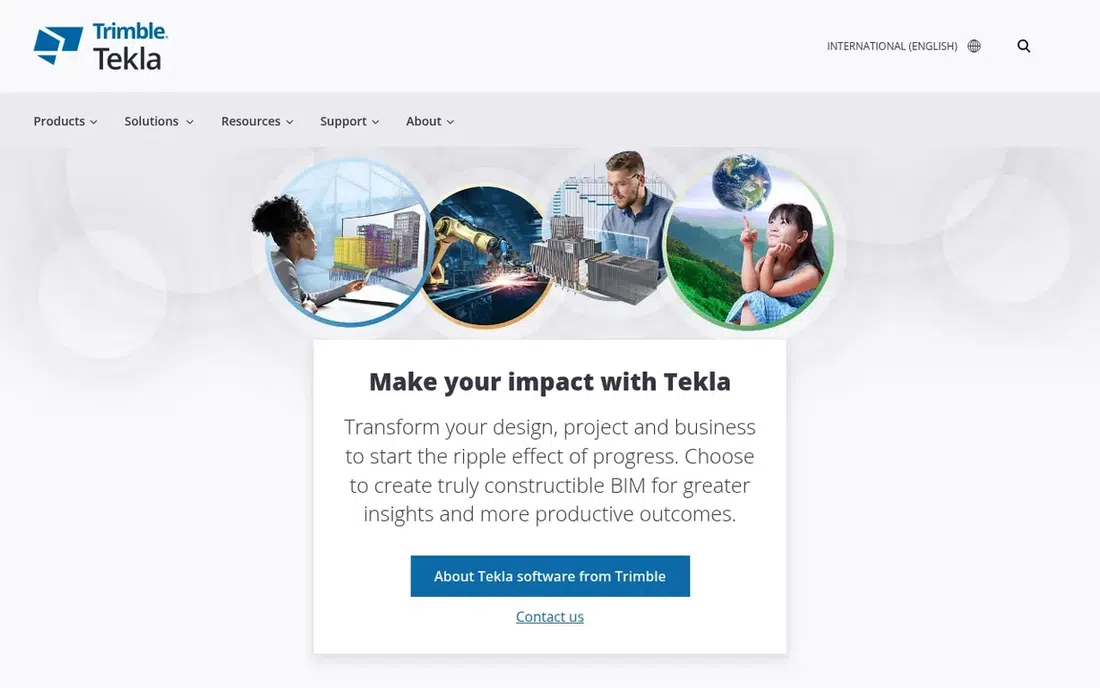
Trimble Tekla serves model-based structural cost modeling. Trimble Tekla is model-based construction software pitched at structural engineering and construction, offered as part of Trimble software. In daily use, since quantities and details come straight from in-depth models, teams can build cost models that reflect the actual structure.
From a buyer's view, teams without established modeling practices will have to invest in workflow change. Worth adding: choose it when structural detail drives cost, and look to broader project systems when cost oversight spans the entire site. No starting price is listed for Trimble Tekla here; confirm pricing on the vendor site. Free plan details: Not stated.
Honest limits: Structural emphasis may not fit every trade.
- Model-based construction software
- Solid structural engineering focus
- Needs model-driven workflows
InEight
Best for: Data-driven project controls and cost decisions
For data-driven project controls and cost decisions, InEight is a natural candidate. Organizations without structured project controls may need process changes first. On top of that, InEight is a wide project management product, so small teams wanting fast estimates may find it heavy.
Watch-outs: Wide product instead of a straightforward estimator.
Choose it when cost modeling must feed continuing project decisions, and consider a focused estimating product when bid day speed is the primary requirement. In daily use, InEight offers construction project management software that provides teams the data needed to make better decisions. Worth adding: cost modeling sits within project controls, where budgets, progress and forecasts inform one another. This comparison lists no price for InEight; ask the vendor. Free access: Not stated.
- Geared toward capital project delivery
- Project management software with decision data
- May suit bigger project organizations
Autodesk Construction Cloud
Best for: Design-connected construction cost workflows
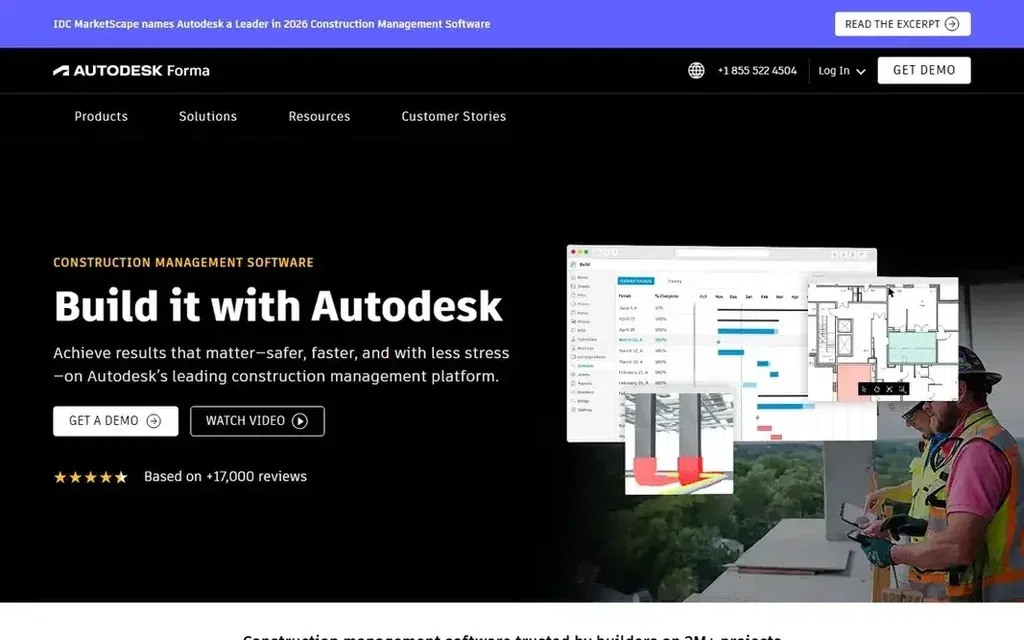
For design-connected construction cost workflows, Autodesk Construction Cloud is a natural candidate. The system is wide, so cost modeling is one capability among many instead of the entire product.
Downsides: Wide system instead of a dedicated cost tool.
Beyond that, teams outside the Autodesk ecosystem may face a ramp-up time. Its strength is connecting design information with construction workflows, which helps when cost modeling needs to follow model changes. Pricing for Autodesk Construction Cloud is not stated here, so ask the vendor for current figures. Free access: Not stated.
- On-budget delivery
- Ties project teams together securely
- Adoption relies on team familiarity with Autodesk tools

Procore makes the most sense for cost control tied to project management. Procore is a construction management platform that links the site and the office, giving teams live visibility to deliver quality projects on time. From a buyer's view, cost modeling suits inside that broader project management context, so budgets and financial data stay near schedules, documents and field activity.
The main drawbacks: Cost modeling is one part of a bigger system.
Since Procore spans numerous workflows, teams wanting only a focused cost model may find more than they need. In practice, choose Procore when cost modeling should sit alongside project management, and look elsewhere when estimating speed on its own is the priority. Pricing for Procore is not stated here, so ask the vendor for current figures. Trial and free access: Not stated.
- Links field and office data
- Wide project management coverage
- Full system may suit bigger organizations
For heavy civil estimating and bid management, HCSS HeavyBid is a natural candidate. HCSS HeavyBid is construction estimating software for building more accurate bids quicker, positioned as a standard for estimating and bid management across estimator team sizes.
Downsides: Concentrated on heavy civil instead of buildings.
More specifically, cost modeling here means assembling bid pricing from labor, equipment and material detail usual of heavy civil work. Choose it when competitive bid pricing is the priority, and pair it with other tools when field management and accounting need deeper coverage. HCSS HeavyBid does not show a starting price in this comparison, so check the vendor site for current pricing. As for free access: Not stated.
- Serves estimators of all sizes
- Estimating and bid management together
- Estimating-centric instead of full project management
What went into this list
Selection started from tools commonly considered for software for construction cost modeling, then narrowed to 5 that have clear pricing information or a clear quote process. Where a vendor does not publish a price, the entry says quote. Where a price depends on seats or billing term, the entry says so. We ordered the tools by general fit, then by how clearly pricing is shown, then by free access. A buyer with unusual needs may reorder them.
A buyer's checklist
- Request quotes from Trimble Tekla, HCSS HeavyBid and the others; the list shows no fixed prices.
- Before choosing Trimble Tekla, weigh its main limit: structural emphasis may not fit every trade.
- Price Autodesk Construction Cloud for your actual team size; headline prices rarely include add-ons or overage.
- Ask Trimble Tekla whether prices are locked for the first term and what happens at renewal.
- Look at which plan of HCSS HeavyBid unlocks the features you need; entry tiers are often cut down.
FAQ
Do these tools publish their prices?
No. None of the tools, from Trimble Tekla to HCSS HeavyBid, shows a fixed starting price here, so budget time for quotes.
Does any tool for software for construction cost modeling here have a free plan?
No tool in this list, Trimble Tekla and HCSS HeavyBid included, has a permanent free plan. Trials and quotes are the usual route, so plan a short evaluation period.
Is Trimble Tekla the right pick for everyone comparing software for construction cost modeling?
No single tool suits every team. Trimble Tekla comes first because it fits model-based structural cost modeling, while InEight suits data-driven project controls and cost decisions and Autodesk Construction Cloud suits design-connected construction cost workflows. Match the tool to your own size, budget and workflow before deciding.
What is construction cost modeling software used for?
It helps teams build and maintain cost estimates from project data, whether from models, historical bids or field records. In daily use, the output supports budgeting, bidding and continuing cost control.
Can I try these tools before paying?
Not by default. None of the tools, from Trimble Tekla to HCSS HeavyBid, lists a free plan or a free trial here, so ask each vendor for a demo before committing.
Which tool fits heavy civil contractors best?
Start with Trimble Tekla if you need model-based structural cost modeling. InEight is the better match for data-driven project controls and cost decisions, and Autodesk Construction Cloud for design-connected construction cost workflows. The best choice depends on budget, team size and workflow.
Sources
- https://www.tekla.com
- https://www.ineight.com
- https://construction.autodesk.com
- https://www.procore.com
- https://www.hcss.com/products/heavybid