8 Best Construction Cost Estimating Software in 2026
Compare the best construction cost estimating software for general contractors, with takeoff, cost databases, bid comparison, and proposal tools compared.

- Editor's choice
 ProEst
Cloud estimating for teams
Starts at$5,000 per yearVisit proest.comFull review - Great alternative
 Sage Estimating
Sage ecosystem firms
Starts at$365 per user per monthVisit sage.comFull review - Also consider
 STACK
Cloud takeoff and estimating
Starts at$1,899 per yearVisit stackct.comFull review
TL;DR:
- ProEst suits mid-size and large teams that want estimating, takeoff, and bid management in one cloud system.
- Sage Estimating suits firms already using Sage accounting, with strong cost databases and takeoff.
- STACK and PlanSwift suit teams that want cloud takeoff and estimating at a clearer price point.
- Buildxact suits residential builders and remodelers who need estimating plus job management.
- Always test takeoff on your own drawings, since plan quality and trade mix change results sharply.
Quick comparison
| Tool | Best for | Starts at | Free plan? | |
|---|---|---|---|---|
| ProEst | Cloud estimating for teams | $5,000 per year | No | Visit |
| Sage Estimating | Sage ecosystem firms | $365 per user per month | No | Visit |
| STACK | Cloud takeoff and estimating | $1,899 per year | No | Visit |
 PlanSwift | General contractor takeoff | $1,749 per year | No | Visit |
 Buildxact | Residential builders | $133 per month | No | Visit |
 Bluebeam Revu | Plan markup and takeoff support | See website | No | Visit |
 HCSS HeavyBid | Heavy civil estimating | See website | No | Visit |
 CostX | Detailed measurement and takeoff | See website | No | Visit |
The best construction cost estimating software
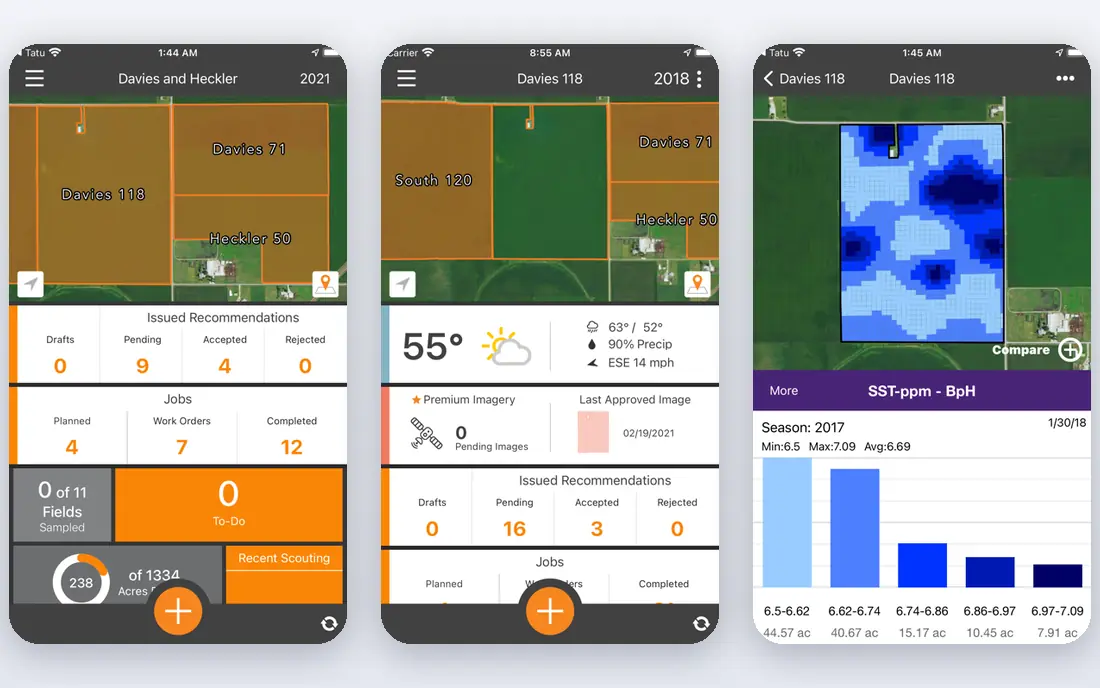
ProEst combines estimating, digital takeoff, and bid management in a cloud platform for general contractors and subcontractors. Estimators can measure from drawings, apply material, labor, and subcontract costs, adjust markups, and build proposals without switching tools. Integrations with Procore, QuickBooks, and other construction systems help estimates flow into project work.
Pricing starts at $5,000 per year for an unlimited-user subscription, though larger deployments are custom-quoted and implementation can add cost. The interface is easier to learn than some enterprise estimators, which helps when onboarding new staff. For teams that want one cloud system for preconstruction, ProEst is a strong starting point.
- Unlimited users on base plan, digital takeoff, broad integrations
- Custom quotes for larger setups, implementation can add cost

Sage Estimating helps estimators build detailed bids with prebuilt assemblies, trade-specific cost databases, and digital takeoff from drawings. AI line recognition speeds up measuring from vector PDFs, while quote comparison tools help teams evaluate subcontractor bids side by side. Integration with Sage 300 Construction, Sage 100 Contractor, and Sage Intacct moves estimates into budgets and purchase orders without re-keying.
The price of $365 per user per month makes Sage Estimating costly for firms with many estimators, and the learning curve is steep for newcomers. Firms outside the Sage ecosystem should weigh integration value carefully. For Sage-based contractors, the native data flow and database depth justify a closer look.
- Strong cost databases, AI takeoff from PDFs, Sage accounting integration
- High per-user cost, steep learning curve
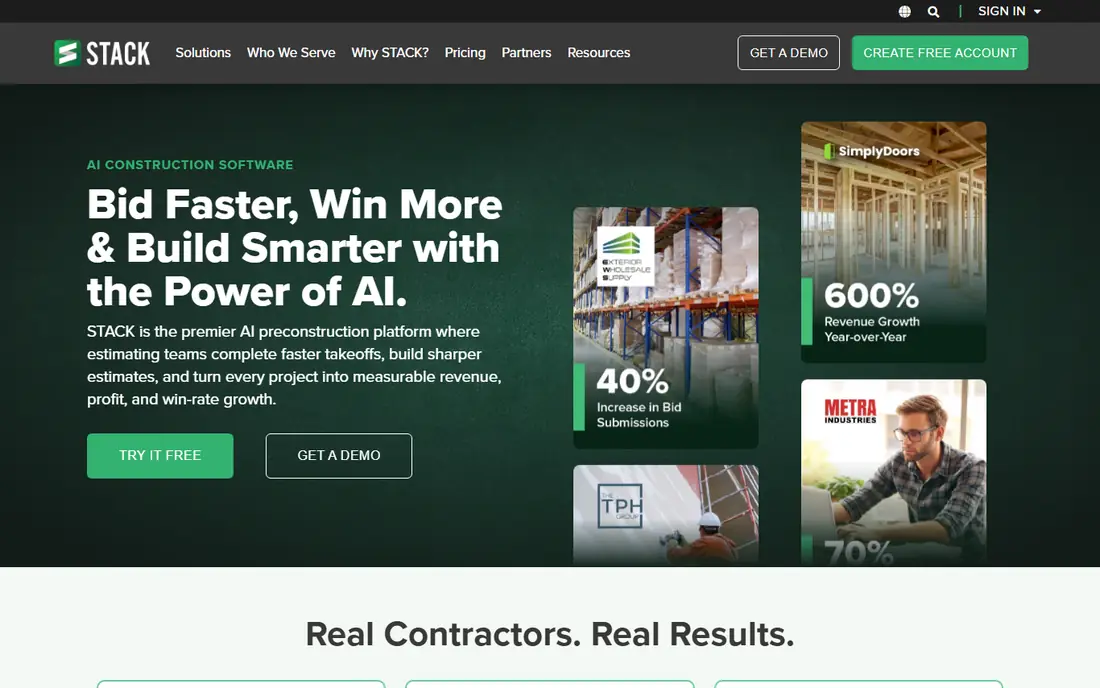
STACK provides cloud-based takeoff and estimating with collaboration tools for preconstruction teams. Estimators can measure plans, share takeoffs, and build estimates from anywhere, which suits distributed teams and fast bid cycles. The starting price of $1,899 per year is clearer than many quote-based competitors.
Cost database depth varies by trade, so teams in specialized trades should test database coverage early. Advanced estimating features may need higher tiers. For general contractors that want cloud takeoff with solid estimating at a predictable price, STACK is a practical choice.
- Cloud takeoff, collaboration, clear starting price
- Cost database depth varies by trade, advanced estimating needs add-ons
PlanSwift combines digital takeoff with estimating for general contractors across many trades. Estimators can measure areas, lengths, and counts from plans, then turn quantities into costed estimates with assemblies and markups. Training is included in the starting price of $1,749 per year, which helps teams adopt the tool faster.
The interface carries a desktop heritage and can feel dense to new users. PlanSwift suits contractors that want broad trade coverage and a proven takeoff workflow rather than a minimal cloud app. Test it on a recent bid set to judge takeoff speed for your trade mix.
- Broad trade coverage, takeoff plus estimating, training included
- Desktop heritage, interface feels dense for new users
Buildxact serves residential builders and remodelers with estimating, takeoff, scheduling, and job management in one cloud system. Small teams can quote a job, schedule work, track costs, and communicate with clients without stitching several tools together. The starting price of $133 per month suits small firms that need an all-in-one system.
Large commercial work needs more estimating depth than Buildxact provides, and cost data quality depends on region and supplier setup. For custom home builders and remodelers, the combined estimating and job management workflow is the draw. Trial it with a full residential quote, including variations, before switching.
- Estimating plus scheduling and job management, easy for small teams
- Less depth for large commercial work, cost data is region-dependent
Bluebeam Revu is a plan markup and collaboration tool that many estimators use alongside a dedicated estimating system. Measurement tools handle areas, lengths, and counts, while markup and studio sessions let teams review plans together. Quantity data can feed estimating workflows, though Revu alone does not cost a full bid.
Teams that buy Revu expecting a complete estimator will be disappointed, since costing, assemblies, and bid management need another tool. Its value lies in accurate measurement and clear plan communication. For firms that already own an estimator, Revu strengthens the takeoff and review steps.
- Precise plan markup, measurement tools, team collaboration
- Not a full estimating suite, needs another tool for costing
HCSS HeavyBid is built for heavy civil contractors who estimate roads, bridges, earthwork, and utilities. Crew-based estimating models labor, equipment, and production rates the way civil work is actually built, rather than forcing a building-style assembly model. Bid analysis tools help teams compare bids and spot risks before submission.
HeavyBid is an enterprise tool with quote-based pricing and implementation scope to match. Building contractors will find its civil focus less relevant. For heavy civil firms, the crew-based model and bid tools make HeavyBid a specialist worth evaluating with real project data.
- Built for heavy civil work, crew-based estimating, bid analysis
- Enterprise scope, pricing needs a quote
CostX, from RIB Software, combines measurement from 2D drawings and 3D BIM models with workbook-based estimating. Quantity surveyors and estimators can measure, cost, and report in one system, with live links between quantities and estimate lines. BIM support helps teams that receive models as well as drawings.
The learning curve is real, especially for teams new to workbook estimating or BIM workflows. Pricing is quote-based, so budget planning needs a vendor conversation. For firms that handle detailed measurement and want a direct link from model to estimate, CostX offers depth that simpler takeoff tools cannot match.
- Strong 2D and 3D measurement, workbook estimating, BIM support
- Learning curve, pricing needs a quote
How we picked these
We selected tools that are actively used for construction estimating in October 2026 and that serve general contractors, subcontractors, or specialist trades. We mixed full estimating suites, takeoff tools, and a heavy civil specialist so readers can match scope to project type. Prices came from vendor summaries or recent pricing reports, and we used "See website" where pricing is quote-based.
What to check before you buy
Test takeoff on your own plans
Upload a recent bid set, including poor scans and complex drawings, and time the takeoff. Check how the tool handles revisions, since plan changes during bidding are common. A tool that measures clean sample plans fast may struggle on real job files.
Check cost data for your trades and region
Prebuilt cost databases help only if they cover your trades and reflect local prices. Ask how often data updates, whether you can import supplier prices, and how assemblies are built. Teams that rely on subcontractor quotes need strong bid comparison tools more than generic material rates.
Confirm the path to project management and accounting
Estimates should flow into budgets, purchase orders, and job costing without re-keying. Confirm integrations with your project and accounting systems, and test a full cycle from estimate to budget. A clean handoff saves more time than a slightly faster takeoff.
FAQ
What is the best construction cost estimating software?
ProEst suits cloud estimating for teams, Sage Estimating suits Sage-based firms, and STACK suits cloud takeoff at a clear price. The best construction cost estimating software for a general contractor depends on project type, trade mix, and accounting system. The best estimating software for general contractors is the one that handles your takeoff and bid workflow without forcing rework.
Is takeoff software the same as estimating software?
No, though many tools combine both. Takeoff measures quantities from plans, while estimating prices those quantities with material, labor, equipment, and markup. Bluebeam Revu focuses on measurement, while ProEst and Sage Estimating cover both takeoff and costing.
How much does construction estimating software cost?
Prices range from $133 per month for Buildxact to $365 per user per month for Sage Estimating, with ProEst starting at $5,000 per year and STACK at $1,899 per year. Total cost depends on users, trades, cost data, and implementation. Always compare total cost over a full bid cycle, not just the first month.
Can small contractors use estimating software?
Yes. Buildxact and STACK suit small and mid-size firms, while ProEst offers a team plan that can scale. Small contractors should start with one trade or project type, build assemblies from past bids, and expand as the team learns the tool.
Do I need BIM for construction estimating?
Not always. Most general contractors still estimate from 2D drawings, and tools such as PlanSwift and STACK handle that well. BIM helps when models are available and quantities can be pulled directly, as with CostX. Choose BIM support only if your projects regularly provide models.
Sources
https://proest.com https://www.sage.com/en-us/products/sage-estimating/ https://www.stackct.com https://www.planswift.com https://buildxact.com https://www.bluebeam.com https://www.hcss.com https://www.exactal.com