Top 6 Simulation Software for Embedded System for 2026 (Prices and Free Plans)
Shortlisting the best simulation software for embedded system? 6 products compared on cost, free access and ideal buyer. Where a tool struggles is spelled out.
- Editor's choiceQEMU
Open-source full-system emulation
Starts atPricing on requestVisit qemu.orgFull review - Great alternativeProteus Design Suite
Circuit simulation with PCB design
Starts atPricing on requestVisit labcenter.comFull review - Also considerArm Virtual Hardware
Cloud-based Arm system virtualization
Starts atPricing on requestVisit arm.comFull review
Direct answer
QEMU is the first pick on this list for open-source full-system emulation. Look at Proteus Design Suite for Circuit simulation with PCB design, and at Arm Virtual Hardware for cloud-based Arm system virtualization. The other 3 tools in the list cover narrower or pricier cases. None of these vendors publish plan prices, so pricing is on request for every option.
TL;DR:
- QEMU is the opening pick, best for open-source full-system emulation.
- Every tool from QEMU to MATLAB Simulink works by quote, with no list price shown.
- MATLAB Simulink suits model-based design and simulation.
- A permanent free plan is missing from all 6 tools, QEMU and MATLAB Simulink included; plan for a trial or a premium start.
Last checked November 2026. Pricing on request: vendors did not publish plan prices when this guide was last checked (November 2026), so ask each vendor for a written quote.
Quick comparison
| Tool | Best for | Starts at | Free plan? | |
|---|---|---|---|---|
| QEMU | Open-source full-system emulation | Pricing on request | Not stated | Visit |
| Proteus Design Suite | Circuit simulation with PCB design | Pricing on request | Not stated | Visit |
| Arm Virtual Hardware | Cloud-based Arm system virtualization | Pricing on request | Not stated | Visit |
| Wind River Simics | Full-system virtual hardware simulation | Pricing on request | Not stated | Visit |
| IAR Embedded Workbench | All-in-one embedded development toolchain | Pricing on request | Not stated | Visit |
| MATLAB Simulink | Model-based design and simulation | Pricing on request | Free trial | Visit |
The full simulation software for embedded system list
If you are comparing simulation software for embedded system, this page covers 6 tools in one place: what each is best for, what it costs to start, whether it has a free plan, and the main limit to know about.
QEMU
Best for: Open-source full-system emulation
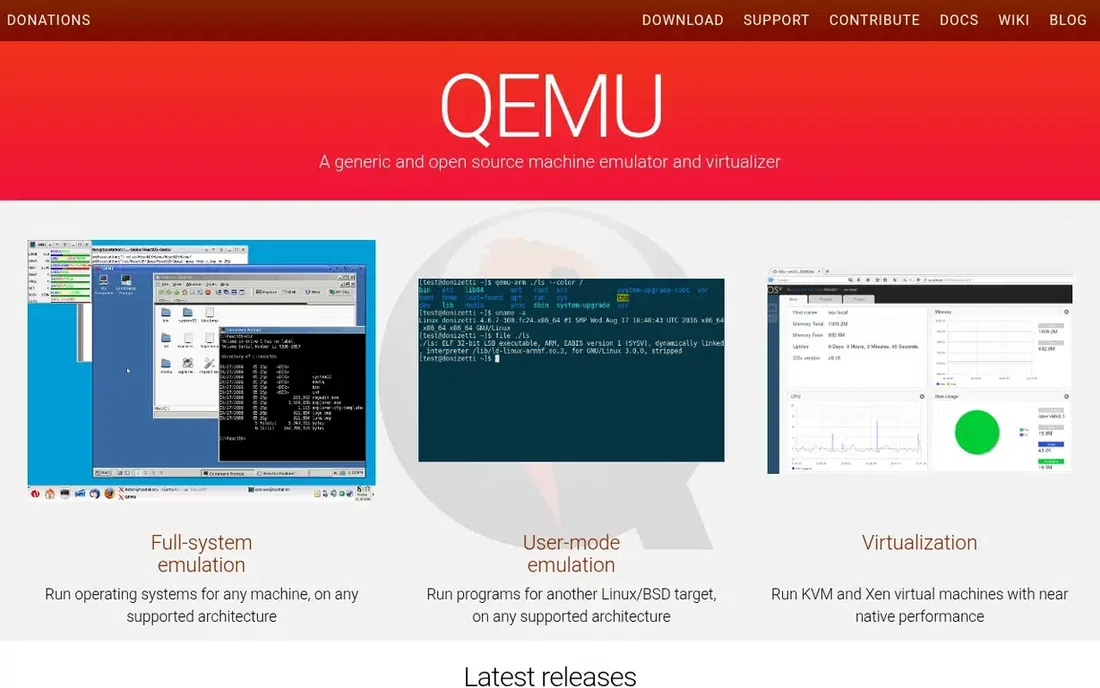
QEMU was built for open-source full-system emulation. QEMU is an open-source machine emulator and virtualizer that runs complete software stacks on virtual hardware. It is often used by developers who require an adaptable, no-cost emulation environment for testing operating systems and embedded applications.
Downsides: Restricted hardware debugging features.
As for the details, QEMU suits teams comfortable with command-line configuration and open-source toolchains. QEMU lacks the deep hardware debugging and trace capabilities of dedicated embedded debuggers. It may not accurately model all peripherals or live behavior. Check the vendor site for QEMU pricing; none is listed in this comparison. Free plan details: Not stated.
- Open-source machine emulator
- Supports running complete software stacks
- Configuration can be complicated
Proteus Design Suite
Best for: Circuit simulation with PCB design
Think of Proteus Design Suite for Circuit simulation with PCB design. For full-system emulation, consider QEMU or Wind River Simics. Also, Proteus Design Suite by Labcenter Electronics is an EDA tool that comes with schematic capture, advanced simulation, PCB autorouting, and MCAD integration.
It is well suited for embedded developers who require to simulate microcontroller-based circuits alongside PCB design. Proteus is primarily a circuit-level simulator and may not manage full-systems stacks or complicated operating systems. It is less suited for large-scale system simulation. No starting price is listed for Proteus Design Suite here; confirm pricing on the vendor site. On free options: Not stated.
Trade-offs to know: Primarily concentrated on circuit-level simulation.
- PCB autorouting and MCAD integration
- Advanced simulation features
- May not support full-systems stacks
Arm Virtual Hardware
Best for: Cloud-based Arm system virtualization
Arm Virtual Hardware is a good fit for cloud-based Arm system virtualization. Arm Virtual Hardware accelerates software development by virtualizing IoT kits and Arm systems in the cloud. It supports agile practices like DevOps and MLOps, making it right for teams developing Arm-based embedded applications who want to test without physical hardware.
Limits to weigh: Needs cloud access.
Beyond that, for broader architecture support, consider QEMU or Wind River Simics. Teams working with other architectures or needing on-premises simulation may find it unsuitable. As for the details, Arm Virtual Hardware is restricted to Arm architectures and needs cloud connectivity. This comparison lists no price for Arm Virtual Hardware; ask the vendor. On free options: Not stated.
- Virtualizes IoT kits and Arm systems
- Supports DevOps and MLOps practices
- Centred on Arm architectures
Wind River Simics
Best for: Full-system virtual hardware simulation
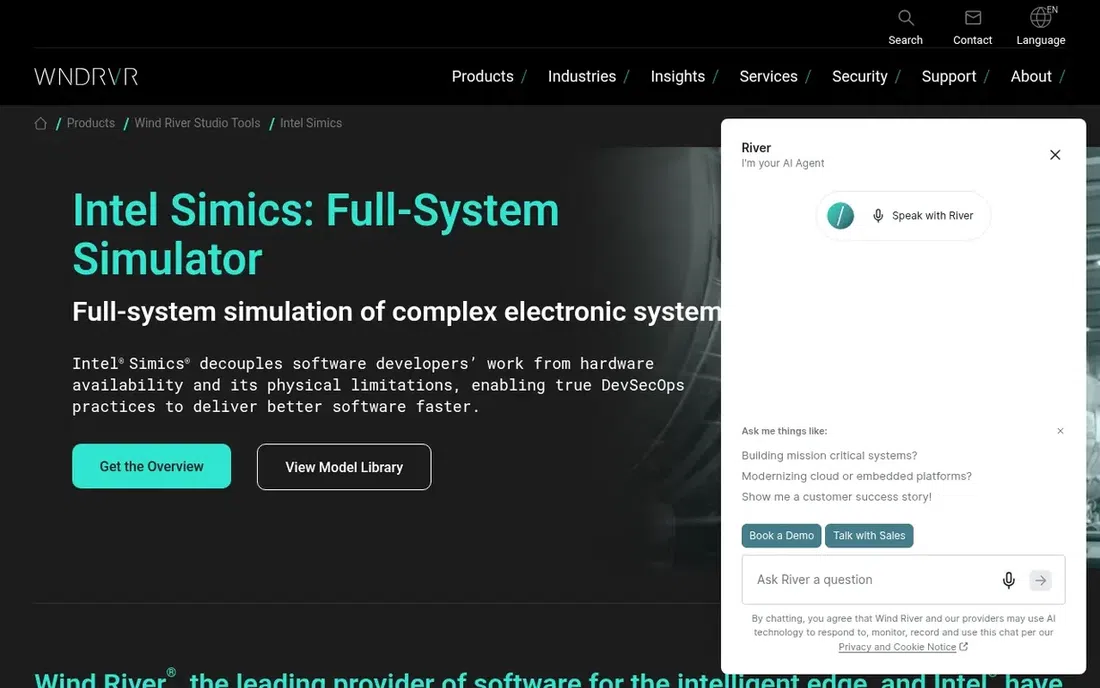
Wind River Simics serves full-system virtual hardware simulation. For lighter emulation, consider QEMU or Proteus Design Suite. It permits teams to start development before silicon is ready, which can cut costs and cut time-to-market.
Beyond that, Simics is a commercial product with licensing costs that may not suit hobbyists or small startups. Its full-system focus may be more than needed for straightforward microcontroller projects. Pricing for Wind River Simics is not stated here, so ask the vendor for current figures. Free options: Not stated.
Honest limits: Commercial licensing required.
- Runs complete software stacks on virtual hardware
- Makes it possible for development before silicon is ready
- May be overkill for small teams
IAR Embedded Workbench
Best for: All-in-one embedded development toolchain
IAR Embedded Workbench makes the most sense for all-in-one embedded development toolchain. IAR Embedded Workbench is an all-in-one toolchain for embedded software development, including advanced debugging and wide architecture support.
Limits to weigh: Not a dedicated simulator.
On top of that, for dedicated simulation, consider MATLAB Simulink or QEMU. IAR Embedded Workbench is not a standalone simulation tool, so it must be paired with a simulator for virtual testing. IAR Embedded Workbench shows no starting price here, so confirm the cost on the vendor site. Trial and free access: Not stated.
- Wide architecture support
- Advanced debugging capabilities
- Commercial licensing
MATLAB Simulink
Best for: Model-based design and simulation
Think of MATLAB Simulink for model-based design and simulation. This tool suits engineering teams that require to model, simulate, and create code for embedded control systems within a unified workflow.
More specifically, Simulink operates within the MATLAB ecosystem, so teams without MATLAB experience may face a ramp-up time. MATLAB Simulink does not show a starting price in this comparison, so check the vendor site for current pricing. Free plan details: Free trial.
What to check first: May be complicated for straightforward projects.
- Supports simulation and automatic code generation
- Block diagram environment for Model-Based Design
- Needs MATLAB environment
How we compared the tools
For each of the 6 tools we noted price, free plan or trial, fit for simulation software for embedded system and the main limit, using vendor pages and documentation. Prices and plan limits come from vendor pages and can change, so confirm them on the vendor site before you buy. We ordered the tools by general fit, then by how clearly pricing is shown, then by free access. A buyer with unusual needs may reorder them.
Pre-purchase checklist
- Ask each vendor, from QEMU to MATLAB Simulink, for a written quote; none of them publishes a starting price.
- Run a trial of MATLAB Simulink with real work before paying for a year; your own workflow is the best test.
- Before choosing QEMU, weigh its main limit: limited hardware debugging features.
- Check the support hours and onboarding help QEMU offers; smaller vendors vary a lot here.
- Find out whether the entry plan of Wind River Simics covers your must-haves or only a trimmed-down version.
FAQ
What is the difference between Wind River Simics and Arm Virtual Hardware?
Wind River Simics is a full-system simulator for running complete software stacks on virtual hardware, whereas Arm Virtual Hardware virtualizes IoT kits and Arm systems in the cloud. Simics is broader in scope, whereas Arm Virtual Hardware is centred on Arm-based development with cloud integration.
Is QEMU the right pick for everyone comparing simulation software for embedded system?
No single tool suits every team. QEMU comes first because it fits open-source full-system emulation, while Proteus Design Suite suits Circuit simulation with PCB design and Arm Virtual Hardware suits cloud-based Arm system virtualization. Match the tool to your own size, budget and workflow before deciding.
Can I use QEMU for embedded system simulation?
Yes, QEMU is an open-source machine emulator that can run complete software stacks on virtual hardware, making it right for embedded system simulation.
How are the tools for simulation software for embedded system ordered?
The order follows typical fit for simulation software for embedded system, with QEMU first and MATLAB Simulink last, then price clarity and free access. It is editorial judgement, not a score, so another team could rank the tools differently.
Do these tools publish their prices?
No. None of the tools, from QEMU to MATLAB Simulink, shows a fixed starting price here, so budget time for quotes.
Can I try these tools before paying?
Often, yes. MATLAB Simulink offers a free trial. Use your own data and a real task during the test, and check what the free tier or trial limits before you rely on it. Each of the 6 options in this simulation software for embedded system guide has its own card above with the price, free plan and limits.
Sources
- https://www.qemu.org
- https://www.labcenter.com
- https://www.arm.com/products/development-tools/simulation/virtual-hardware
- https://www.windriver.com/products/simics
- https://www.iar.com/products/architectures/arm/iar-embedded-workbench-for-arm
- https://www.mathworks.com/products/simulink.html