Choosing Shift Swapping Software for Hospitality Teams in 2026: 5 Options Compared
Best shift swapping software for hospitality teams in 2026: 5 tools with starting prices, free plans and limits. Concise write-ups of every option. No filler.
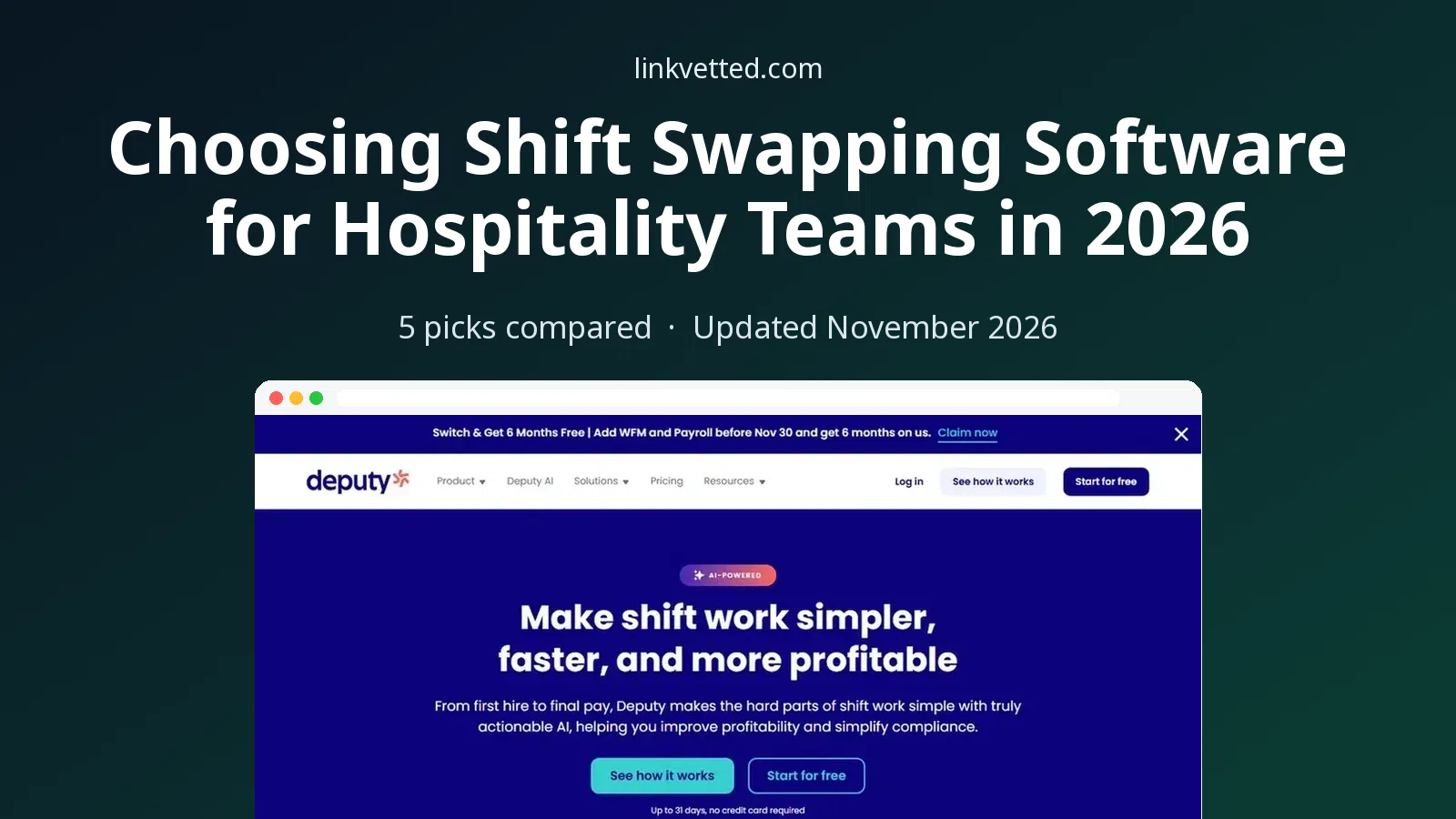
- Editor's choice
 Deputy
Scheduling with HR and payroll
Starts at$5 per user per monthVisit deputy.comFull review - Great alternative
 When I Work
Shift scheduling with team messaging
Starts at$2.50 per user per monthVisit wheniwork.comFull review - Also consider
 Homebase
All-in-one hourly team management
Starts at$30 per location a monthVisit joinhomebase.comFull review
Direct answer
Deputy is the first pick on this list for scheduling with HR and payroll. Listed starting prices: Deputy from $5 per user per month, When I Work from $2.50 per user per month and Homebase from $30 per location a month. If your case is different, When I Work suits shift scheduling with team messaging and Homebase suits all-in-one hourly team management. The full list of 5 tools follows, with prices and free plan facts.
TL;DR:
- The list opens with Deputy, aimed at scheduling with HR and payroll.
- The main caution on Deputy: wide scope may feel heavy for small teams.
- The lowest published monthly entry price here is $2.50 per user per month, from When I Work.
- For restaurant payroll and workforce management, Push Operations is worth a look.
- Homebase is the only tool of the 5 with a free plan.
Last checked November 2026. Prices and plan details were read from the vendors' own pages in November 2026; vendors change plans often, so confirm the current price on the vendor site before you buy.
Quick comparison
| Tool | Best for | Starts at | Free plan? | |
|---|---|---|---|---|
| Deputy | Scheduling with HR and payroll | $5 per user per month | Free trial | Visit |
| When I Work | Shift scheduling with team messaging | $2.50 per user per month | Free trial | Visit |
| Homebase | All-in-one hourly team management | $30 per location a month | Yes | Visit |
| HotSchedules | Hospitality scheduling and team engagement | See website | Not stated | Visit |
| Push Operations | Restaurant payroll and workforce management | $200 a month per location | Not stated | Visit |
The full shift swapping software for hospitality teams list
This LinkVetted guide covers 5 shift swapping software for hospitality teams. Each profile lists a starting price, free plan details, strengths and drawbacks, so you can drop poor fits quickly.
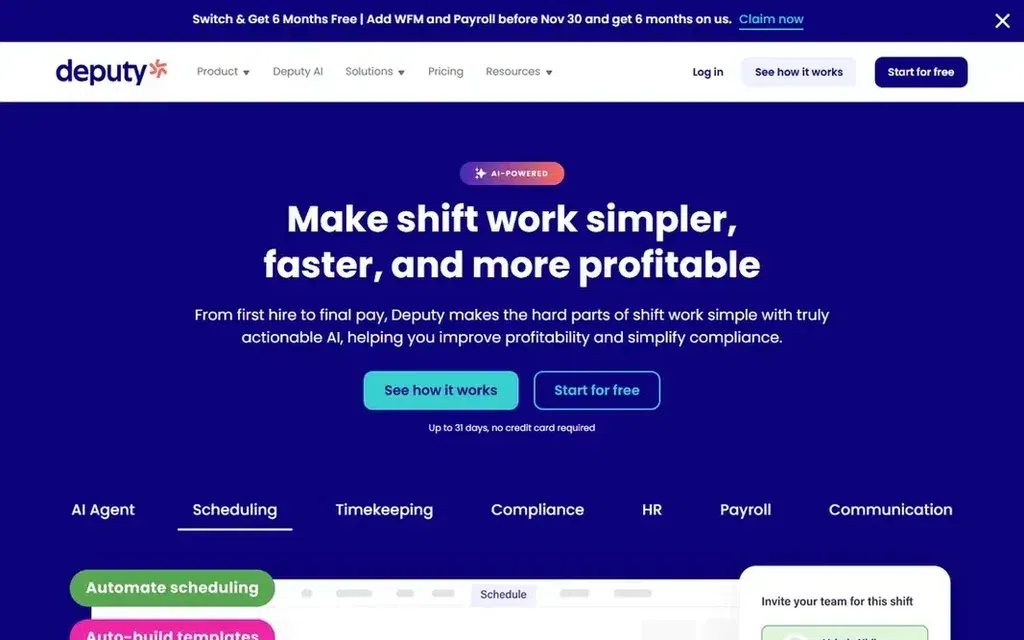
Deputy is aimed squarely at scheduling with HR and payroll. Pick something narrower if scheduling and swaps are your only priority.
Hospitality is one of multiple industries it serves, so the experience is general instead of hospitality-specific. More specifically, Deputy is employee scheduling, HR and payroll software that also advertises AI labor forecasting. What you pay to start with Deputy: $5 per user per month. Free access: Free trial.
Honest limits: Wide scope may feel heavy for small teams.
- Easy-to-use positioning
- AI labor forecasting features
- Hospitality is one of plenty of sectors
Where When I Work fits: shift scheduling with team messaging. Swap approval settings depend on how you configure the account, so verify the workflow before committing.
In daily use, teams needing deep HR features may prefer a broader system. When I Work pricing: $2.50 per user per month. Free access: Free trial.
What to check first: Payroll is not the headline feature.
- Built-in team messaging
- Straightforward employee-facing experience
- Swap rules need checking per setup
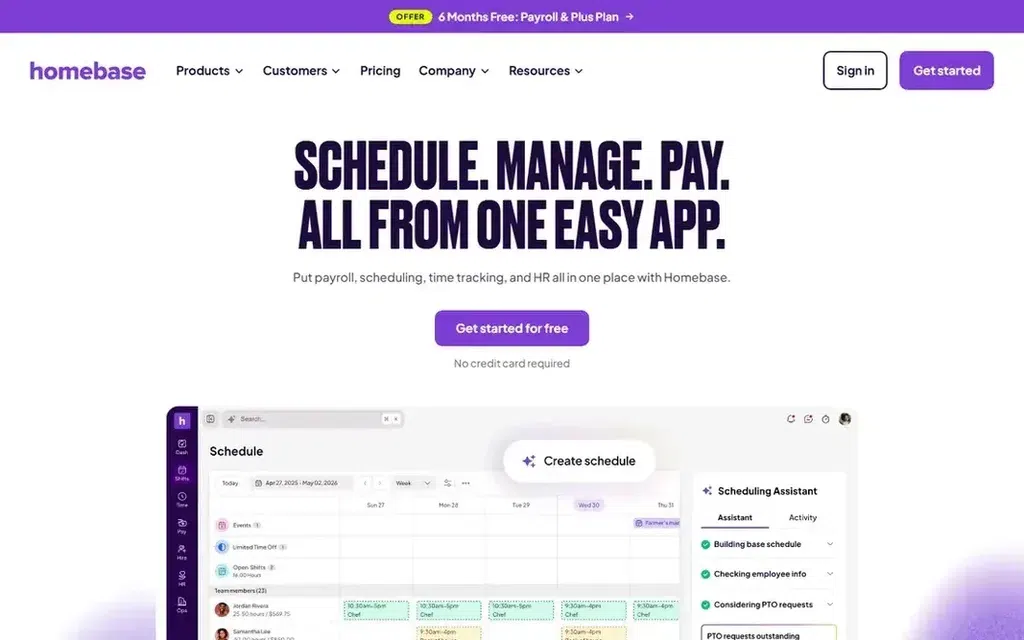
Homebase targets all-in-one hourly team management. Owners who want one place for scheduling and time tracking, without stitching tools together, will find the bundled approach convenient. Beyond that, since it includes plenty of functions, some areas are likely broader than others.
Teams that only need shift swapping may pay for capability they do not use. It is pitched at small businesses managing hourly teams, which maps well to cafes, bars and restaurants where staff juggle shifts and swaps. For everyday use, confirm that scheduling and swap workflows match how your venue actually operates. Price to start with Homebase: $30 per location per month. You can start on Homebase without paying.
Points against: Feature depth varies by module.
- Made for hourly teams
- Scheduling
- Broad bundle may exceed straightforward swap needs
HotSchedules
Best for: Hospitality scheduling and team engagement
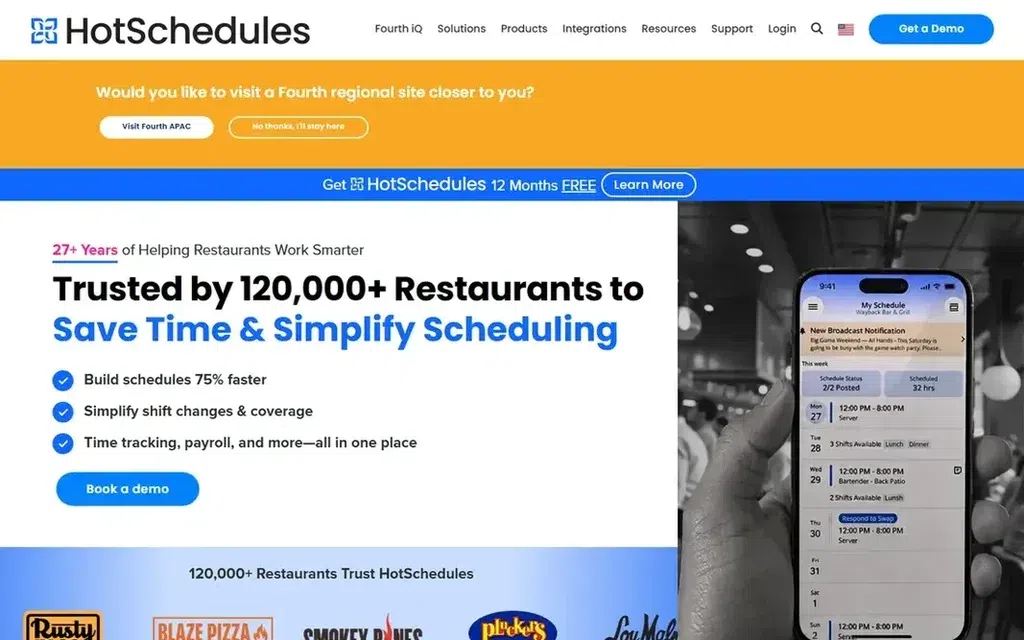
HotSchedules is aimed squarely at hospitality scheduling and team engagement. Since it is positioned around hospitality scheduling and engagement, it may be less appealing to companies that want payroll and HR handled in the same place.
Worth adding: if you need scheduling bundled tightly with payroll, look at a broader workforce platform instead. HotSchedules shows no starting price here, so confirm the cost on the vendor site. As for free access: Not stated.
Where it falls short: Narrower focus outside hospitality.
- Scheduling with engagement features
- Demo available to evaluate fit
- Payroll is not the core strength
Push Operations
Best for: Restaurant payroll and workforce management
Push Operations was built for restaurant payroll and workforce management. Push Operations is all-in-one restaurant management software including HR, payroll, time tracking and scheduling.
What users get: Meant to scale with the business.
Where it falls short: Full suite may be more than needed for swaps.
In daily use, the full suite can be more than a team needs if shift swapping is the primary goal. Push Operations pricing: $200 per month per location. Free options: Not stated.
- HR, payroll
- Time tracking and scheduling together
- Restaurant-specific focus
Selection criteria
Things to verify first
- Ask HotSchedules for a written quote, since no starting price is shown.
- Test the free plan from Homebase against your real workload before relying on it.
- Use real work to test the free trial from Deputy and When I Work, rather than a demo project.
- Before choosing Deputy, weigh its main limit: wide scope may feel heavy for small teams.
- Before you load data into HotSchedules, check what an export looks like and who can run it.
- Test the integrations you rely on with Deputy before committing; some connectors sit on upper tiers.
FAQ
Can small hospitality businesses use these tools too?
Smaller teams should focus on simplicity and quick swap handling instead of broad feature lists. Confirm that the setup effort and workflows suit a lean operation before committing.
Can I try these tools before paying?
Often, yes. Homebase has a free plan and Deputy and When I Work offer a free trial. Use your own data and a real task during the test, and check what the free tier or trial limits before you rely on it. For the full picture, the cards above cover all 5 entries of this shift Swapping software for hospitality teams list, including price, free plan and limits.
Do these tools publish their prices?
Not all of them. HotSchedules publishes no starting price, so expect a quote request for it. The rest, Deputy included, show a starting price, though seats and billing terms still change the final cost. Prices, free plan details and limits for all 5 tools in this shift Swapping software for hospitality teams roundup sit on the individual cards above.
Is Deputy the right pick for everyone comparing shift swapping software for hospitality teams?
No single tool suits every team. Deputy comes first because it fits scheduling with HR and payroll, while When I Work suits shift scheduling with team messaging and Homebase suits all-in-one hourly team management. Match the tool to your own size, budget and workflow before deciding.
How are the tools for shift swapping software for hospitality teams ordered?
The order follows typical fit for shift swapping software for hospitality teams, with Deputy first and Push Operations last, then price clarity and free access. It is editorial judgement, not a score, so another team could rank the tools differently.
Sources
- https://www.deputy.com
- https://wheniwork.com
- https://www.joinhomebase.com
- https://www.hotschedules.com
- https://www.pushoperations.com