Best Calendar Software for Shift Workers in 2026: Prices, Free Plans and 5 Picks
Best calendar software for shift workers: 5 tools compared on price, free plans and fit. Each listing flags where it falls short. Pricing and limits included.
- Editor's choice
 Sling
Free shift scheduling and planning
Starts at$1.70 per user a monthVisit getsling.comFull review - Great alternative
 Connecteam
Frontline teams needing one app
Starts at$29 a monthVisit connecteam.comFull review - Also consider
 Homebase
Small firms with hourly teams
Starts at$30 per location per monthVisit joinhomebase.comFull review
Direct answer
If you need free shift scheduling and planning, Sling is the first tool to look at here. Listed starting prices: Sling from $1.70 per user a month, Connecteam from $29 a month and Homebase from $30 per location per month. Connecteam is the stronger choice for frontline teams needing one app, while Homebase suits small firms with hourly teams. Prices, free plans and limits for all 5 tools follow.
TL;DR:
- Sling sits first on this list: free shift scheduling and planning.
- 3 of 5 tools offer a free plan: Sling, Connecteam, Homebase.
- For the cheapest start, look at Sling: $1.70 per user per month.
- Deputy fits all-in-one scheduling, HR and payroll.
Last checked November 2026. Prices and plan details were read from the vendors' own pages in November 2026; vendors change plans often, so confirm the current price on the vendor site before you buy.
Quick comparison
| Tool | Best for | Starts at | Free plan? | |
|---|---|---|---|---|
| Sling | Free shift scheduling and planning | $1.70 per user a month | Yes | Visit |
| Connecteam | Frontline teams needing one app | $29 a month | Yes | Visit |
| Homebase | Small firms with hourly teams | $30 per location per month | Yes | Visit |
 When I Work | Straightforward shift scheduling and team messaging | $2.50 per user a month | Free trial | Visit |
 Deputy | All-in-one scheduling, HR and payroll | $5 per user per month | Free trial | Visit |
5 calendar software for shift workers in detail
LinkVetted compared 5 calendar software for shift workers. The goal is a practical shortlist: published prices, free plan facts, best-fit use cases and honest limits for every entry.
Sling targets free shift scheduling and planning. Sling concentrates on scheduling and communication, so it does not include payroll or HR. Beyond that, Sling fits small to mid-size teams that want a straightforward way to plan shifts and keep everyone informed without a complicated setup.
Sling is free employee scheduling and shift planning software that helps companies run shifts and communicate with employees. It is built to be simple to use, with a shared calendar for shifts and tools for team messaging. Sling pricing: $1.70 per user per month. Sling includes a free tier.
Downsides: Payroll and HR are not included.
- Free shift scheduling and planning
- Straightforward to use for small teams
- Advanced features may be restricted
Connecteam was built for frontline teams needing one app. Connecteam is an employee management app made for frontline teams. It merges scheduling, time tracking, communication and more in one place, aiming to replace scattered tools with a single app.
What users get: time tracking and communication in one app.
If you prefer a more straightforward scheduling focus, When I Work or Sling may be simpler to adopt. In practice, the product is made for teams that are often on the move or not at a desk, giving managers and staff a shared view of shifts and updates. Starting cost for Connecteam: $29 per month. Free access exists with Connecteam.
Downsides: Pricing needs a vendor check.
- Aimed at frontline teams
- Scheduling
- Feature set may be overwhelming at first
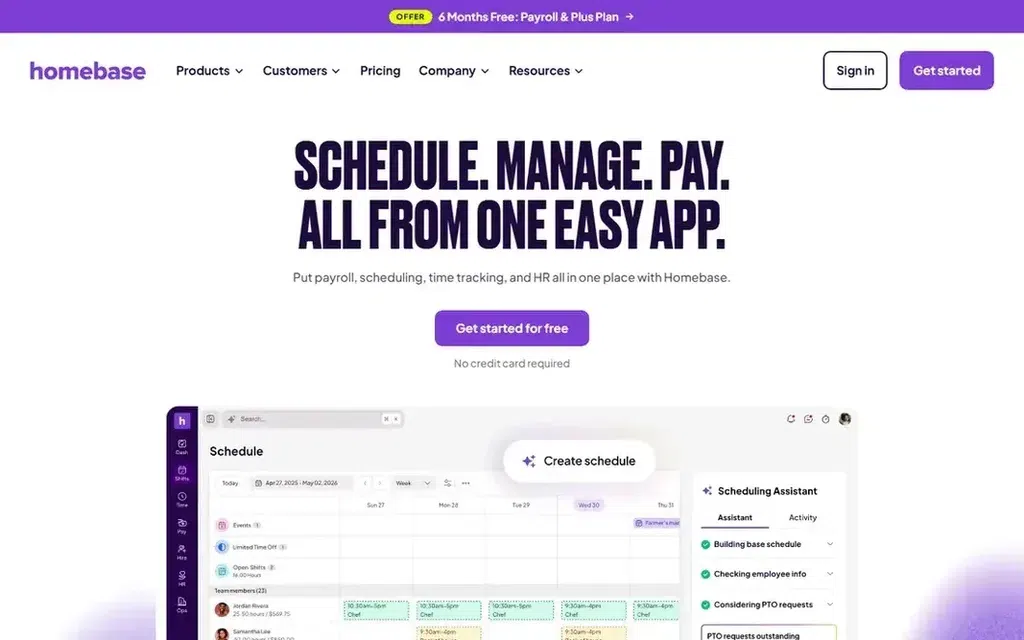
Homebase is aimed squarely at small firms with hourly teams. Homebase is built with small companies in mind, so very large or multi-site operations may find it less adaptable than enterprise tools.
Where it falls short: Some features are extras.
Upsides: Designed for hourly teams.
The starting price for Homebase: $30 per location per month. Homebase offers a free plan.
- Contains hiring tools
- Scheduling
- May not suit large or complicated operations
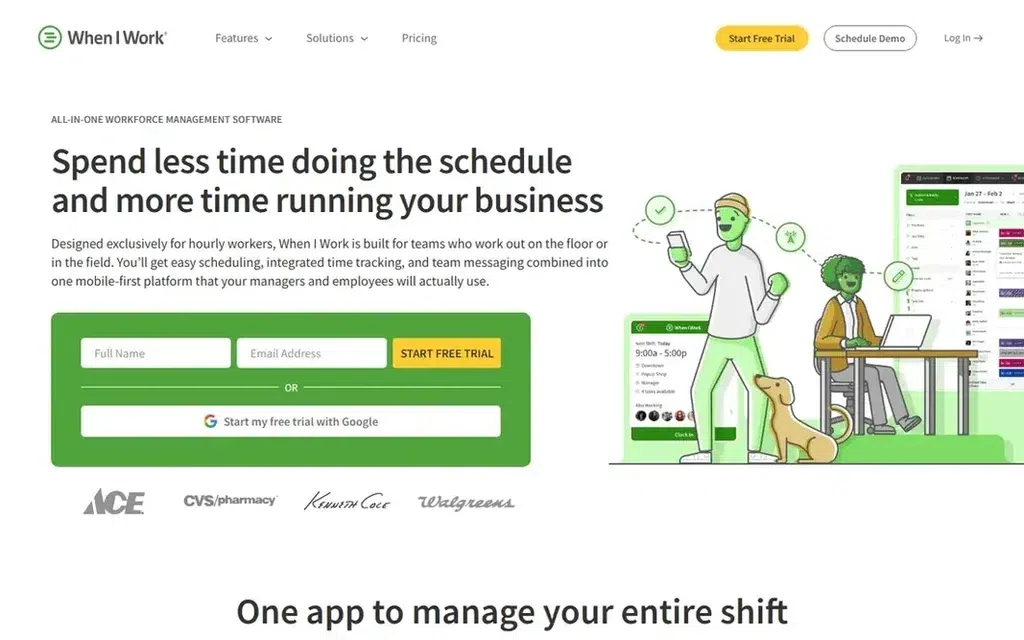
When I Work targets straightforward shift scheduling and team messaging. The app is built to be simple for employees to check shifts and request changes from their phones, making it a practical choice for retail, hospitality and similar teams.
For payroll and HR in one place, consider Deputy or Homebase. What you pay to start with When I Work: $2.50 per user per month. As for free access: Free trial.
Watch-outs: Payroll is not a core focus.
- Schedule shifts and track time in one app
- Built-in team messaging
- Advanced HR features are restricted
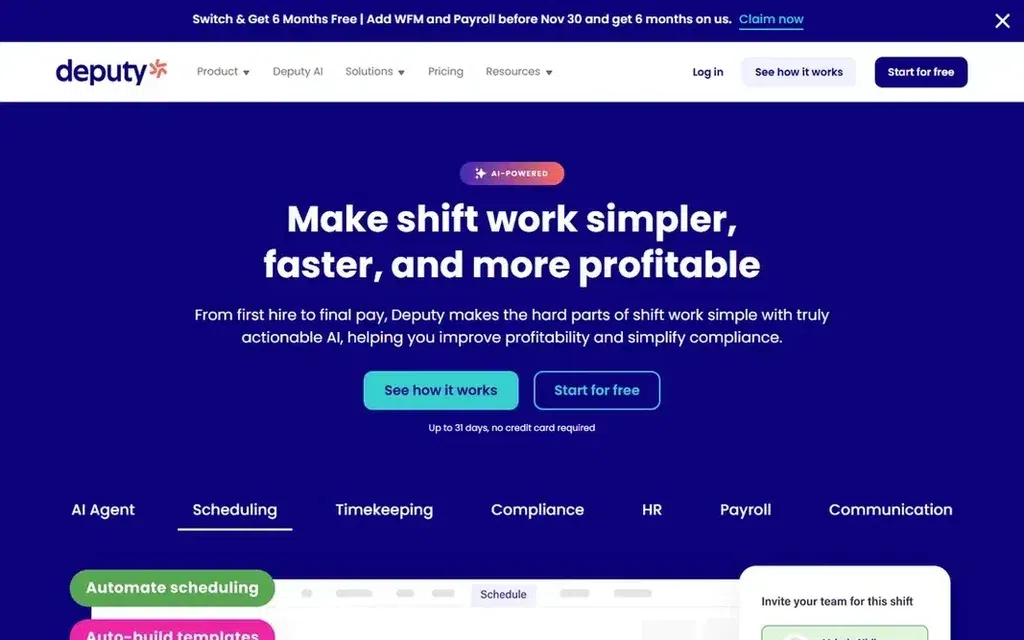
Where Deputy fits: all-in-one scheduling, HR and payroll. Deputy is employee scheduling, HR and payroll software aimed at shift-based firms. It brings scheduling, time tracking and payroll into one place, with AI labor forecasting to help plan staffing.
On top of that, if you prefer a lighter scheduling app, When I Work or Sling may be a better match. Also, the product is pitched at managers who want to cut admin time and keep schedules, HR records and pay connected. The starting price for Deputy: $5 per user per month. As for free access: Free trial.
Drawbacks to consider: May be more than small teams need.
- Merges scheduling with HR and payroll
- Easy-to-use employee scheduling
- Pricing needs a vendor check
How we chose
What to confirm before you sign up
- Confirm the entry price on the vendor page: Sling starts at $1.70 per user per month, but seat counts and billing terms change the total.
- Read the fine print on the free plans from Sling, Connecteam and Homebase; seat, project and feature caps differ.
- Take the trial from When I Work and Deputy and push a live task through it before you pay.
- Read the limits listed for Sling first: advanced features may be restricted.
- Ask Sling which support channels and response times come with the plan you would buy.
- Check whether the features you need in When I Work sit on the entry plan or only on higher tiers.
FAQ
Is Sling the right pick for everyone comparing calendar software for shift workers?
No single tool suits every team. Sling comes first because it fits free shift scheduling and planning, while Connecteam suits frontline teams needing one app and Homebase suits small businesses with hourly teams. Match the tool to your own size, budget and workflow before deciding.
Do these tools publish their prices?
Yes. Every tool from Sling to Deputy shows a starting price, though seats, add-ons and billing terms still change the final cost.
Can I try these tools before paying?
Often, yes. Sling, Connecteam and Homebase have a free plan and When I Work and Deputy offer a free trial. Use your own data and a real task during the test, and check what the free tier or trial limits before you rely on it.
Which options for calendar software for shift workers have a free plan?
Sling, Connecteam and Homebase offer a free plan in this list. Free plans usually cap users, projects or features, so check the limits on the vendor page. Several others offer a trial instead. Each of the 5 options in this calendar software for shift workers guide has its own card above with the price, free plan and limits.
Do I need payroll and HR features in a scheduling tool?
It relies on your business. On top of that, if you only need a shared shift calendar, a more straightforward tool for example Sling or When I Work may be enough.
What should shift workers look for in calendar software?
Look for tools that send schedule updates and let employees check shifts from a phone. Features like time tracking and team messaging can also help.
Sources
- https://getsling.com
- https://connecteam.com
- https://joinhomebase.com
- https://wheniwork.com
- https://www.deputy.com