Top 6 Shift Management App for 2026 (Prices and Free Plans)
Weighing the best shift management app? We lined up 6 products by cost, free access and fit. Fit, price and catches for every tool. Updated November 2026.
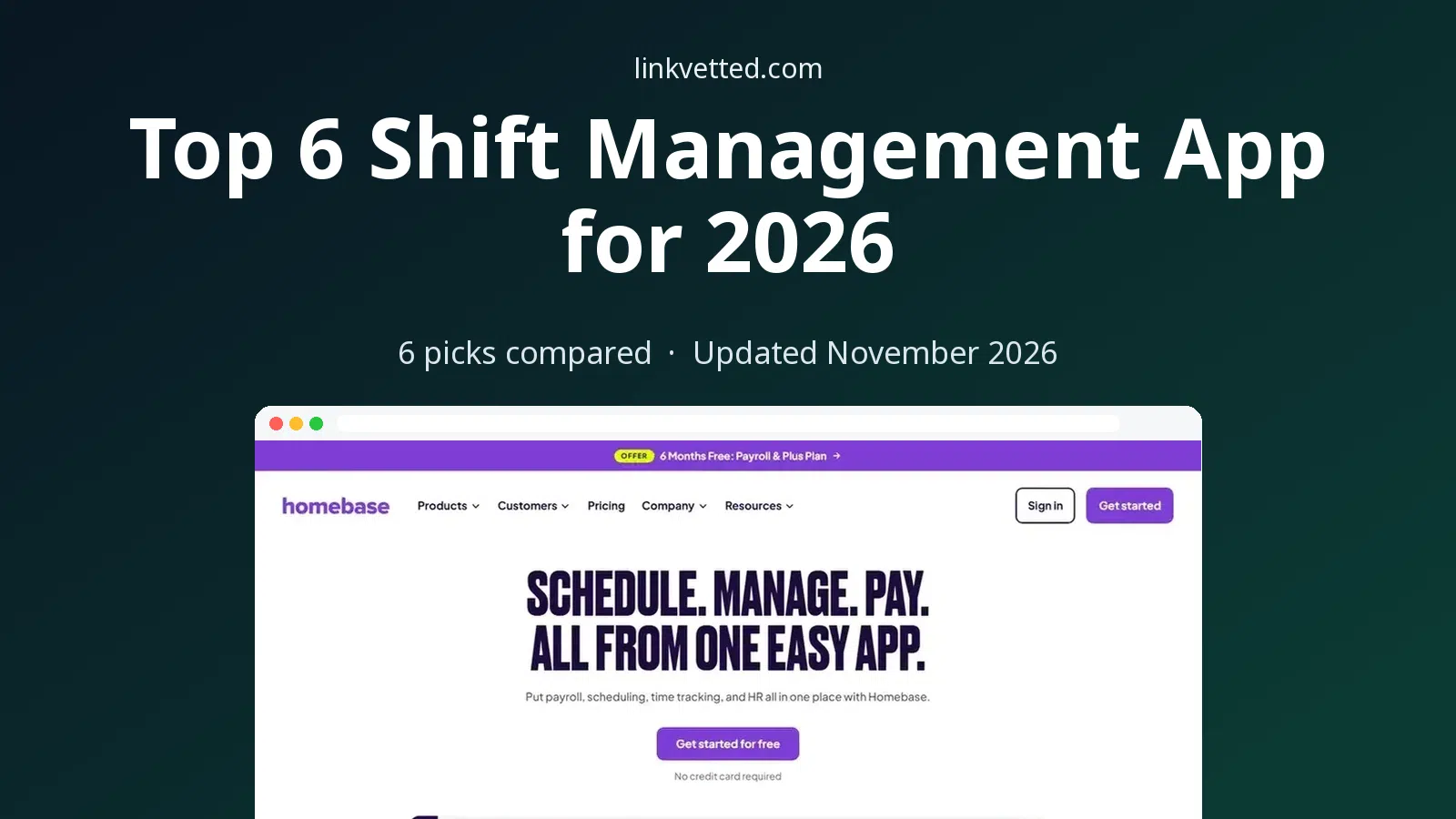
- Editor's choice
 Homebase
Hourly teams needing payroll and hiring
Starts at$30 per location a monthVisit joinhomebase.comFull review - Great alternative
 When I Work
Straightforward shift swaps and team messaging
Starts at$2.50 per user a monthVisit wheniwork.comFull review - Also considerHotSchedules
Teams comparing choices in this category
Starts atSee websiteVisit hotschedules.comFull review
Direct answer
Start with Homebase if you need hourly teams needing payroll and hiring. Listed starting prices: Homebase from $30 per location a month, When I Work from $2.50 per user a month and Connecteam from $29 a month. Alternatives: When I Work for straightforward shift swaps and team messaging, and HotSchedules for teams comparing choices in this category. The other 3 tools in the list cover narrower or pricier cases.
TL;DR:
- Homebase sits first on this list: hourly teams needing payroll and hiring.
- When I Work has the lowest monthly starting price in this list: $2.50 per user per month.
- One limit worth knowing about When I Work: narrower scope than full HR suites.
- Deputy is the one to check for scheduling with HR and labor forecasting.
Last checked November 2026. Prices and plan details were read from the vendors' own pages in November 2026; vendors change plans often, so confirm the current price on the vendor site before you buy.
Quick comparison
| Tool | Best for | Starts at | Free plan? | |
|---|---|---|---|---|
| Homebase | Hourly teams needing payroll and hiring | $30 per location a month | Yes | Visit |
| When I Work | Straightforward shift swaps and team messaging | $2.50 per user a month | Free trial | Visit |
| HotSchedules | Teams comparing choices in this category | See website | Not stated | Visit |
 Clockify | Time tracking across projects and shifts | See website | Yes | Visit |
 Connecteam | Frontline teams replacing scattered tools | $29 a month | Yes | Visit |
 Deputy | Scheduling with HR and labor forecasting | $5 per user per month | Free trial | Visit |
The full shift management app list
Choosing shift management app usually comes down to price, fit and limits. This LinkVetted guide sets 6 tools side by side on those three points, with the facts kept short and checkable.
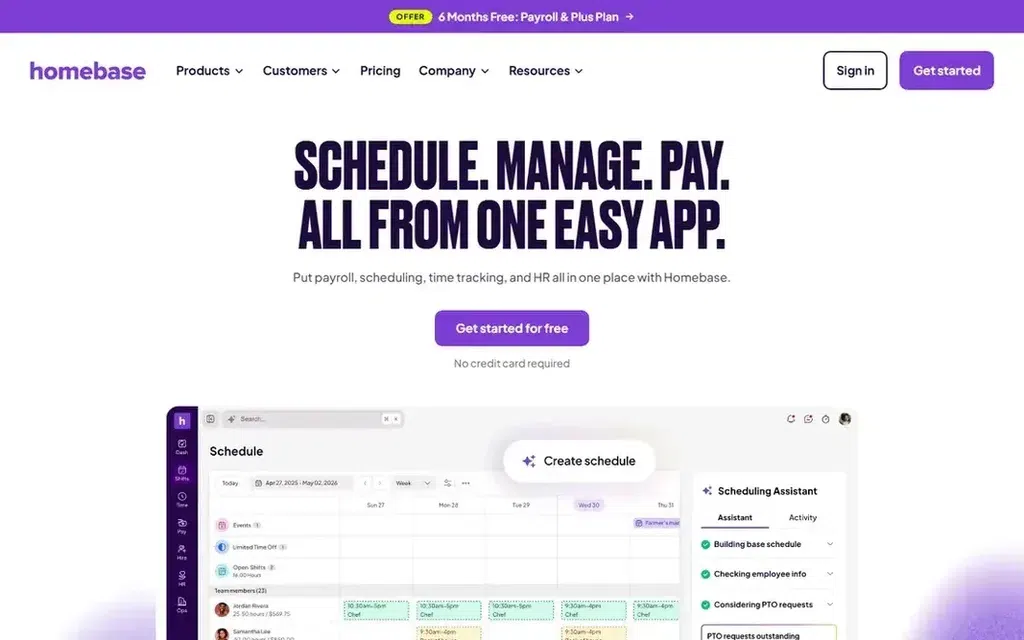
Homebase serves hourly teams needing payroll and hiring. Owners who want one place for shift planning and basic people operations will find the scope matches their needs.
What to check first: Payroll features vary by eligibility.
What you pay to start with Homebase: $30 per location per month. You can start on Homebase without paying.
- Designed for small firms with hourly staff
- Contains hiring tools
- Breadth can mean a longer setup
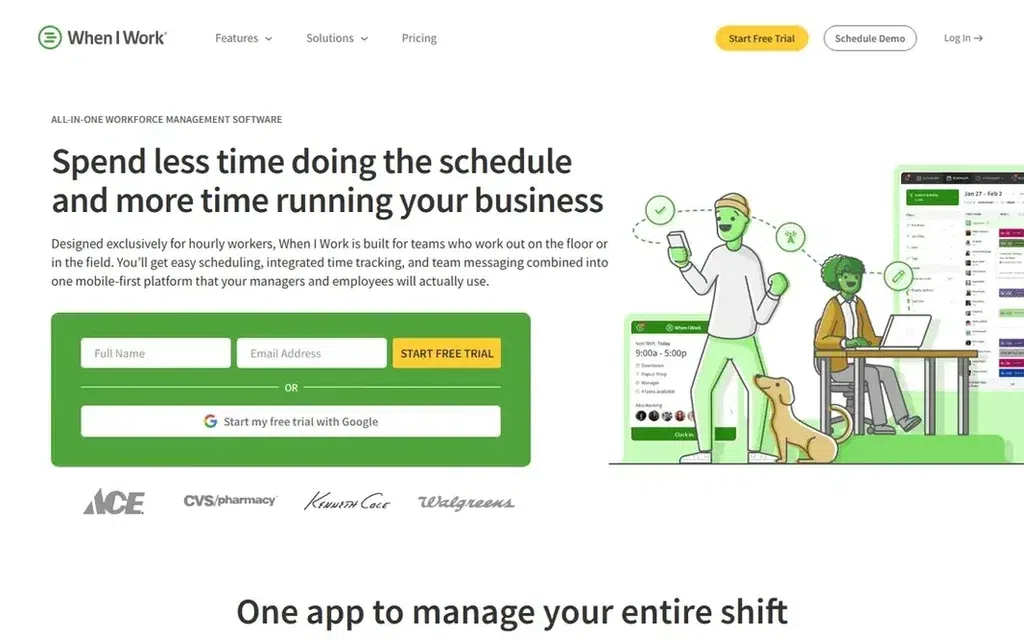
When I Work serves straightforward shift swaps and team messaging. If scheduling simplicity is the priority, When I Work is a reasonable place to start.
Points against: Advanced payroll handled through integrations.
What works well: Straightforward employee-facing experience.
Beyond that, firms with complicated multi-entity payroll should confirm how that is handled. As for the details, teams that want employees to pick up shifts and communicate rapidly tend to fit well here. Entry price for When I Work: $2.50 per user per month. Free plan details: Free trial.
- Schedules
- Built around shift-based work
- Narrower scope than full HR suites
HotSchedules
Best for: Teams comparing choices in this category
For teams comparing choices in this category, HotSchedules is a natural candidate. It targets the shift patterns and staff communication needs typical in restaurants and similar venues, where schedules change commonly and teams work varied hours. For everyday use, hospitality operators who want a tool built around their industry will recognize the fit.
Limits to weigh: Hospitality focus may not fit other industries.
Teams needing broad HR or payroll coverage should confirm what is included. On top of that, the hospitality orientation means firms outside that sector may find less value in the feature set. Pricing for HotSchedules is not stated here, so ask the vendor for current figures. Trial and free access: Not stated.
- Centred on hospitality scheduling
- Comes with employee engagement features
- Narrower than general HR suites
Choose Clockify for time tracking across projects and shifts. Firms that primarily have to know who worked when will find the approach familiar.
Beyond that, Clockify is time tracking software built around a straightforward timer and timesheet app that records work hours across projects. Also, Clockify centers on time tracking instead of full shift scheduling, so planning and publishing shifts may call for a separate tool. Check the vendor site for Clockify pricing; none is listed in this comparison. Free access exists with Clockify.
Where it falls short: Shift planning may need another tool.
- Easy starting point for hour tracking
- Works across projects
- Scheduling is not the core focus
Connecteam is a good fit for frontline teams replacing scattered tools. If your staff are largely frontline and mobile, the breadth is more likely to pay off. Since Connecteam handles many functions, setting it up to match your workflow takes some planning.
Connecteam is an employee management app made for frontline teams, including scheduling, time tracking, communication and more in one place. It is built for workers who are frequently on their feet or in the field instead of at a desk, so the mobile experience matters. Companies juggling multiple separate tools for shifts and updates may find the consolidation handy. The starting price for Connecteam: $29 per month. Connecteam offers a free plan.
Where Connecteam stands out: Aims to consolidate several tools.
Where it falls short: Wide scope can need configuration.
- Designed for frontline and mobile teams
- Time tracking and communication together
- Small office teams may not need all features
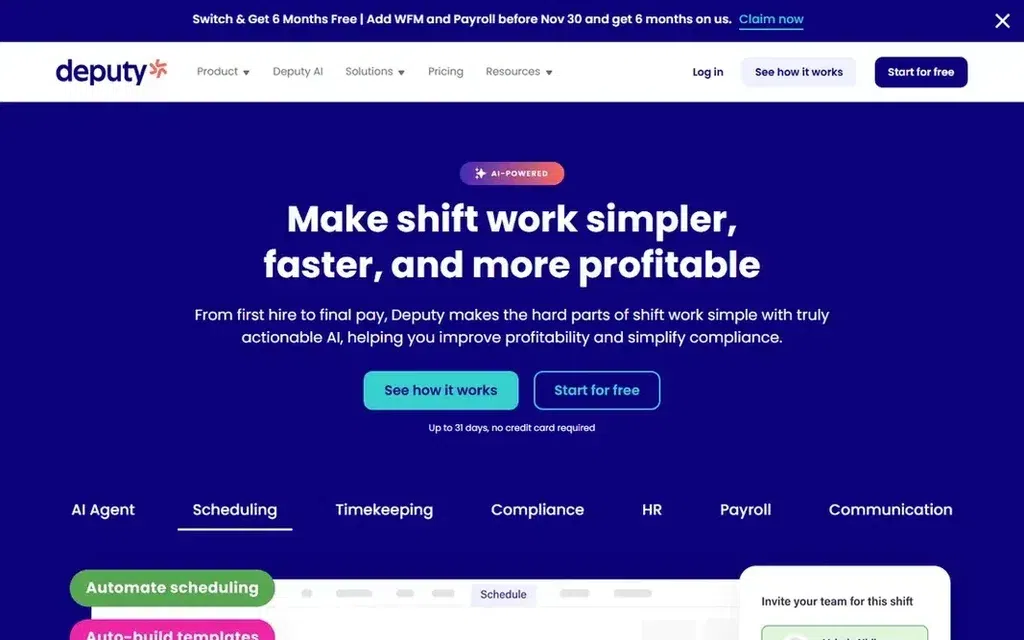
Deputy makes the most sense for scheduling with HR and labor forecasting. Deputy is an employee scheduling product that also spans HR and payroll software, with AI labor forecasting built in. In daily use, since Deputy spans multiple areas, smaller teams may find parts of it more than they need.
Managers who build recurring shift patterns and want forecasting help will find the feature set well aligned with their daily routine. From a buyer's view, if you only need entry-level shift planning and messaging, a lighter tool may be more straightforward to adopt. Starting cost for Deputy: $5 per user per month. Trial and free access: Free trial.
The main drawbacks: Feature set may feel wide for very small teams.
- Merges scheduling with HR and payroll features
- Targeted at saving managers time
- Payroll availability varies by region
Selection criteria
Things to verify first
- Ask HotSchedules and Clockify for a written quote, since no starting price is shown.
- Read the fine print on the free plans from Homebase, Clockify and Connecteam; seat, project and feature caps differ.
- Run a trial of When I Work and Deputy with real work before paying for a year; your own workflow is the best test.
- Read the limits listed for Homebase first: breadth can mean a longer setup.
- Look at which plan of HotSchedules unlocks the features you need; entry tiers are often cut down.
- Ask the daily users to test Connecteam on a live task before you roll it out to everyone.
FAQ
Is Homebase the right pick for everyone comparing shift management app?
No single tool suits every team. Homebase comes first because it fits hourly teams needing payroll and hiring, while When I Work suits simple shift swaps and team messaging and HotSchedules suits teams comparing options in this category. Match the tool to your own size, budget and workflow before deciding.
Which options for shift management app have a free plan?
Homebase, Clockify and Connecteam offer a free plan in this list. Free plans usually cap users, projects or features, so check the limits on the vendor page. Several others offer a trial instead.
Do these tools publish their prices?
Not all of them. HotSchedules and Clockify publish no starting price, so expect a quote request for those. The rest, Homebase included, show a starting price, though seats and billing terms still change the final cost.
How are the tools for shift management app ordered?
Homebase sits first and Deputy last because the order follows typical fit for shift management app, then price clarity and free access. It is a judgement call, so read each profile for fit and limits.
Which app fits hospitality companies?
General tools like Deputy or Homebase can also work if you need broader HR or payroll coverage. Consider how frequently your shifts change and how staff communicate.
Sources
- https://joinhomebase.com
- https://wheniwork.com
- https://www.hotschedules.com
- https://clockify.me
- https://connecteam.com
- https://www.deputy.com