Top 6 Software to Track Employee Productivity for 2026 (Prices and Free Plans)
Best software to track employee productivity: 6 tools compared on price, free plans and fit. Trade-offs are spelled out for each entry. Jump to the table.
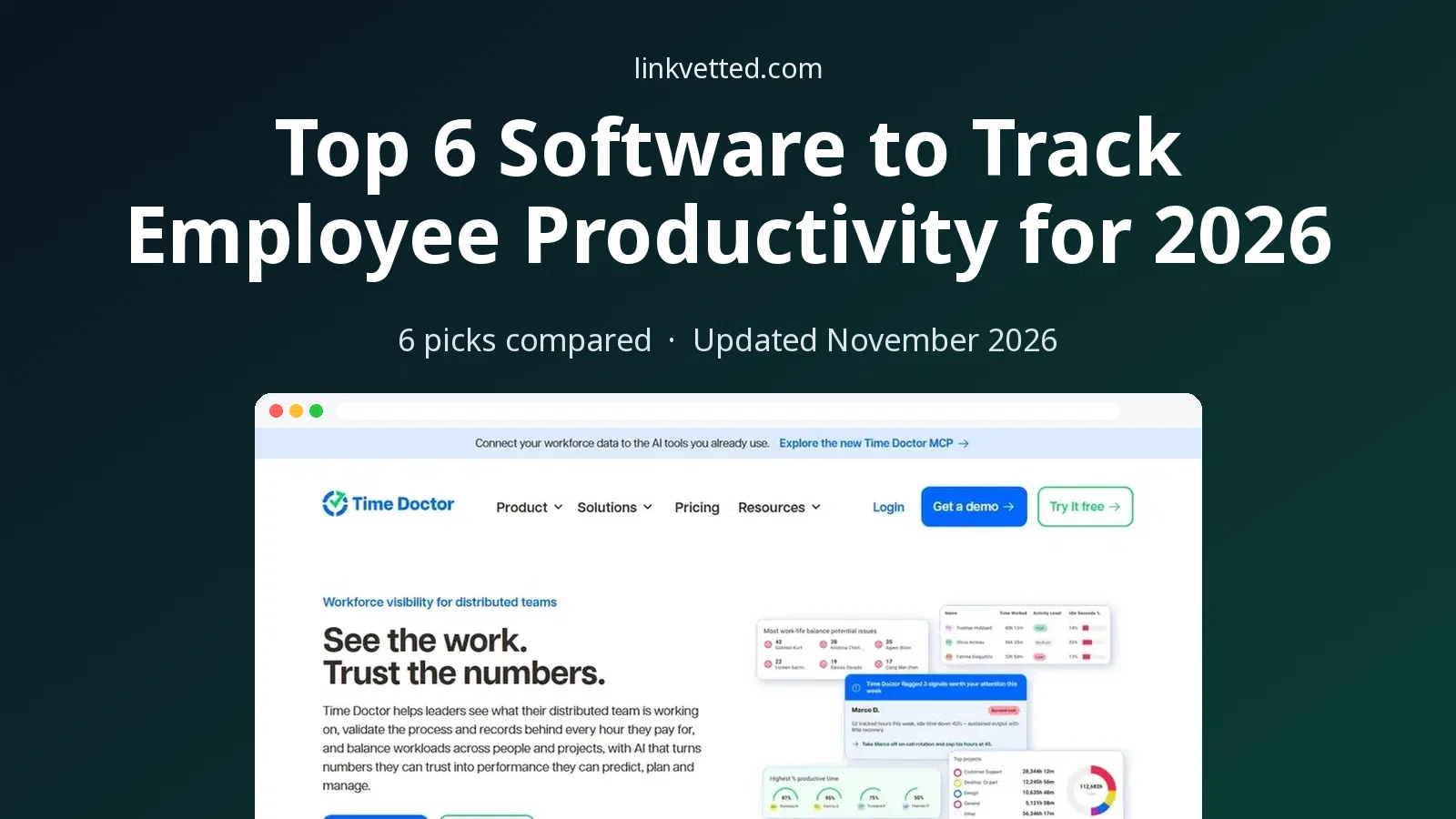
- Editor's choiceKickidler
PC activity tracking and productivity boost
Starts at$5 per licenseVisit kickidler.comFull review - Great alternative
 Time Doctor
Distributed teams needing process visibility
Starts at$6.67 per user a monthVisit timedoctor.comFull review - Also consider
 Teramind
Insider risk and productivity monitoring
Starts atSee websiteVisit teramind.coFull review
Direct answer
For PC activity tracking and productivity boost, Kickidler is where this list starts. Listed starting prices: Kickidler from $5 per license, Time Doctor from $6.67 per user a month and Veriato from $18 per user per month. Time Doctor is better for distributed teams needing process visibility, and Teramind is better for insider risk and productivity monitoring. All 6 tools are compared below on price, free plan and limits.
TL;DR:
- Kickidler is the opening pick, best for PC activity tracking and productivity boost.
- ActivTrak stands alone as the one tool in this list with a free plan.
- ActivTrak suits work intelligence across people and tools.
- For the cheapest start, look at Time Doctor: $6.67 per user per month.
- What to know about Kickidler first: may feel intrusive to employees.
Last checked November 2026. Prices and plan details were read from the vendors' own pages in November 2026; vendors change plans often, so confirm the current price on the vendor site before you buy.
Quick comparison
| Tool | Best for | Starts at | Free plan? | |
|---|---|---|---|---|
| Kickidler | PC activity tracking and productivity boost | $5 per license | Free trial | Visit |
| Time Doctor | Distributed teams needing process visibility | $6.67 per user a month | Free trial | Visit |
| Teramind | Insider risk and productivity monitoring | See website | Free trial | Visit |
 Veriato | Insider risk management and monitoring | $18 per user per month | Free trial | Visit |
 Hubstaff | Time tracking with payments and insights | $10 per seat a month | Free trial | Visit |
 ActivTrak | Work intelligence across people and tools | $7 per worker a month | Yes | Visit |
The 6 tools in detail
This LinkVetted guide covers 6 options for software to track employee productivity. Each profile lists a starting price, free plan details, strengths and drawbacks, so you can drop poor fits quickly.
Kickidler
Best for: PC activity tracking and productivity boost
Kickidler is built with PC activity tracking and productivity boost in mind. It is aimed at organizations that want in-depth visibility into computer usage to identify efficiency opportunities, particularly for desk-based teams.
Kickidler's activity tracking may be too granular for some workplaces and could raise privacy concerns. Choose Kickidler for in-depth PC activity monitoring with a productivity focus. Kickidler cost at the entry level: $5 per license. Free access: Free trial.
Watch-outs: May feel intrusive to employees.
- Aims to boost productivity
- Tracks employee PC activity
- Focus on activity may not suit all roles
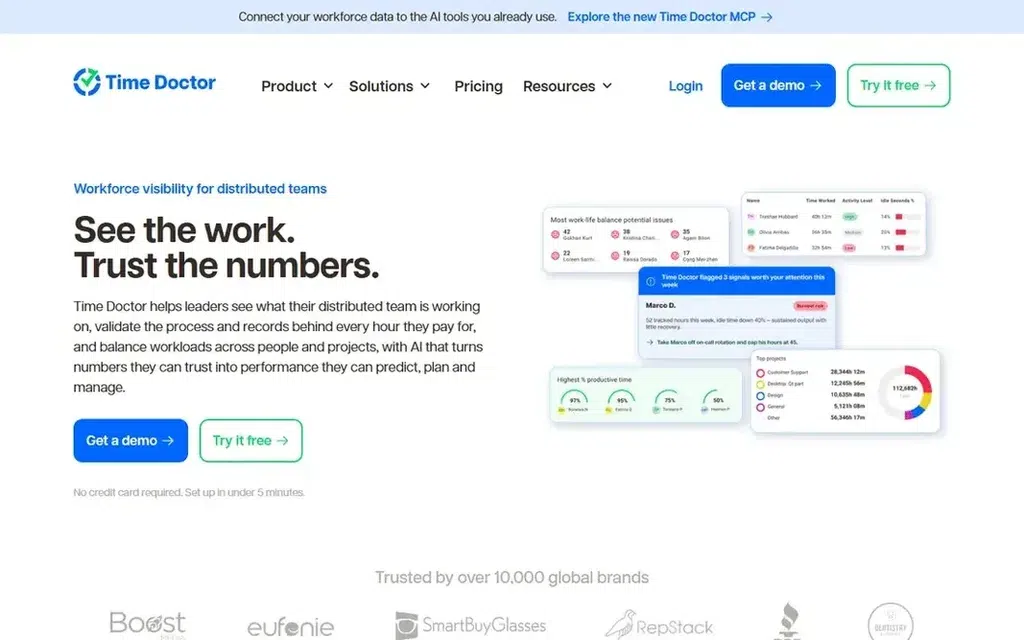
Pick Time Doctor if this describes you: distributed teams needing process visibility. Time Doctor provides workforce visibility for distributed teams, helping leaders see what teams are working on and validate the process behind every hour. It also supplies AI answers grounded in real data.
Pick Time Doctor when process visibility and data-driven answers are priorities for your distributed workforce. Also, the tool's in-depth process validation and AI features might be more than small teams need. In practice, if you prefer a more straightforward time tracker without AI, another choice may be better. Price to start with Time Doctor: $6.67 per user per month. As for free access: Free trial.
What to check first: AI features may need setup.
- Built for distributed teams
- AI answers grounded in real data
- Focus on process may be too in-depth for some
Teramind is built with insider risk and productivity monitoring in mind. Teramind is a workforce analytics and insider risk system that guards against insider threats, data breaches, productivity inefficiencies, and compliance challenges.
As for the details, Teramind's capable security and compliance features may be more than teams needing only productivity tracking. If your priority is entry-level time tracking without risk analysis, a lighter tool is better. Check the vendor site for Teramind pricing; none is listed in this comparison. Free access: Free trial.
Downsides: Could be complicated for entry-level needs.
- Proactive threat detection
- Merges insider risk protection with productivity
- Security focus may overshadow productivity
Veriato works best for insider risk management and monitoring. Veriato's security focus means it may be overkill for teams seeking only productivity insights. It can be complicated to set up.
On top of that, choose Veriato when insider risk management is a key requirement alongside monitoring. If you need straightforward time tracking, a more straightforward tool is better. What you pay to start with Veriato: $18 per user per month. Free options: Free trial.
What to check first: Could be heavy for small teams.
- AI-based user behavior analytics
- Focus on insider risk
- Security-centric may not fit all
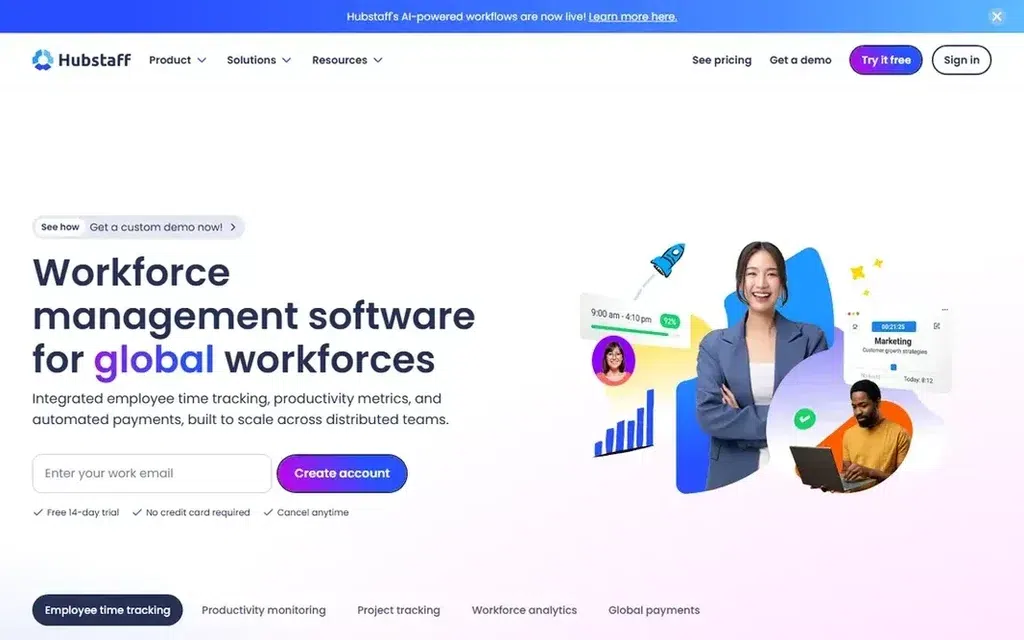
In short, Hubstaff is for Time tracking with payments and insights. It helps teams handle work, costs, and performance in one place.
Beyond that, choose Hubstaff when you need an integrated view of hours, costs, and performance. In daily use, if you want a lighter tool focused purely on time and activity, consider a more straightforward choice. Price to start with Hubstaff: $10 per seat per month. Free options: Free trial.
Downsides: Focus on payments may not fit all teams.
- Gives you insights on work and costs
- Turns approved hours into payments
- May be overkill for straightforward time tracking
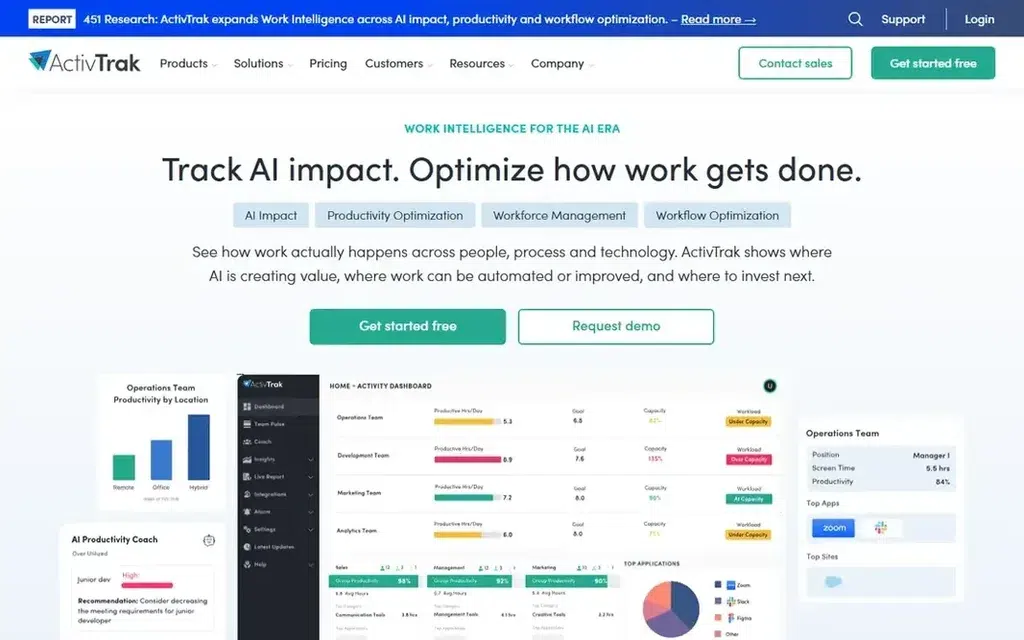
Where ActivTrak fits: work intelligence across people and tools. Choose ActivTrak for strategic work intelligence. On top of that, if you need straightforward activity monitoring, consider a more focused tool.
Honest limits: May need interpretation of data.
ActivTrak gives you work intelligence that helps leaders understand how work gets done across people, tools, and AI. It centres on productivity optimization by offering insights into work patterns. This makes it a good match for organizations looking to analyze workflows and boost efficiency at a higher level, instead of just tracking time. On cost, ActivTrak starts like this: $7 per worker per month. Free access exists with ActivTrak.
- Examines how work gets done
- Focus on productivity optimization
- Wide scope could overwhelm beginners
How these tools were picked
Each tool was reviewed on what its vendor publishes: price, plan limits, core features and stated drawbacks. We did not run hands-on tests. Prices and plan limits come from vendor pages and can change, so confirm them on the vendor site before you buy. The order reflects how well each tool fits the most common buying scenario for software to track employee productivity, then price clarity, then free plan access. It is a starting point, not a verdict.
Before you commit
- Ask Teramind for a written quote, since no starting price is shown.
- Test the free plan from ActivTrak against your real workload before relying on it.
- Run a trial of Kickidler, Time Doctor, Teramind and others with real work before paying for a year; your own workflow is the best test.
- Before choosing Kickidler, weigh its main limit: may feel intrusive to employees.
- Run a one or two week pilot of Kickidler with the people who will use it every day.
- Read the plan comparison for Hubstaff carefully; key features often start on a higher tier.
FAQ
Can these tools track remote employees effectively?
Yes, numerous tools like Time Doctor and Hubstaff are built for distributed teams. Ensure the tool supports remote access and meets your security requirements.
Can I try these tools before paying?
Often, yes. ActivTrak has a free plan and Kickidler, Time Doctor, Teramind and others offer a free trial. Use your own data and a real task during the test, and check what the free tier or trial limits before you rely on it.
Which options for software to track employee productivity have a free plan?
ActivTrak is the only tool in this list with a free plan. Free plans usually cap users, projects or features, so check the limits on the vendor page. Several others offer a trial instead. Prices, free plan details and limits for all 6 tools in this software to track employee productivity roundup sit on the individual cards above.
Is Kickidler the right pick for everyone comparing software to track employee productivity?
No single tool suits every team. Kickidler comes first because it fits PC activity tracking and productivity boost, while Time Doctor suits distributed teams needing process visibility and Teramind suits insider risk and productivity monitoring. Match the tool to your own size, budget and workflow before deciding.
Do these tools publish their prices?
Not all of them. Teramind publishes no starting price, so expect a quote request for it. The rest, Kickidler included, show a starting price, though seats and billing terms still change the final cost.
Sources
- https://www.kickidler.com
- https://www.timedoctor.com
- https://www.teramind.co
- https://www.veriato.com
- https://hubstaff.com
- https://www.activtrak.com