Service Company Software in 2026: The 6 Best Options Side by Side
Compare 6 picks for the best service company software, with prices, free plans and who each fits. Trade-offs are spelled out for each entry. Facts only.
- Editor's choice
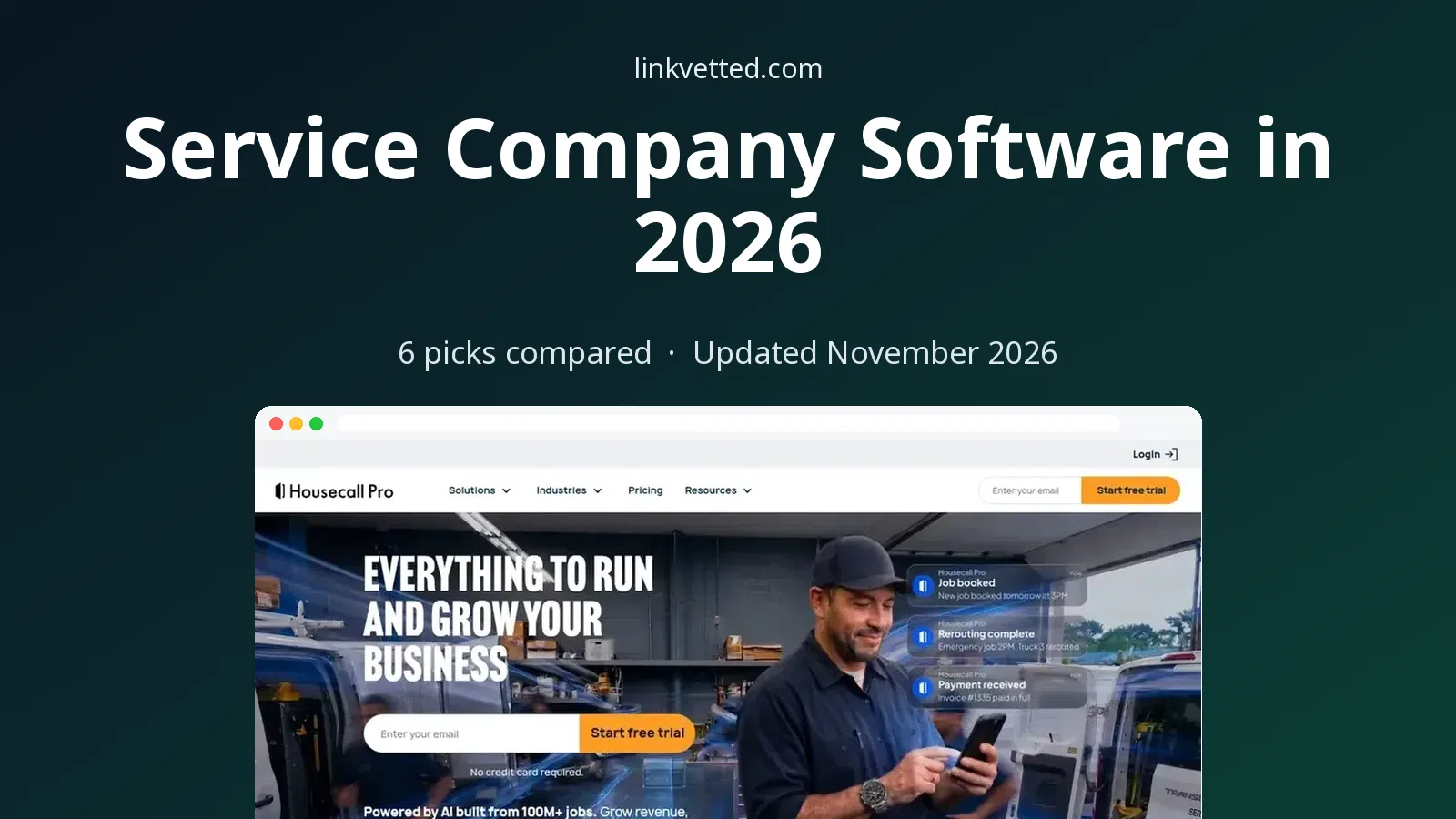
 Housecall Pro
Home service firms managing field operations
Starts at$59 a monthVisit housecallpro.comFull review - Great alternativeMicrosoft Dynamics 365 Field Service
Firms wanting field service inside Microsoft
Starts atSee websiteVisit microsoft.comFull review - Also consider
 ServiceTitan
Contractors running service and construction work
Starts atSee websiteVisit servicetitan.comFull review
Direct answer
Housecall Pro is the first pick on this list for home service firms managing field operations. Listed starting prices: Housecall Pro from $59 a month and Kickserv from $60 per month. For a different need, Microsoft Dynamics 365 Field Service covers firms wanting field service inside Microsoft and ServiceTitan covers contractors running service and construction work. The remaining 3 options are covered below with prices and limits.
TL;DR:
- This list starts with Housecall Pro, which is built for home service companies managing field operations.
- Kickserv fits straightforward job and customer management.
- Neither Housecall Pro nor Kickserv, nor any of the other 4 tools, has a permanent free plan; trials and quotes are the norm.
- Housecall Pro is the lowest-priced starter here at $59 per month.
Last checked November 2026. Prices and plan details were read from the vendors' own pages in November 2026; vendors change plans often, so confirm the current price on the vendor site before you buy.
Quick comparison
| Tool | Best for | Starts at | Free plan? | |
|---|---|---|---|---|
| Housecall Pro | Home service firms managing field operations | $59 a month | Free trial | Visit |
| Microsoft Dynamics 365 Field Service | Firms wanting field service inside Microsoft | See website | Not stated | Visit |
| ServiceTitan | Contractors running service and construction work | See website | Free trial | Visit |
 FieldEdge | Tracking customers, dispatches and service history | See website | No | Visit |
| ServiceMax | Asset-centric equipment service operations | See website | Not stated | Visit |
 Kickserv | Straightforward job and customer management | $60 per month | Free trial | Visit |
The 6 tools in detail
LinkVetted compared 6 tools for service company software. The goal is a practical shortlist: published prices, free plan facts, best-fit use cases and honest limits for every entry.
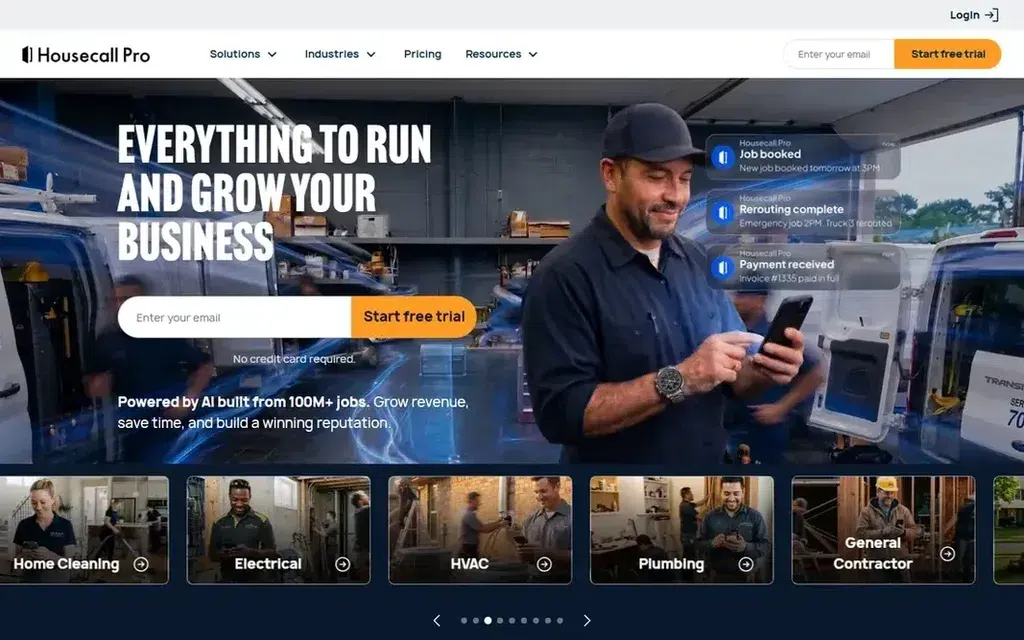
Housecall Pro is a good fit for home service companies managing field operations. Those cases point toward ServiceMax or Microsoft Dynamics 365 Field Service, whereas very small teams may find more straightforward tools sufficient.
Limits to weigh: Less emphasis on asset-centric maintenance.
The starting price for Housecall Pro: $59 per month. Trial and free access: Free trial.
- Field service professionals are its stated audience
- Positioned for home service firms
- Home service focus limits other industries
Microsoft Dynamics 365 Field Service
Best for: Firms wanting field service inside Microsoft
Microsoft Dynamics 365 Field Service is a good fit for businesses wanting field service inside Microsoft. Microsoft Dynamics 365 Field Service is presented as field service management software with AI-driven self-service scheduling, live data and automatic service reminders.
What to check first: Not a small-business-first design.
It fits organizations that want field service capabilities connected to a wider business application system, especially those already invested in Microsoft's ecosystem. No starting price is listed for Microsoft Dynamics 365 Field Service here; confirm pricing on the vendor site. As for free access: Not stated.
- Suits organizations already using Microsoft tools
- Self-service scheduling with AI-driven features
- Broader system may need more setup
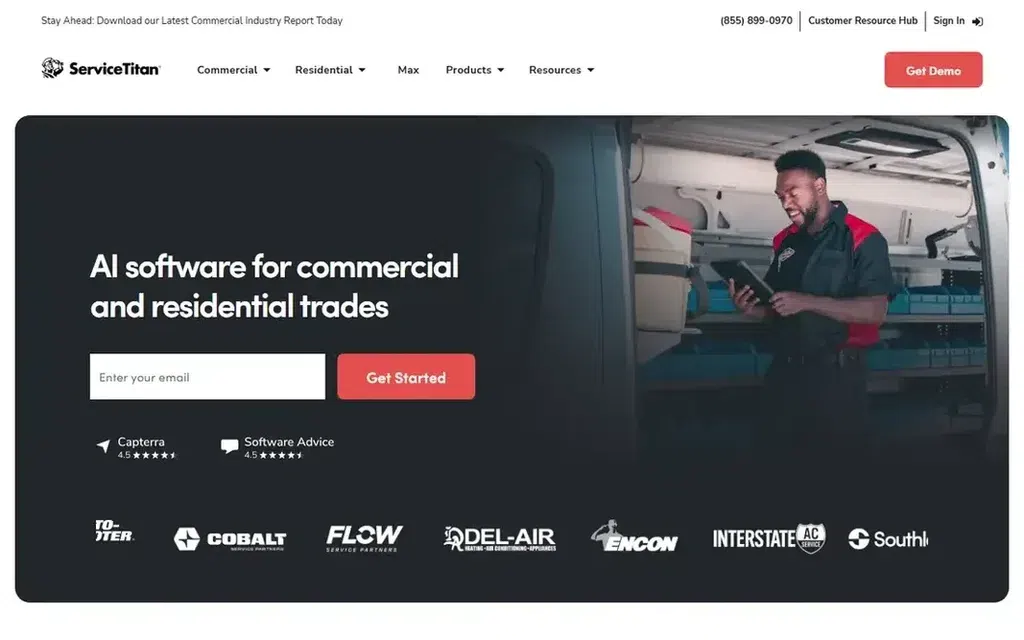
ServiceTitan is built with contractors running service and construction work in mind. The trade-specific focus means companies outside home and commercial contracting may find it a poor fit.
As for the details, smaller operations with straightforward scheduling needs might prefer a lighter tool, whereas asset-heavy equipment service organizations should weigh ServiceMax or Dynamics 365 Field Service instead. Check the vendor site for ServiceTitan pricing; none is listed in this comparison. On free options: Free trial.
Drawbacks to consider: Wide scope may feel heavy for small teams.
- Designed for home and commercial trades
- All-in-one design for contractors
- Not geared toward non-trade service firms
For tracking customers, dispatches and service history, FieldEdge is a natural candidate. Since the vendor directs interested buyers to request a demo, details are best confirmed straight instead of assumed from the homepage.
Downsides: Demo-based evaluation required.
As for the details, FieldEdge describes efficient ways to track customers, dispatches, service history and more through its field service management software and field service app. FieldEdge shows no starting price here, so confirm the cost on the vendor site. No free plan comes with FieldEdge.
- Includes a field service app
- Tracks customers and dispatches
- Narrower than full business products
ServiceMax
Best for: Asset-centric equipment service operations
ServiceMax serves asset-centric equipment service operations. ServiceMax, part of PTC, is described as asset-centric field service management software that aims to boost technician productivity, simplify operational efficiency and boost equipment uptime.
It suits organizations that service machines and equipment where knowing asset history and keeping uptime high matters more than residential job scheduling. ServiceMax shows no starting price here, so confirm the cost on the vendor site. As for free access: Not stated.
Where it falls short: Asset focus may not suit straightforward residential work.
- Asset-centric field service management
- Aims to boost equipment uptime
- Not positioned for small service teams
Kickserv is a good fit for straightforward job and customer management. Kickserv gives you field service management software for managing jobs, customers, communication and payments, targeted at home service companies.
The main drawbacks: Restricted scope for complicated project work.
What you pay to start with Kickserv: $60 per month. Free options: Free trial.
- Communication and payment features
- Handles jobs and customers
- Less depth for asset-heavy service
How the list was put together
What to check before you buy
- Get a written quote from Microsoft Dynamics 365 Field Service, ServiceTitan, FieldEdge and ServiceMax; the list shows no starting price for them.
- Take the trial from Housecall Pro, ServiceTitan and Kickserv and push a live task through it before you pay.
- Read the limits listed for Housecall Pro first: home service focus limits other industries.
- Confirm the exact Kickserv plan that includes your must-have features.
- Check the integration list for Housecall Pro against the tools you run today, and note which ones need a higher plan.
FAQ
Do these tools publish their prices?
Not all of them. Microsoft Dynamics 365 Field Service, ServiceTitan, FieldEdge and ServiceMax publish no starting price, so expect a quote request for those. The rest, Housecall Pro included, show a starting price, though seats and billing terms still change the final cost.
Can I try these options before paying?
Often, yes. Housecall Pro, ServiceTitan and Kickserv offer a free trial. Use your own data and a real task during the test, and check what the free tier or trial limits before you rely on it. All 6 picks in this service company software comparison list a starting price, free plan details and the main limits on their cards above.
What is the cheapest option for service company software in this list?
On published monthly entry prices, Housecall Pro is the lowest here at $59 per month. Entry price is only part of the cost, because seats, add-ons and billing terms can change the total. For the full picture, the cards above cover all 6 entries of this service company software list, including price, free plan and limits.
How are the tools for service company software ordered?
The order follows typical fit for service company software, with Housecall Pro first and Kickserv last, then price clarity and free access. It is editorial judgement, not a score, so another team could rank the tools differently.
What should a service company look for in software?
Start with the workflows you run daily: scheduling, dispatch, quoting, invoicing and payment collection. From a buyer's view, then check whether you need service history or asset tracking, and confirm the tool suits your team size and industry focus before committing.
Sources
- https://www.housecallpro.com
- https://www.microsoft.com/en-us/dynamics-365/products/field-service
- https://www.servicetitan.com
- https://www.fieldedge.com
- https://www.servicemax.com
- https://www.kickserv.com