Best Security Risk Assessment Software in 2026: Prices, Free Plans and 6 Picks
Best security risk assessment software in 2026: 6 tools with starting prices, free plans and limits. The weak spots sit next to the strengths. Updated for 2026.
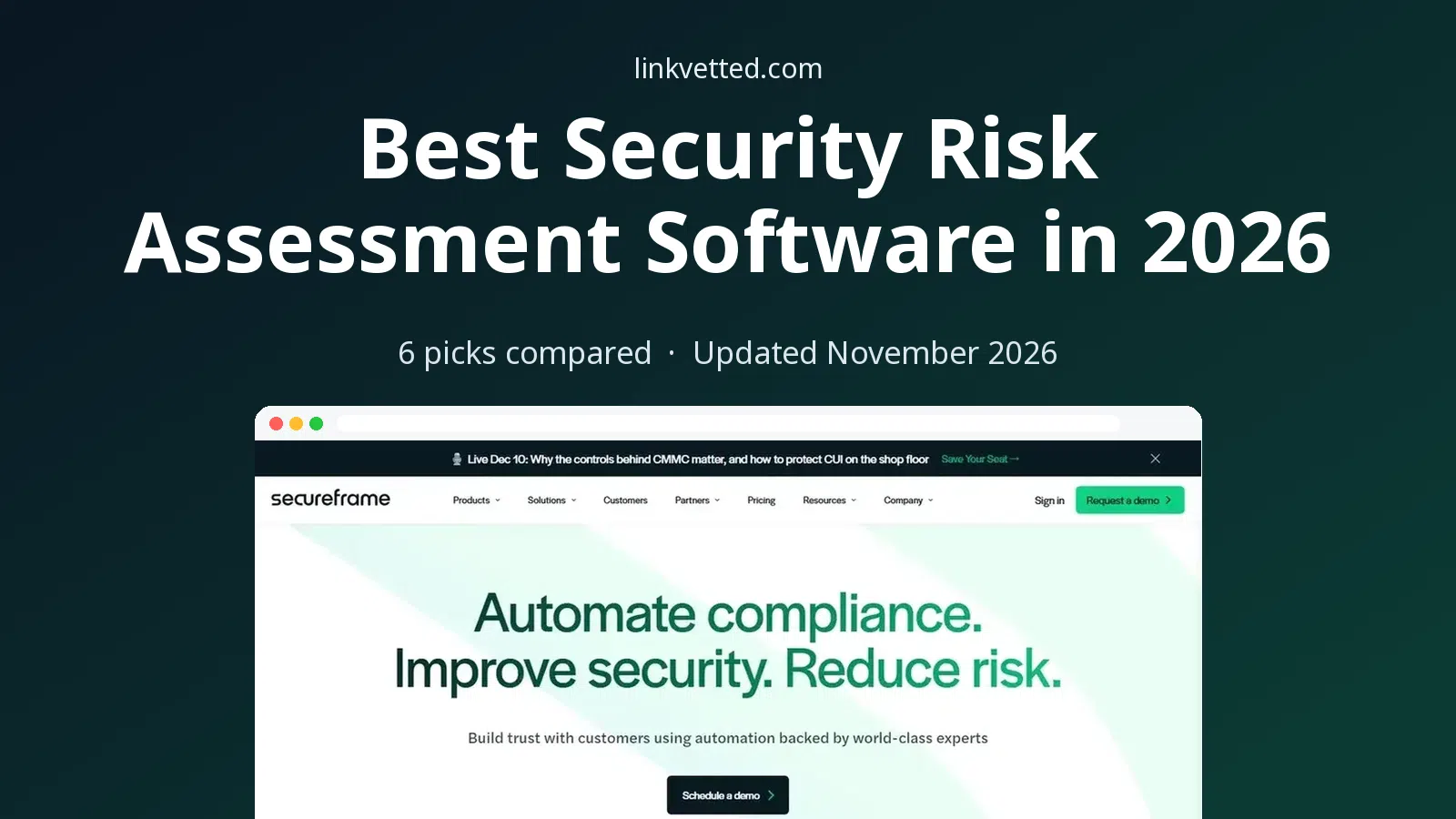
- Editor's choice
 LogicGate
Enterprise risk and compliance programs
Starts atSee websiteVisit logicgate.comFull review - Great alternative
 Secureframe
Compliance automation with expert support
Starts at$7,500 a yearVisit secureframe.comFull review - Also consider
 Archer
Regulatory change and audit lineage
Starts atSee websiteVisit archerirm.comFull review
Direct answer
LogicGate comes first here, mainly for enterprise risk and compliance programs. Listed starting prices: Secureframe from $7,500 a year. Secureframe is the stronger choice for compliance automation with expert support, while Archer suits regulatory change and audit lineage. All 6 tools are compared below on price, free plan and limits.
TL;DR:
- LogicGate sits first on this list: enterprise risk and compliance programs.
- OneTrust is the one to check for privacy, consent, and AI governance.
- Neither LogicGate nor OneTrust, nor any of the other 4 tools, has a permanent free plan; trials and quotes are the norm.
- Pricing for LogicGate, Archer, Vanta and others is quote-based, which adds a sales step before you can compare cost.
- What to know about Secureframe first: enterprise risk depth may be restricted.
Last checked November 2026. Prices and plan details were read from the vendors' own pages in November 2026; vendors change plans often, so confirm the current price on the vendor site before you buy.
Quick comparison
| Tool | Best for | Starts at | Free plan? | |
|---|---|---|---|---|
| LogicGate | Enterprise risk and compliance programs | See website | Not stated | Visit |
| Secureframe | Compliance automation with expert support | $7,500 a year | Not stated | Visit |
| Archer | Regulatory change and audit lineage | See website | Not stated | Visit |
 Vanta | Quick compliance automation and monitoring | See website | Not stated | Visit |
 MetricStream | Enterprise-wide GRC automation | See website | Not stated | Visit |
 OneTrust | Privacy, consent, and AI governance | See website | Not stated | Visit |
Security Risk Assessment Software profiles
If you are comparing security risk assessment software, this page covers 6 tools in one place: what each is best for, what it costs to start, whether it has a free plan, and the main limit to know about.
Choose LogicGate for enterprise risk and compliance programs. Smaller teams with a single compliance goal may find a focused tool quicker to adopt. Confirm which applications and workflows match your priorities with the vendor.
Downsides: Configuration effort can be significant.
The range of applications supports building a connected risk program over time. LogicGate is an AI-powered GRC product offering a wide set of applications for enterprise risk, external risk, cyber risk, and compliance management. For everyday use, a product this wide can need meaningful configuration and ownership to deliver value. LogicGate does not show a starting price in this comparison, so check the vendor site for current pricing. Free access: Not stated.
What LogicGate does well: Spans enterprise, third-party; Plenty of applications for GRC use cases.
- AI-powered product positioning
- Cyber risk
- May be more than small teams need
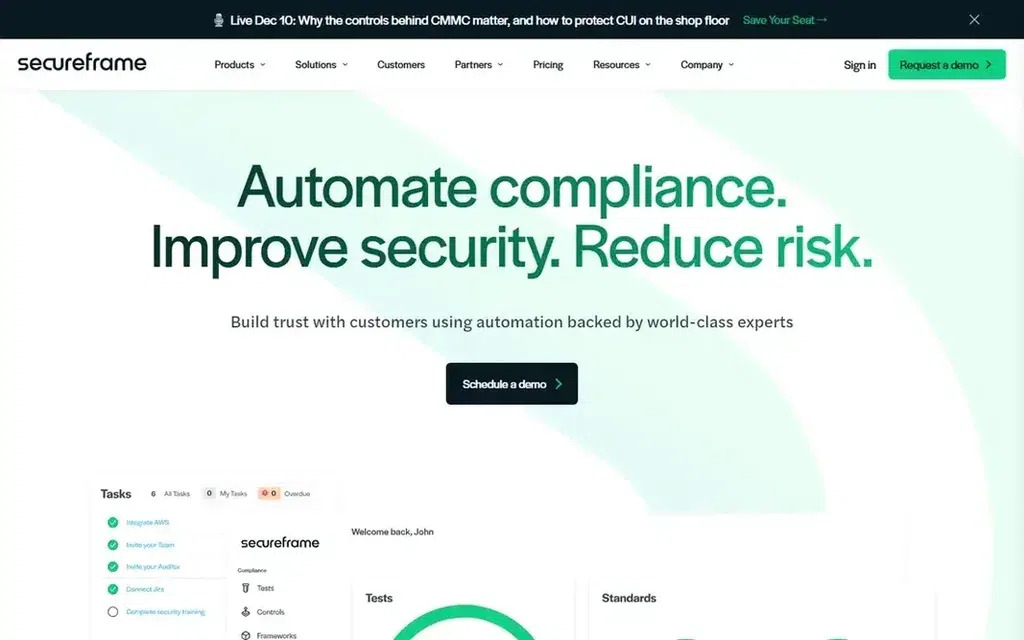
Think of Secureframe for compliance automation with expert support. Secureframe helps businesses get compliant, mitigate risk, and build trust with customers using automation backed by experts. In daily use, discuss scope and support expectations with the vendor.
Where it falls short: Best fit is compliance-driven teams.
The emphasis on customer trust makes it relevant for vendors facing security questionnaires. On top of that, if your priority is a full enterprise risk register with advanced scenario modeling, a dedicated GRC suite may be a better match. In practice, smaller teams should confirm that the automation handles the frameworks they actually need. Secureframe pricing: $7,500 per year. Free plan details: Not stated.
What users get: Focus on mitigating risk.
- Automation backed by experts
- Helps build customer trust
- Enterprise risk depth may be restricted
Choose Archer for regulatory change and audit lineage. Ask the vendor about implementation effort and fit for your regulatory scope.
Trade-offs to know: Enterprise-oriented complexity.
On top of that, the product is made for enterprise environments, so smaller organizations may find it heavier than necessary. Archer shows no starting price here, so confirm the cost on the vendor site. On free options: Not stated.
- Compliance-trained AI support
- Full audit lineage
- Implementation may need specialist help
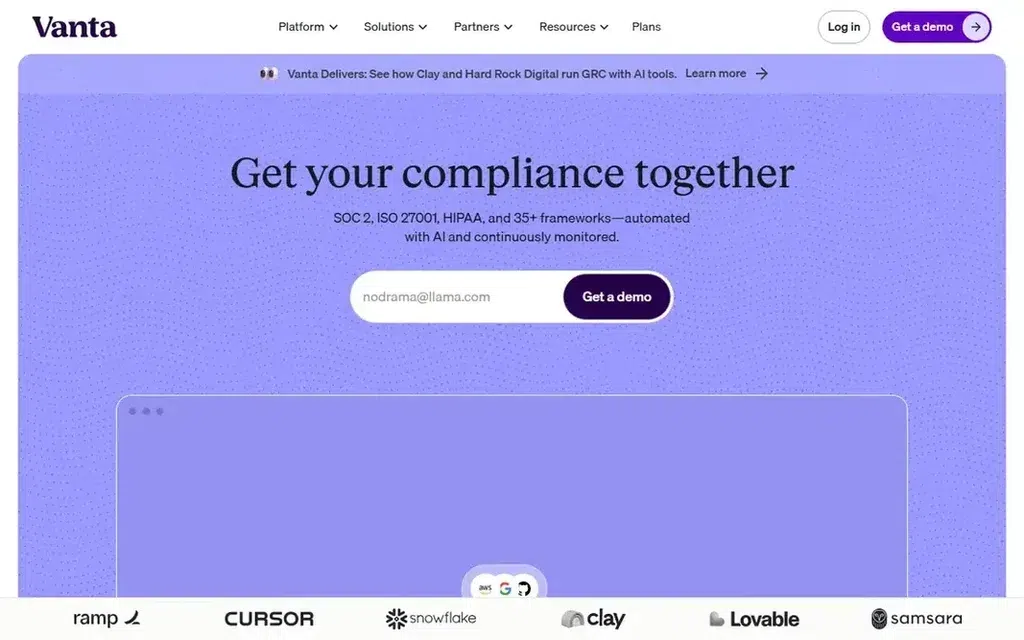
Vanta was built for quick compliance automation and monitoring. Vanta automates the complicated and time-consuming process of compliance certification and security monitoring, aiming to get teams ready in weeks rather than months.
What to check first: Deep enterprise risk modeling is restricted.
Teams that require broad external risk or regulatory change management should look at broader GRC systems. Continuous monitoring supports continuing risk visibility instead of a one-time assessment. Pricing for Vanta is not stated here, so ask the vendor for current figures. On free options: Not stated.
- Targets typical certification frameworks
- Aims to shorten compliance timelines
- Focus leans toward certification readiness
MetricStream targets enterprise-wide GRC automation. MetricStream supplies governance, risk management, and compliance software that helps firms across industries simplify and automate enterprise-wide GRC programs.
The main drawbacks: Enterprise focus may overwhelm small teams.
Enterprise-wide GRC systems demand planning and ownership to deliver results, which can be heavy for small teams. The system positioning emphasizes thinking, advising, and acting on GRC data. Pricing for MetricStream is not stated here, so ask the vendor for current figures. As for free access: Not stated.
- Simplifies GRC programs
- Spans governance, risk, compliance
- Setup needs planning
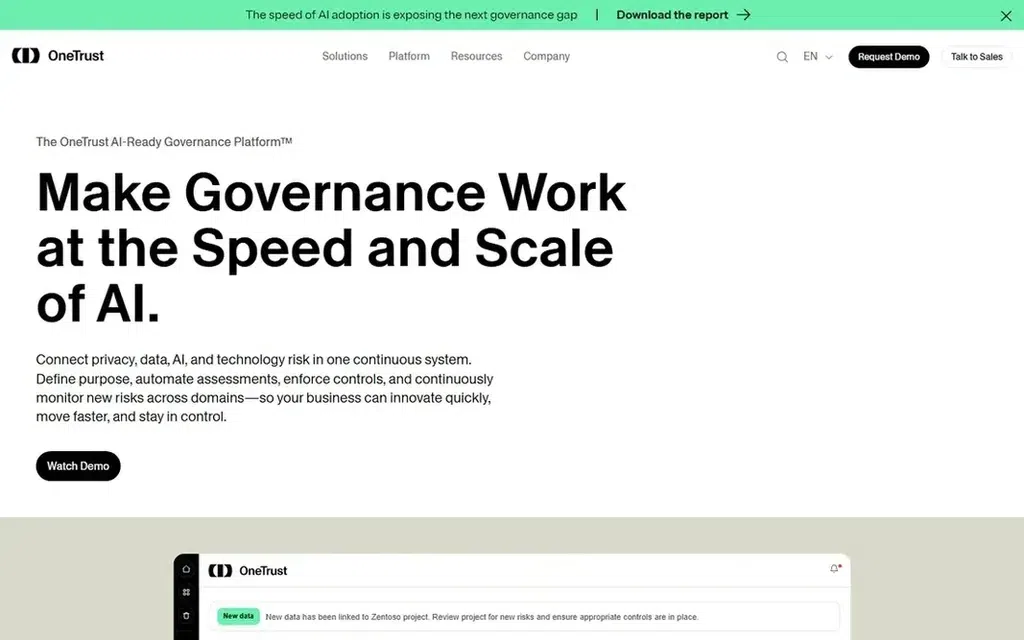
OneTrust serves privacy, consent, and AI governance. OneTrust is a governance and compliance system that helps companies run privacy, consent, and AI governance whereas automating compliance and reducing risk. In daily use, teams with cross-functional compliance needs commonly value having these areas under one roof.
Confirm module fit and implementation effort directly with the vendor before committing. Worth adding: organizations seeking a narrow, compliance-certification-first tool may prefer a more specialized choice. Pricing for OneTrust is not stated here, so ask the vendor for current figures. On free options: Not stated.
What to check first: May suit bigger programs best.
- Automates compliance workflows
- Aims to cut risk and build trust
- Wide scope can feel complicated
How we chose
We compared the tools on published pricing, free plan or trial availability, feature coverage for security risk assessment software, and the limits each vendor documents. Where a price is missing, the vendor does not list one publicly or ties it to a quote. Always confirm before budgeting. The sequence is a judgement call: typical use case first, then pricing transparency, then free access. Use the profiles to check fit.
Pre-purchase checklist
- Confirm the entry price on the vendor page. For LogicGate, Archer, Vanta and others that means a quote rather than a fixed price.
- Read the limits listed for LogicGate first: configuration effort can be significant.
- Ask LogicGate which support channels and response times come with the plan you would buy.
- Check whether Vanta bills monthly or annually, and what cancelling early costs.
- Confirm the exact MetricStream plan that includes your must-have features.
FAQ
Does any tool for security risk assessment software here have a free plan?
No tool in this list, LogicGate and OneTrust included, has a permanent free plan. Trials and quotes are the usual route, so plan a short evaluation period.
What should security risk assessment software do first?
At minimum it should help you identify assets and threats, score and prioritize risk, and keep evidence for audits. Then check how it links to your existing security tools.
Is LogicGate the right pick for everyone comparing security risk assessment software?
No single tool suits every team. LogicGate comes first because it fits enterprise risk and compliance programs, while Secureframe suits compliance automation with expert support and Archer suits regulatory change and audit lineage. Match the tool to your own size, budget and workflow before deciding.
Do these tools publish their prices?
Not all of them. LogicGate, Archer, Vanta and others publish no starting price, so expect a quote request for those. The rest, Secureframe included, show a starting price, though seats and billing terms still change the final cost.
How are the tools for security risk assessment software ordered?
LogicGate sits first and OneTrust last because the order follows typical fit for security risk assessment software, then price clarity and free access. It is a judgement call, so read each profile for fit and limits.
How should a small team choose among these tools?
Smaller teams commonly favor focused compliance automation, whereas bigger organizations lean toward enterprise GRC suites. Confirm scope and effort with each vendor.
Sources
- https://www.logicgate.com
- https://secureframe.com
- https://www.archerirm.com
- https://www.vanta.com
- https://www.metricstream.com
- https://www.onetrust.com